One Device Slow, Others Fine? Fix It
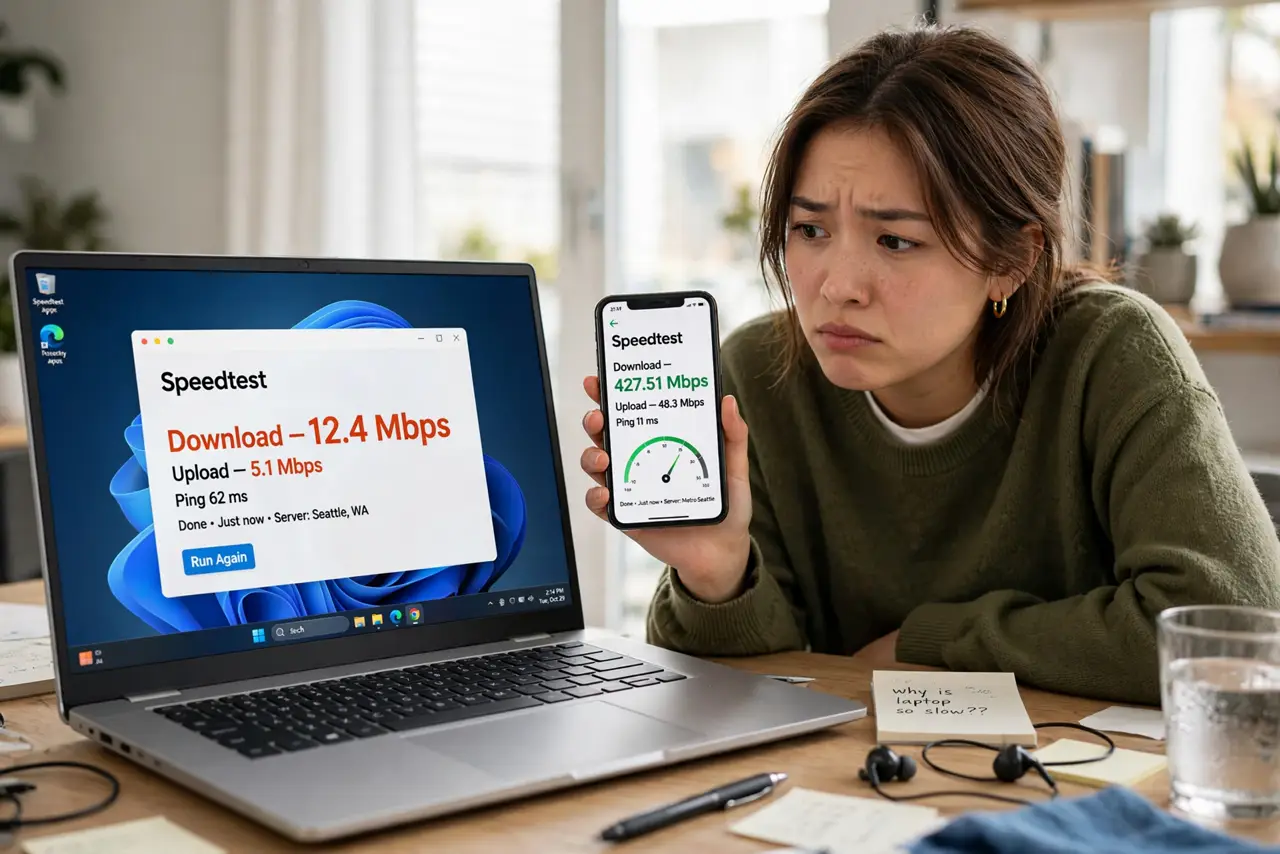
Every device in the house flies except one — the old laptop crawls, or one phone buffers while the rest stream happily. When the network is fine for everything else, the network is not the problem: that one device has its own bottleneck. Here is how to find it without touching the router.
TL;DR / Quick Fix
Quick fix: if only one device is slow, leave the router alone — the fault is in that device. Check its Wi-Fi band (stuck on 2.4 GHz?), its age (old Wi-Fi chip?), background uploads, and distance from the router. Fix the device, not the network.
Follow these steps
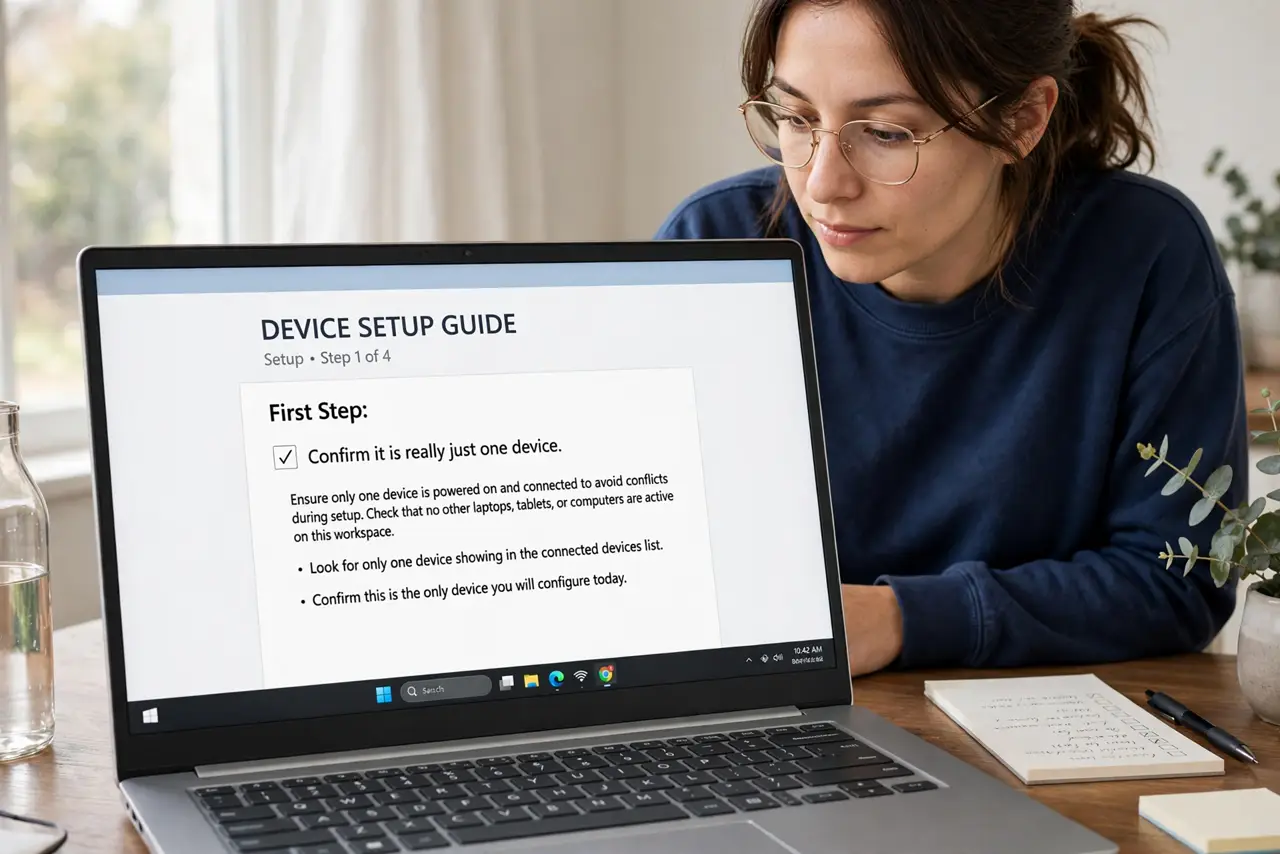
- Confirm it is really just one device. Run speed tests on two or three devices in the same spot. One slow, rest fast = device problem. All slow = network problem.
- Check which Wi-Fi band it uses. A device parked on 2.4 GHz while others enjoy 5 GHz explains everything. Forget the network and rejoin near the router to nudge it onto 5 GHz — see 2.4 vs 5 GHz.
- Look for background hogs. Cloud photo backups, OS updates, and torrent clients saturate a device's connection silently. Check what is uploading — uploads choke downloads on asymmetric connections.
- Consider the device's age. A 2014 laptop with a Wi-Fi 4 chip cannot exceed ~100 Mbps wirelessly no matter what the router offers. The radio is the ceiling.
- Test it wired if possible. Plug it into Ethernet temporarily. Fast wired + slow wireless on one device points at its Wi-Fi radio or drivers — see driver updates.
- Check for VPN or security software. A forgotten VPN or aggressive antivirus proxy can throttle one device while the rest of the house is untouched.
What NOT to do
- Do not reboot the router for one slow device. The router is serving everyone else fine — rebooting annoys the household for nothing.
- Do not upgrade the internet plan. The plan demonstrably reaches the other devices; more speed will not fix the slow one.
- Do not factory-reset the slow device first. Check band, background tasks, and age before wiping anything.
- Do not ignore a suddenly-slow device. A phone that was fast last week and crawls today may have a failing Wi-Fi chip or new background culprit — investigate the change.
Frequently asked questions
Why is my phone slow but my laptop fast?
Different Wi-Fi chips, different bands, different background activity. Compare them side by side in the same spot to isolate the variable.
Can a phone case slow Wi-Fi?
Thick metal cases can attenuate signal slightly. If speeds recover with the case off, you found a silly-but-real cause.
One device slow only on Wi-Fi calling?
That is a different symptom — see phone works on data but not Wi-Fi for that specific split.