Network Missing on One Device? Fix It
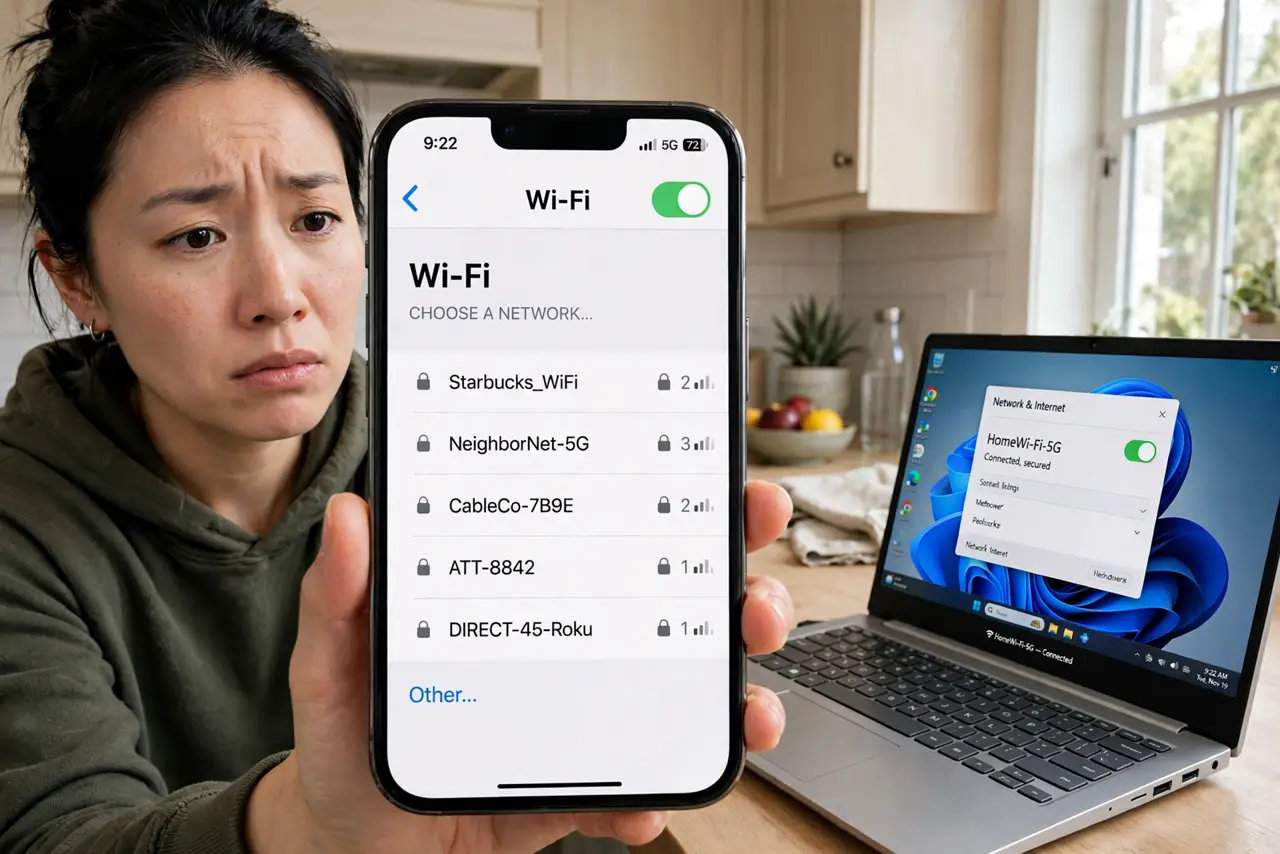
Every device in the house sees the Wi-Fi except one — the network name simply is not in its list. The router is fine (everyone else is connected), so the blind spot is in that device: wrong band, old radio, or a typo-grade mismatch. This guide finds it without touching the working devices.
TL;DR / Quick Fix
Quick fix: if the network shows on other devices but not one, the problem is that device. Check band support — a gadget cannot see 5 GHz-only or 6 GHz networks. Toggle its Wi-Fi off and on, move it closer, and confirm you are not looking at a guest network.
Follow these steps
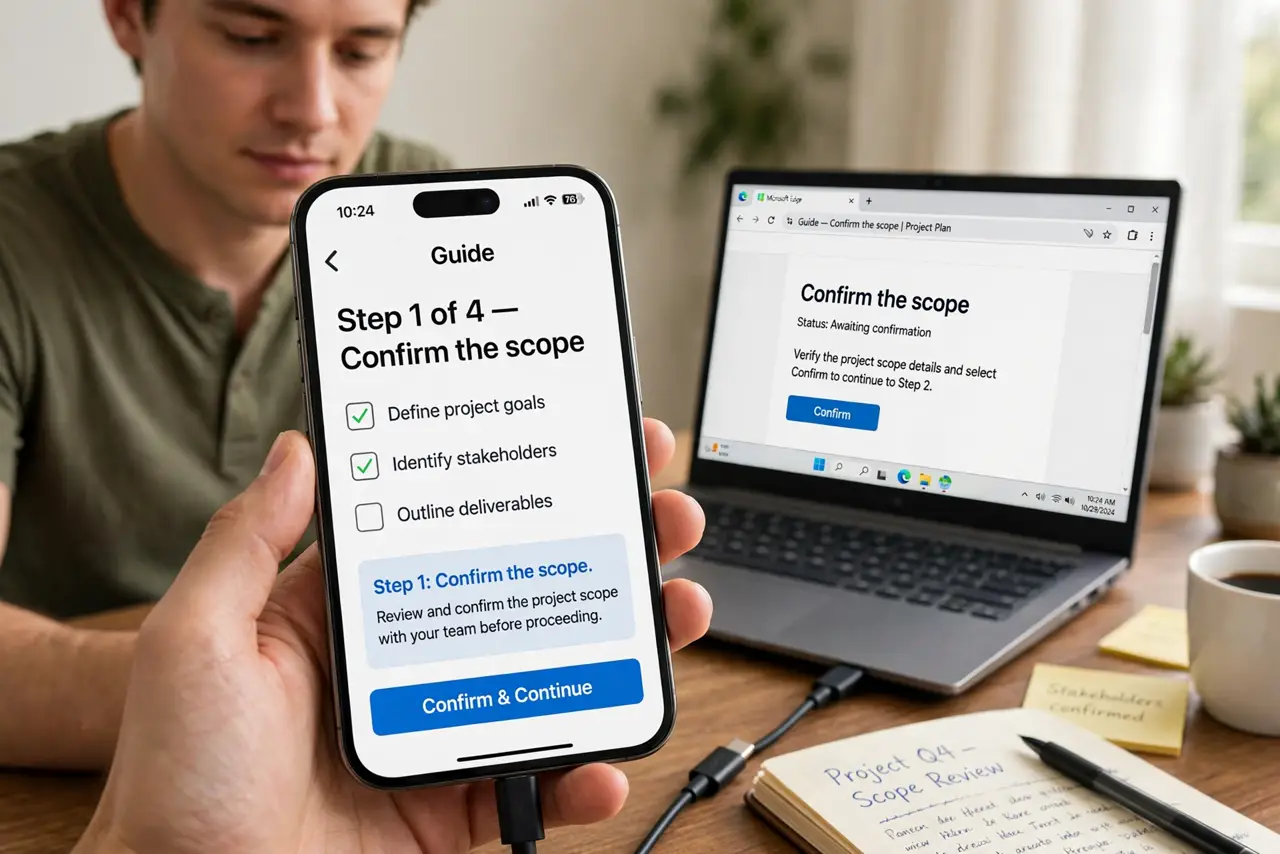
- Confirm the scope. Network missing on one device = device issue. Missing on all devices = router issue. This guide is for the first case — do not reboot the router for one blind device.
- Check band compatibility. Old Kindles, cameras, and gadgets may be 2.4 GHz-only and blind to a 5 GHz-only network name. See 2.4 vs 5 GHz — the fix may be enabling the 2.4 band, not fixing the device.
- Toggle Wi-Fi and move closer. Turn the device's Wi-Fi off, count to ten, turn it on. Weak signal at the edge of range makes networks flicker in and out of the list.
- Check for a hidden SSID. If the network name is hidden, it never appears in scans — you must type it manually. See hidden SSID myth on why hiding gains little.
- Forget and re-add the network. A corrupted saved profile can hide a network that is broadcasting fine. Forget it on the device and set it up fresh.
- Update the device's wireless drivers. On laptops especially, ancient Wi-Fi drivers miss modern networks — see update the driver.
What NOT to do
- Do not factory-reset the router. Every other device connects — the router is innocent.
- Do not assume the device's Wi-Fi is broken. Band mismatch and stale profiles explain most cases; hardware failure is rare.
- Do not rename your network to fix one device. Renaming forces every device to reconnect — a big disruption for a small problem.
- Do not disable security to 'make it visible.' An open network is not a fix — it is a new problem.
Frequently asked questions
Why can my phone see it but my laptop can't?
Different radios, different bands, different driver ages. The laptop may lack 5 GHz support or need a driver update — check both.
The network appears then vanishes — what?
Usually weak signal or band steering flapping. Move closer: if it stabilizes, it is range, not configuration.
Should I unhide my SSID?
If you hid it, unhiding is the simplest fix. Hidden networks cause more setup pain than the tiny obscurity they provide.