Travel Routers? Basics
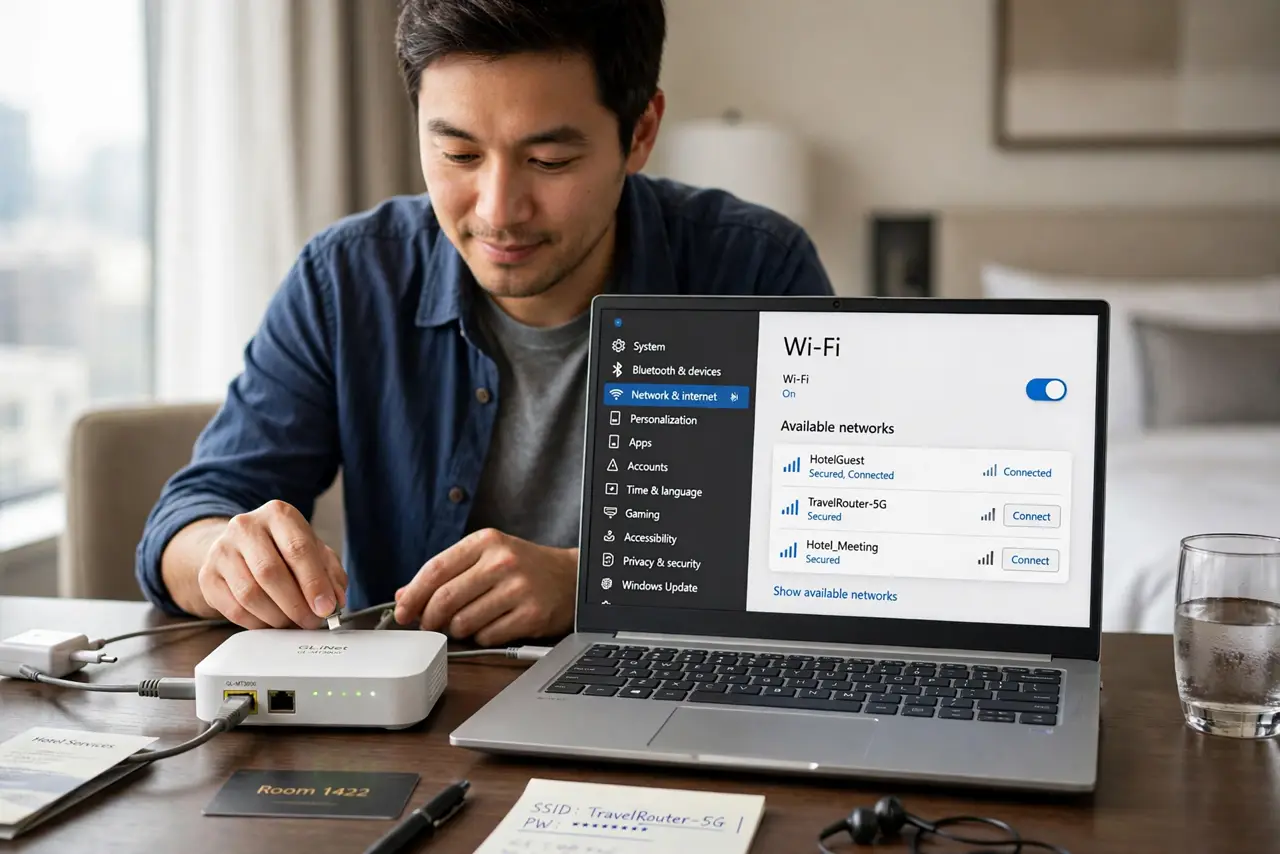
Hotel Wi-Fi makes you log in on every device, the captive portal fights your laptop, and you do not trust the network anyway. A travel router is a pocket-sized router that connects to the hotel Wi-Fi once — then all your devices join your own private network through it. For frequent travelers it is a small gadget with an outsized payoff. Here is how it works.
TL;DR / Quick Fix
Quick fix: a travel router connects to hotel or café Wi-Fi once, then broadcasts your own private network for all your devices — one login covers everything, and your gadgets never touch the public network directly. It is pocket-sized and USB-powered. Frequent travelers swear by it.
Follow these steps
- Understand the core trick. The travel router joins the hotel Wi-Fi as a single client and handles the captive-portal login once. Your laptop, phone, and tablet then connect to the router's private network — the hotel sees one device, you get a protected bubble.
- Log in once, connect everything. Devices that cannot handle captive portals — streaming sticks, game consoles, some e-readers — work fine behind a travel router. This alone justifies it for many travelers.
- Get your own private network. Your devices talk to the router, not the hotel network directly. That isolation is a real security win on untrusted networks — pair it with a VPN for the full setup.
- Power it over USB. Most travel routers run off any USB port or power bank — no wall wart needed. Plug it into your laptop or a power bank and it just works.
- Watch for the double-NAT quirk. Two routers in a row (hotel's plus yours) can complicate gaming and some video calls. For browsing and streaming it is invisible; for latency-sensitive gaming, know the double-NAT signs before you blame the hotel.
- Keep the firmware updated. A travel router is a network device facing hostile networks — update its firmware before trips. Five minutes at home beats debugging in a hotel lobby.
What NOT to do
- Do not expect hotel-beating speeds. A travel router cannot make slow hotel Wi-Fi fast — it makes it convenient and safer.
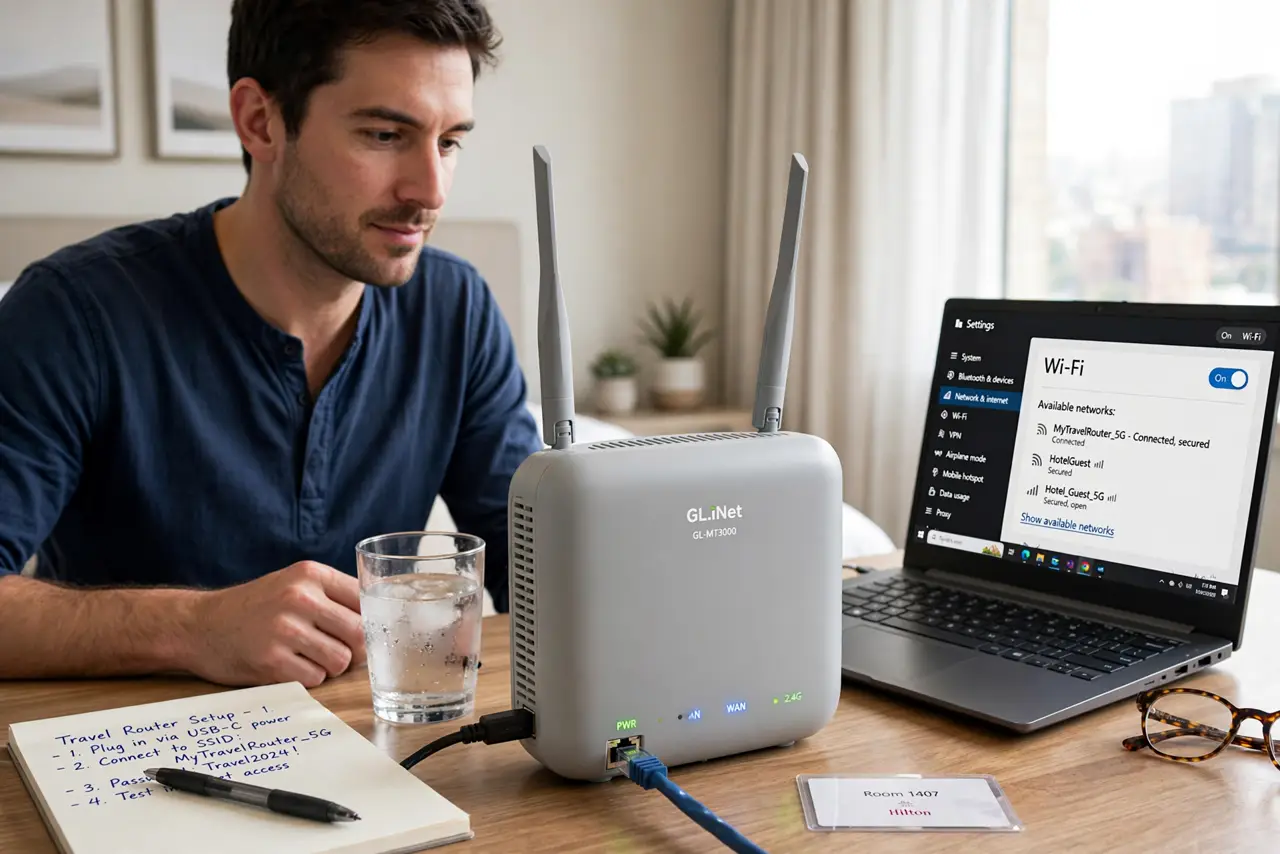
- Do not skip the admin password change. Default router passwords on a device you carry everywhere are an invitation.
- Do not use it to evade paid Wi-Fi limits. One login shared across your own devices is normal use; reselling access is not.
- Do not forget it at home. The whole point is portability — keep it in your travel bag permanently, not in a desk drawer.
Frequently asked questions
Is a travel router better than a VPN?
They solve different problems: the router fixes logins and device limits, the VPN encrypts your traffic. Frequent travelers benefit from both together.
Can it extend a weak hotel signal?
Somewhat — place it midway between you and the hotel access point. But it cannot create signal where none reaches; it is a convenience tool, not a miracle.
Do I need one for a weekend trip?
Probably not — your phone hotspot covers short trips. Travel routers earn their keep on longer stays and multi-device setups.