Pair New AirPods
You open the AirPods case next to your iPhone and... nothing happens. No popup, no chime, just silence. Pairing is usually instant, but low battery, old iOS, or a case that needs resetting can all block it. This guide gets the popup appearing and the buds connected.
TL;DR / Quick Fix
Quick fix: open the AirPods case next to your unlocked iPhone and wait for the setup popup. If nothing appears, hold the case button until the light flashes white and retry. Keep Bluetooth on and the phone updated. Once paired, the AirPods join all your iCloud devices automatically.
Follow these steps
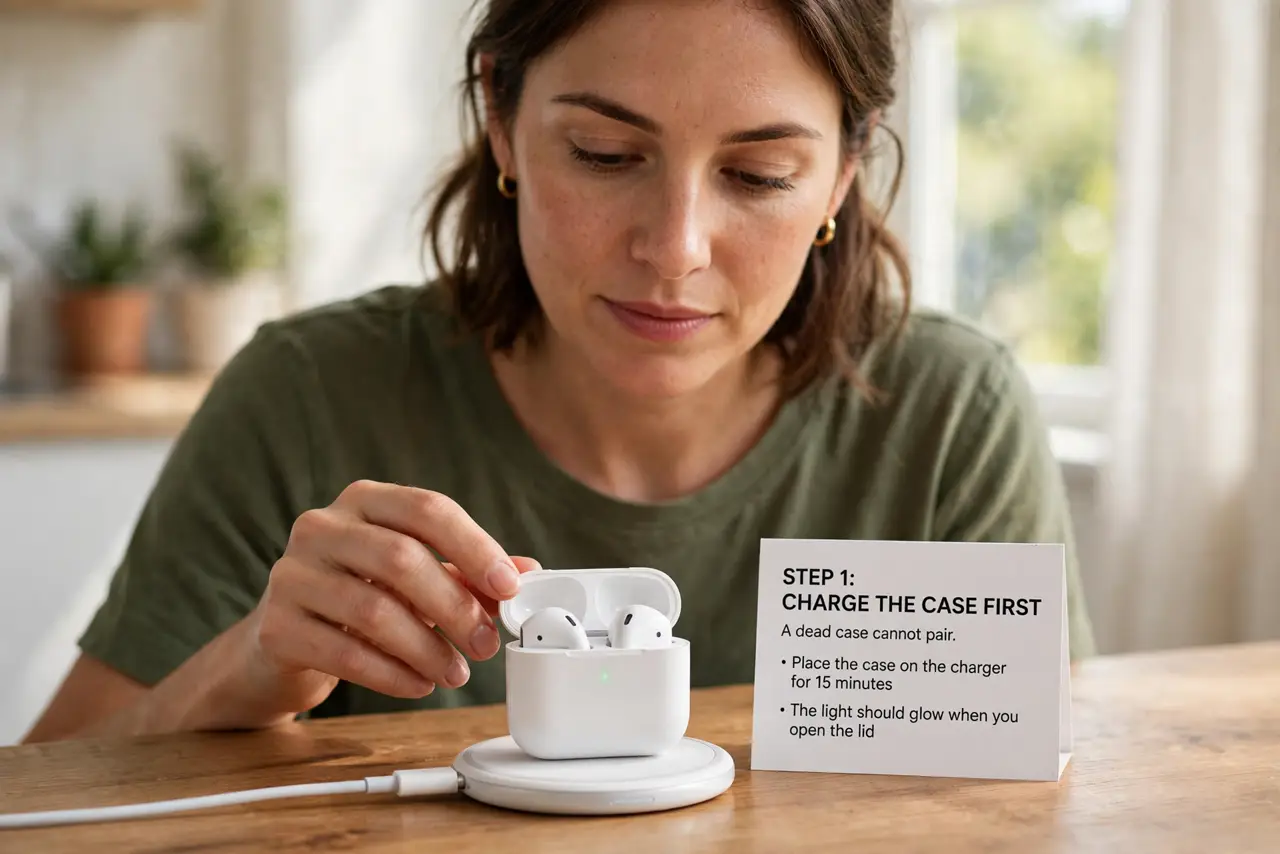
- Charge the case first. A dead case cannot pair. Drop it on a charger for fifteen minutes — the light should glow when you open the lid.
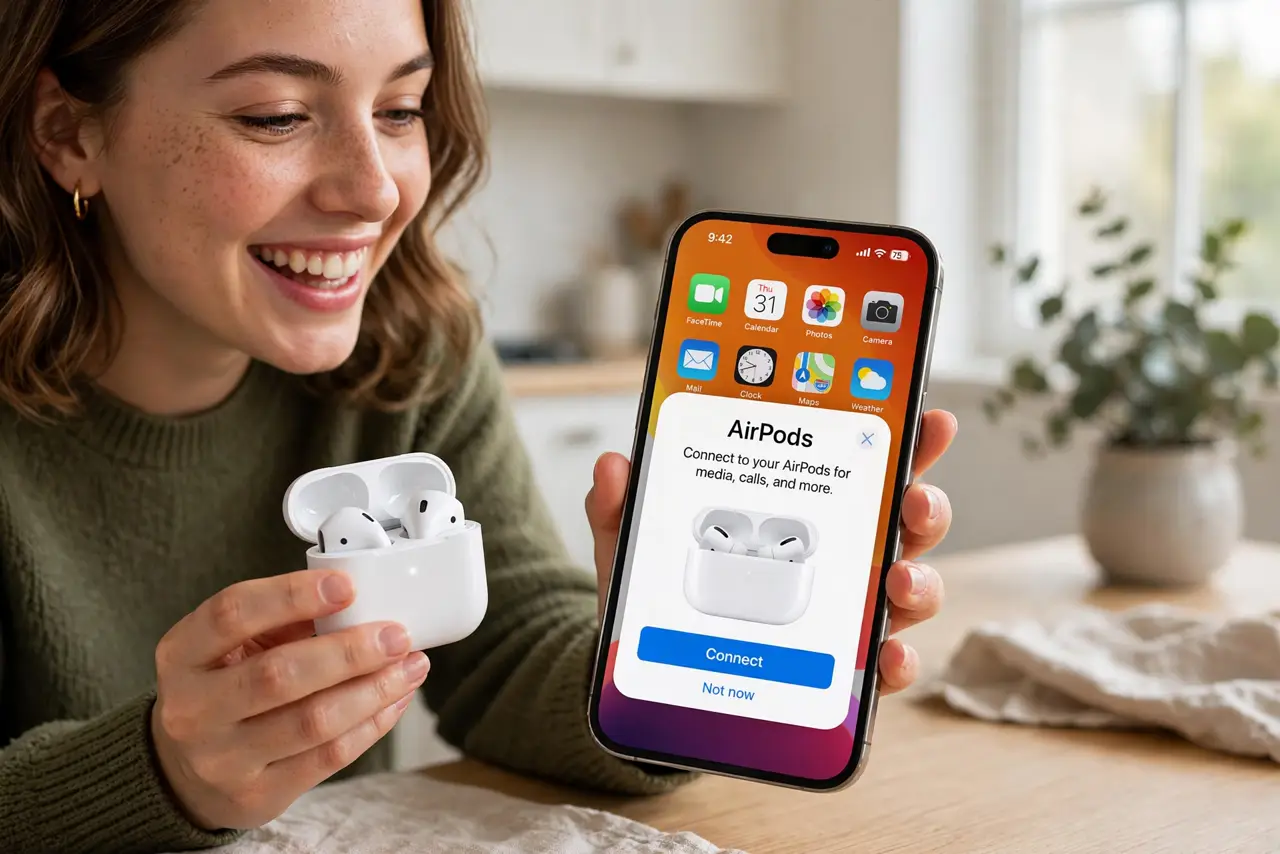
- Open the lid next to your iPhone. Keep the AirPods inside, open the lid, and hold the case near your unlocked iPhone. The setup animation should appear within seconds.
- Tap Connect and follow the prompts. Tap Connect, then walk through the Siri and ear-tip-fit steps if offered. Your Apple ID links the AirPods to iCloud automatically.
- Reset the case if no popup appears. Press and hold the setup button until the light flashes amber, then white. This clears old pairings — the classic fix for a case that sulks or remembers another owner.
- Check Bluetooth and iOS version. Make sure Bluetooth is on and the iPhone runs a recent iOS. Very old iOS versions cannot see newer AirPods at all.
- Test on your other Apple devices. Open the case near your Mac or iPad — the AirPods should appear there too. If they jump between devices annoyingly, automatic switching can be toned down.
What NOT to do
- Do not pair with the lid closed. The case must be open and the buds inside, or the iPhone never sees them.
- Do not skip the reset when stuck. Holding the button through amber to white fixes most mystery pairing failures.
- Do not buy new AirPods from sketchy sellers. Counterfeits pair badly and die fast — buy from real retailers.
- Do not ignore low phone battery. An iPhone in Low Power Mode can delay or suppress the pairing popup.
Frequently asked questions
Can I pair AirPods with Android too?
Yes — hold the case button to enter Bluetooth pairing mode and connect like any Bluetooth buds. You lose Siri, auto-switching, and the popup, but audio works fine.
Why do my AirPods keep disconnecting?
Usually Bluetooth interference or low battery. Move away from crowded Wi-Fi, charge the case, and check the battery guide for dying-bud signs.
How do I rename my AirPods?
With the case open nearby, go to Settings, Bluetooth, tap the i next to your AirPods, and edit the name.