iPhone App Store Download Pending? Fix It
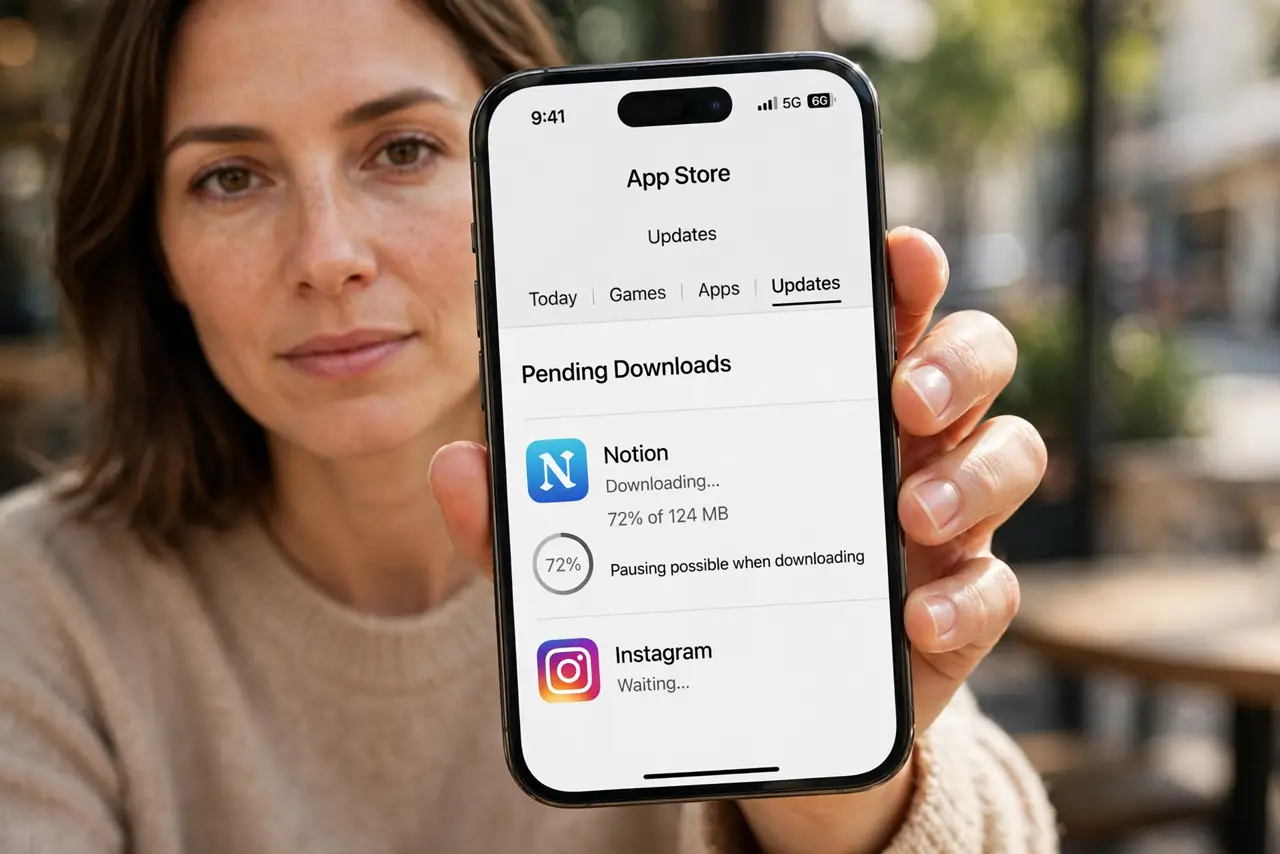
You tap Get, and the app sits on pending forever. A pending download usually means the App Store is waiting on something: sign-in, payment, network, or storage. The update version of this is an app update stuck mid-download, but pending means it never really started.
TL;DR / Quick Fix
Quick fix: check you are signed in, fix any payment issue, connect to Wi-Fi, free up storage, pause and resume the download, and restart the phone. If it still fails after these steps, note exactly when it happens, since that pattern usually reveals the cause.
Follow these steps
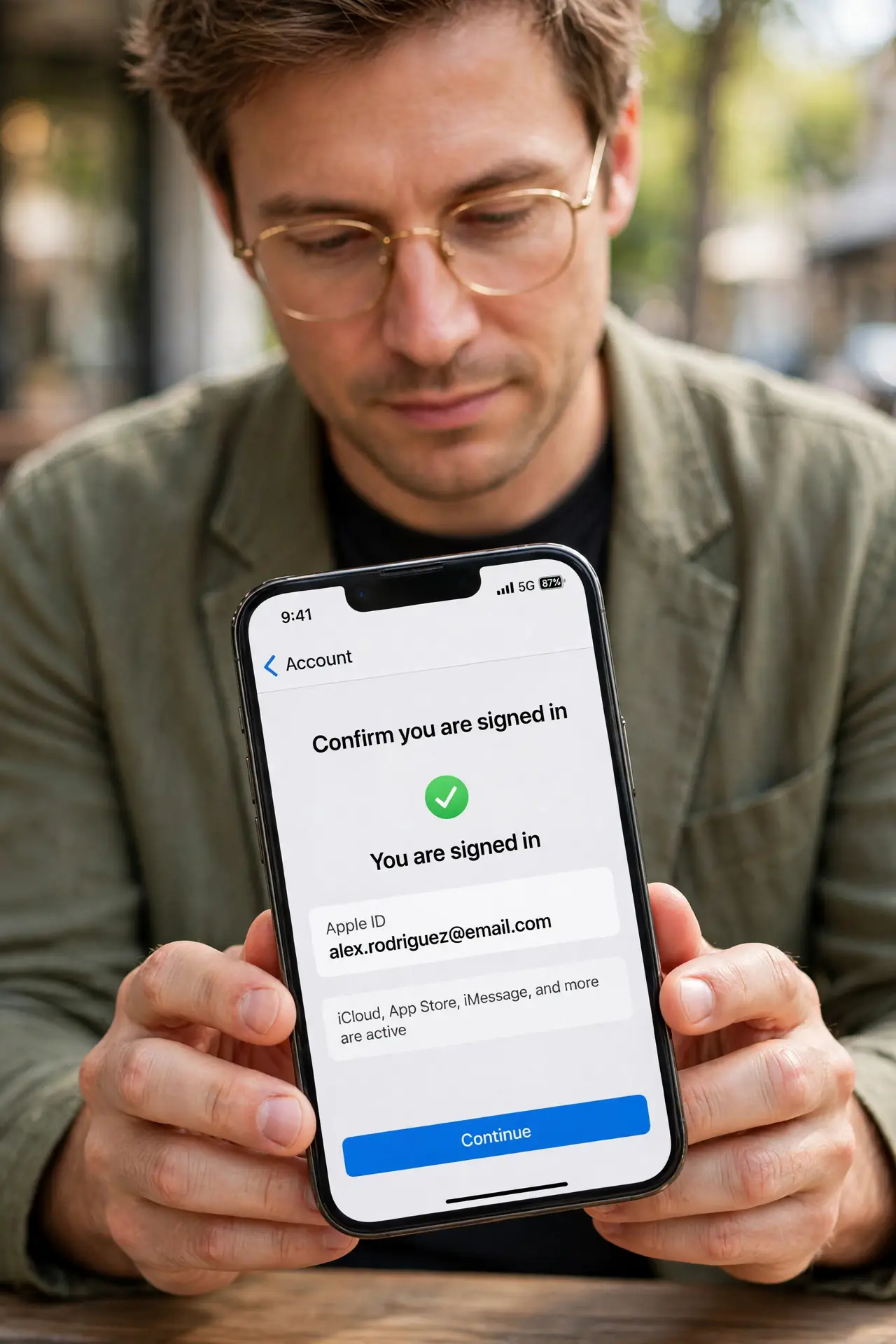
- Confirm you are signed in. Open the App Store, tap your profile, and confirm your Apple ID is signed in. A signed-out store leaves downloads pending with no clear error.
- Fix any payment issue. In the same profile screen, check Payment and Shipping for an expired card or declined method. The App Store can hold even free downloads until payment is fixed.
- Connect to stable Wi-Fi. Switch to Wi-Fi and move closer to the router. The App Store often waits for Wi-Fi for larger apps, and a weak signal leaves the download pending.
- Free up storage space. Open Settings, then General, then iPhone Storage, and free space if the phone is nearly full. A download cannot start without room to land.
- Pause and resume the download. Press and hold the app icon and tap Pause Download, then Resume. This restarts a download that stalled in the queue.
- Restart the phone and retry. Restart the iPhone and tap Get again. A restart clears a stuck store queue and is often the step that finally starts the download.
What NOT to do
- Do not tap Get repeatedly. Multiple taps can queue duplicate attempts, which keeps the download pending longer.
- Do not sign out of the App Store as a first step. Check payment, network, and storage first, since those are the usual blockers.
- Do not download a large app on mobile data without checking your plan. The store may wait for Wi-Fi anyway, leaving it pending.
- Do not factory reset the phone for a pending download. A reset erases everything, while sign-in and storage checks solve the same problem.
Frequently asked questions
Why does a free app need payment details?
Because the App Store checks the account before any download. An expired card can hold even free apps.
Why is it pending only on mobile data?
Because large apps wait for Wi-Fi by default. Connect to Wi-Fi or change the download setting.
How much free space does a download need?
More than the app size, since the download and install need working room. Free a comfortable margin first.