iPhone Calendar Alerts Do Not Appear? Fix It
Your calendar event passes without a single alert, and you miss the meeting. Calendar alerts fail for the same reasons other alerts fail: a per-app toggle, a Focus mode, or an alert time set too late. The wider pattern matches calendar reminders that do not pop up on computers, and the iPhone checks are just as quick.
TL;DR / Quick Fix
Quick fix: allow Calendar notifications, set an alert time on the event, turn off Focus, check the calendar account is syncing, and test with an event two minutes ahead. If it still fails, note exactly when it happens, since that pattern reveals the real cause.
Follow these steps
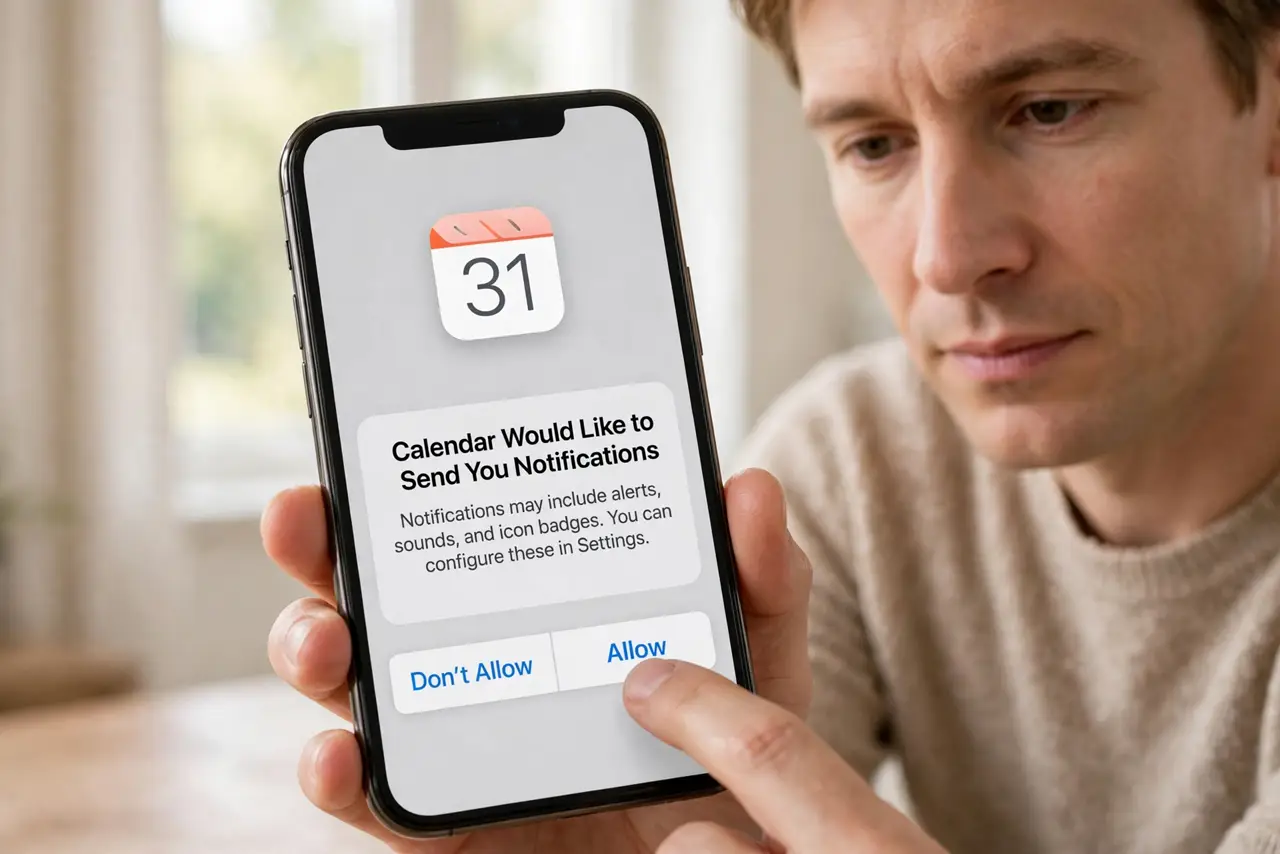
- Allow Calendar notifications. Open Settings, then Notifications, then Calendar, and make sure Allow Notifications is on, with Lock Screen, Notification Center, and Banners enabled.
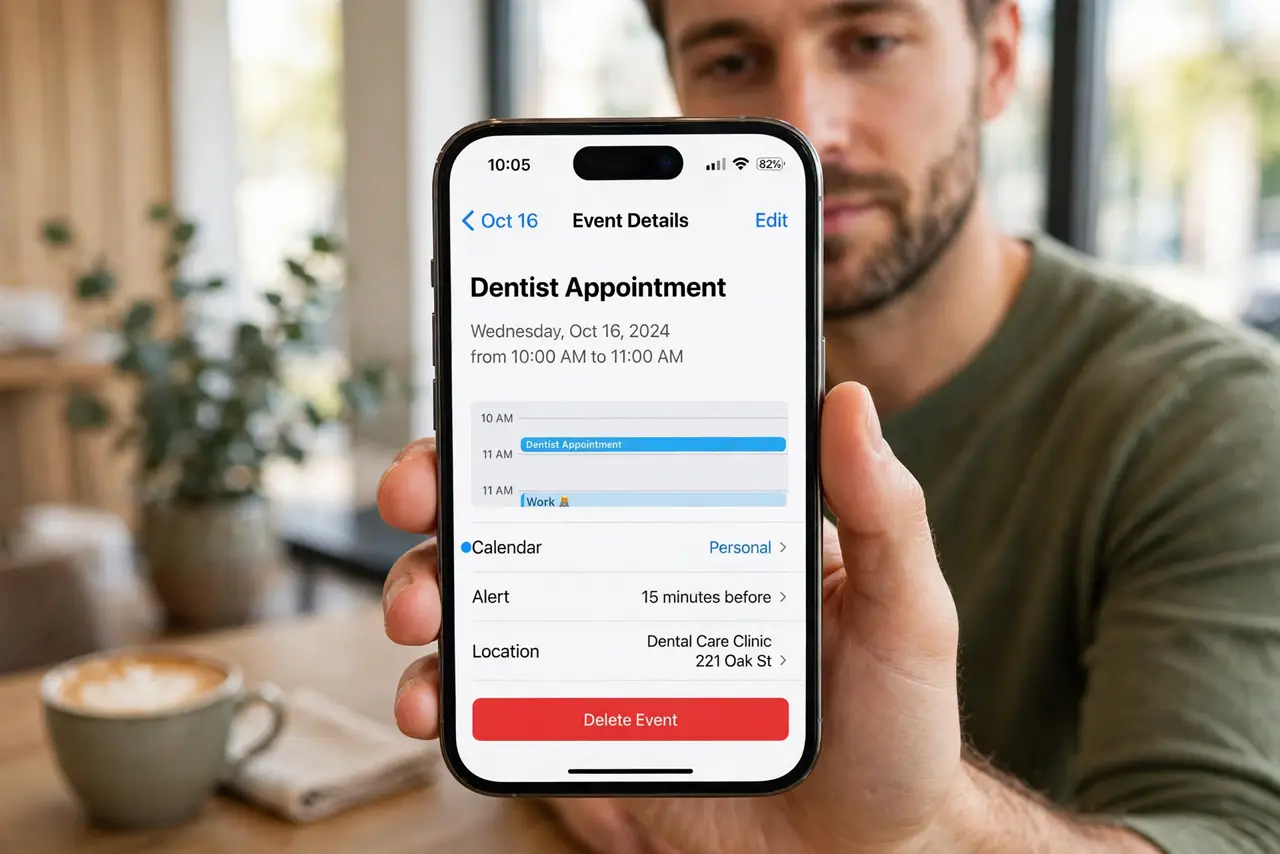
- Set an alert time on the event. Open the event in Calendar and check Alert. If it is set to None, no alert will ever appear. Choose 15 minutes before, or a time that suits the event.
- Turn off Focus and check summaries. Open Settings, then Focus, and make sure no Focus is silencing alerts. Then check Settings, then Notifications, then Scheduled Summary, and remove Calendar if it is there.
- Check the calendar account is syncing. Open Settings, then Calendar, then Accounts, and confirm the account is on and fetching. An event on a paused account may not alert on time.
- Check alerts for all-day events. All-day events alert at a different time from timed events. Open the event and confirm its alert, since all-day alerts are easy to misconfigure.
- Test with an event two minutes ahead. Create a test event two minutes from now with an alert, and wait for it. A live test proves notifications, Focus, and timing all work.
What NOT to do
- Do not set every alert to the event time. An alert at the event time is too late for travel, so set it earlier.
- Do not turn off Calendar notifications to stop duplicates. That silences all alerts, so fix the duplicate account instead.
- Do not assume the event itself is wrong. Check the alert setting separately, since an event can exist without any alert.
- Do not ignore a calendar account that stopped syncing. Events from a paused account may not alert at all, even with notifications on.
Frequently asked questions
Why do some events alert but not others?
Because alert times are per event. An event with Alert set to None never alerts, even if others do.
Does Focus block calendar alerts?
Yes, Focus can silence them. Turn Focus off or allow Calendar through it.
Why do all-day events alert at odd times?
All-day alerts use a separate timing. Check the alert on the event itself to confirm when it fires.