Update Carrier Settings?
Every so often your iPhone pops up a 'Carrier Settings Update' — a small bundle from your mobile carrier that tunes how the phone talks to the network. They are safe, quick, and usually improve things quietly. This guide explains what they are, how to install one, and what to do if cellular misbehaves afterward.
TL;DR / Quick Fix
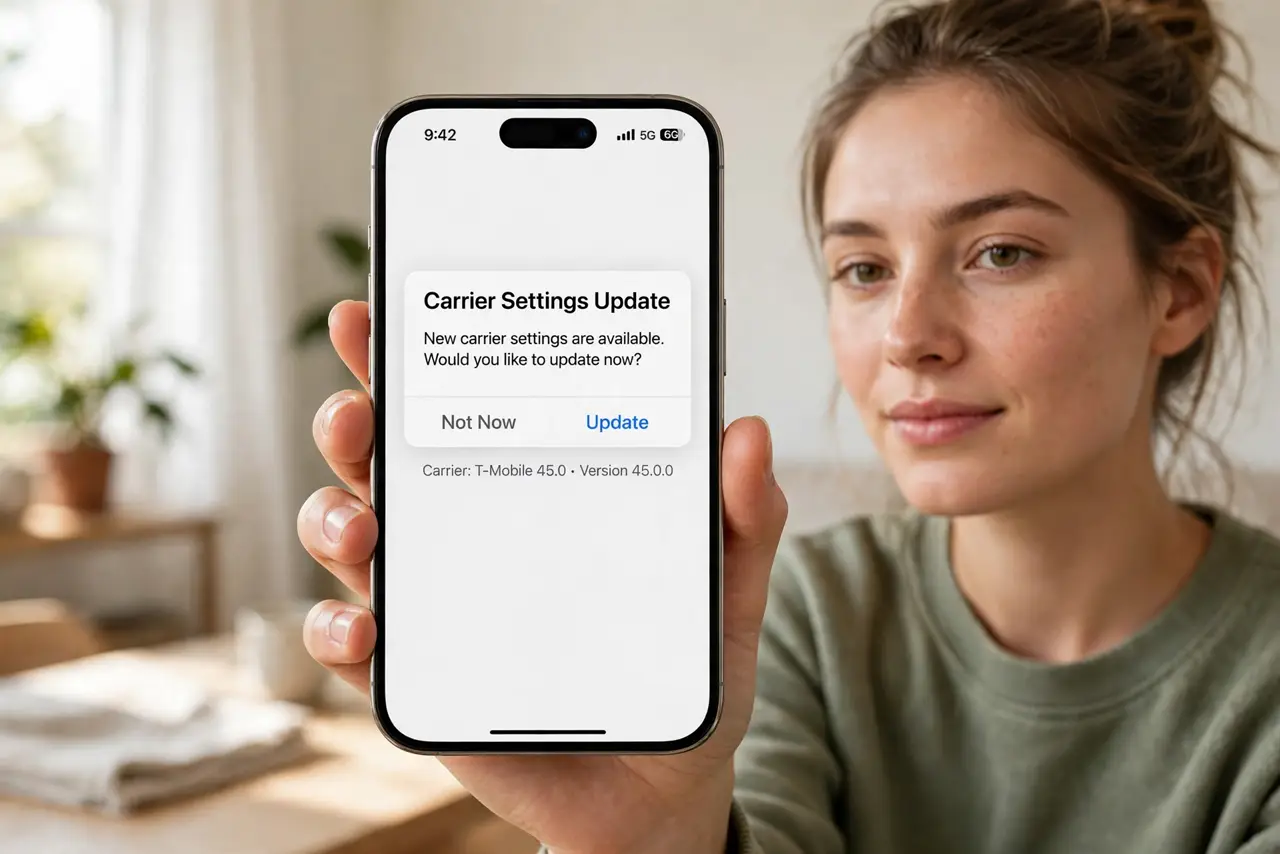
Quick fix: carrier settings updates come from your mobile carrier to improve connectivity — install the prompt under Settings, General, About when it appears. Opening the About page triggers the check manually. They are small and safe. If cellular acts up afterward, restart the phone first.
Follow these steps
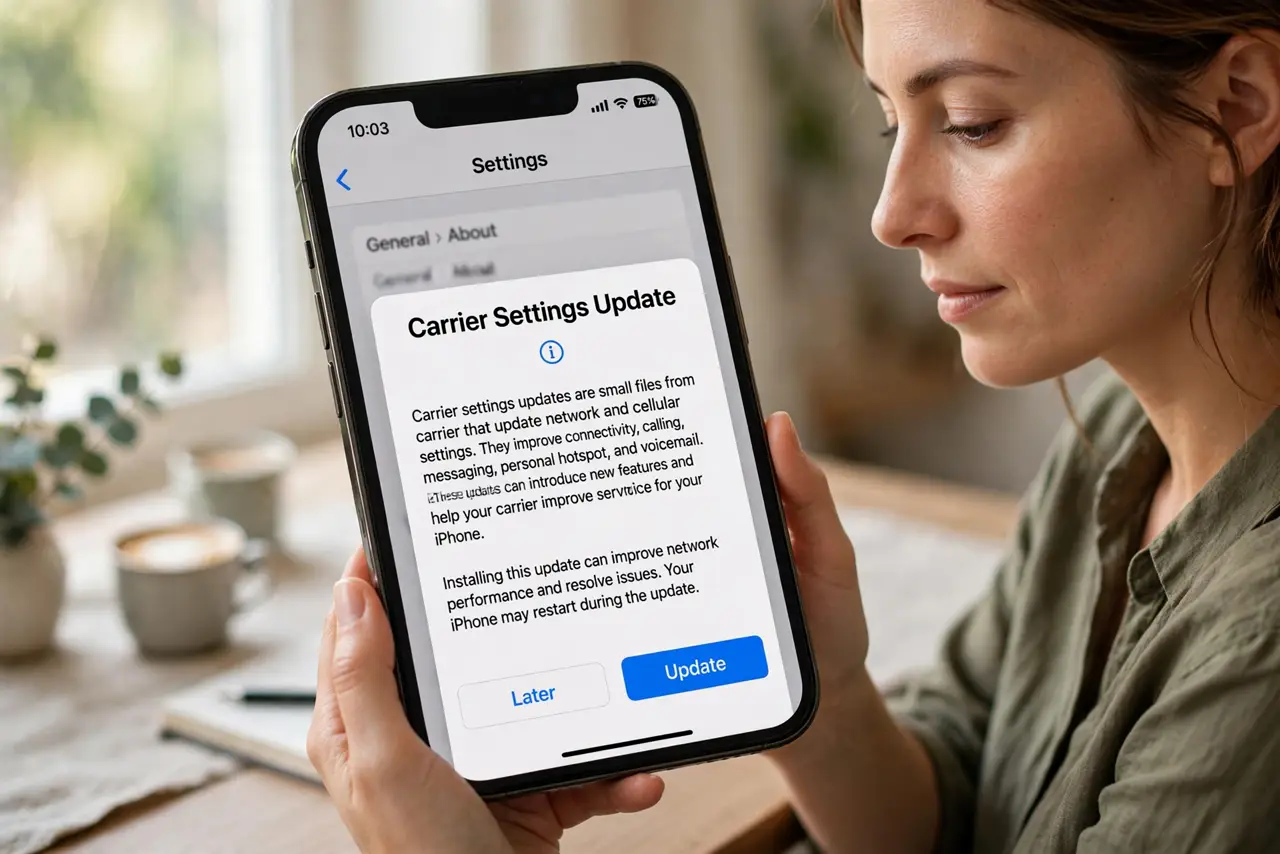
- Learn what they are. Carrier settings are small configuration files from your carrier — network priorities, hotspot rules, VoLTE and 5G toggles. Updates refine them; they never touch your photos, apps, or data.
- Install the prompt. When the popup appears, tap Update. It takes seconds and needs no restart in most cases — the phone just applies the new network configuration.
- Check manually. No popup lately? Go to Settings, General, About and wait a few seconds — the phone checks for an update automatically on that screen. Learn more in the carrier settings explainer.
- Restart if cellular acts up. If signal or data misbehaves right after an update, restart the iPhone before anything drastic. Fresh network registration fixes most post-update quirks.
- Do not confuse with iOS updates. Carrier updates are tiny carrier files; iOS updates are the big system upgrades. A carrier update never changes your iOS version or wipes anything.
- Protect your number too. While thinking about carrier stuff, set a port-out PIN with your carrier — it stops thieves from hijacking your number to reset your accounts.
What NOT to do
- Do not ignore the update for months. They are small and safe — postponing gains nothing and can leave calling features half-configured.
- Do not install carrier updates from links. Real ones arrive only as system prompts or via the About page — a text message linking to a 'carrier update' is a scam.
- Do not factory-reset for post-update glitches. Restart first, then reset network settings if needed — a full reset is wildly disproportionate.
- Do not confuse carrier settings with the carrier app. The carrier's app is optional bloat; carrier settings are core network configuration — different things.
Frequently asked questions
Are carrier settings updates safe?
Yes — they come signed from your carrier through Apple's system, change only network configuration, and install in seconds. There is no data risk.
Why do I keep getting them?
Carriers push updates when they change network features — new 5G bands, VoLTE tweaks, roaming agreements. Frequent small updates are normal, not a problem.
Will it use my data?
The update itself is tiny — kilobytes. Install it on Wi-Fi if you are worried, but it barely registers either way.