Content Blockers? Basics
Websites on your iPhone are drowning in ads, popups, and trackers that slow pages and eat your data. Safari content blockers — small apps from the App Store — strip all of that before it loads, making browsing faster, cleaner, and more private. Setup takes two minutes and the difference is immediate.
TL;DR / Quick Fix
Quick fix: install a reputable content blocker from the App Store, then go to Settings, Safari, Extensions, and turn it on. Pages load faster, trackers get blocked, and your battery lasts longer. If a site breaks, toggle the blocker off for that site only.
Follow these steps
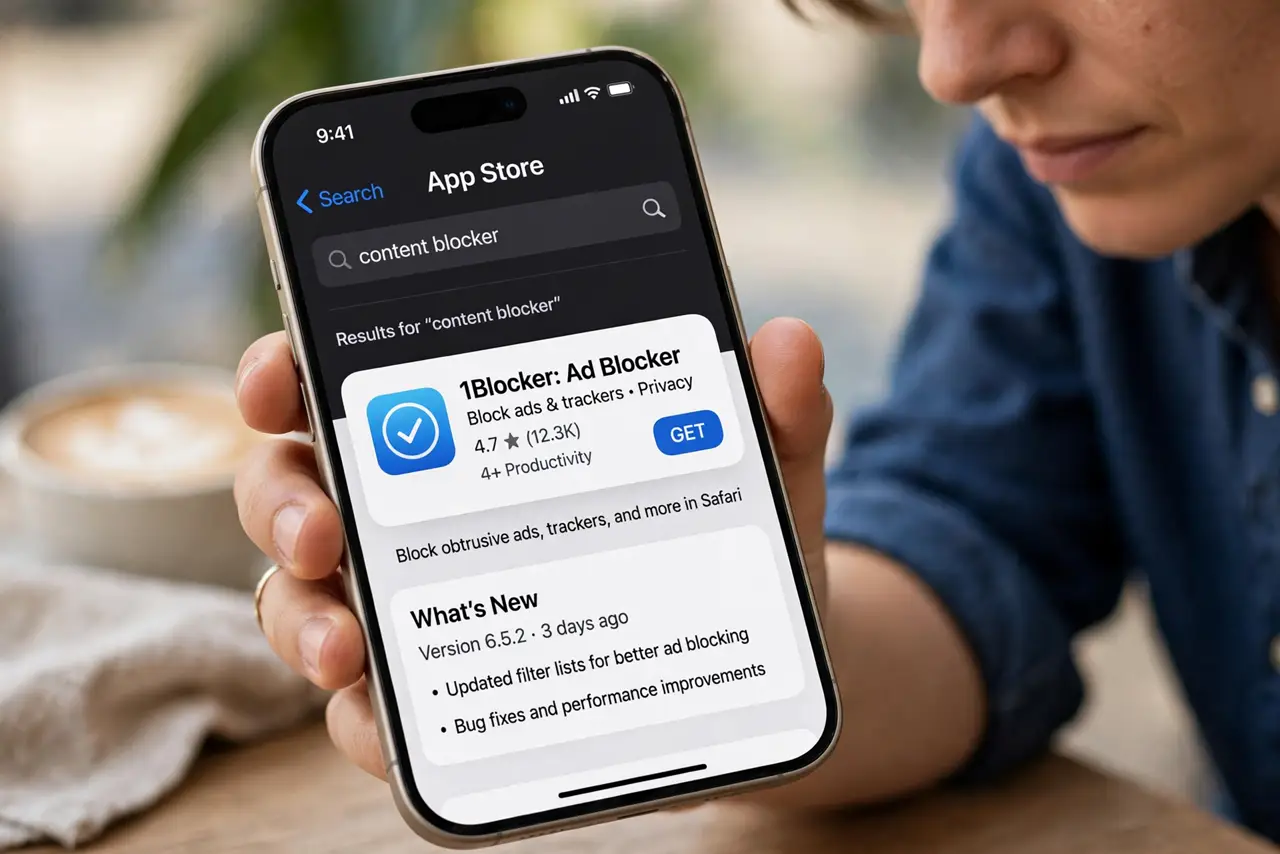
- Install a blocker from the App Store. Search the App Store for content blockers — the well-reviewed ones with regular updates are the safe bets. Avoid free blockers with no reputation; some 'blockers' are trackers in disguise.
- Enable it in Safari settings. Go to Settings, Safari, Extensions, and toggle your blocker on. iOS keeps blockers off by default — installing isn't enough until you flip this switch.
- Pick your blocking level. Most blockers offer lists: ads, trackers, popups, cookie banners. Start with the defaults, then add stricter lists if you want — stricter means cleaner pages but more broken sites.
- Whitelist sites you support. Your favorite sites need ad revenue to survive. Most blockers let you disable blocking per-site — whitelist the publications you value and block everywhere else.
- Handle the broken site. If a page won't load or a checkout fails, that's the blocker being overzealous. Tap the extensions button and turn it off for that site — see bank site blocked for the classic case.
- Keep the lists updated. Blockers update their filter lists regularly to catch new ads and trackers. Enable auto-updates so the protection doesn't quietly go stale.
What NOT to do
- Do not install multiple blockers at once. They conflict, slow Safari, and break more sites — one good blocker beats three fighting ones.
- Do not assume blockers make you invisible. They stop ads and many trackers, but your IP and fingerprinting still identify you — it's cleaner browsing, not anonymity.
- Do not block everything on sites you love. If everyone blocks ads on quality publications, the publications die — whitelist the ones worth keeping alive.
- Do not use a blocker to bypass paywalls. That's not what they're for, and most paywalls detect it anyway — subscribe to what you read regularly.
Frequently asked questions
Will it speed up my browsing?
Noticeably — blocked ads and trackers mean less to download and render. Pages load faster and use less data, which also helps battery life.
Does it work in other browsers on iPhone?
Content blockers are Safari-only on iOS — all iPhone browsers use Safari's engine, but the extension system belongs to Safari itself.
Why did my bank site stop working?
Overzealous blocking breaks login flows and security checks on some sites. Disable the blocker for that site — see the bank-site fix for the details.