Dictation on the Keyboard?
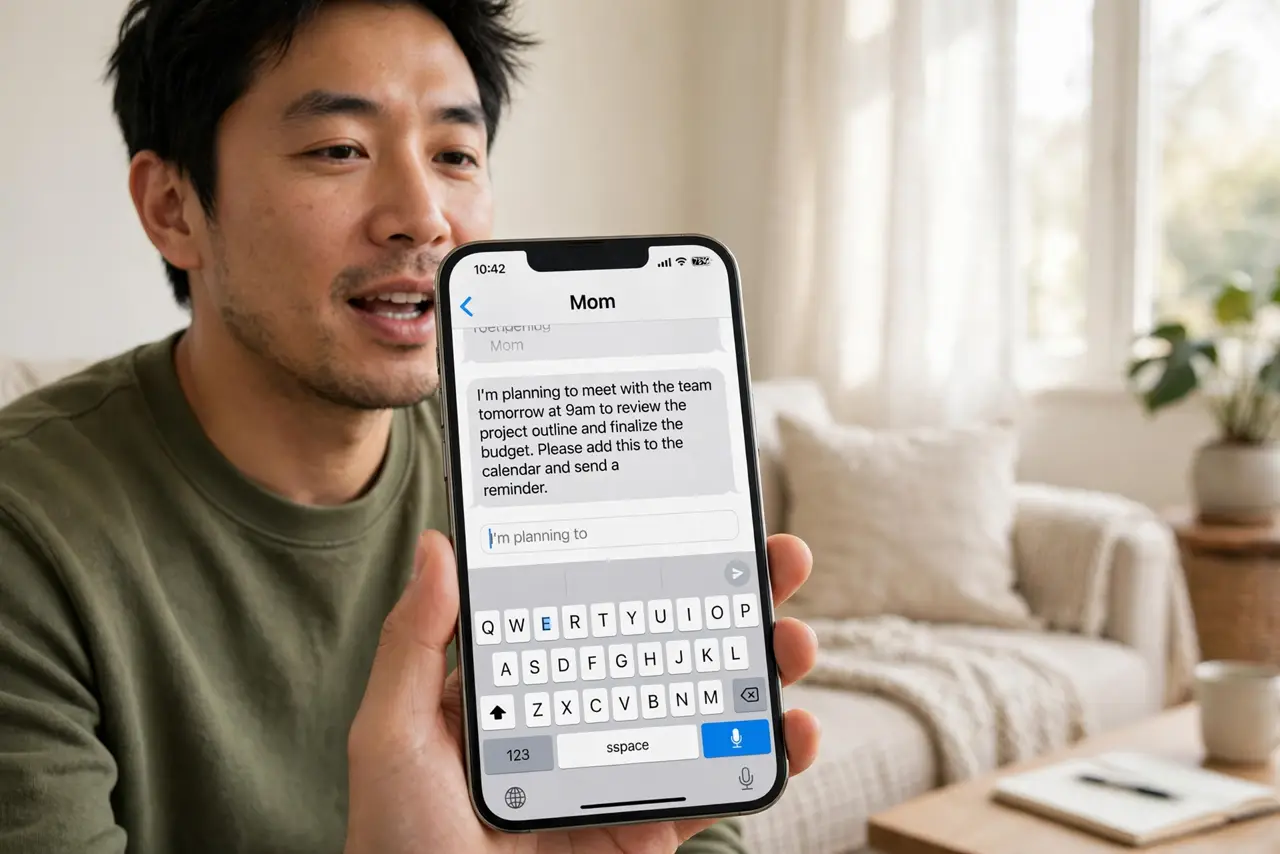
The little microphone on your iPhone keyboard turns speech into text anywhere you can type — messages, emails, notes, search. It is faster than thumbs for anything longer than a sentence, and it handles punctuation if you say it. Most people try it once, mumble, and quit; the trick is speaking punctuation aloud. Here is how to make it actually work.
TL;DR / Quick Fix
Quick fix: tap any text field, tap the microphone key on the keyboard, and speak naturally — say punctuation aloud like 'comma' and 'period'. Tap the keyboard icon to stop. It needs internet on older iPhones; newer ones dictate on-device. If it mistypes, check your language setting.
Follow these steps
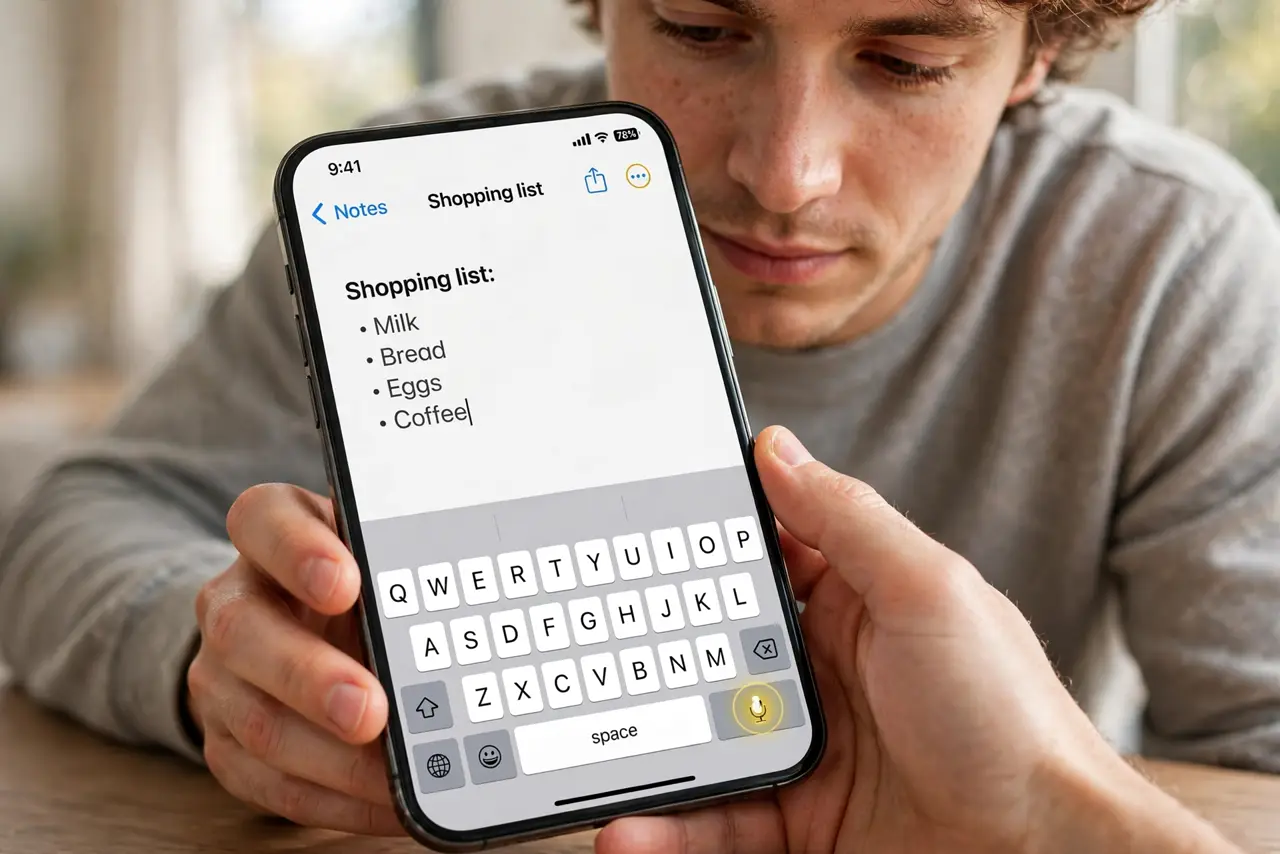
- Find the microphone key. Open any text field and look at the keyboard's bottom row — the mic icon sits near the space bar or globe. Tap it and start talking. If it is missing, enable Dictation in Settings, General, Keyboard.
- Speak your punctuation. Say 'comma,' 'period,' 'question mark,' 'new paragraph' as you go. This is the whole skill — silent pausing does not create punctuation. It feels odd for a day, then becomes automatic.
- Dictate in chunks. Speak one or two sentences, pause, check the text, continue. Marathon dictation drifts; chunked dictation stays accurate. Fix errors with the keyboard rather than re-dictating the whole thing.
- Check the language. Dictation follows your keyboard language. If it types the wrong words, verify the right language keyboard is active — the wrong language setting garbles everything.
- Know when it needs internet. Older iPhones send audio to Apple for transcription; newer ones with on-device dictation work offline. If dictation sends too soon, that is a separate quirk worth knowing.
- Use it where it shines. Long messages, emails, and notes gain the most. Passwords and precise addresses are better typed — dictation mangles anything it cannot pronounce. For full hands-free, Voice Control goes further.
What NOT to do
- Do not dictate passwords or codes. Speak them and anyone nearby hears — type sensitive strings by hand.
- Do not expect perfect punctuation from pauses. Only spoken punctuation marks appear — pausing does nothing.
- Do not dictate in a noisy room. Background chatter becomes background text — find quiet or accept cleanup.
- Do not re-dictate whole paragraphs for one typo. Tap the error and fix it with the keyboard — faster every time.
Frequently asked questions
Why is there no microphone on my keyboard?
Dictation is off. Enable it in Settings, General, Keyboard, Enable Dictation. Some regions and older devices lack it.
Can I dictate offline?
On newer iPhones with on-device dictation, yes. Older models need an internet connection to transcribe.
Why does dictation get my words wrong?
Usually the wrong language keyboard, mumbling, or background noise. Check the language first — it is the most common cause.