iPhone Night Mode Will Not Turn On? Fix It
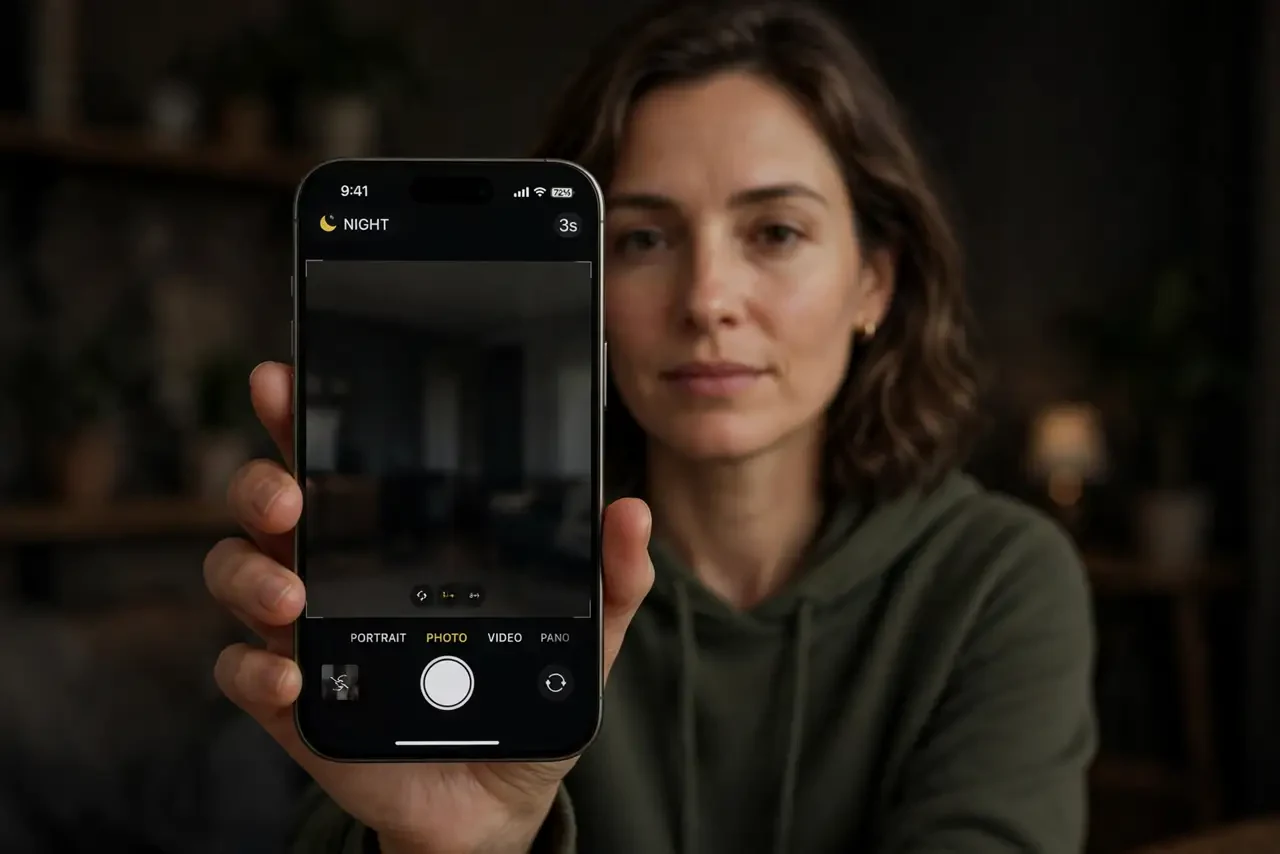
Night Mode will not appear, even in a dark room. Night Mode only activates in real darkness, on supported models, and when the icon is enabled, so a bright room or an older phone explains most cases. The brightness cousin is a flash firing in daylight, which is the opposite automatic decision going wrong.
TL;DR / Quick Fix
Quick fix: go somewhere truly dark, check the Night Mode icon is on, hold the phone steady, check your model supports Night Mode, and update iOS. If it still fails after these steps, note exactly when it happens, since that pattern usually reveals the cause.
Follow these steps
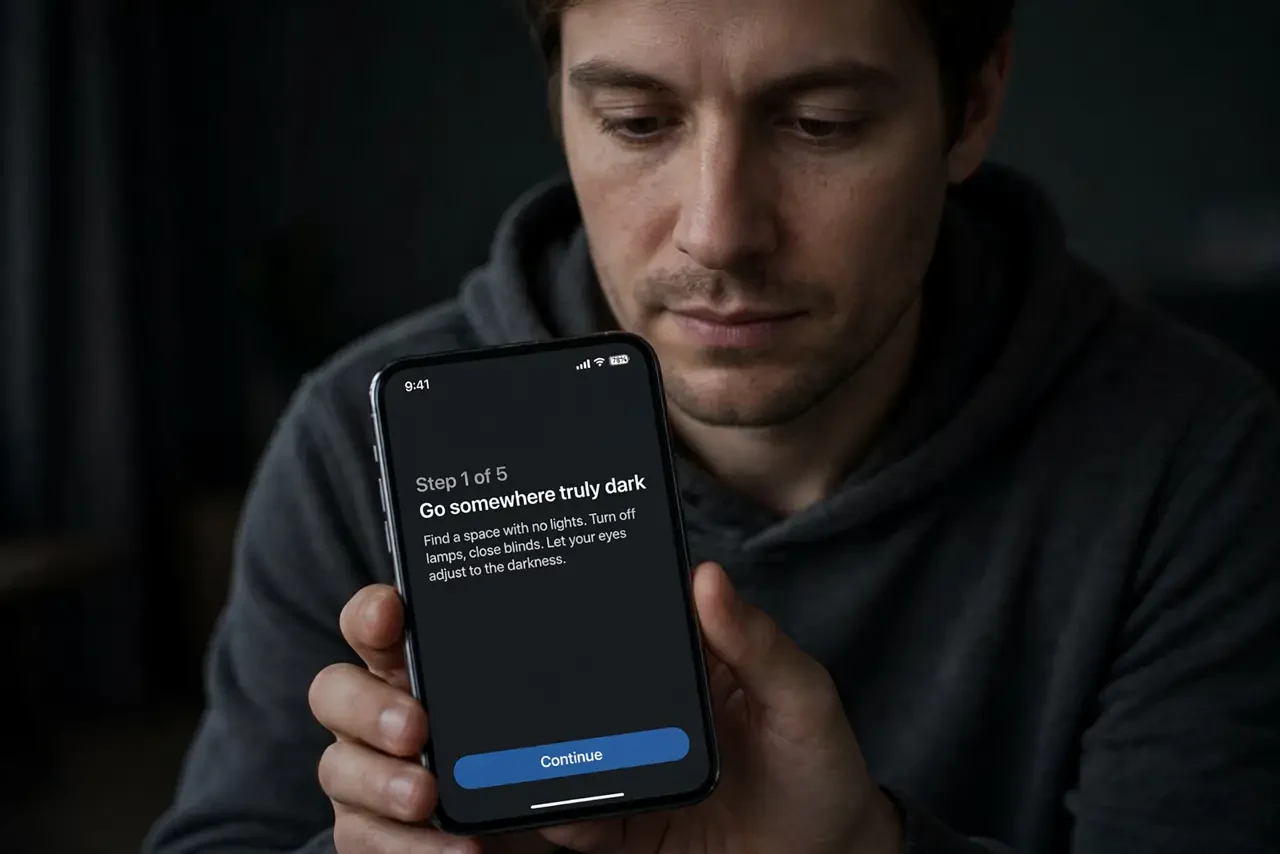
- Go somewhere truly dark. Move to a genuinely dark room or outdoors at night. Night Mode does not trigger in a dim but lit room, since the sensor needs real darkness.
- Check the Night Mode icon. Open Camera and look for the moon icon at the top. If it is crossed out, tap it to turn Night Mode back on for this shot.
- Hold the phone steady. Once Night Mode activates, hold the phone still for the exposure time shown. Moving during the exposure blurs the shot and can make Night Mode seem broken.
- Check your model supports Night Mode. Night Mode needs iPhone 11 or later, with some features limited by model. An older iPhone simply does not have Night Mode, no matter the darkness.
- Turn off the flash if it interferes. If flash is on, it can override the dark scene Night Mode needs. Set flash to off and let Night Mode handle the darkness.
- Update iOS. Open Settings, then General, then Software Update, and install any update. Camera features and Night Mode availability can change with iOS updates.
What NOT to do
- Do not expect Night Mode in a lit room. It is a darkness feature, so a lamp or bright screen nearby can keep it off.
- Do not move during a Night Mode exposure. Movement blurs the long exposure, which looks like a failed Night Mode shot.
- Do not use Night Mode with flash on. Flash lights the scene and defeats the purpose, so turn flash off first.
- Do not assume an old iPhone is broken for lacking Night Mode. It is a hardware and software feature that older models do not have.
Frequently asked questions
Why does Night Mode not appear in my camera?
Usually the scene is not dark enough, the icon is off, or the iPhone model does not support it.
Can I force Night Mode on?
You can tap the moon icon to enable it when it appears, but it only appears in darkness on supported models.
Why are my Night Mode shots blurry?
Because the phone moved during the long exposure. Hold still, or rest the phone on a surface.