Private Relay Breaks a Site Login? Fix It
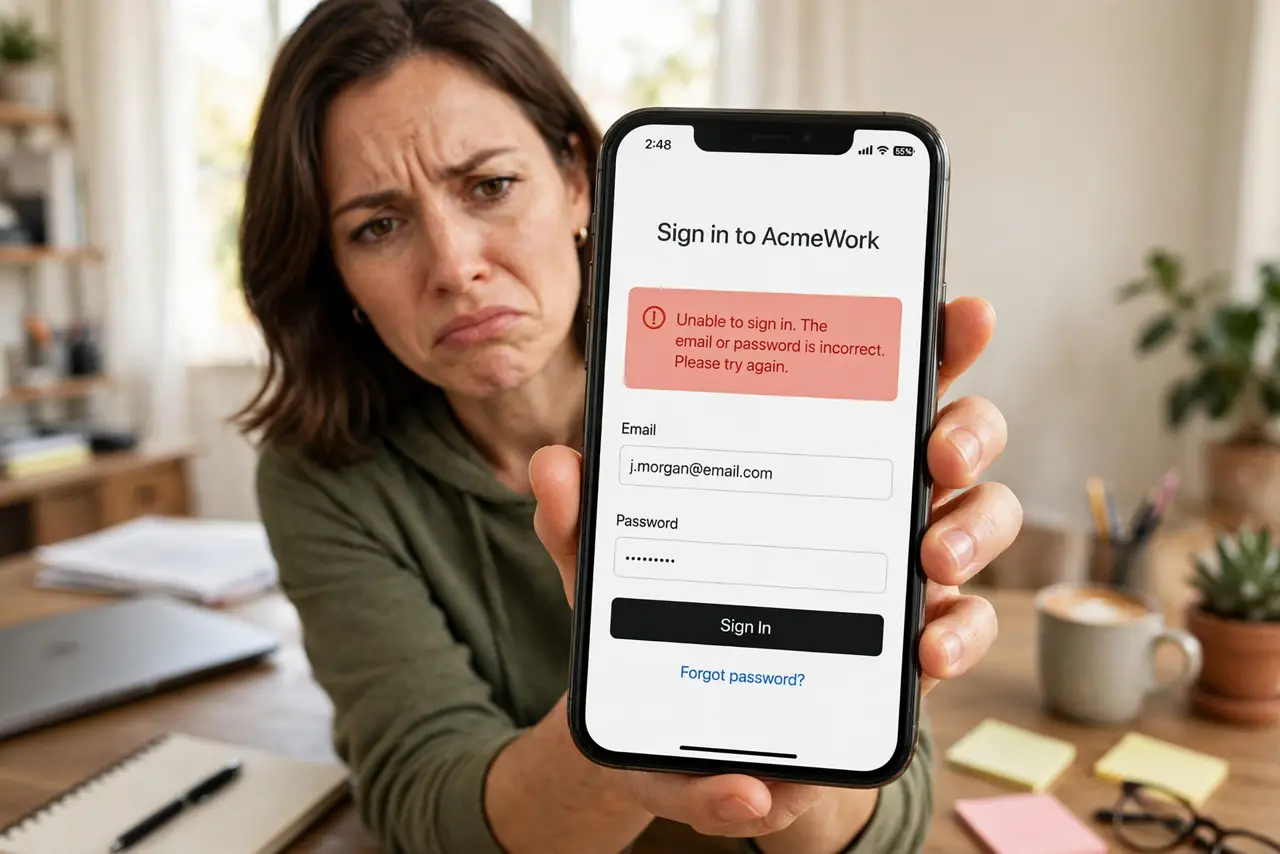
With iCloud Private Relay on, some websites refuse to log you in, show endless captchas, or think you are in another country. The relay masks your IP address, and some sites distrust masked traffic. This guide keeps the privacy without the login headaches — per site, not all or nothing.
TL;DR / Quick Fix
Quick fix: turn off Private Relay just for the problem site in Safari's website settings — keep it on everywhere else. If many sites break, pause Private Relay temporarily from iCloud settings. Sites that block VPN-like traffic usually work again the moment the relay is off for them.
Follow these steps
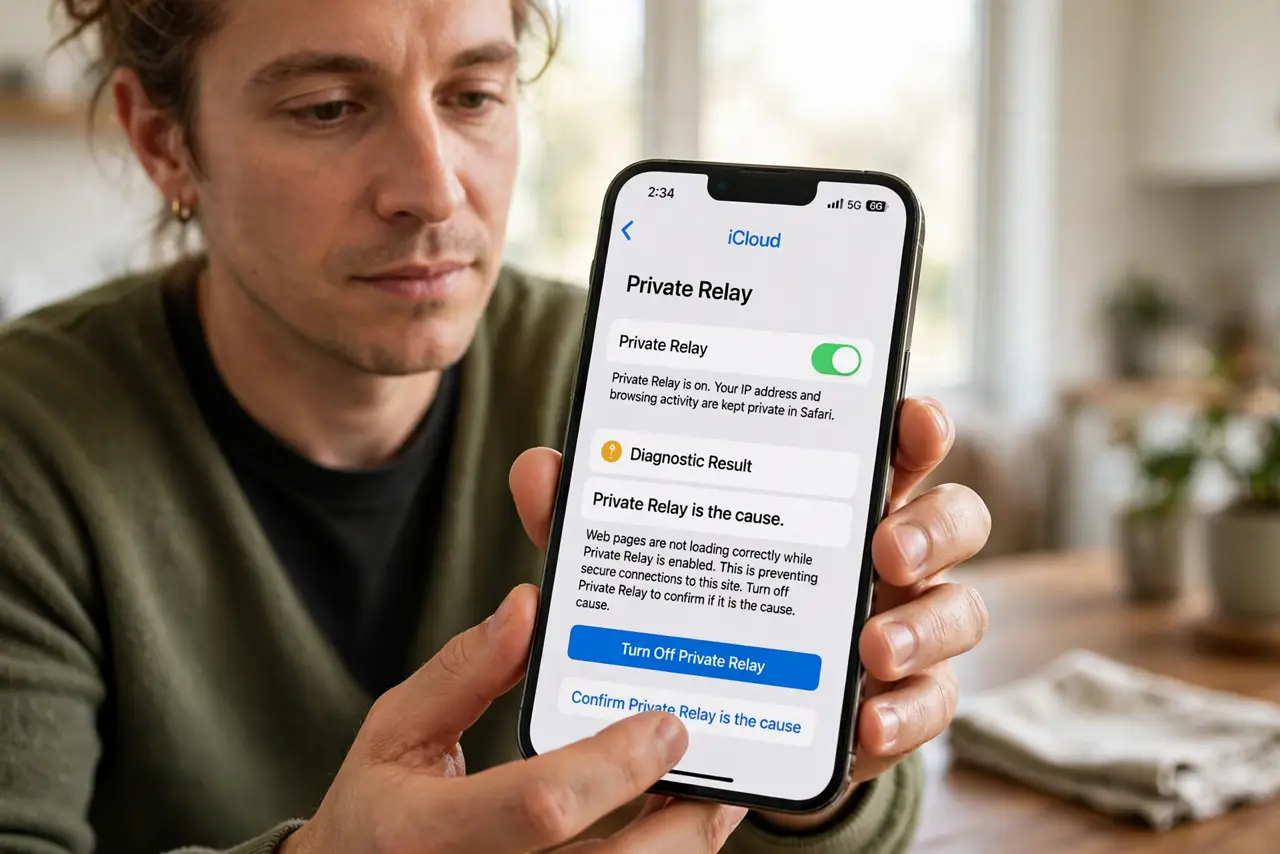
- Confirm Private Relay is the cause. Turn Private Relay off briefly and retry the login. If it works, you have confirmed the culprit — turn the relay back on and continue.
- Disable it per site in Safari. In Safari's website settings for the problem site, turn off Private Relay for that site only. This is the surgical fix that keeps privacy everywhere else.
- Check whether the site blocks masked IPs. Banks and some services block relay and VPN traffic openly. Their help pages often say so — the per-site exception is the intended workaround.
- Try the site's app instead. Many services' apps handle Private Relay more gracefully than their websites. If the site fights you, the app may just work.
- Pause it temporarily for stubborn cases. In iCloud settings, you can pause Private Relay for a day. Use this for sites that break even with the per-site exception.
- Report the breakage to Apple. Use the feedback option to report sites that break. Apple maintains compatibility lists, and reports help.
What NOT to do
- Do not turn Private Relay off permanently over one site. The per-site exception exists exactly for this situation.
- Do not confuse Private Relay with a VPN. It only covers Safari traffic, not your whole connection — other apps are unaffected.
- Do not assume the site is hacked because login fails. A relay-related login failure looks alarming but is just IP masking.
- Do not disable it and forget. If you pause it temporarily, set a reminder to turn it back on.
Frequently asked questions
Why does Private Relay break some logins?
It masks your IP address and general location. Sites with strict fraud detection distrust masked traffic and block or challenge the login.
Is it safe to turn off Private Relay for one site?
Yes — that site simply sees your real IP like any normal connection. The relay keeps protecting you everywhere else.
Does Private Relay slow down browsing?
Slightly, since traffic takes an extra hop. Most people do not notice, but the per-site toggle also helps if a site feels slow.