Scan QR Codes? No App Needed
QR codes are everywhere — menus, tickets, Wi-Fi logins, payments — and you do not need a special app to scan them. Your phone's built-in camera reads QR codes natively; just point and tap the popup. It is faster than any scanner app, and it avoids the ad-riddled 'QR scanner' apps that harvest your data. Here is the built-in way plus the safety check.
TL;DR / Quick Fix
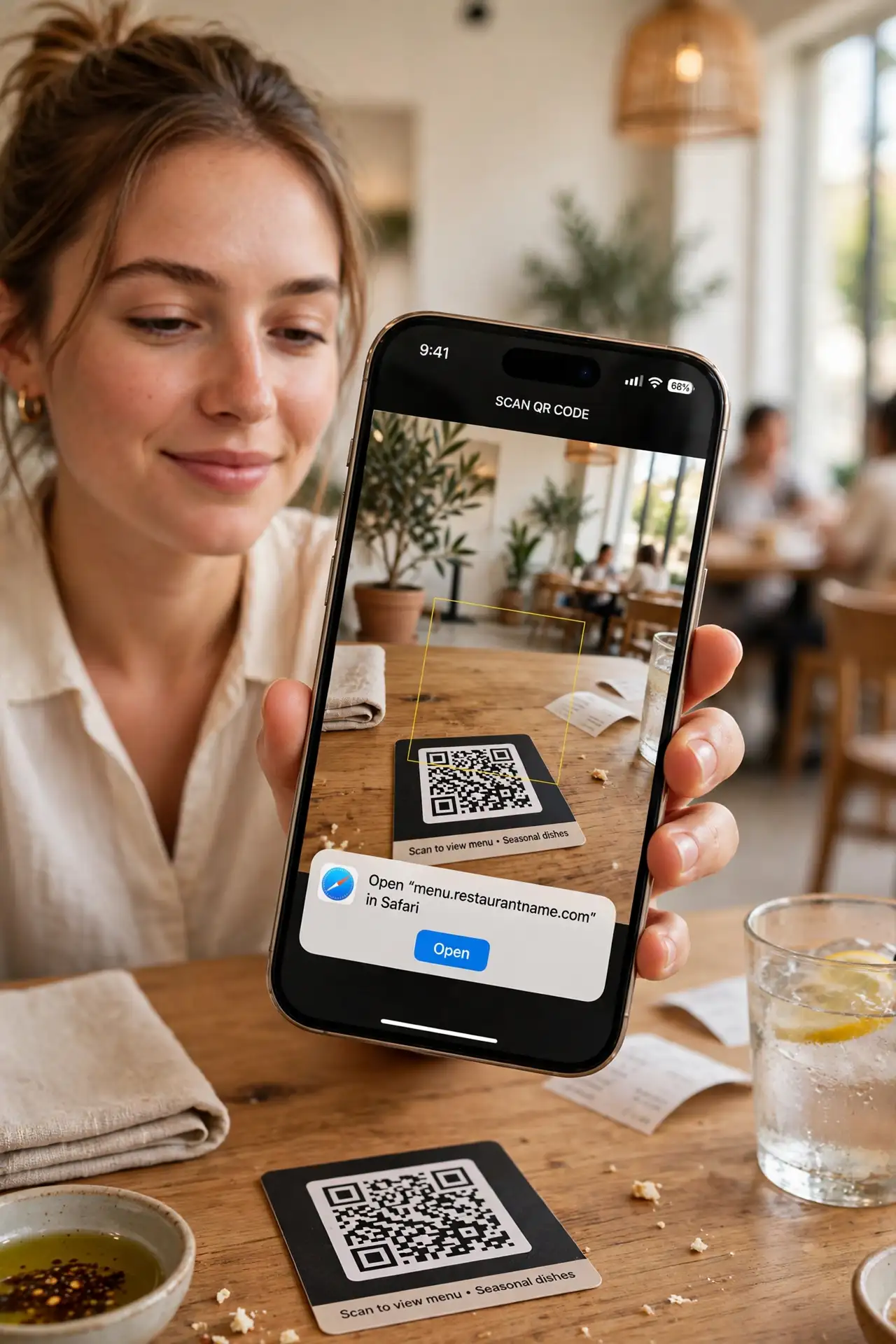
Quick fix: open your phone's camera and point it at the QR code — a notification popup appears; tap it. No app needed on iPhone or modern Android. Before tapping, glance at the URL preview: if it looks wrong, do not open it.
Follow these steps
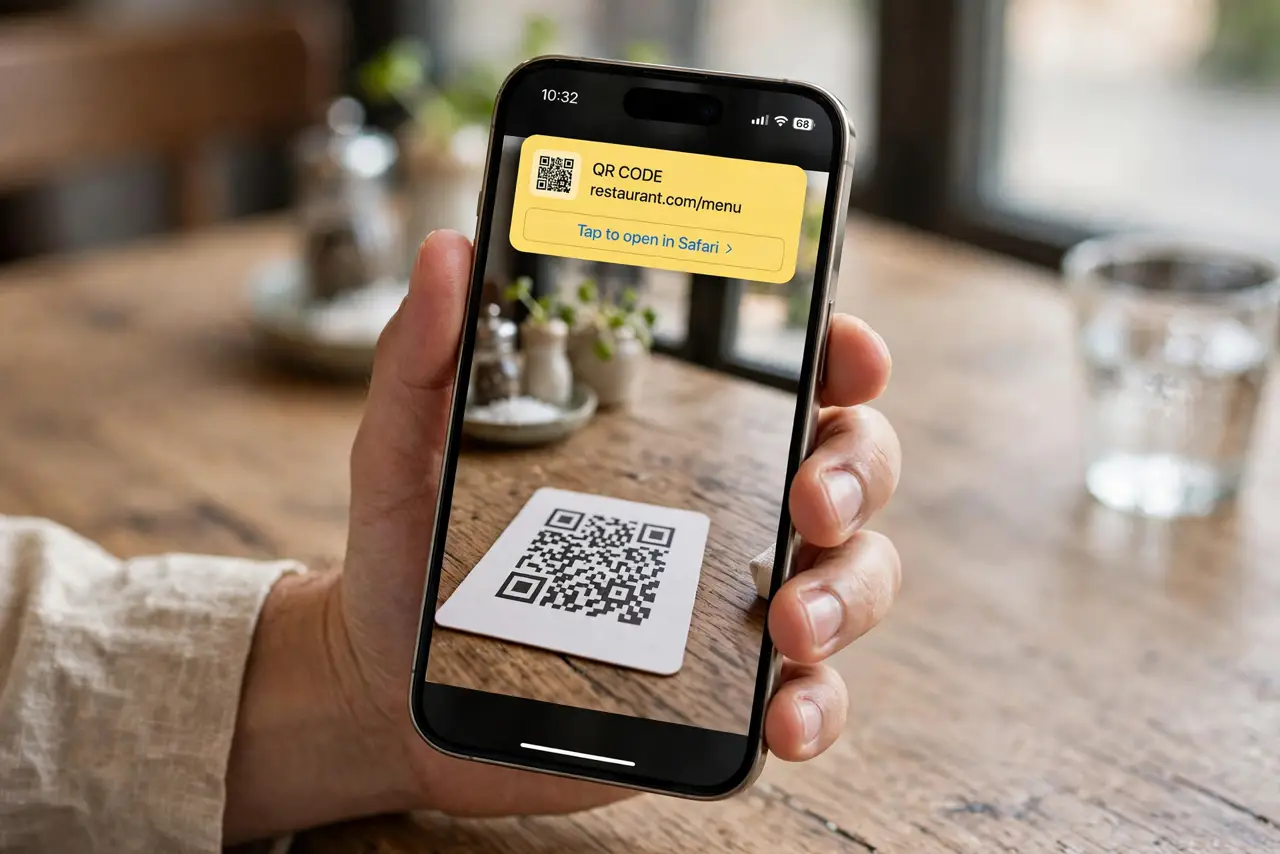
- Just use the camera. Open the Camera app and point it at the code — hold steady for a second. A yellow popup or banner appears with the link or action; tap it. That is the whole technique on iPhone and most Android phones.
- Check the URL before tapping. The popup shows a preview of where the code leads. If a restaurant menu code previews a strange domain, stop — the phishing QR guide explains the scam and what to look at.
- Use Control Center for speed. iPhone has a dedicated QR scanner in Control Center (add it in Settings if missing). It opens straight to scanning — handy when the camera app feels slow.
- Know the Android path. Most Android cameras scan natively too; Pixels and Samsungs do it in the default camera. If yours does not, Google Lens handles it — still no sketchy third-party app needed.
- Watch for sticker scams. A QR sticker placed over a real code redirects you somewhere malicious — the sticker scam guide shows what to check. If the sticker looks added-on, be suspicious.
- Delete the scanner apps. Those 'free QR scanner' apps with five-star-begging popups exist to show ads and collect data. The built-in camera does the job better — remove them.
What NOT to do
- Do not install a third-party QR scanner app. The built-in camera scans natively — scanner apps are adware with a useful icon.
- Do not tap the popup without reading it. The preview URL is your safety check — blind tapping is how QR phishing works.
- Do not scan codes on stickers that look added over real ones. Tampered codes are the main real-world QR attack — inspect before scanning.
- Do not assume every QR code is legitimate because it is printed nicely. Parking meters, restaurant tables, and package slips have all carried malicious codes.
Frequently asked questions
My camera won't scan the code. Why?
Usually distance, glare, or a damaged code — move closer, kill the glare, and clean the lens. The dedicated troubleshooting covers the stubborn cases.
Can QR codes give my phone a virus?
Not directly — a code is just text, usually a URL. The danger is the malicious site it leads to, which is why the URL preview matters.
Is it safe to scan a QR code for Wi-Fi?
Yes — Wi-Fi QR codes just contain the network name and password. Your phone shows the network name before joining, so verify it matches the real one.