Check iPhone for Spyware
Your iPhone is acting strange and you're wondering if someone's watching through it. True iPhone spyware is rare — iPhones are hard to infect without physical access — but checking is quick and free: update iOS, inspect profiles, and review app permissions. Here's the calm, methodical check.
TL;DR / Quick Fix
Quick fix: update iOS first — most spyware relies on old vulnerabilities. Then check Settings for unknown device-management profiles and review which apps hold microphone, camera, and location access. If you're genuinely worried, turn on Lockdown Mode; it's Apple's strictest protection and free.
Follow these steps
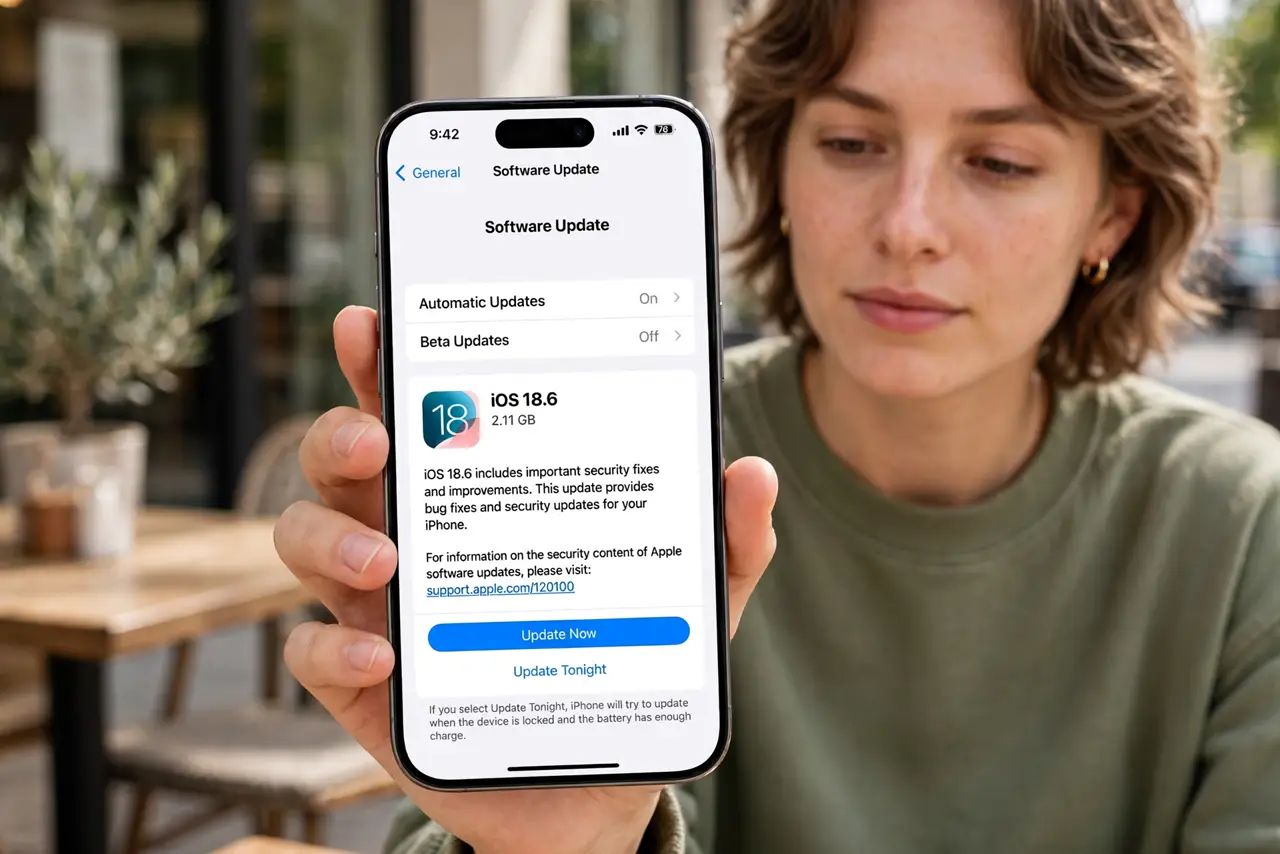
- Update iOS immediately. Install the latest iOS — most iPhone spyware relies on vulnerabilities Apple has already patched. An updated phone closes the doors spyware knocks on.
- Check for unknown management profiles. Go to Settings, General, VPN & Device Management. A profile you didn't install — especially from an employer or person you don't recognize — can grant deep access. Investigate anything unexpected.
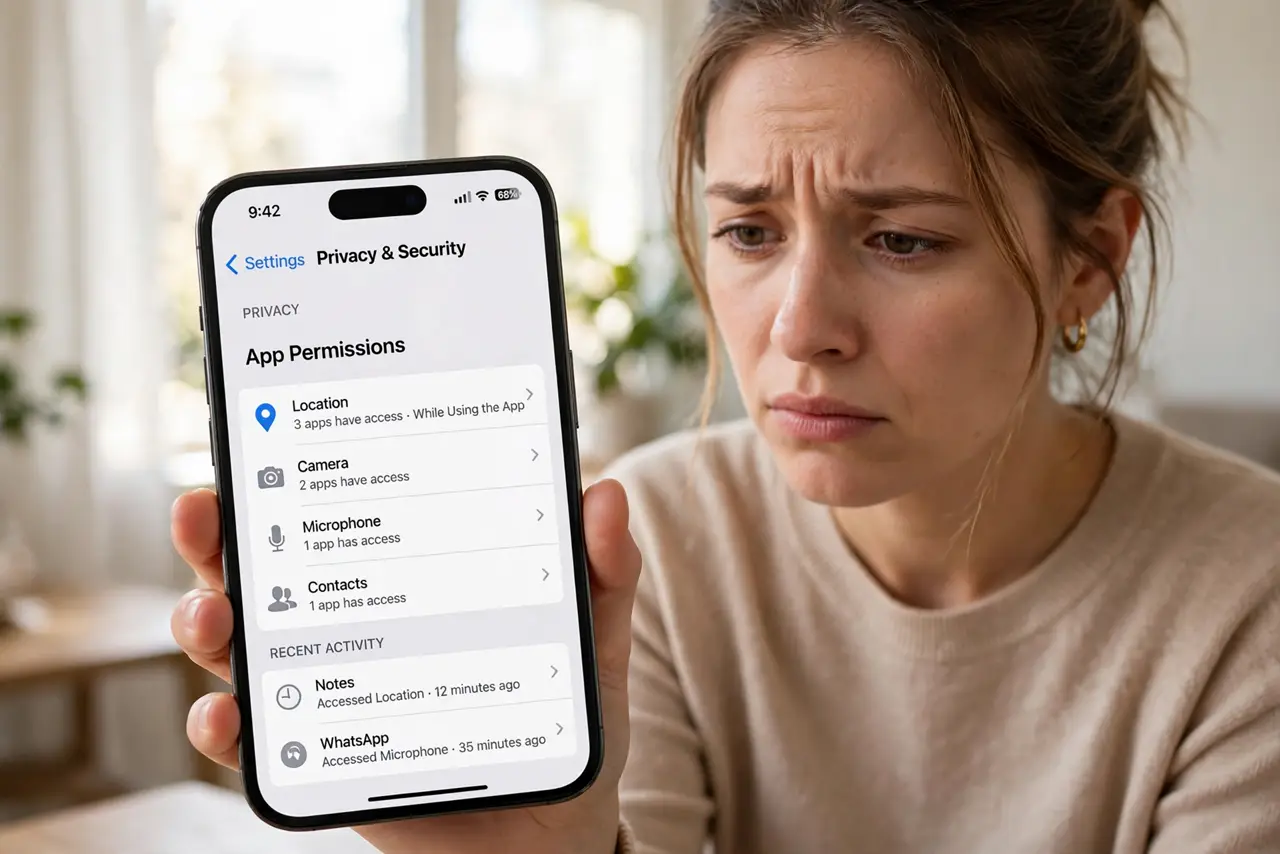
- Review microphone, camera, and location access. In Settings, Privacy & Security, see which apps hold these permissions. A calculator with microphone access is a red flag — revoke what doesn't make sense.
- Look at battery usage for strangers. Settings, Battery shows what's been running. An unknown app burning power in the background deserves a closer look — and compare with the stalkerware signs checklist.
- Turn on Lockdown Mode if you're worried. Settings, Privacy & Security, Lockdown Mode — Apple's strictest protection, free and built in. It disables risky features spyware abuses. Some conveniences break; that's the point.
- Reset from a clean setup if needed. If suspicion persists, back up your essentials, factory-reset, and set up as new rather than restoring a full backup. Change important passwords from another device.
What NOT to do
- Do not install 'spyware scanners' from ads. The App Store doesn't allow true antivirus, so those apps are theater at best and scams at worst.
- Do not jailbreak your iPhone to 'check deeper.' Jailbreaking destroys the sandbox that protects you — it creates the vulnerability you're afraid of.
- Do not panic over normal battery stats. Social apps legitimately top the battery list — one unfamiliar name matters, not Facebook at 20%.
- Do not restore a full backup if you truly suspect compromise. A backup can carry the profile or app back — set up fresh for certainty.
Frequently asked questions
Can iPhones actually get spyware?
Rarely, and almost always via physical access or unpatched vulnerabilities. Updated iPhones without jailbreaks are very hard targets.
What is Lockdown Mode, exactly?
An optional extreme-protection mode that disables risky features like most message attachments and link previews. Built for high-risk users, available to everyone.
Someone I know had my phone — what now?
Change your passcode, review profiles and permissions as above, and check that no unknown Apple ID is signed in. Physical access is the realistic threat.