Check Your Phone for Stalkerware
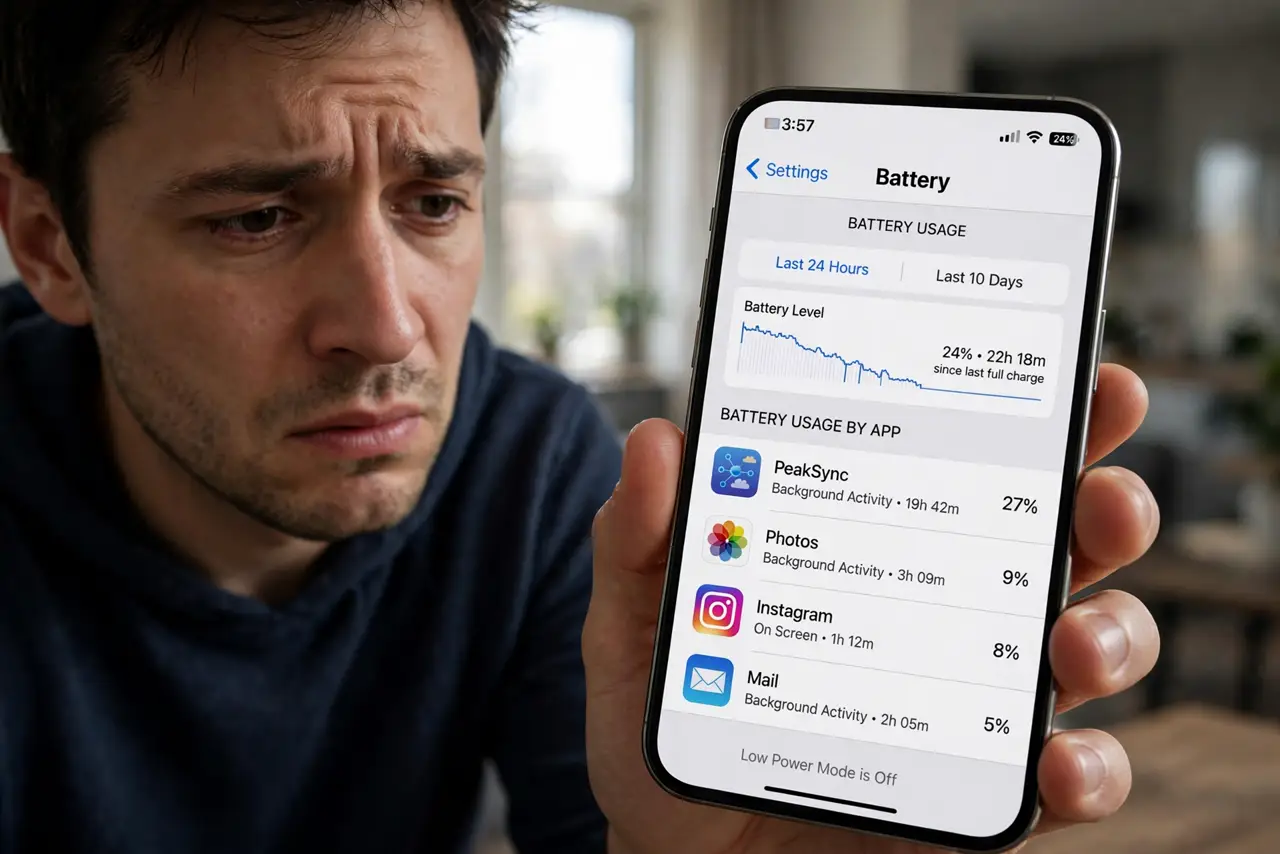
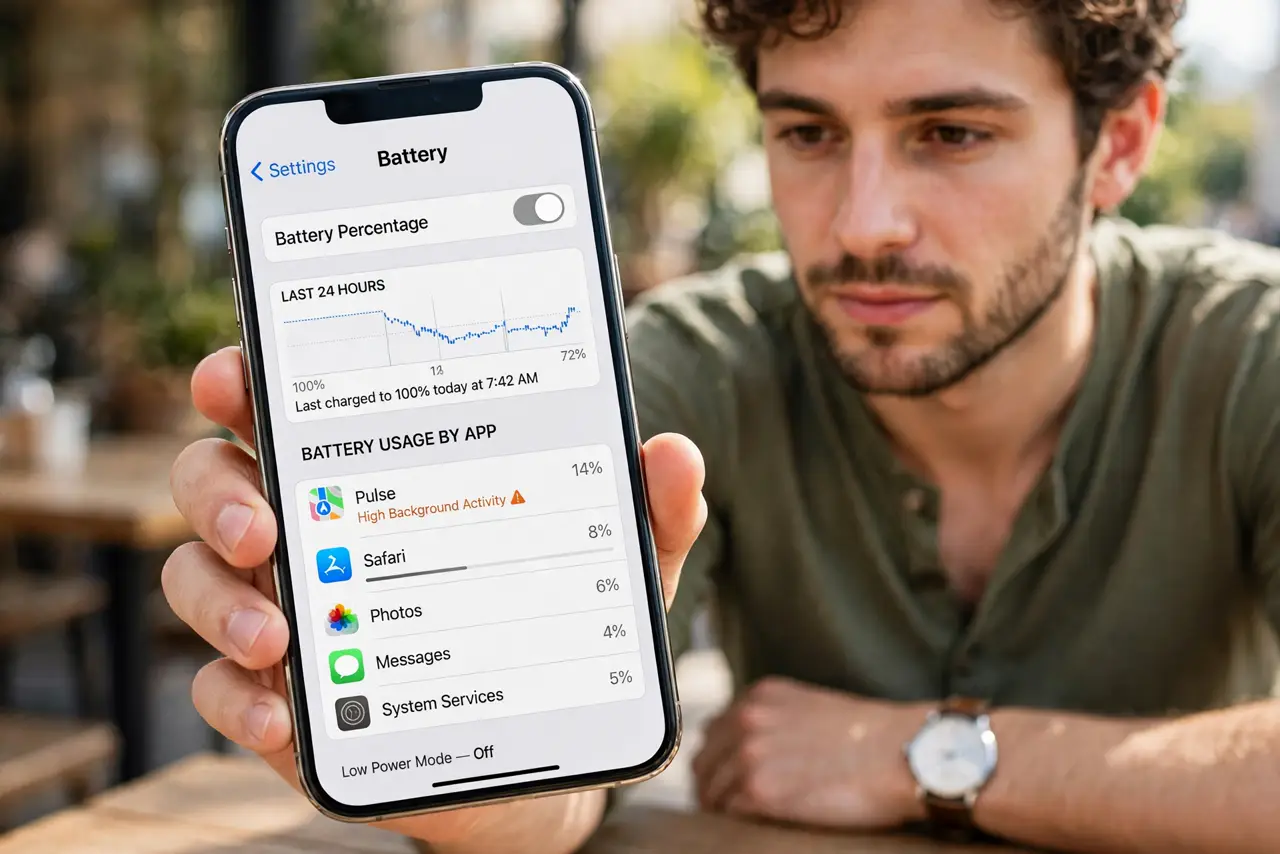
Your phone's battery drains fast, it runs warm doing nothing, and there's an app you don't remember installing. Stalkerware — software someone puts on your phone to monitor you — is a real threat, often installed by someone you know. If you suspect it, safety comes before tech: make a plan before you remove anything.
TL;DR / Quick Fix
Quick fix: look for warning signs — fast battery drain, the phone running hot, and apps you don't remember installing. Check for unknown device-management profiles in Settings. If you find something, make a safety plan before removing it, since deleting it can alert whoever installed it.
Follow these steps
- Learn the warning signs. Rapid battery drain, a warm phone at rest, data usage spikes, and apps you don't recognize are the classic symptoms. One sign alone means little — several together warrant a check.
- Review every installed app. Go through your full app list slowly, including system and hidden apps. Stalkerware often hides behind boring names like 'System Update' or 'Device Health' — check the iPhone spyware signs for platform specifics.
- Check for device-management profiles. On iPhone: Settings, General, VPN and Device Management. On Android: Settings, Security, Device admin apps. A profile you didn't install is a major red flag — it grants deep control.
- Scan with a reputable security app. Use a well-known mobile security scanner from your official app store — not an ad-promising 'stalkerware remover.' Treat its report as a starting point, not gospel.
- Make a safety plan BEFORE removing anything. Deleting stalkerware can alert the person who installed it that you found it. If you're in an unsafe situation, contact a trusted person or a support organization first and plan from a safe device.
- Reset carefully if you proceed. A factory reset removes most stalkerware — but restore from a clean setup, not a backup that might reintroduce it, and change your important passwords from a different device.
What NOT to do
- Do not confront the person before you have a safety plan. If the installer is someone you know, removal tips them off — plan first, act second.
- Do not just delete the suspicious app and call it done. Deletion alerts the installer, and some stalkerware reinstalls itself — a proper reset is more thorough.
- Do not ignore the signs hoping they'll pass. Stalkerware doesn't expire — it keeps reporting until removed.
- Do not download 'stalkerware removers' from ads or popups. Many are scams or malware themselves — use established security apps from official stores.
Frequently asked questions
How does stalkerware get installed?
Almost always by someone with physical access to your unlocked phone. That's why a strong lock screen is your first and best defense.
Is it worse on iPhone or Android?
It's harder to install on iPhones without jailbreaking, but not impossible. Android allows deeper access, making it the more common target.
Where can I get help safely?
Domestic-violence and digital-safety hotlines help with exactly this. Use a safe device — a library computer or a friend's phone — to reach them.