Travel eSIMs? Basics
Landing in a new country and hunting for a SIM card kiosk is a terrible start to a trip. A travel eSIM is a data plan you buy online and install before you leave — scan a QR code, land, and you are connected. It is usually far cheaper than your carrier's roaming rates, and your home number keeps working for calls and texts alongside it.
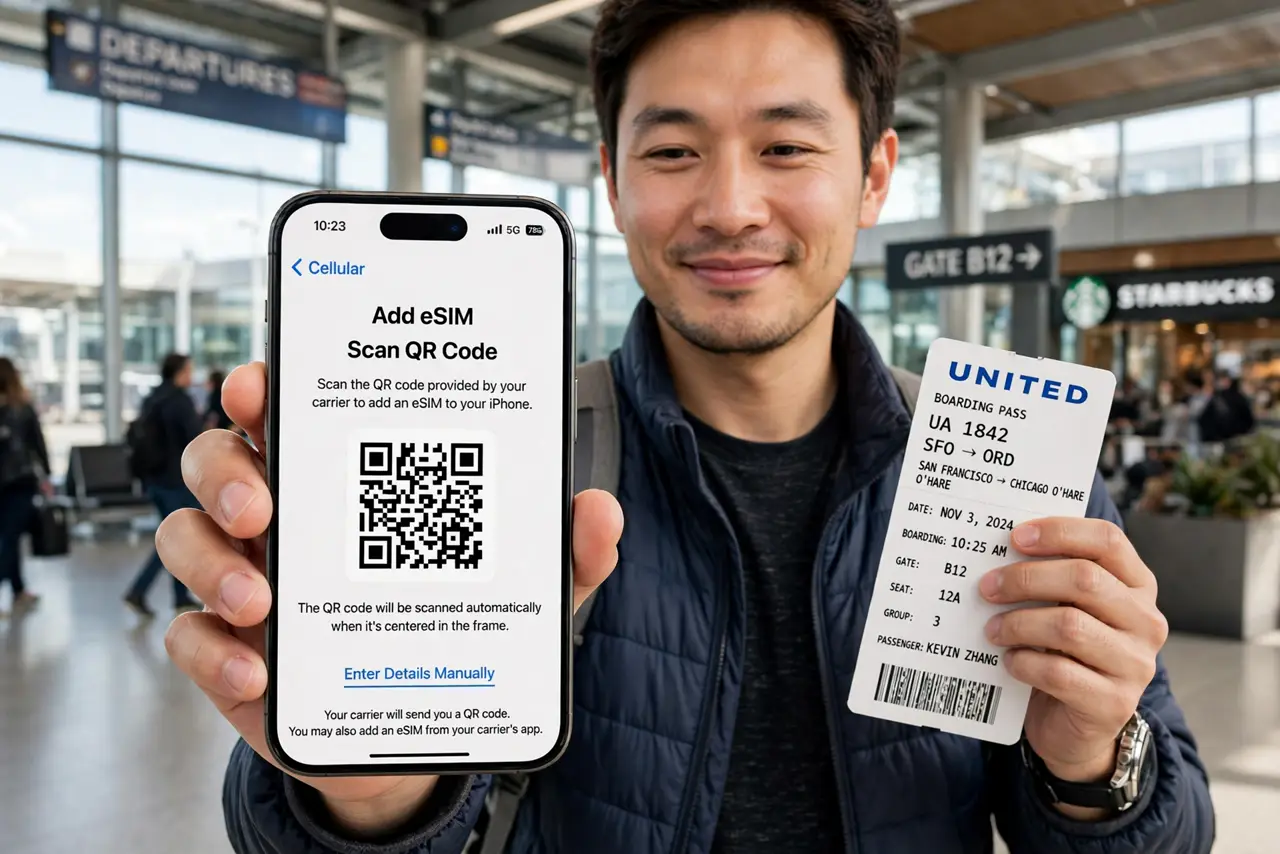
TL;DR / Quick Fix
Quick fix: buy a travel eSIM online before your trip, choosing a plan covering your destination and data needs. Install it at home over Wi-Fi via Settings, then Cellular, then Add eSIM. On arrival, switch cellular data to the travel eSIM — your home line stays active.
Follow these steps
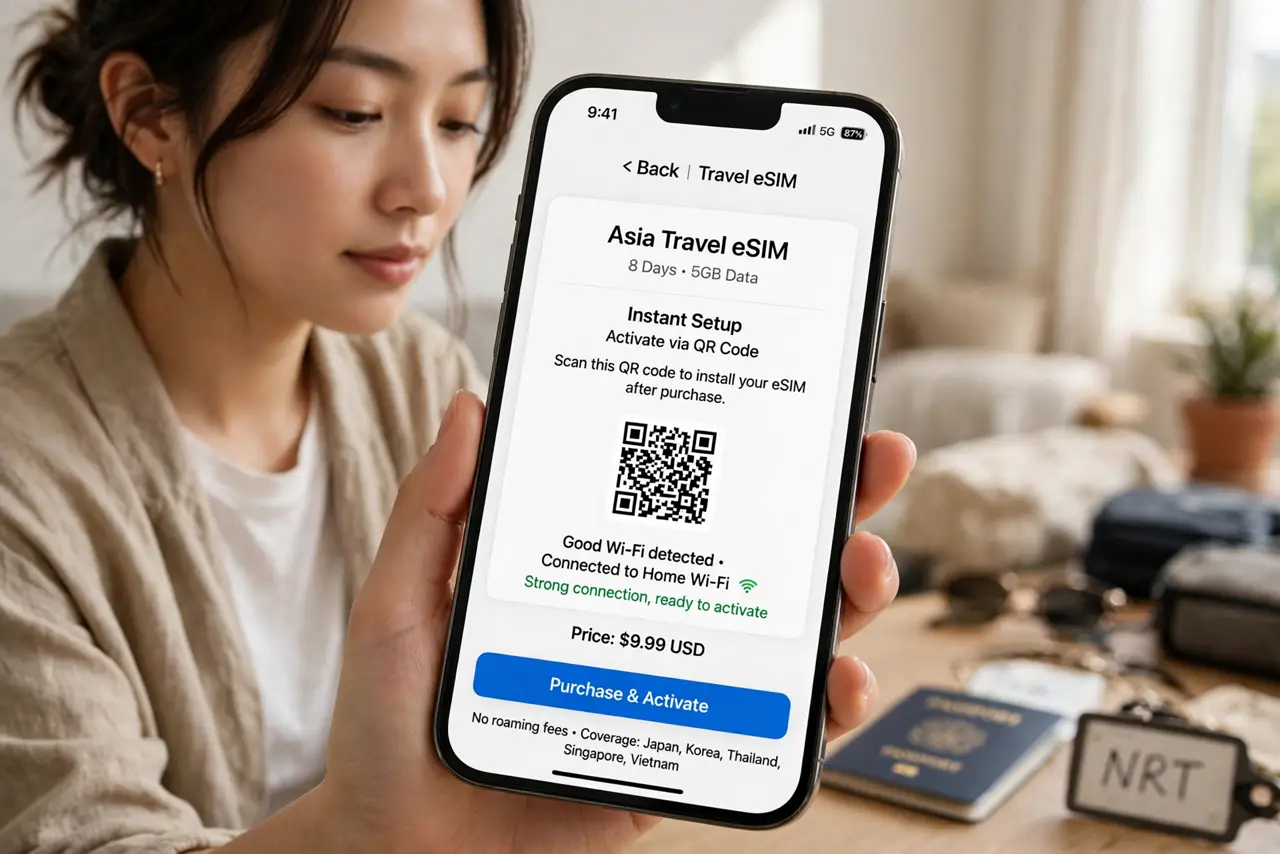
- Buy before you fly. Purchase the eSIM while you still have good Wi-Fi — installing it at the airport on shaky public Wi-Fi is stressful. Reputable sellers deliver the QR code by email within minutes.
- Match the plan to the trip. Check the country list carefully — 'Europe' plans sometimes exclude specific countries. Estimate data generously: maps and photo uploads burn through gigabytes faster than you expect.
- Install at home, activate on arrival. Scan the QR code in Settings, then Cellular, then Add eSIM while on home Wi-Fi. Most travel eSIMs activate when they first connect to a local network — do not be alarmed that it shows 'no service' before you land.
- Set the travel eSIM as your data line. On arrival, go to Cellular settings and switch Cellular Data to the travel eSIM. Keep your home line on for calls and texts — dual eSIM setups handle both lines at once.
- Watch the plan's expiry and top-ups. Travel eSIMs expire by days or by data used, whichever comes first. Note the expiry date and how to top up — running dry mid-trip in an unfamiliar city is the classic mistake.
- Keep your home carrier's roaming off. Turn off data roaming on your home line so the phone never accidentally uses it. A few megabytes on carrier roaming rates can cost more than the entire travel eSIM.
What NOT to do
- Do not buy at the airport in a panic. Pre-trip online prices beat airport kiosks and hotel desks by a wide margin.
- Do not install the eSIM on departure-day airport Wi-Fi. Shaky connections corrupt activations — do it at home the night before.
- Do not leave data roaming on for your home line. One background sync on carrier roaming can dwarf the eSIM's cost.
- Do not assume 'unlimited' means unlimited. Travel eSIMs throttle after a fair-use cap — read it before relying on hotspot-level usage.
Frequently asked questions
Is a travel eSIM cheaper than roaming?
Almost always — often dramatically. Carrier roaming runs dollars per megabyte; travel eSIMs run dollars per gigabyte. The math is not close.
Will my home number still work?
Yes, for calls and texts, if your phone supports dual eSIM. Data runs on the travel plan while your number stays reachable.
What if the eSIM does not connect on arrival?
Toggle airplane mode on and off to force a network search, and check the eSIM is enabled in Cellular settings. If it still fails, the provider's support chat is your next stop.