Set Up TTY
Phone calls assume you can hear, which is not everyone's reality. TTY (text telephone) routes your calls through a relay operator who types what the caller says and speaks what you type. It is old technology that still opens phone access for deaf and hard-of-hearing users.
TL;DR / Quick Fix
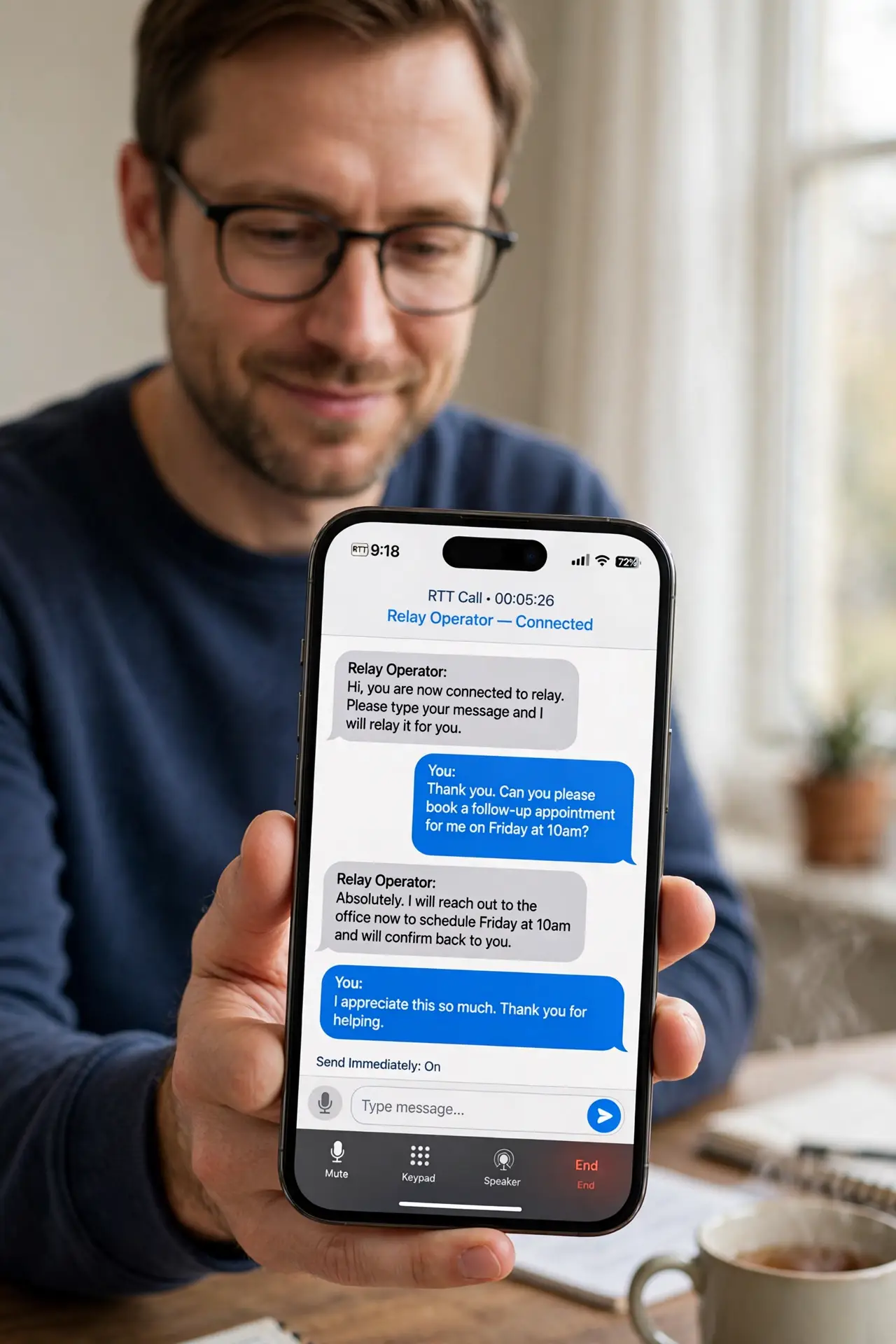
Quick fix: go to Settings, Accessibility, TTY, and turn on RTT/TTY or TTY with your carrier's support. Contact your carrier to enable TTY service on your line. During calls, the relay operator bridges your typing and their speech. For lighter needs, try RTT first — it needs no operator.
Follow these steps
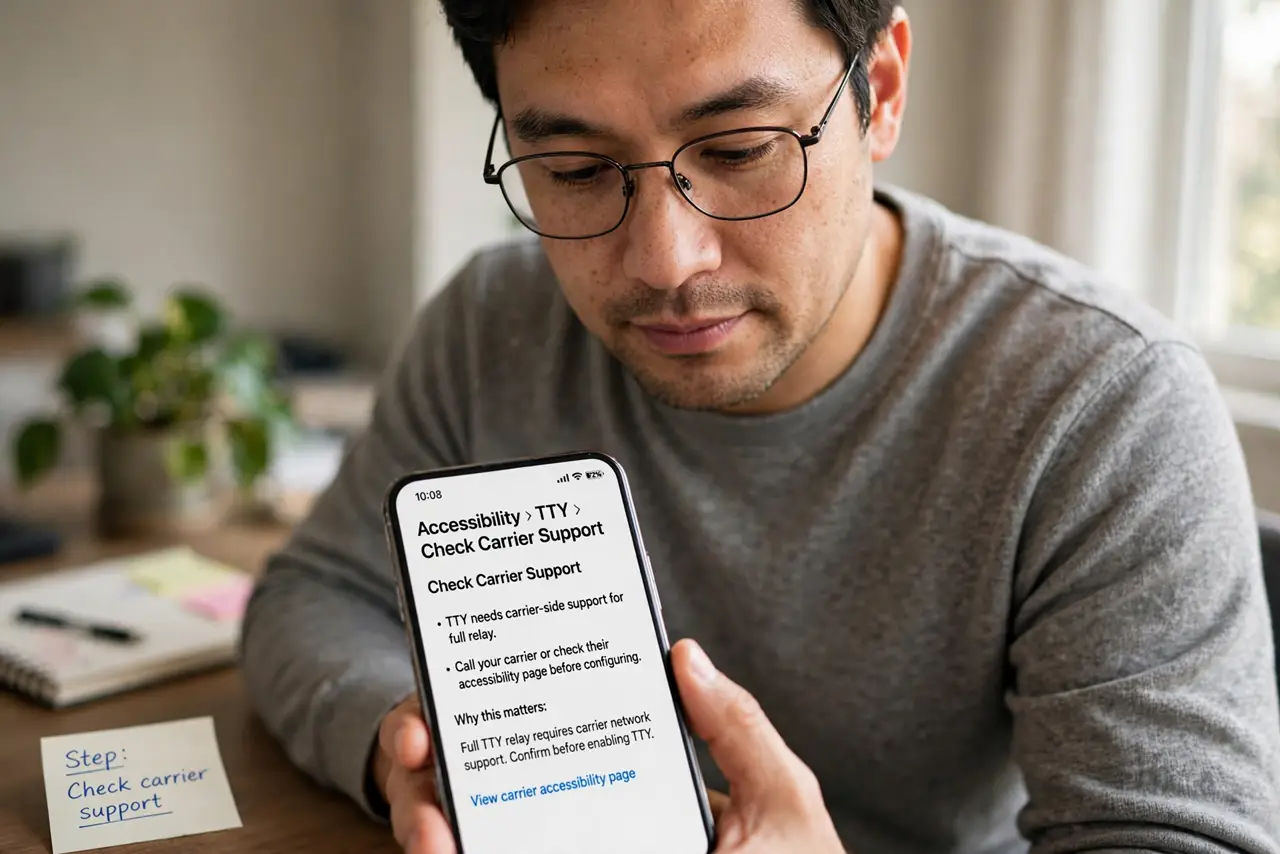
- Check carrier support. TTY needs carrier-side support for full relay. Call your carrier or check their accessibility page before configuring.
- Enable TTY in Settings. Go to Settings, Accessibility, TTY and turn it on. Choose software TTY unless you use a hardware TTY device.
- Understand the relay. You type, the operator speaks your words; the caller speaks, the operator types back. Conversations run slower — patience is part of the protocol.
- Try RTT first for mild needs. RTT streams typing directly with no operator and no carrier setup. Many people find it enough.
- Know the Android equivalent. Android supports RTT on Android similarly. The relay concept is the same across platforms.
- Test before you need it. Place a test call to a patient friend. Learning the rhythm during a real emergency is the wrong time.
What NOT to do
- Do not assume every carrier supports full TTY. Support varies — verify yours before relying on it.
- Do not use TTY where RTT suffices. The operator relay is slower; direct RTT typing is faster for both sides.
- Do not share sensitive info casually over relay. An operator reads your conversation — it is necessary, but be aware.
- Do not forget to tell callers. Say you are using relay at the start so they understand the pauses.
Frequently asked questions
What is the difference between TTY and RTT?
TTY uses a human relay operator; RTT streams text directly between phones. RTT is newer, faster, and needs no operator.
Do I need special hardware?
No — software TTY on the iPhone handles it. Hardware TTY machines are legacy at this point.
Is TTY free?
The relay service is typically free, though carrier specifics vary. Check your carrier's accessibility terms.