Phone Charger Wattage and Fast Charging Myths
Phone chargers shout about watts, but your phone decides how fast it actually charges. Bigger numbers on the brick do not force faster charging — the phone, the cable, and the charging standard negotiate every watt.
TL;DR / Quick Fix
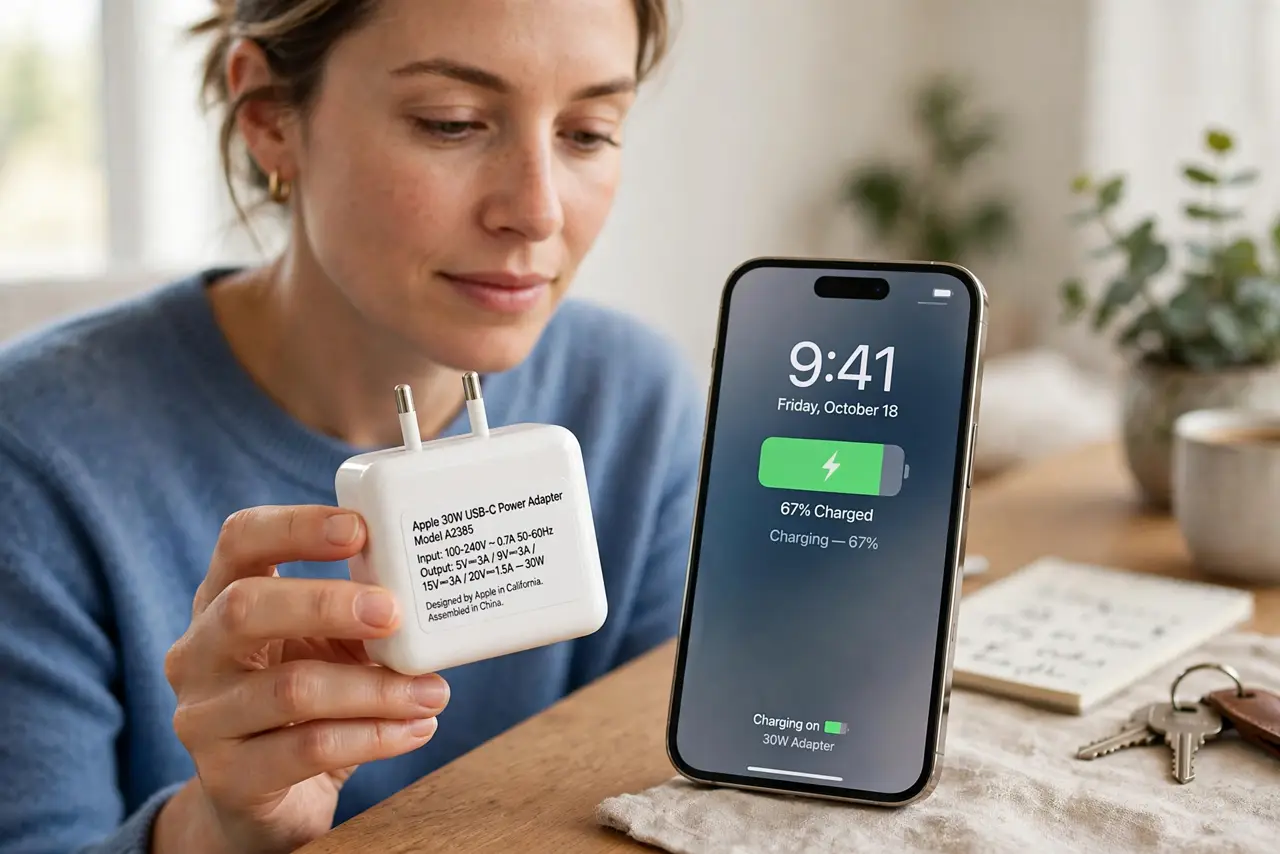
Quick fix: check which fast-charging standard your phone supports and buy a reputable charger that speaks that standard. Use a cable rated for the same power, and expect the fastest charging only up to about 80 percent battery, after which the phone slows down to protect itself.
Follow these steps
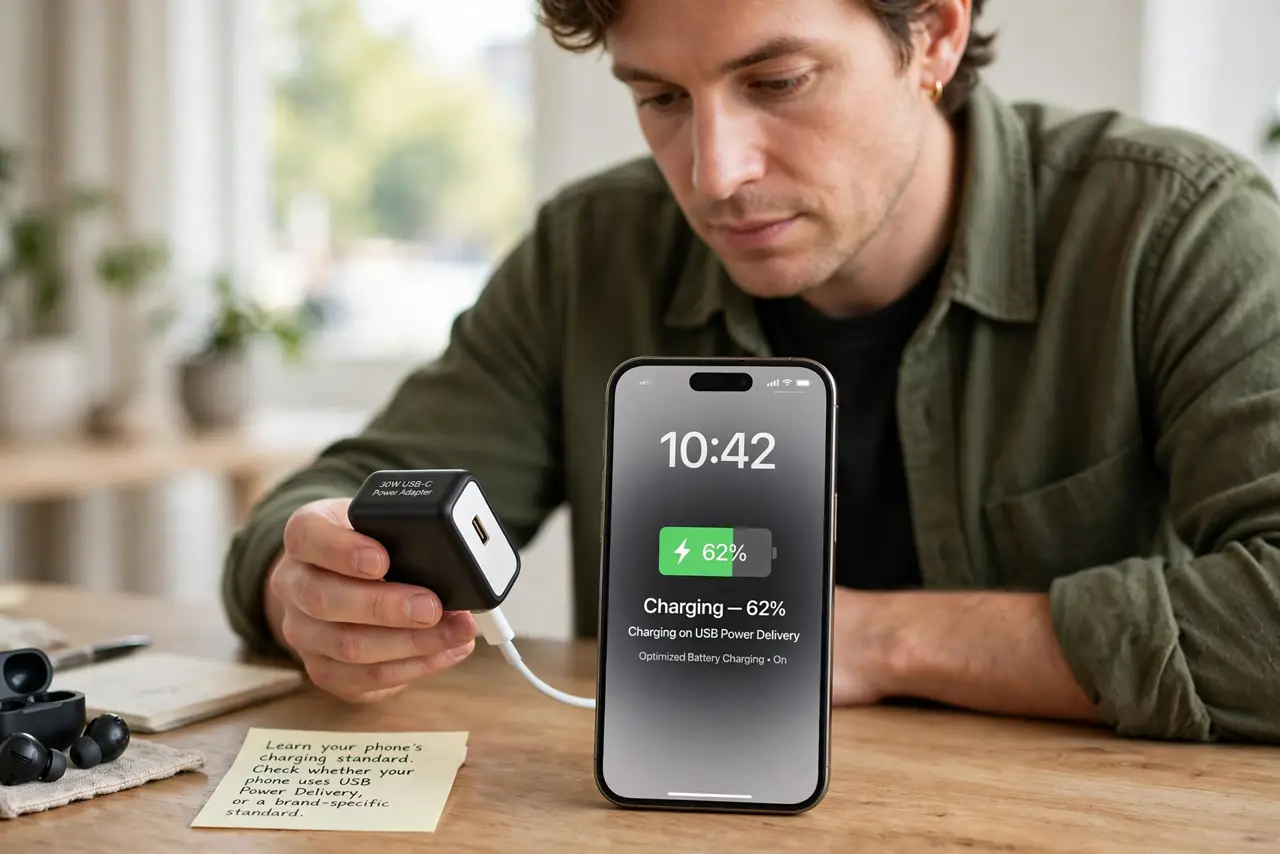
- Learn your phone's charging standard. Check whether your phone uses USB Power Delivery, or a brand-specific standard. A charger must speak the phone's standard to fast-charge it; raw wattage alone is not enough.
- Match the charger to the standard. Buy a reputable charger that lists your phone's standard and enough watts for it. A 65W brick without the right standard may charge your phone slowly.
- Use a cable rated for the power. Check the cable's power rating — many thin cables cap at 60W or less. A great brick with a weak cable delivers weak charging, the same weakest-link math as laptop charger wattage.
- Expect fast charging to taper. Phones charge fastest from empty to about 80 percent, then slow down to protect the battery. A slowdown near full is normal engineering, not a faulty charger.
- Do not chase the maximum wattage blindly. If your phone tops out at 25W, a 100W brick charges it at 25W. Pay for the standard and quality, not for watts the phone will never use.
- Watch heat as the real signal. Mild warmth while fast-charging is normal; serious heat is not. If the phone gets hot, drop to a slower charger — heat ages batteries faster than any wattage saves time.
What NOT to do
- Do not believe a bigger brick always charges faster. The phone caps the speed, so extra watts sit unused.
- Do not use a no-name fast charger to save money. Counterfeit chargers lie about standards and can overheat, so buy reputable brands.
- Do not fast-charge to 100 percent every night. The taper protects the battery, but holding full charge overnight still ages it; a charge limit helps.
- Do not assume wireless charging matches wired watts. Wireless is convenient but slower and warmer, so use wired when speed matters.
Frequently asked questions
Will a 100W charger damage my phone?
No. The phone negotiates and draws only what it supports, so a quality higher-wattage charger is safe.
Why did fast charging stop working?
Usually the cable degraded, the charger was swapped, or a software update changed charging behavior. Test the original combo first.
Does fast charging ruin the battery?
It adds some wear versus slow charging, mainly through heat. Occasional fast charging is fine; constant hot fast charging ages batteries faster.