What Is Juice Jacking?
The airport charging station is free, your battery is at 4%, and a little voice whispers: can this USB port steal my data? That fear has a name — juice jacking: the idea that a compromised public charger could siphon data or install malware through the charging cable. Here is what is real, what is hype, and the two-dollar fix.
TL;DR / Quick Fix
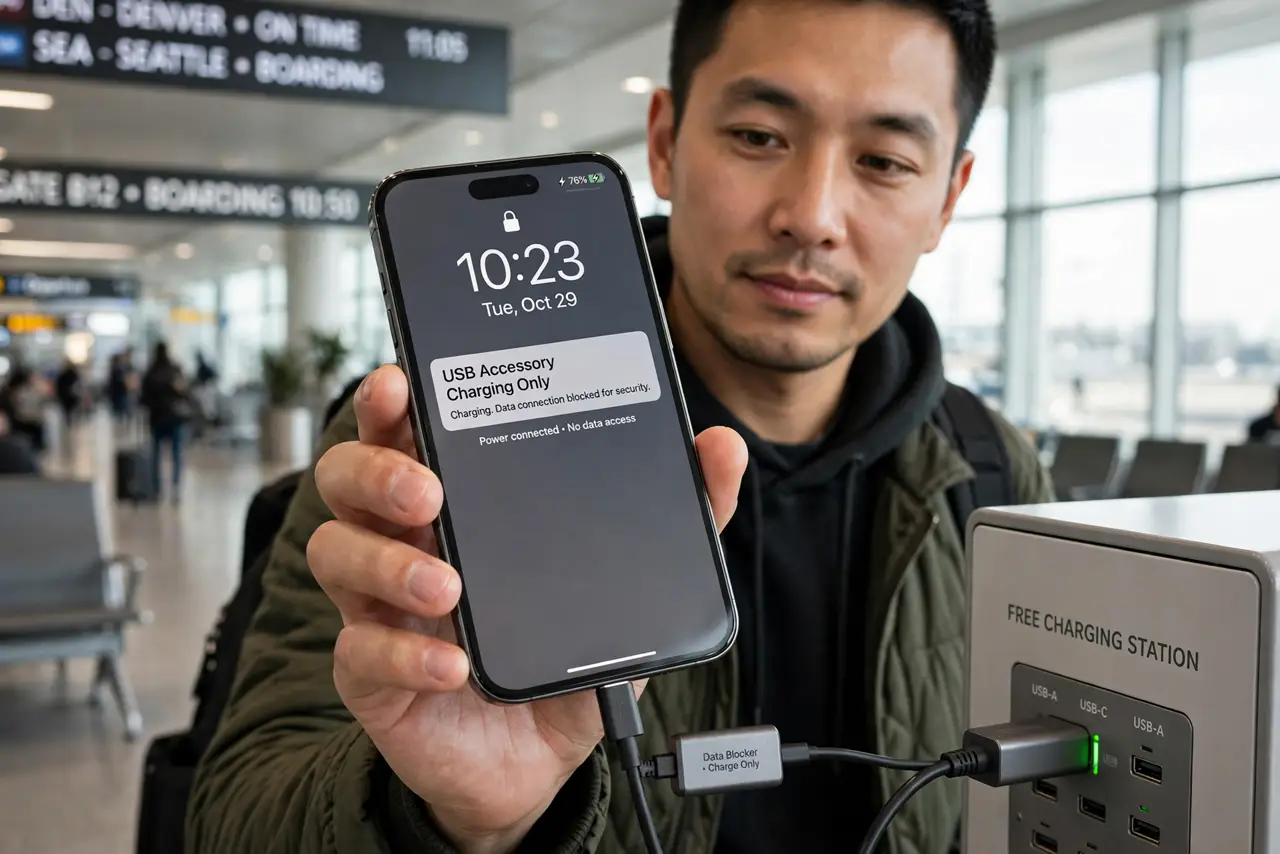
Quick fix: juice jacking — data theft via a compromised public USB charger — is theoretically possible but has almost no documented real-world cases. Still, carry a USB data blocker (a tiny adapter that passes power only) or use your own charger and cable in a wall outlet.
Follow these steps
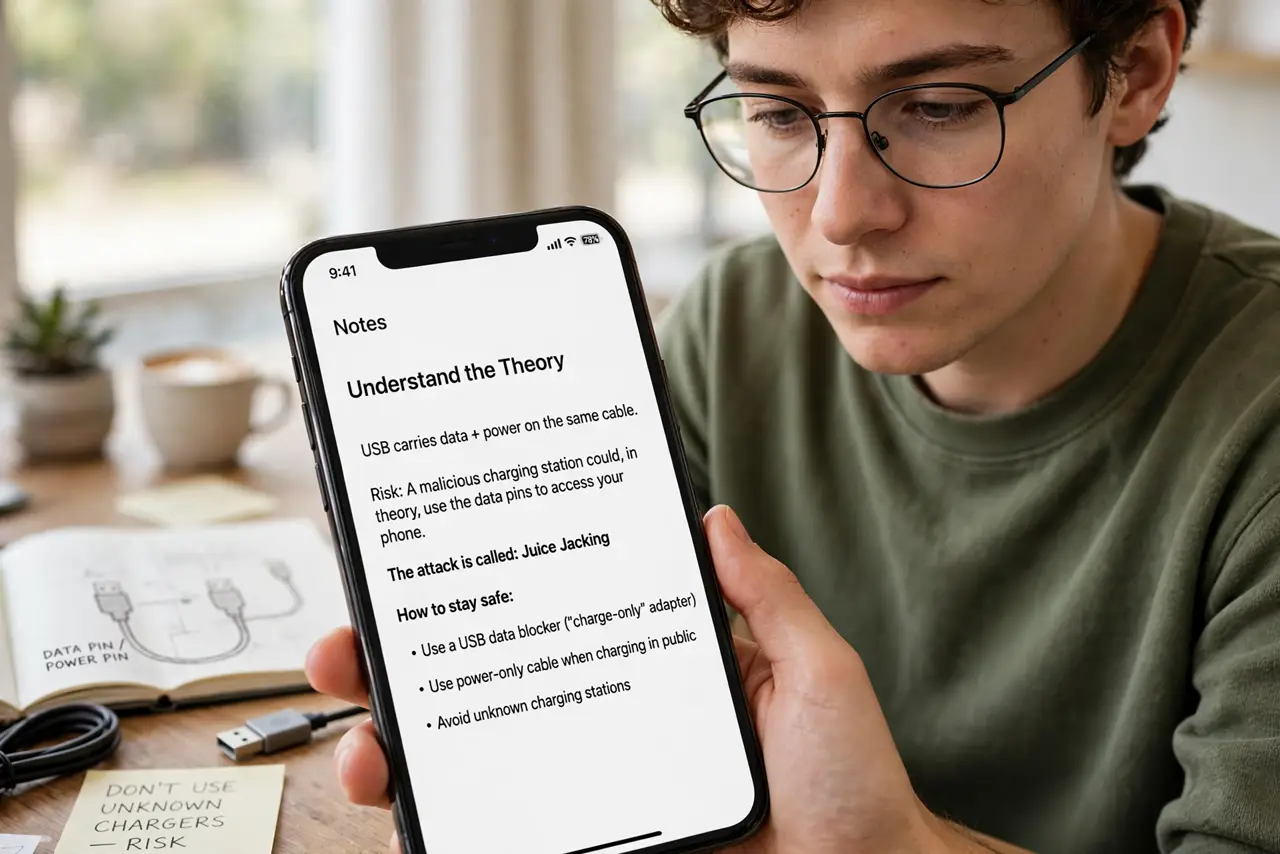
- Understand the theory. USB carries data and power on the same cable. A malicious charging station could, in theory, use the data pins to access your phone. The attack is real in labs — vanishingly rare in the wild.
- Know the actual risk level. Security agencies warn about it, but documented cases against travelers are essentially nonexistent. It is a 'cheap to prevent, unlikely to happen' threat — treat it proportionally.
- Carry a USB data blocker. A two-dollar adapter that physically disconnects the data pins — power flows, data cannot. Keep one on your keychain; it ends the entire question. Check your cable situation too, since charge-only cables do the same job.
- Prefer wall outlets. Your own charger and cable in a plain AC outlet cannot juice-jack you — there is no data path at all. Outlets beat USB stations every time.
- Use the phone's defenses. Modern phones ask before trusting a new USB data connection — always say no to unexpected prompts. Keep the phone locked while charging in public.
- Bring a power bank. The ultimate fix: your own battery. A charged power bank means you never need the airport station at all.
What NOT to do
- Do not panic about every public charger. The fear outruns the evidence by miles — take the cheap precautions and move on.
- Do not buy a 'special secure cable' at airport prices. A basic data blocker or your own charger does the same job for far less.
- Do not approve USB data prompts from chargers. If a charging station asks for data access or trust, that is your cue to unplug.
- Do not leave your phone unlocked on a public charger. Locked phones expose far less even in the worst case.
Frequently asked questions
Has juice jacking ever actually happened?
No widely documented cases against the public exist. It remains a demonstrated-in-lab, warned-about-by-agencies threat — real enough to prevent cheaply, rare enough not to fear.
Is wireless charging safe from it?
Yes — wireless charging has no data connection at all. A public wireless pad cannot juice-jack by design.
Do I need a data blocker with my own cable?
With your own charger in a wall outlet, no. With unknown USB ports, the blocker is cheap peace of mind.
What to read next
- Stop MFA Fatigue Attacks
- What Is Credential Stuffing?