Public USB Charging: Is It Safe? Plainly
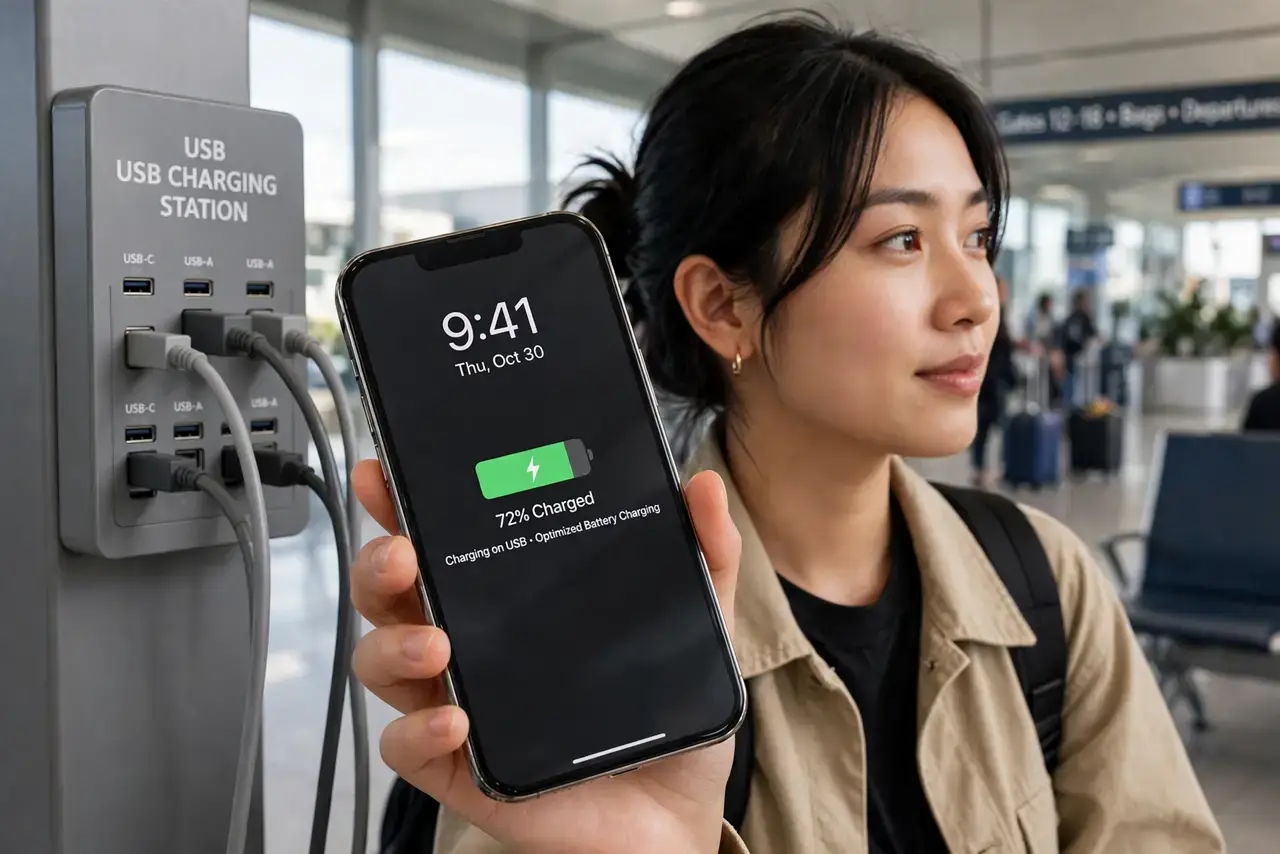
Those free USB charging ports at airports and cafes can do more than charge your phone — a compromised port can also read data off it, a trick called juice jacking. The risk is low but real, and the fix is simple: block the data pins or bring your own power. This guide shows the safe habits.
TL;DR / Quick Fix
Quick fix: prefer a wall outlet with your own charger and cable at airports and hotels. If you must use a public USB port, use a charge-only cable or a USB data blocker, and never tap 'Trust' on an unknown prompt. Keep your phone locked while it charges.
Follow these steps
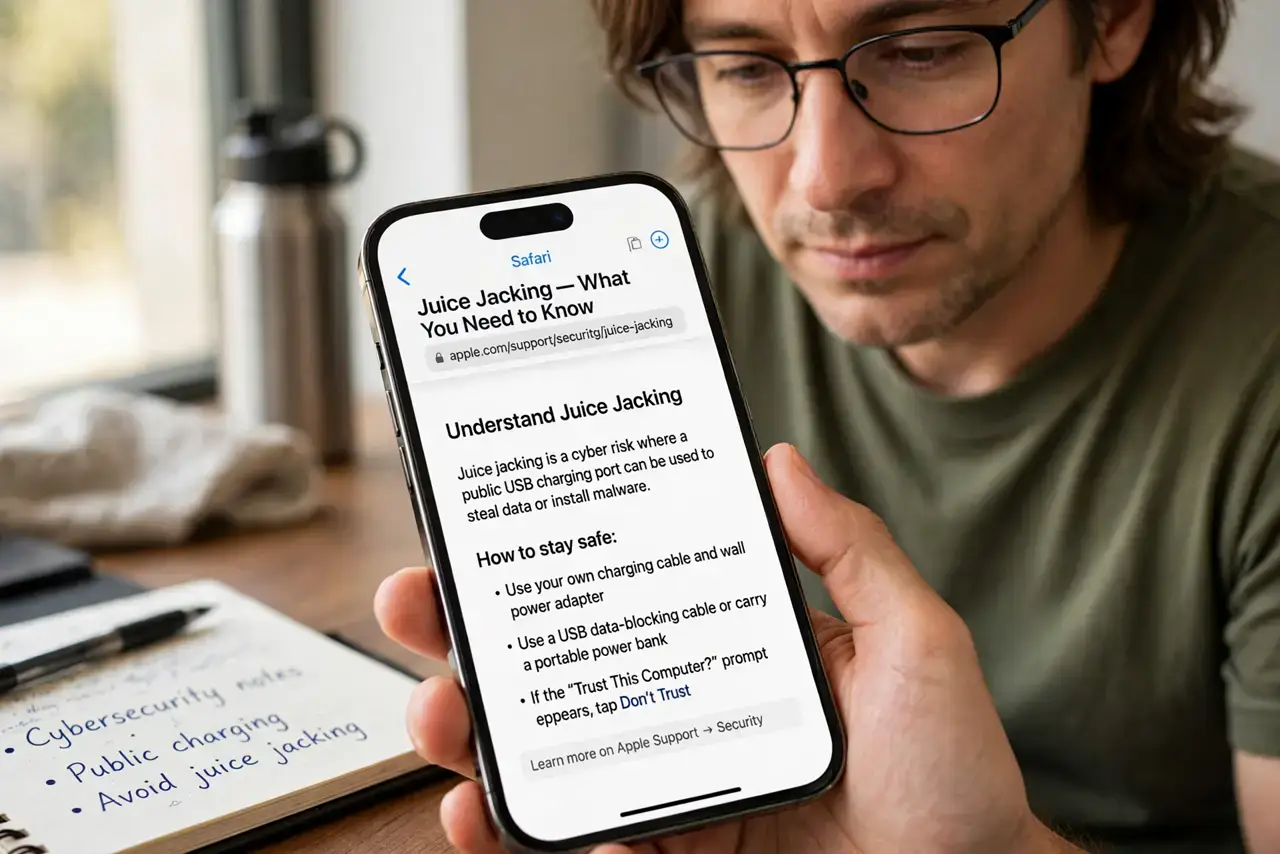
- Understand juice jacking. A USB cable carries both power and data. A rigged public port — or a rigged cable — can exploit the data lines to copy files or install malware while you charge.
- Bring your own charger and cable. A wall outlet with your own gear removes the risk entirely. Pack a small charger in your travel bag and make it a habit.
- Use a charge-only cable or data blocker. These cheap adapters physically block the data pins, so only power flows. Keep one on your keychain for travel days.
- Never tap 'Trust this computer.' If a public port triggers a trust prompt, tap 'Don't trust' and unplug. A charging port should never need your trust.
- Keep the phone locked while charging. A locked phone exposes far less over USB than an unlocked one. Lock it before you plug in and leave it locked.
- Watch for tampered ports. If a charging station looks damaged, has a loose fitting, or a cable you did not bring is already attached, skip it and find another.
What NOT to do
- Do not use a stranger's cable at a charging station. A malicious cable looks identical to a normal one and can attack any phone it touches.
- Do not leave your phone unattended while it charges. An unlocked, unattended phone at a public station is an invitation, port or no port.
- Do not tap through USB prompts without reading. 'Trust,' 'allow file transfer,' and 'install' prompts at a public port are never innocent.
- Do not assume airports are automatically safe. Documented cases are rare, but the cheap prevention costs less than one compromised phone.
Frequently asked questions
What is juice jacking, exactly?
It is an attack where a compromised public USB charging port or cable uses the USB data lines to steal data or install malware while your phone charges.
Is charging from my laptop safer?
Yes, if it is your laptop. Your own computer with your own cable is fine; a stranger's computer is not.
Do data blockers really work?
Yes. They physically disconnect the data pins, so only power passes through — the attack surface disappears.