75% vs TKL?
Keyboard shopping hits you with 75%, TKL, 65%, full-size — percentages that mean nothing until someone explains them. 75% and TKL are the two most popular compact layouts: both drop the number pad, but they arrange what remains very differently. Here is how to pick between them without regret.

TL;DR / Quick Fix
Quick fix: 75% keyboards keep the function row in a compact layout; TKL drops the number pad but keeps everything else full-size. Choose 75% for small desks, TKL if you use function keys constantly. Try the layout in a store if you can — hand feel decides more than specs.
Follow these steps
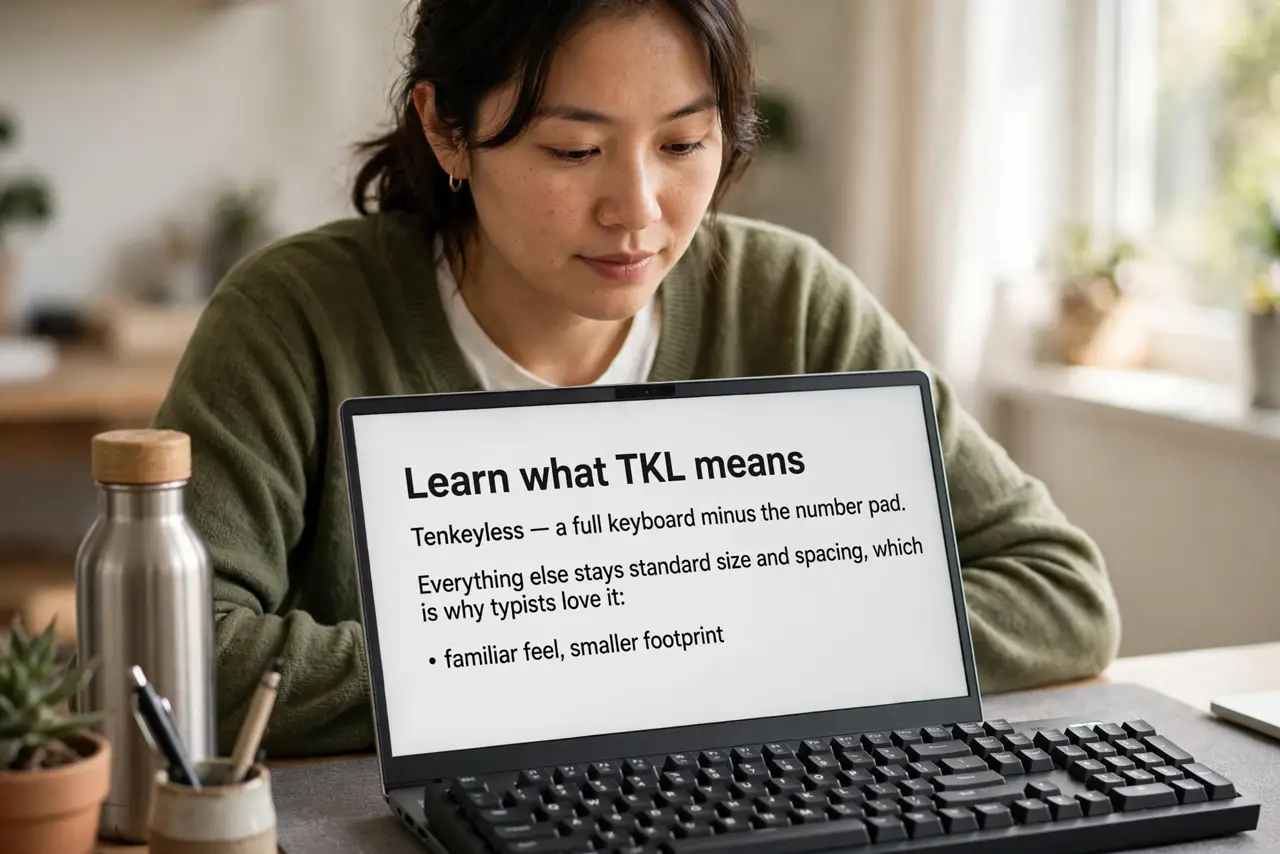
- Learn what TKL means. Tenkeyless — a full keyboard minus the number pad. Everything else stays standard size and spacing, which is why typists love it: familiar feel, smaller footprint.
- Learn what 75% means. Even more compact — the function row squeezes in, keys pack tighter, and some keys shrink or double up on layers. Smaller desk footprint, steeper learning curve.
- Match it to your desk. Small desk or laptop-plus-keyboard setup: 75% shines. Roomy desk and heavy function-key use: TKL's standard spacing pays off daily.
- Consider your shortcut habits. If you live on function keys or the navigation cluster, TKL keeps them dedicated. 75% puts more on layers — fine for some, maddening for others.
- Think about switch feel too. Layout is half the choice; switches are the other. If you are curious about swapping switches later, see the hot-swap guide — and the ergonomic options if comfort drives the decision.
- Try before you buy if possible. Layouts are muscle memory. Ten minutes in a store tells you more than ten reviews — your hands vote instantly.
What NOT to do
- Do not buy 75% for heavy spreadsheet work. If you live on the number pad, you need it — TKL already drops it, 75% doubly so.
- Do not assume smaller is always better. Cramped layouts cause typos for weeks while you adapt — match the size to your actual use.
- Do not ignore the function row. Some compact layouts shrink or layer it — if you use F-keys constantly, verify they are real keys.
- Do not forget keycap compatibility. Non-standard compact layouts can make finding replacement keycaps harder later.
Frequently asked questions
What does 75% actually remove?
Nothing, really — it compresses. All keys remain, just packed tighter with some on shared layers. TKL is the one that removes the number pad.
Is TKL good for gaming?
Yes — the extra mouse room from dropping the number pad is exactly why many gamers prefer it.
Which is better for small desks?
75% — the compact footprint leaves real room for the mouse, which matters more than people expect.