Try Split Keyboards
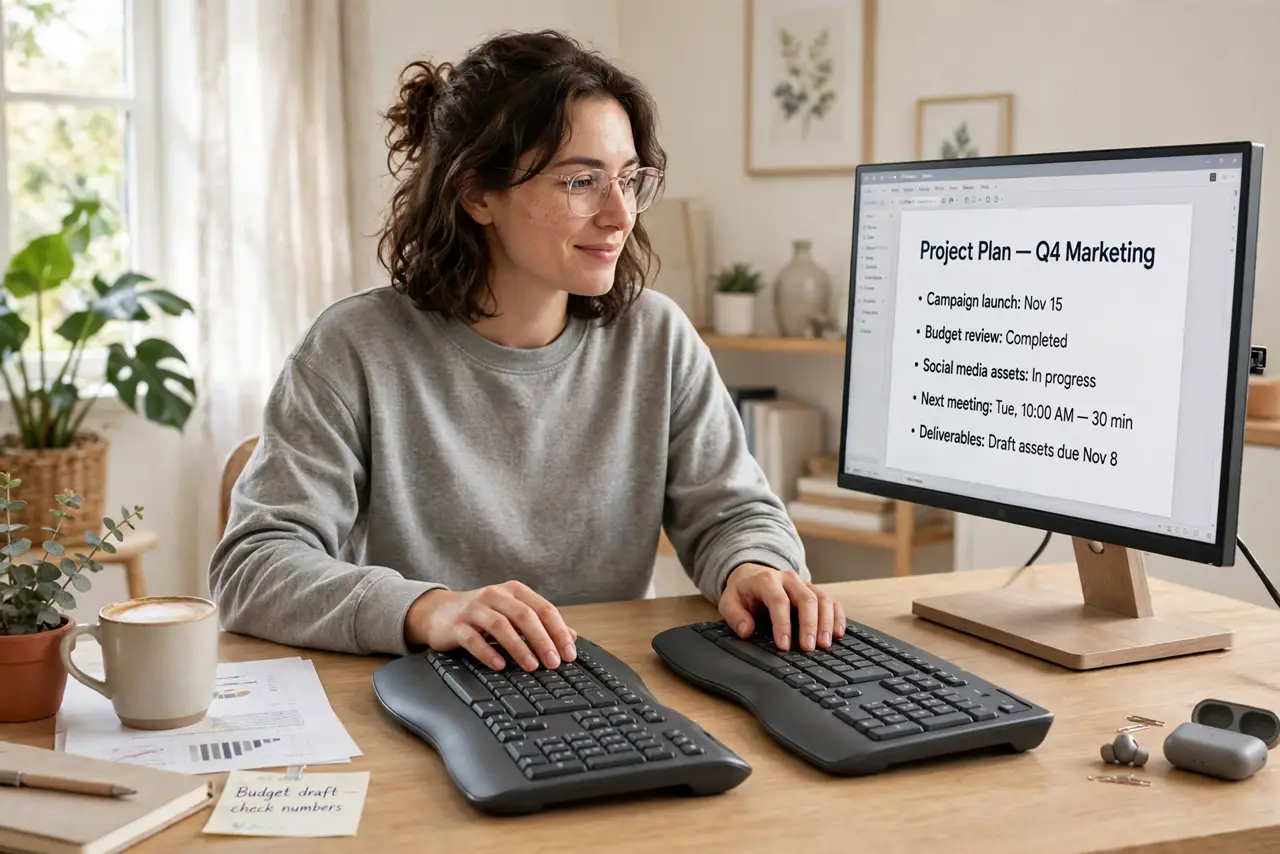
Your wrists ache after long typing days, and the culprit is geometry: a straight keyboard forces your wrists to bend inward all day. Split keyboards separate the halves so your arms stay natural — the single biggest ergonomic upgrade in keyboards. Here is how to try one without committing blind.
TL;DR / Quick Fix
Quick fix: split keyboards separate the halves so your wrists stay straight instead of bending inward — the single biggest ergonomic win in keyboards. Start with a gentle split before going full ortholinear. Give it two weeks; the first days feel strange for everyone.
Follow these steps
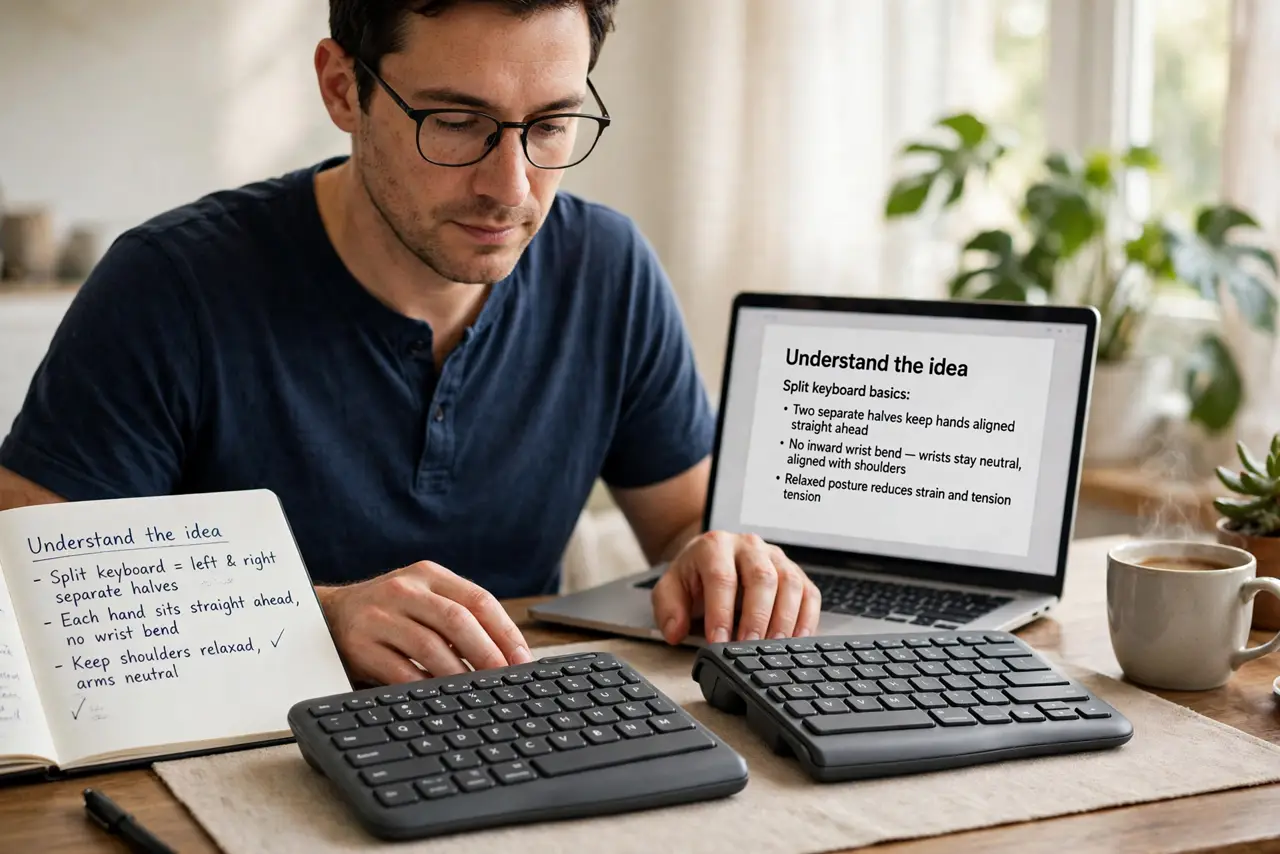
- Understand the idea. A split keyboard separates left and right halves so each hand sits straight ahead — no inward wrist bend. See the split keyboard basics for the designs, and the ergonomic keyboards landscape.
- Start with a gentle split. Fixed gentle-split boards ease the transition — full split with tenting comes later if you want it. Do not start with the most extreme layout.
- Position the halves. Shoulder-width apart, angled slightly outward, matching your natural arm position. The desk ergonomics guide covers the full workstation picture.
- Give it two weeks. The first days feel wrong — your muscle memory protests. Most people adapt within two weeks; judge after, not during.
- Keep your old board handy. Switch back for deadline days during the transition. Forcing the new layout under pressure builds resentment, not skill.
- Add tenting later. Tenting — tilting the halves — is the next ergonomic step once split feels normal. Do not buy it all on day one.
What NOT to do
- Do not start with the most extreme layout. Full split, tented, ortholinear on day one overwhelms — graduate into it.
- Do not judge on day two. Every split typist hates day two; nearly all love week three — persist through the awkward phase.
- Do not ignore the rest of ergonomics. Chair height, monitor position, and breaks matter as much as the keyboard — fix the system.
- Do not buy without a return policy. Ergonomics are personal — what saves one person's wrists annoys another's. Try with an exit.
Frequently asked questions
Will a split keyboard fix my wrist pain?
It helps the mechanical cause — bent wrists — significantly. Persistent pain still deserves a medical check, not just new gear.
Are split keyboards hard to learn?
Two weeks of awkward, then normal. Touch typists adapt fastest; hunt-and-peck typists take longer.
Do I need the expensive ones?
No — affordable fixed-split boards deliver most of the benefit. Expensive buys customization, not fundamentally better wrists.