Upgrade Keycaps
Your keyboard works fine, but the letters are wearing off and the keys look tired — or you just want a keyboard that looks like yours. New keycaps are the cheapest dramatic upgrade in keyboards: twenty minutes, no tools beyond a puller, totally reversible. Here is how to pick a set that fits.
TL;DR / Quick Fix
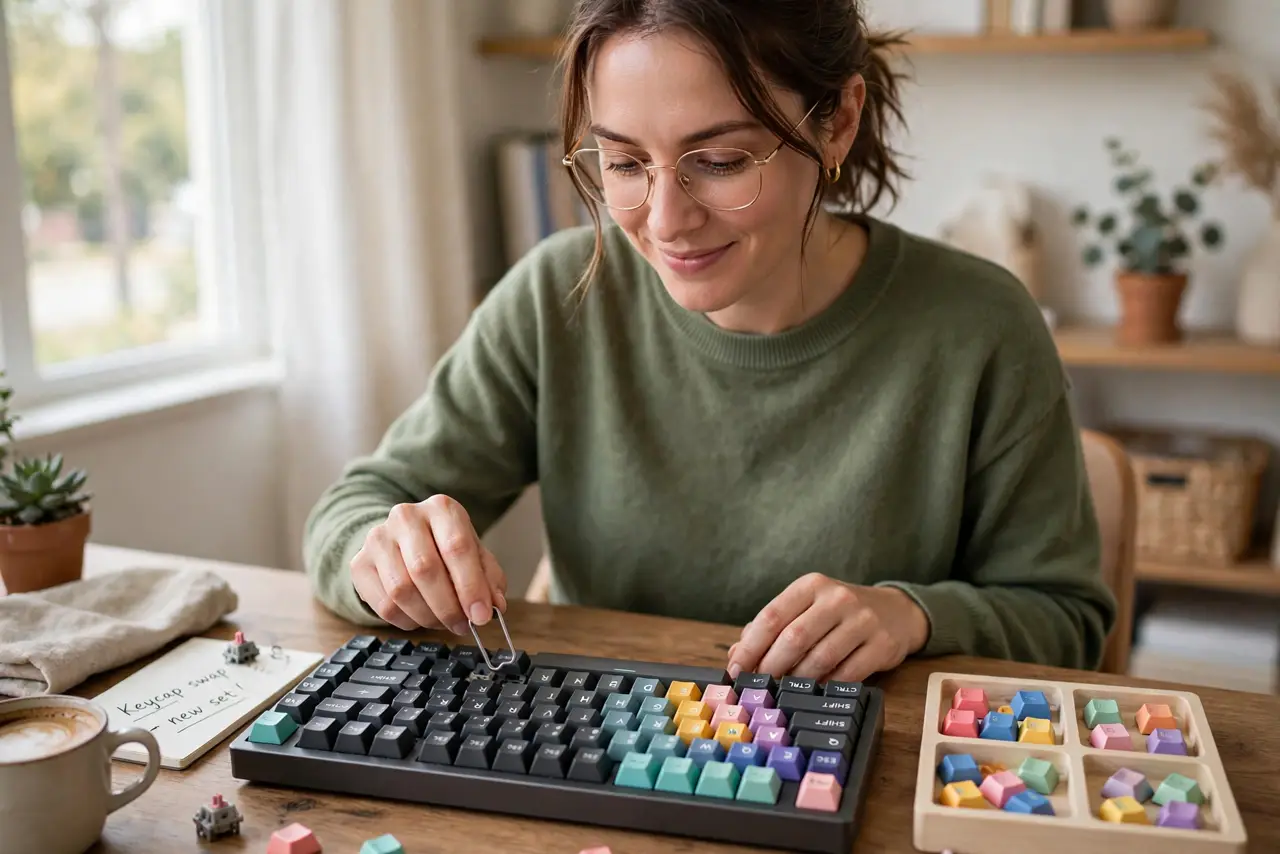
Quick fix: new keycaps refresh a worn keyboard in minutes — pull the old caps with a keycap puller and press the new set on. Match the profile and layout to your board before buying. It is the cheapest visible upgrade a keyboard can get.
Follow these steps
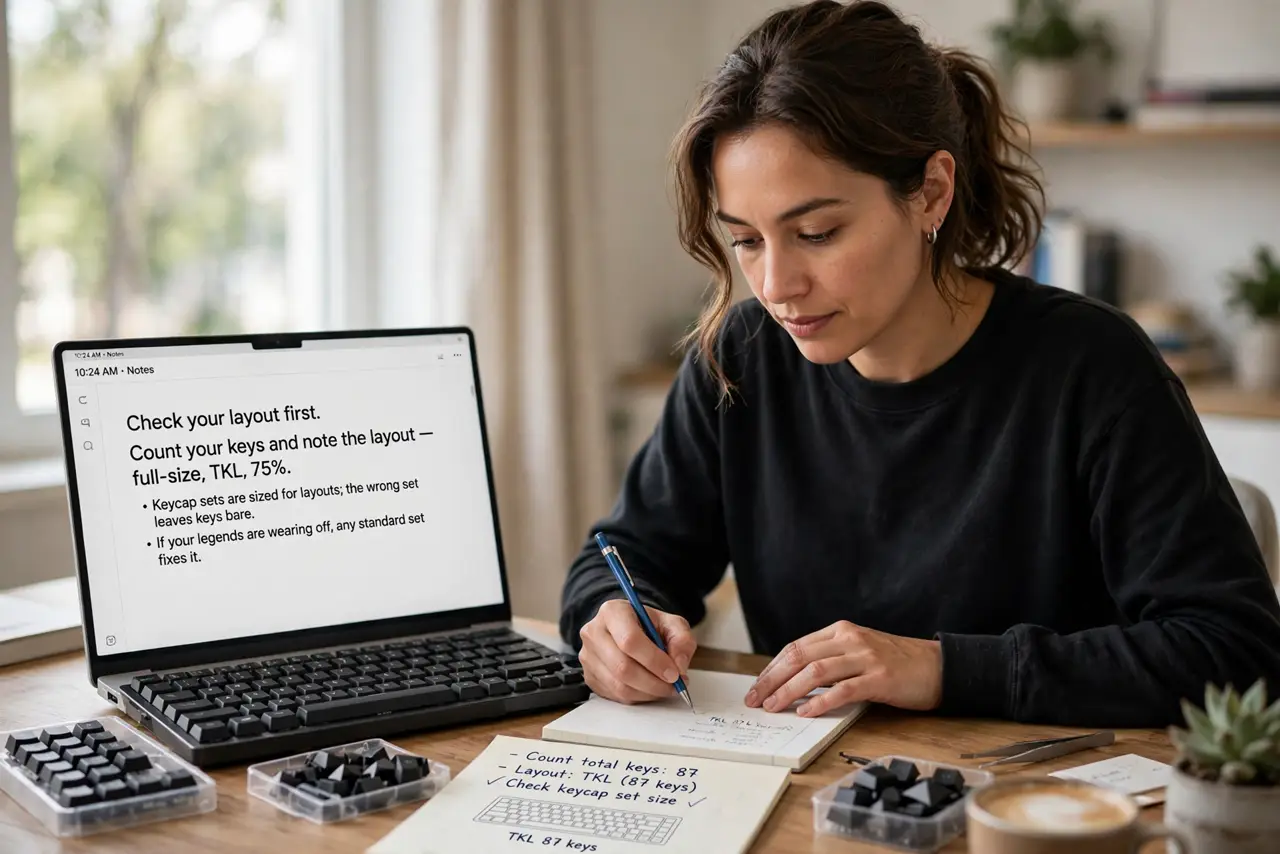
- Check your layout first. Count your keys and note the layout — full-size, TKL, 75%. Keycap sets are sized for layouts; the wrong set leaves keys bare. If your legends are wearing off, any standard set fixes it.
- Pick the profile. Keycap profile is the shape and height — see the profile guide for the options. OEM and Cherry suit most typists; taller profiles feel retro. Profile changes the feel as much as the look.
- Pull the old caps. Use a wire keycap puller, grip a cap, pull straight up. Work row by row and keep the old set — see how to reattach a popped cap if one flies.
- Press the new set on. Align each cap over its switch and press straight down until it seats. Start with the big keys — spacebar, enter, shift — then fill in the rest.
- Test every key. Type the alphabet, numbers, and modifiers. A cap that is not seated clicks oddly or sticks — pull and reseat it.
- Clean while you are in there. With caps off, the board is easy to clean — a soft brush and a wipe. Put the old caps in a bag as spares.
What NOT to do
- Do not buy the wrong layout size. A full-size set on a TKL leaves gaps; a TKL set on full-size leaves bare switches — count first.
- Do not yank caps with pliers. Metal tools scratch stems and caps — a five-dollar wire puller is the right tool.
- Do not force a cap that will not seat. Check alignment; forcing cracks the cap stem and ruins the cap.
- Do not mix profiles randomly. One row of a different profile feels wrong under your fingers — keep the set consistent.
Frequently asked questions
Will new keycaps change the sound?
Yes, noticeably — thicker caps sound deeper, thinner ones brighter. Material matters as much as shape.
ABS or PBT?
PBT resists shine and wear far longer; ABS is cheaper and comes in more colors. For daily drivers, PBT wins.
Can I wash keycaps?
Yes — warm water and mild soap, air dry fully. Never put them back on damp; moisture and switches do not mix.