Try Hot-Swap Keyboards
You like your keyboard but wonder what tactile switches feel like — or you bought linear and now crave clicky. Hot-swap keyboards let you pull switches out and push new ones in with your fingers, no soldering iron, no risk. It is the cheapest way to experiment with feel. Here is how to start.
TL;DR / Quick Fix
Quick fix: hot-swap keyboards let you pull switches out and push new ones in with no soldering — try linear, tactile, and clicky to find your feel. Start with a sampler pack of switches before committing. It is the cheapest way to experiment with how a keyboard feels.
Follow these steps
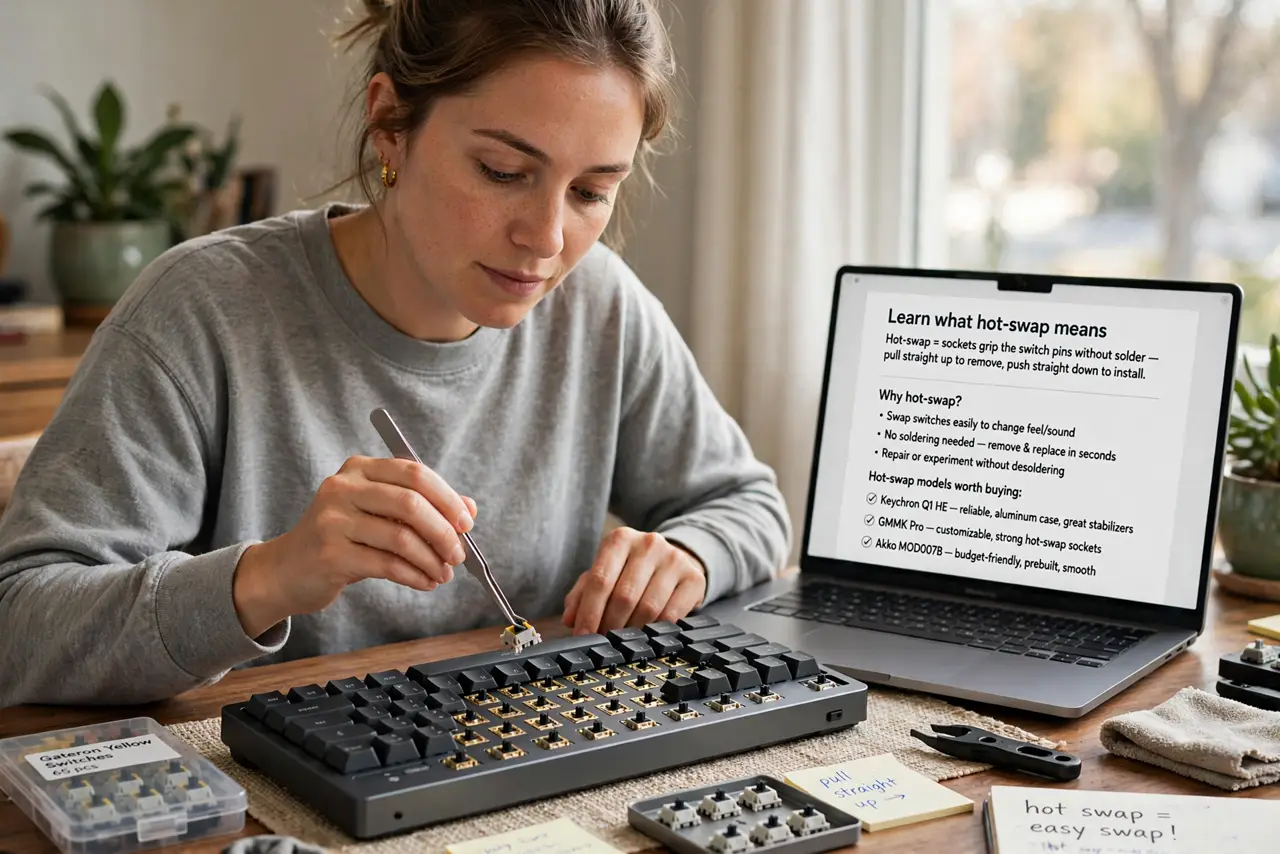
- Learn what hot-swap means. The keyboard's sockets grip the switch pins without solder — pull straight up to remove, push straight down to install. See what hot-swap is for the mechanics and the hot-swap models worth buying.
- Get a switch sampler. Before committing to 70 switches, buy a sampler with a dozen types. Ten minutes of typing on each tells you more than any review — linear, tactile, and clicky are the three families to try.
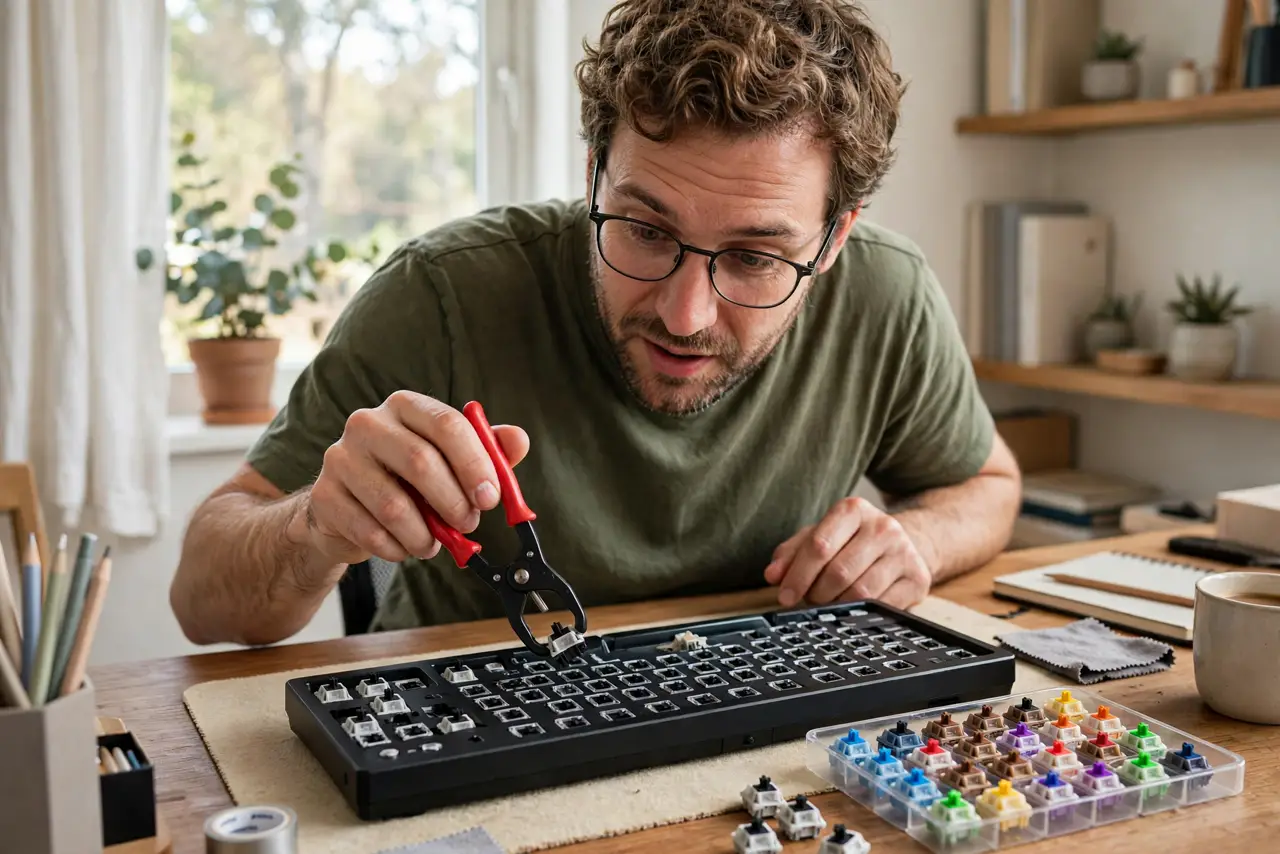
- Pull and push carefully. Use the included puller, grip the switch, pull straight up — no wiggling. Push the new switch straight down until both pins seat. Bent pins are the classic beginner mistake.
- Try one switch type per zone. Experiment: tactile on letters, linear on spacebar. Many enthusiasts mix — there is no rule saying all switches must match.
- Mind the compatibility. Most hot-swap boards take standard 3- or 5-pin MX-style switches. Exotic or optical switches need their own boards — check before buying.
- Lube later, maybe never. Enthusiasts lubricate switches for smoothness. Try stock first — many modern switches feel great unmodified, and lubing is a rabbit hole.
What NOT to do
- Do not yank switches at an angle. Straight up, straight down — angled pulls bend pins and damage sockets.
- Do not force a switch that resists. Check pin alignment; a bent pin forced in can ruin the socket.
- Do not buy 70 switches untested. The sampler pack exists for this reason — feel first, commit later.
- Do not expect hot-swap to fix a bad board. Switch feel matters, but stabilizers, case, and keycaps shape the sound and feel too.
Frequently asked questions
Can hot-swap damage the keyboard?
Not with normal care — sockets are rated for many swaps. Angled yanks and forced pins are what cause damage.
Do I need to solder anything?
No — that is the entire point of hot-swap. Soldered boards are cheaper but permanent.
Which switch type should I try first?
Tactile for most typists — the bump guides your fingers. Linear for gaming, clicky if you love noise and your household tolerates it.