Spacebar Types Twice? Fix Key Chatter
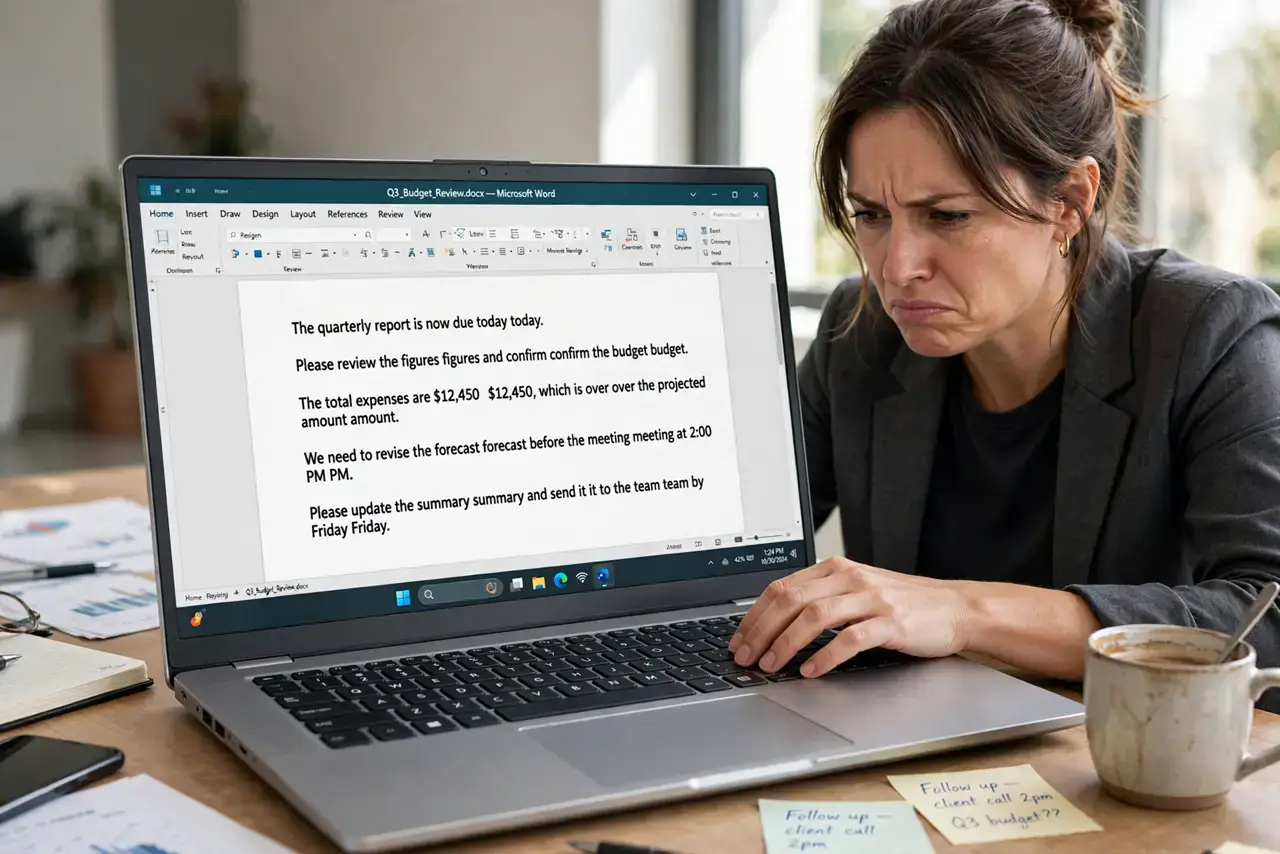
Every press of the spacebar (or E, or T) registers twice — 'hello' becomes 'hhello,' and typing feels haunted. This is called key chatter: the switch bounces and sends two signals for one press. This guide covers the software filters that mask it and the cleaning that can cure it, before you consider deeper keyboard trouble.
TL;DR / Quick Fix
Quick fix: turn on your system's key-repeat filter — Windows 'Filter Keys' with bounce settings, Mac 'Slow Keys' in Accessibility. Set the acceptance delay to around 200-300ms and test. If filtering fixes it, the switch is worn but usable; persistent chatter means the key needs cleaning.
Follow these steps
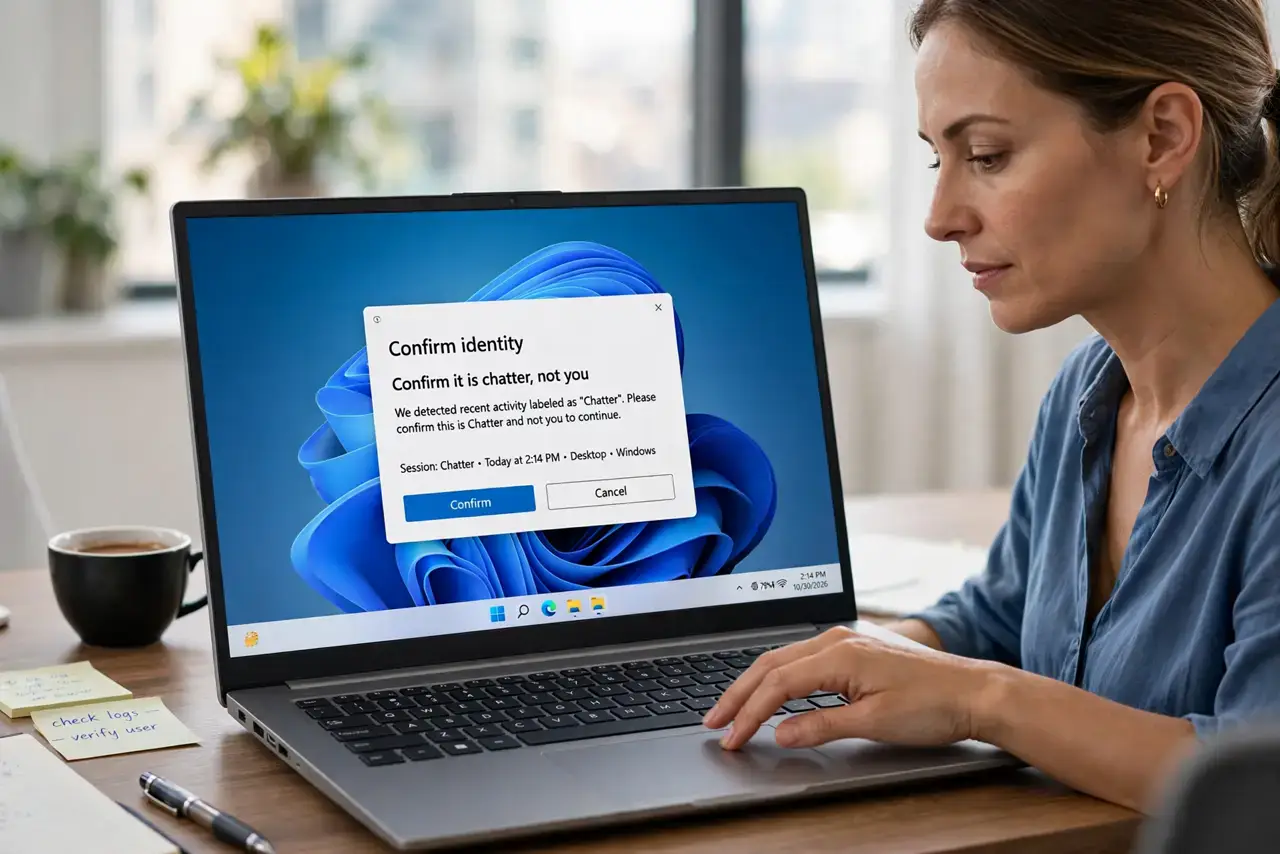
- Confirm it is chatter, not you. Type slowly and deliberately in a text editor. If doubles appear even on slow, careful presses, it is the switch bouncing — not your technique.
- Enable the bounce filter. On Windows open Settings, Accessibility, Keyboard, and turn on Filter Keys with bounce keys set to 0.3 seconds. On Mac use Accessibility, Keyboard, Slow Keys.
- Tune the delay. Start at 300ms and lower it until doubles disappear but fast typing still feels responsive. The sweet spot is personal — test with real sentences.
- Clean under the key. Pop the keycap gently (laptop keys need care) and blow out dust and crumbs with compressed air. Debris under the switch is a top cause of chatter.
- Test with an external keyboard. Plug in a USB keyboard. If the external types cleanly, the laptop's switch is the problem; if both chatter, it is software.
- Replace the switch or keyboard. For mechanical keyboards, swap the single faulty switch. For laptops, a single-key repair is rarely economical — a USB keyboard is the pragmatic fix.
What NOT to do
- Do not crank the filter delay to maximum. A 1-second delay stops chatter but makes normal typing feel broken — tune, do not max out.
- Do not spray liquid cleaner into the keyboard. Liquids and laptop keyboards are enemies; use dry compressed air only.
- Do not rip laptop keycaps off forcefully. Laptop scissor mechanisms break easily — gentle prying or professional help only.
- Do not assume it is a virus. Double characters are a hardware or accessibility-setting issue essentially every time, not malware.
Frequently asked questions
What causes key chatter?
Worn or dirty switch contacts bounce instead of making one clean connection, so the computer receives two press signals for one physical press.
Will the filter slow my typing?
Only if set too aggressively. A well-tuned 200-300ms bounce filter is invisible during normal typing.
Is chatter a sign the keyboard is dying?
Often it is just one worn switch or debris. A single bad key does not condemn the whole keyboard.