Laptop Dies on Battery but Fine Plugged In?
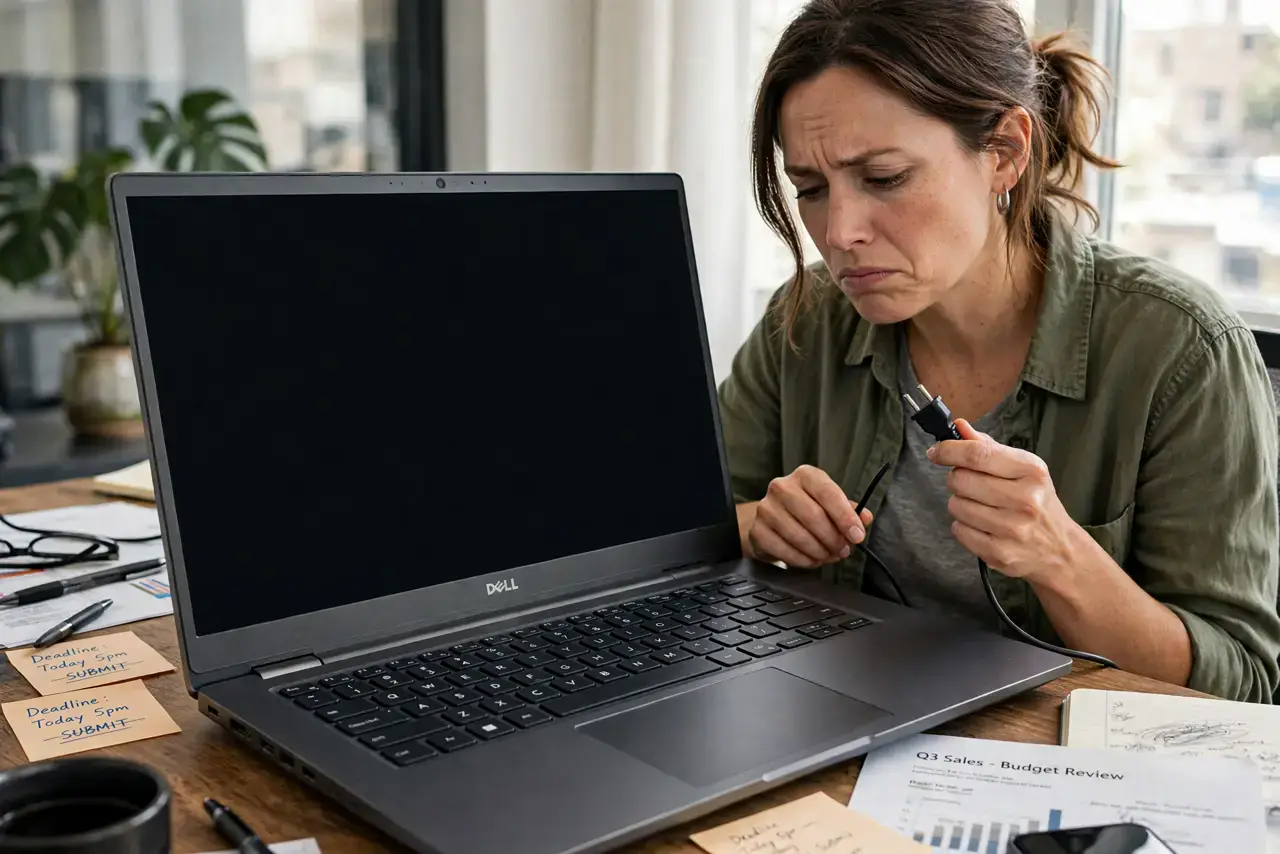
Your laptop runs perfectly on the charger but dies the moment you unplug it — or shuts off at 30% as if the battery were empty. This almost always means a worn-out battery that can no longer hold a charge, though a bad battery sensor can fake the same symptom. This guide helps you tell the difference before you spend money.
TL;DR / Quick Fix
Quick fix: check your battery health report — on Windows run powercfg /batteryreport, on Mac check System Settings for battery condition. If health is under 70% or the report shows huge wear, the battery needs replacing. If health looks fine but shutdowns persist, recalibrate by charging fully, then draining completely.
Follow these steps
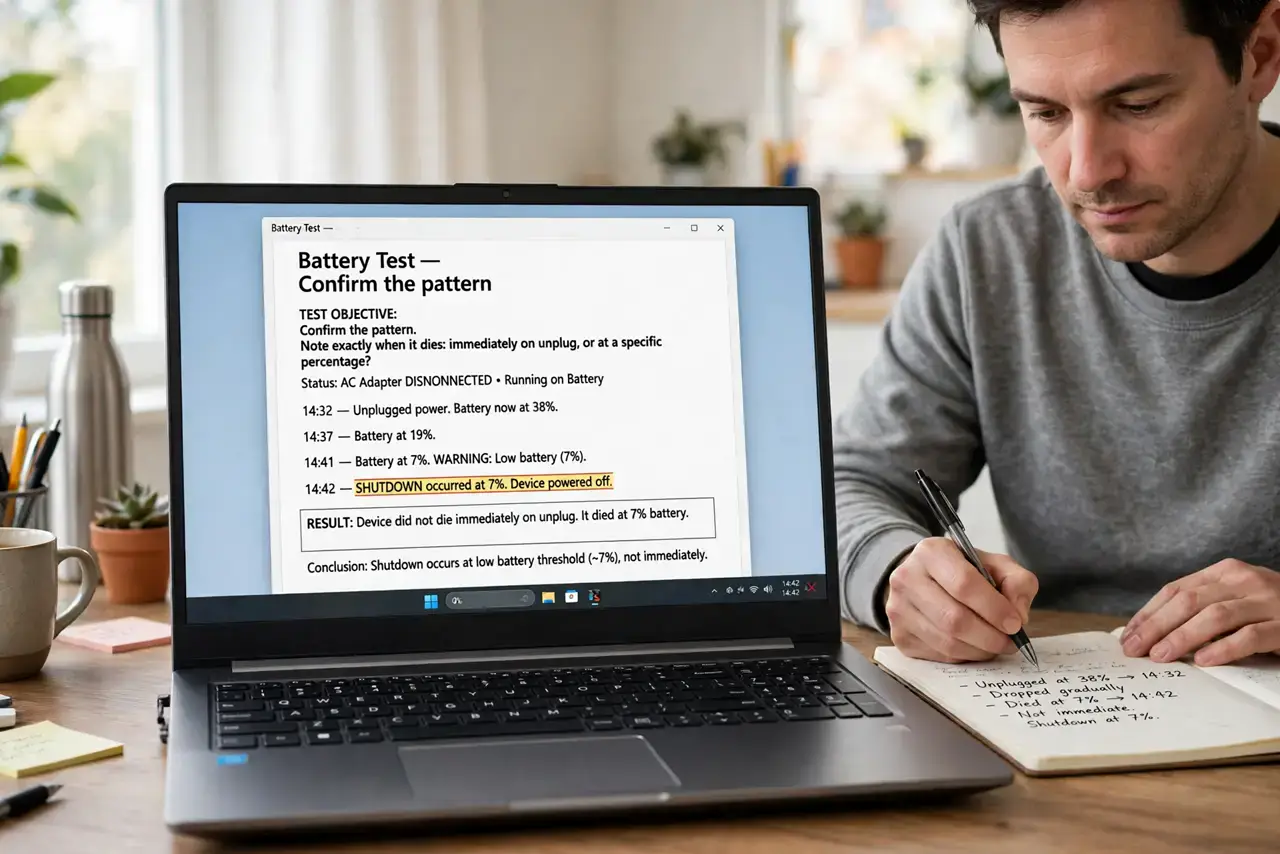
- Confirm the pattern. Note exactly when it dies: immediately on unplug, or at a specific percentage? Instant death means a dead battery; shutdowns at 20-30% suggest a miscalibrated sensor.
- Generate a battery health report. On Windows, open Command Prompt and run powercfg /batteryreport, then open the HTML file it creates. On Mac, check battery condition in System Settings under Battery.
- Read the wear level. Compare design capacity to full charge capacity. Below 70% means the battery is genuinely worn out — no setting will bring it back.
- Recalibrate a suspicious sensor. Charge to 100%, unplug and use until it dies, then charge uninterrupted to 100%. This teaches the sensor the battery's true limits and can fix early shutdowns.
- Check for swelling. A swollen battery pushes against the trackpad or case. If you see bulging, stop using it and follow battery swelling safety — this is urgent.
- Replace through the right channel. If the battery is removable, buy the exact model from a reputable seller. If sealed, get a quote from the manufacturer or a trusted shop — and check warranty first.
What NOT to do
- Do not buy a replacement before checking the health report. A miscalibrated sensor mimics a dead battery, and calibration is free.
- Do not keep using a swollen battery. Swelling means gas buildup inside, and puncturing it can cause fire — treat it as hazardous.
- Do not use cheap no-name batteries. Poor-quality cells can damage the laptop or swell dangerously; buy from reputable sources only.
- Do not ignore the charger as a suspect. A weak charger can undercharge the battery so it dies fast — test with the original adapter before blaming the battery.
Frequently asked questions
Why does my laptop die at 30%?
The battery sensor has lost track of the true charge level. A full calibration cycle usually fixes it; if not, the cells are worn.
Can I just use it plugged in forever?
You can, but a dead battery can swell over time and some laptops throttle performance without a healthy battery attached.
How long should a laptop battery last?
Typically 2-4 years or 500-1000 charge cycles before capacity drops noticeably. Heavy heat and constant 100% charging wear it faster.