Fan Loud Only While Charging? Why
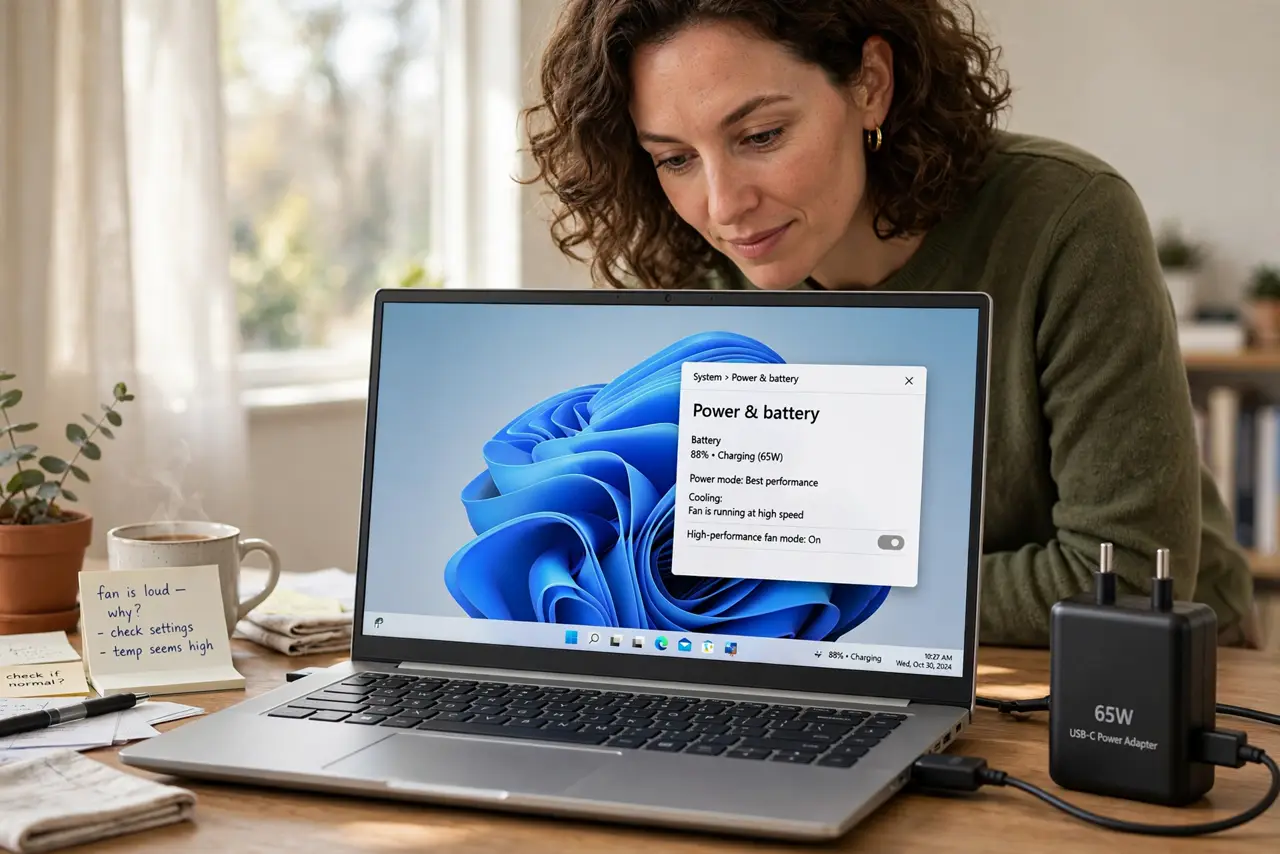
Your laptop is quiet on battery but the fan screams the moment you plug in the charger. Charging adds heat — both from the battery and from the extra performance the charger unlocks — and the fan is doing its job. This guide tells you when it is normal and when it is not.
TL;DR / Quick Fix
Quick fix: this is often normal — charging generates heat and unlocks full performance, so the fan works harder. Make sure the vents are clear and the laptop sits on a hard surface. If the fan is loud while charging with nothing running, check for background processes and [[dust buildup|computer-overheats-after-dust-build-up]].
Follow these steps
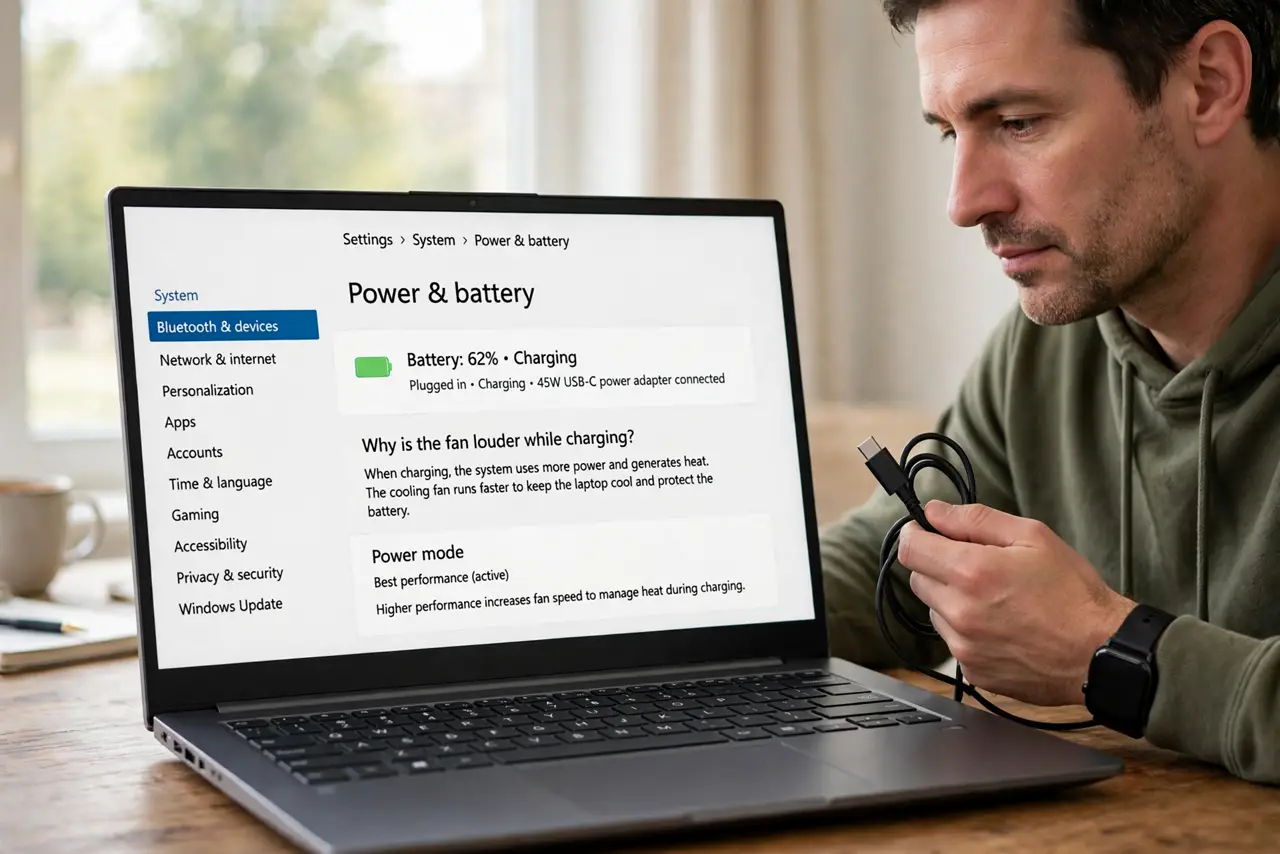
- Understand why charging is louder. Plugged in, the laptop charges the battery — which generates heat — and often runs at full speed instead of power-saving mode. More heat plus more speed equals more fan.
- Clear the vents and lift the laptop. Make sure intake and exhaust vents are unblocked and the laptop sits on a hard flat surface. A cooling pad helps if you charge on a desk all day.
- Check what is running while charging. Open the task manager during a loud charging session. Backups, updates, and cloud syncs often schedule themselves for when the charger connects — and they hammer the CPU.
- Feel the charger and the heat. A charger working hard gets warm, which is normal. But if the laptop is painfully hot while idle and charging, the battery or cooling needs attention.
- Clean dust from the vents. Blow dust out of the vents with short bursts of compressed air. Dust plus charging heat is the combination that turns a working fan into a screaming one.
- Watch for battery swelling signs. If the trackpad feels raised or the case does not sit flat, stop and check for a swelling battery. A swelling battery plus heat is a safety issue, not a noise issue.
What NOT to do
- Do not block the vents while charging. Charging on a bed or couch traps the extra heat and forces the fan to maximum.
- Do not ignore a fan that is suddenly much louder than before. A gradual change is aging; a sudden change is a new problem.
- Do not use the wrong wattage charger. An underpowered charger strains itself and the laptop's power circuitry, adding heat for no benefit.
- Do not assume the fan is broken because it runs while charging. A fan responding to real heat is healthy — silence during overheating would be the real problem.
Frequently asked questions
Is it normal for the fan to be loud while charging?
Often yes. Charging adds heat and unlocks full performance, so the fan legitimately works harder on AC power than on battery.
Why is my laptop hot when charging but idle?
Background tasks often run on AC power — updates, backups, indexing. Check the task manager during the next loud session.
Should I unplug to keep it quiet?
No need — just give it airflow and a hard surface. If it is still roaring while truly idle, investigate dust or the battery.