Laptop Hinge Creaks? Stop It Getting Worse
A creaking laptop hinge is the sound of a joint under strain, often from opening the lid one-handed or from loose screws. A creak today can become a broken hinge or a damaged screen cable tomorrow, so change how you open the lid and check the screws now. A lid that will not sit flat needs the lid not closing flat checks, which cover warping and obstructions.
TL;DR / Quick Fix
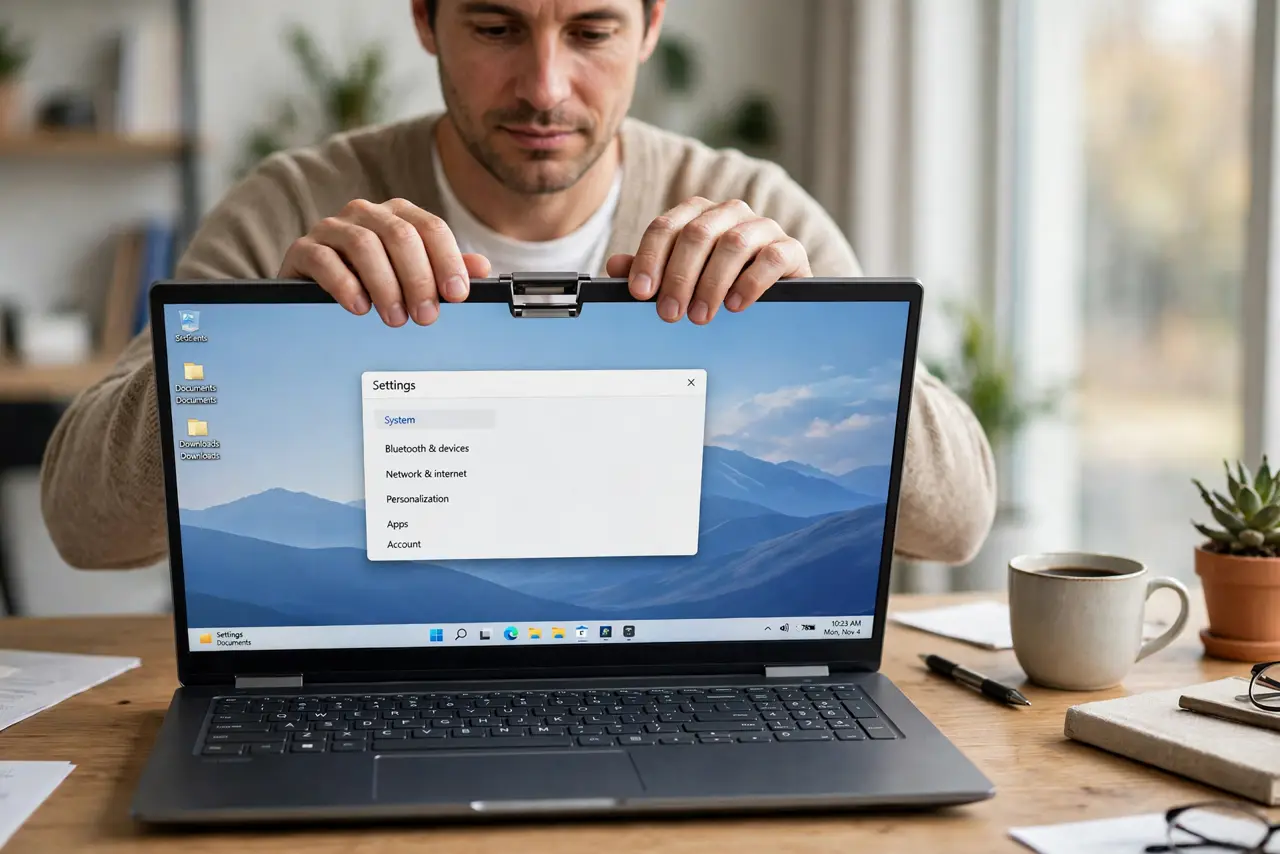
Quick fix: Open the lid from the center, with both hands. Tighten only the screws you can see and reach. Then work through the remaining steps in order, checking one change at a time, and stop for a technician if you see damage, swelling, or a burning smell.
Follow these steps
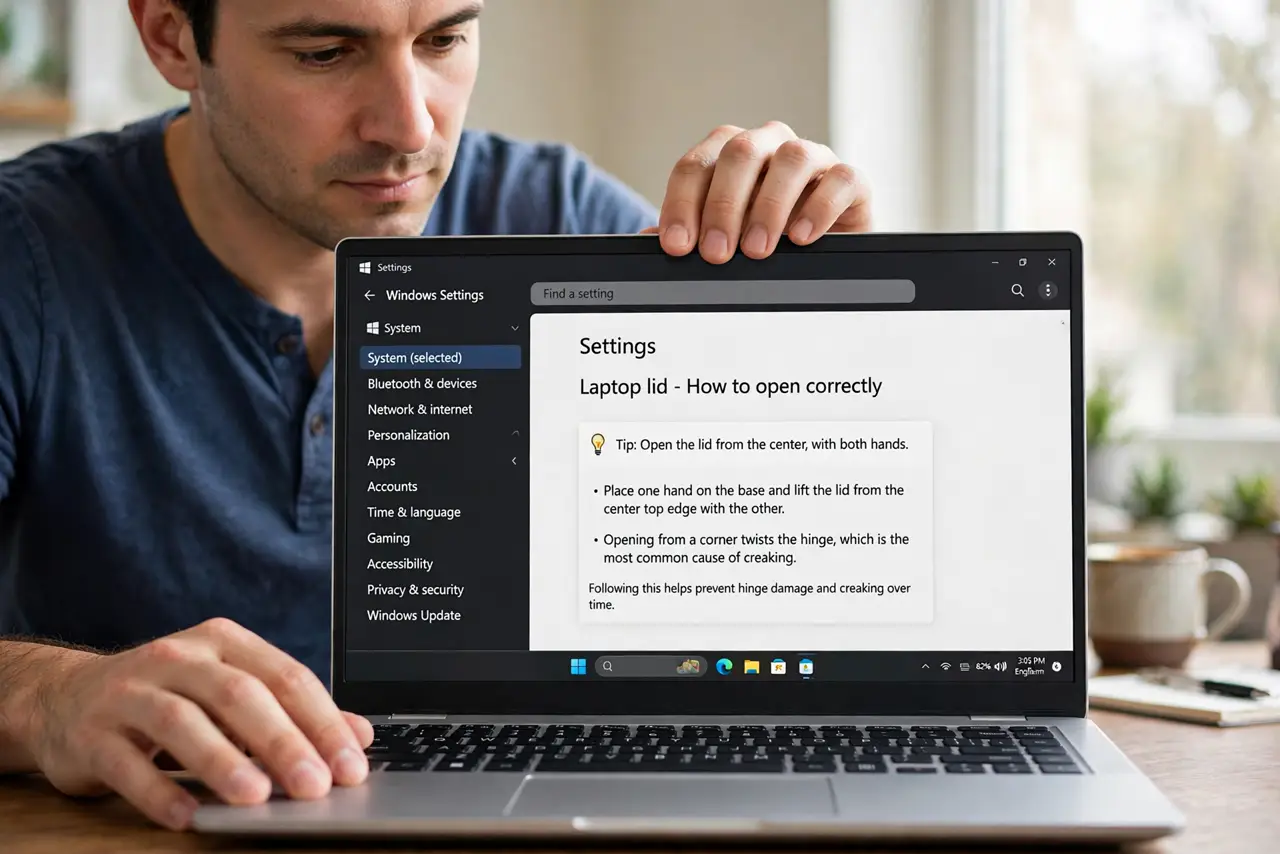
- Open the lid from the center, with both hands. Place one hand on the base and lift the lid from the center top edge with the other. Opening from a corner twists the hinge, which is the most common cause of creaking.
- Tighten only the screws you can see and reach. Check the visible hinge screws on the bottom panel and tighten any that are loose, using the right screwdriver size. Do not remove panels or force screws that do not turn.
- Check for a swollen battery pushing the case. Look at the bottom panel and keyboard area for bulging, and check whether the laptop rocks on a flat desk. A swollen battery pushes the case out of shape and strains hinges, so stop and book a repair if you see bulging.
- Keep the lid angle in the normal range. Do not push the lid past its normal open angle or lean on it while open. Hinges are built for a set range, and forcing past it bends the joint.
- Reduce how often you open and close the lid. If you use the laptop at a desk all day, leave the lid open or use sleep instead of closing it between every task. Fewer open-close cycles mean less hinge wear.
- Book a hinge repair while it only creaks. If creaking continues after correct opening and screw checks, book a repair before the hinge breaks or the screen cable frays. A creak-stage repair is usually simpler than a broken-hinge repair.
What NOT to do
- Do not open a laptop lid one-handed from a corner. Corner lifting twists one hinge at a time, and that twist is what creaks and eventually breaks.
- Do not oil a laptop hinge with household oil. Oil can seep into the screen, keyboard, and cables, and it does not fix a loose or strained hinge.
- Do not force a stiff hinge open. A hinge that resists may have a damaged mount, and forcing it can break the lid or the base.
- Do not ignore a creak that comes with a bulging case. A swollen battery is a safety issue, so stop using the laptop and book a repair at once.
Frequently asked questions
Is a creaking hinge dangerous?
A creak alone is a warning, not an emergency, unless the case bulges or the screen flickers. Those signs mean a battery or cable problem, so book a repair promptly.
Can tightening screws fix a creak?
Sometimes, if a screw worked loose. If screws are tight and the creak continues, the hinge joint itself is worn and needs a repair.
Why does opening from the center help?
Center lifting spreads the force evenly across both hinges. Corner lifting loads one hinge alone, which wears and creaks faster.