Laptop Trackpad Button Sticks? Fix It
A trackpad button that sticks down or will not click cleanly is usually caught by debris at its edge, a swollen battery pressing from below, or a worn button mechanism. The edge clean is safe to try, but swelling changes everything: stop and book a repair if the case bulges. A keyboard key that sticks needs the sticky key steps, which cover spill residue specifically.
TL;DR / Quick Fix
Quick fix: Check whether the button sticks down or just feels odd. Clean the button edge gently. Then work through the remaining steps in order, checking one change at a time, and stop for a technician if you see damage, swelling, or a burning smell.
Follow these steps
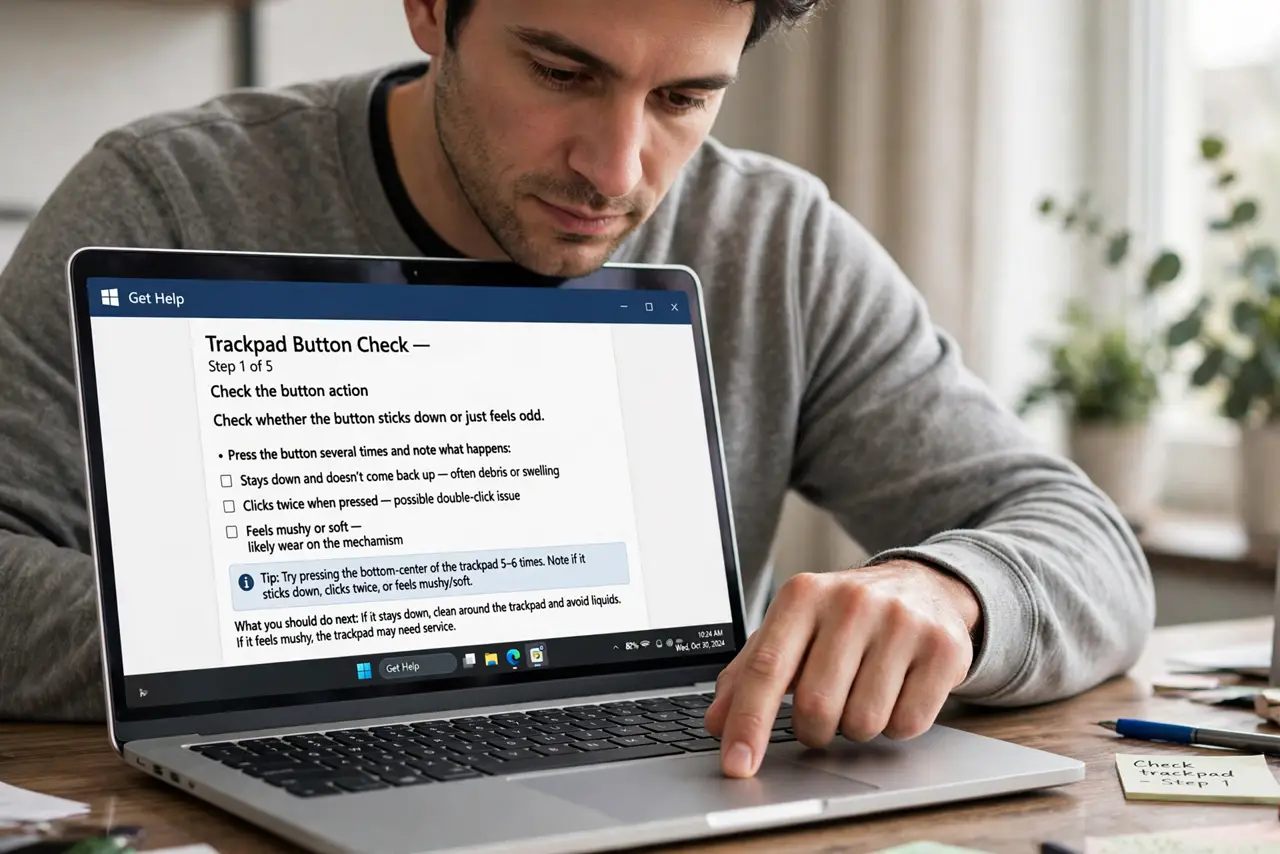
- Check whether the button sticks down or just feels odd. Press the button several times and note whether it stays down, clicks twice, or feels mushy. Staying down points to debris or swelling, while a mushy feel points to wear.
- Clean the button edge gently. With the laptop off, use a soft dry cloth around the button edge, and a short burst of compressed air held upright to clear dust. Do not push debris further under the button.
- Check the case for bulging around the trackpad. Look at the palm rest and bottom panel for bulging, and check whether the laptop rocks on a flat desk. A swollen battery presses the trackpad up from below, so stop and book a repair if you see bulging.
- Test with an external mouse. Plug in a USB mouse or connect a wireless mouse and use it for a day. If work flows fine with a mouse, the fault is the trackpad button, not the whole laptop, and you can wait calmly for a repair.
- Check trackpad settings for a stuck click. In mouse and trackpad settings, check tap-to-click and button settings. A setting that holds a click, such as click-lock, can feel exactly like a sticking button.
- Book a button repair if cleaning does not help. If the button still sticks after a gentle clean and settings check, book a trackpad repair. The button mechanism sits under the palm rest, and opening it yourself risks cables and the battery.
What NOT to do
- Do not pry the trackpad button up with a tool. Prying breaks the button mechanism and can damage the trackpad cable underneath.
- Do not pour cleaner or water on the trackpad. Liquid seeps under the button and can damage the trackpad and the battery below it.
- Do not keep pressing a stuck button hard. Hard presses wear the mechanism further and can break the button or the palm rest.
- Do not ignore a bulging palm rest. A swollen battery is a safety issue, so stop using the laptop and book a repair at once.
Frequently asked questions
Why does my trackpad button stick after a spill?
Spill residue dries around the button edge and glues it. Gentle edge cleaning may help, but residue under the button needs a technician clean.
Can a setting make a button feel stuck?
Yes. Click-lock and similar settings hold a click after one press, which feels like a sticking button until you turn the setting off.
Is a sticking trackpad button urgent?
Only if the case bulges or the button stays pressed and clicks by itself. Otherwise use an external mouse and book a repair when convenient.