Limit App Tracking
Apps quietly follow you across other apps and websites, building a shared picture of your behavior for advertisers — that is cross-app tracking, and it is why an ad in one app seems to know what you did in another. Apple gave iPhone users a real switch for this. Here is what it does, where it lives, and what it cannot do.
TL;DR / Quick Fix
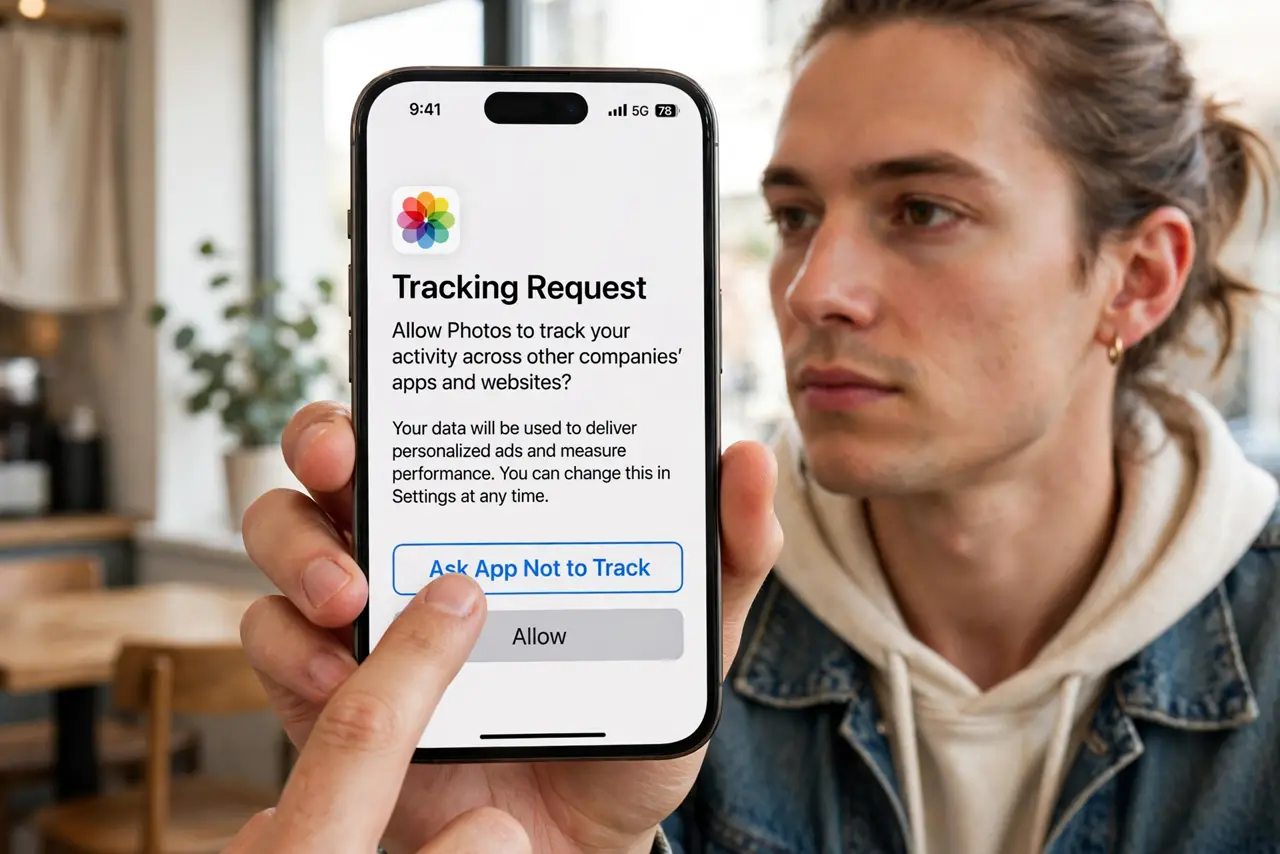
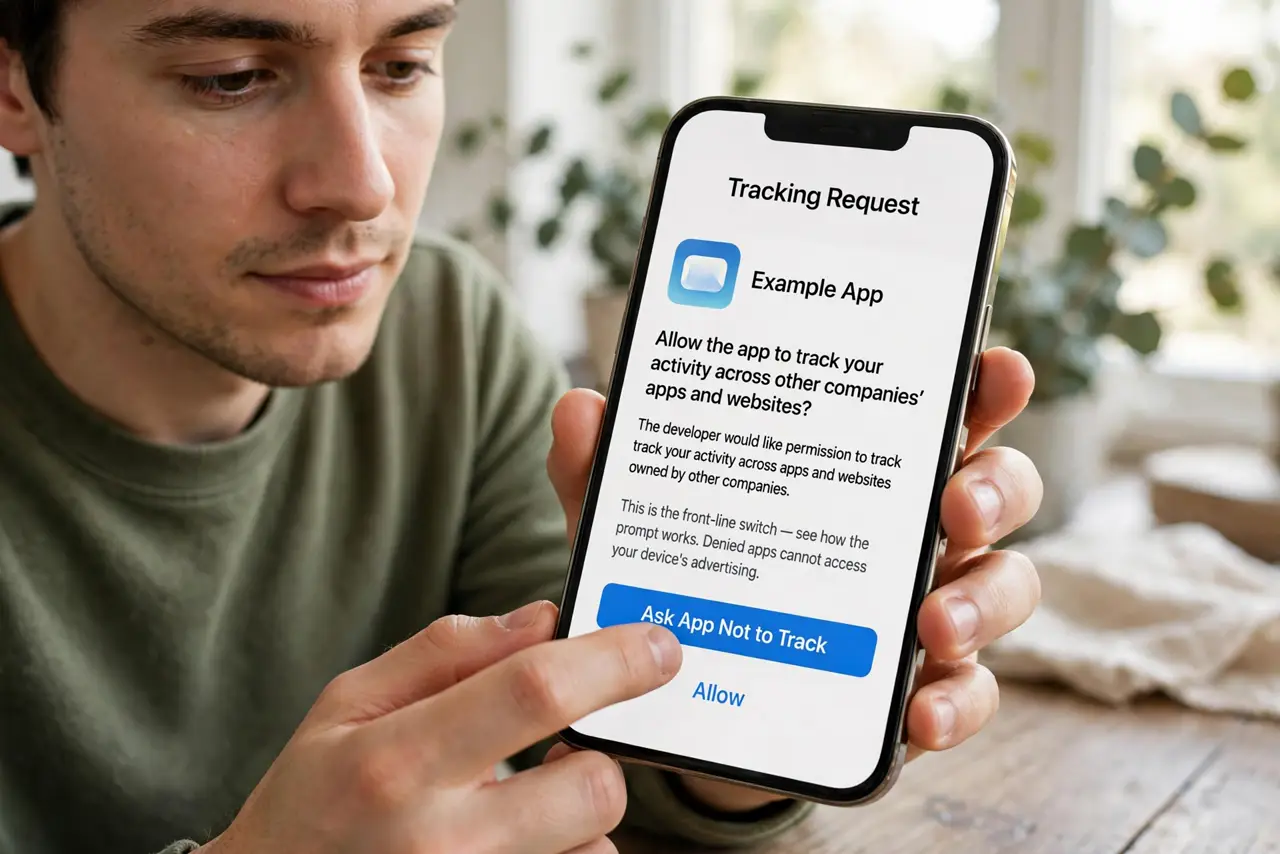
Quick fix: when an app asks to track you, tap Ask App Not to Track — that prompt is the main switch. To review decisions, go to Settings, Privacy and Security, Tracking, and toggle off any app you allowed. Check your app privacy report to see which apps phone home.
Follow these steps
- Answer the tracking prompt with 'Ask App Not to Track'. This is the front-line switch — see how the prompt works. Denied apps cannot access your device's advertising identifier to link your activity across other companies' apps.
- Audit past permissions in Settings. Go to Settings, Privacy and Security, Tracking. Every app you ever allowed is listed — toggle off the ones you do not trust with cross-app data. Most people are surprised by the list.
- Understand what 'not tracking' actually blocks. It blocks the shared identifier and cross-company linking. The app still knows what you do inside itself — it just cannot pool that with other companies' data about you.
- Watch the App Privacy Report. Your iPhone logs which apps contact which trackers. A weekly glance at the privacy report shows who is chattiest and deserves a settings review.
- Pair it with ad personalization off. Tracking limits data sharing; turning off ad personalization limits how the remaining data targets you. The two switches together are the meaningful combo.
- Do not expect the apps to get worse. Denied apps work normally — they just cannot follow you elsewhere. Anyone claiming features break without tracking is bluffing; the app's own data still works fine.
What to avoid
- Do not tap 'Allow' out of habit. The prompt defaults to nothing — take the second to choose, because the default choice most people make is the lazy one.
- Do not assume this stops all data collection. First-party data (what you do inside the app) is untouched — this is about cross-app linking, not a invisibility cloak.
- Do not forget Safari tracking prevention is separate. The app switch and the browser's tracking prevention are different systems — check both.
- Do not pay for apps claiming to 'block all tracking'. The OS-level switch is free and stronger than anything an app can add on top.
Frequently asked questions
Does this break apps or features?
No. Apps function identically; they only lose the ability to link your activity with other companies. Login, purchases, and content all work as before.
Why do I still see personalized ads?
The app can still personalize from its own data, and contextual ads match content rather than you. Full ad de-personalization needs the separate ad settings too.
Should I deny tracking for every app?
For apps you do not trust, yes. For apps whose business you understand and accept, allowing is a legitimate choice — the point is that it is now your choice.