Delete Your Location History? How To
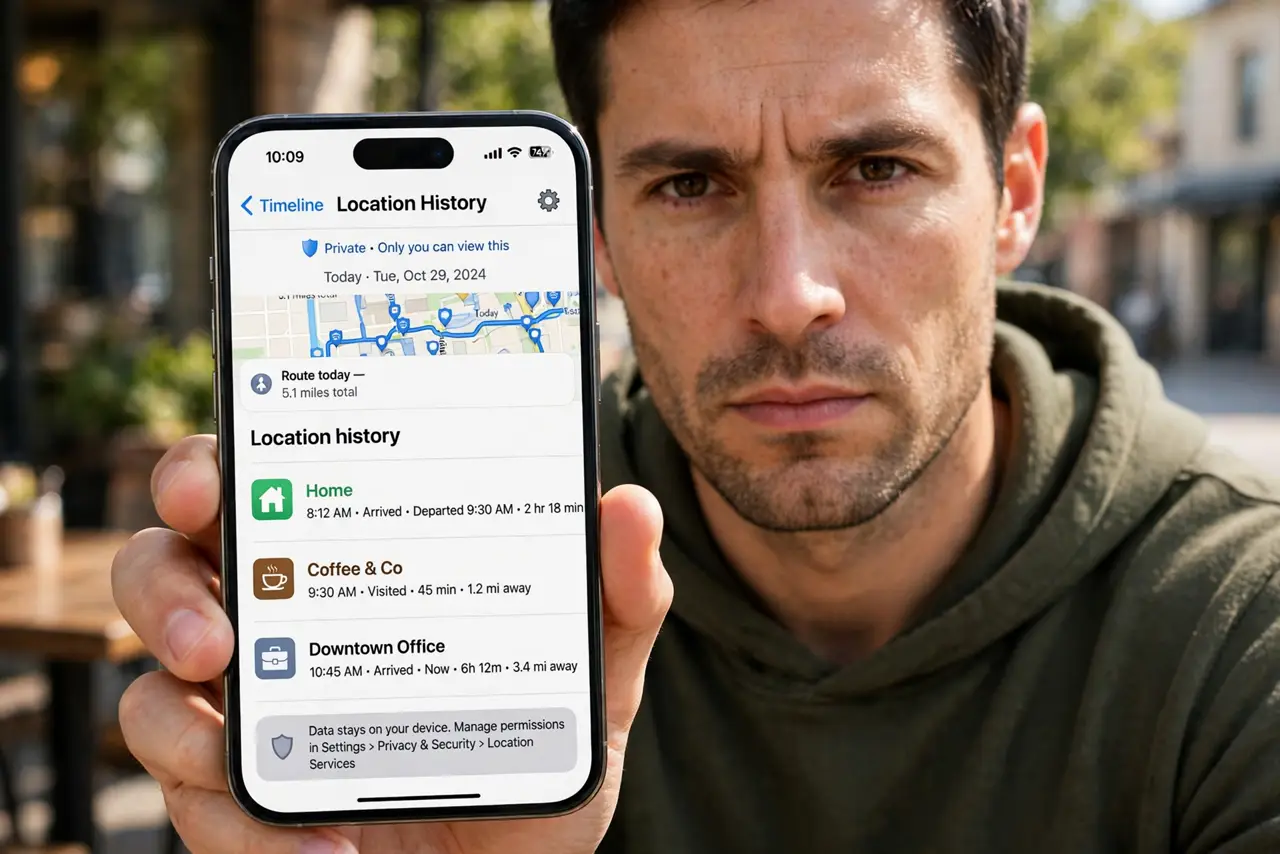
Your phone has been quietly recording everywhere you go, building a timeline of your life. Both Google and Apple keep location history, and both let you delete it. This guide shows how on each.
TL;DR / Quick Fix
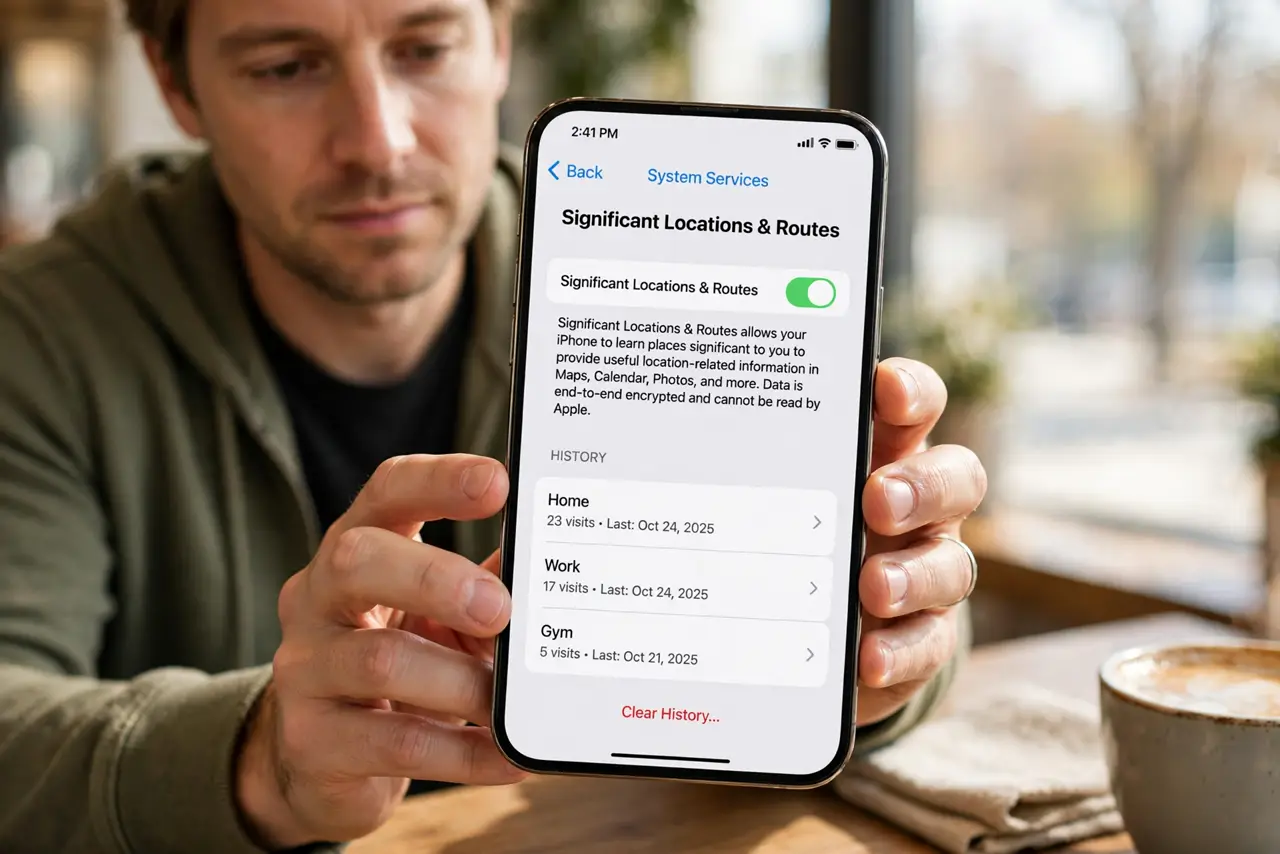
Quick fix: on iPhone go to Settings, Privacy, Location Services, System Services, Significant Locations to review and clear; on Android open Google Maps timeline settings to delete history and turn on auto-delete. Also check which apps have 'always' location access and trim them.
Follow these steps
- See what is stored. On iPhone check Significant Locations; on Android open Google Maps, tap your profile, then Your Timeline. Most people are surprised by the detail.
- Delete the history. Clear it from the same screens — all time or by date range. This wipes the stored timeline, not your ability to navigate.
- Turn on auto-delete for the future. Enable auto-delete so old locations expire automatically instead of piling up forever.
- Trim app location permissions. Go through your apps and switch anything that does not need 'Always' down to 'While using' or 'Never.' Background trackers hide in the Always list.
- Check Significant Locations on iPhone. This Apple-only log lives deep in settings and survives app deletions. Clear it separately if you want it gone.
- Decide what to keep. A short timeline helps with commute predictions and photo memories. Keep what serves you; delete the multi-year archive.
What NOT to do
- Do not confuse this with turning off GPS. Deleting history removes the stored record; your phone can still navigate fine.
- Do not forget the apps. Deleting Google's timeline does nothing about the weather app still logging your location in the background.
- Do not assume airplane mode erased anything. It only pauses new collection — the stored history stays until you delete it.
- Do not ignore 'Significant Locations' on iPhone. It is separate from Google's timeline and easy to overlook.
Frequently asked questions
Will deleting location history break navigation?
No. Maps still navigates perfectly — it just stops keeping the long-term diary of everywhere you have been.
Can I keep recent history but delete old stuff?
Yes. Auto-delete with a 3-month window is exactly that balance: recent convenience, no ancient archive.
Do apps still track me after this?
Only if you let them. Check each app's permission — 'While using the app' is enough for almost everything.