A Calendar Alert Sound Is Too Quiet on Mac
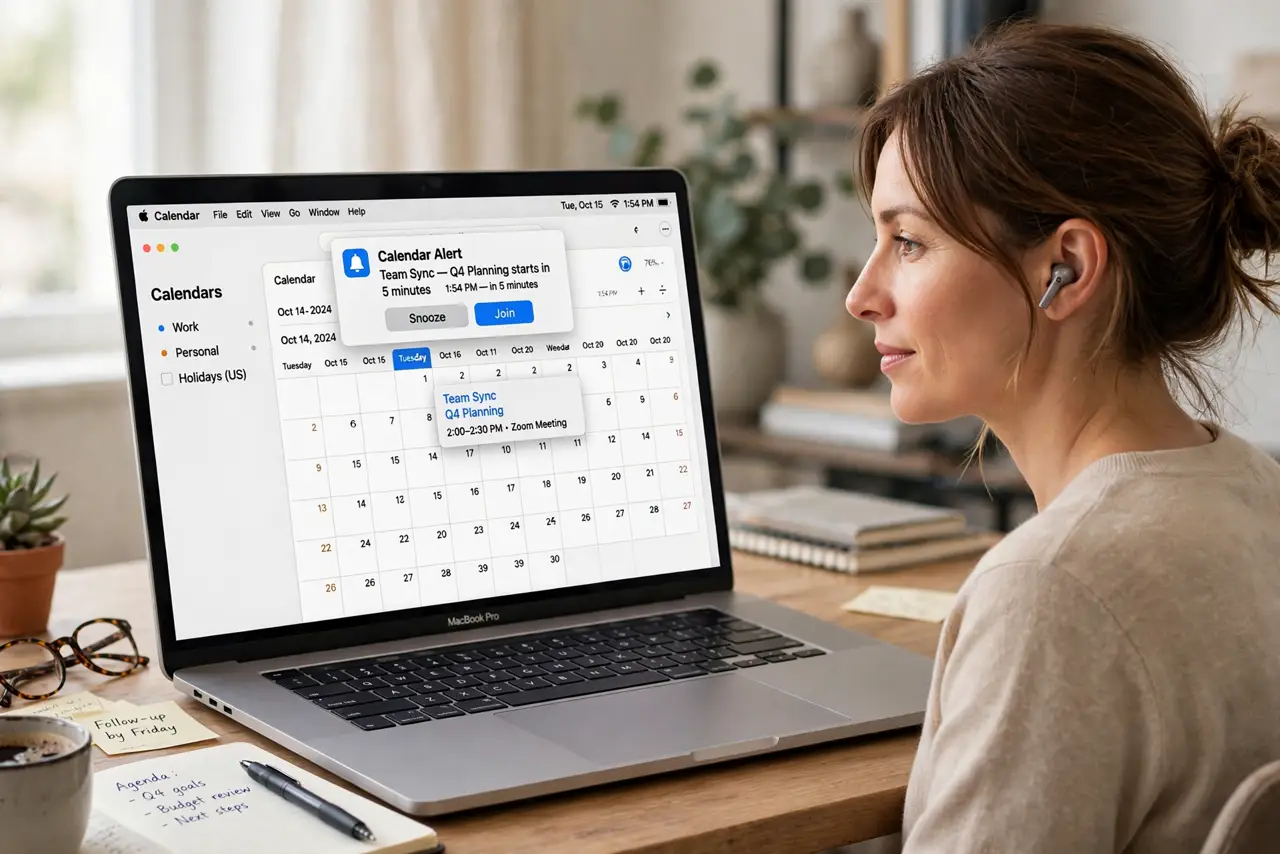
A calendar alert pops up, but its sound is so faint you miss it. The alert sound, the system volume, and a focus setting each have a say — and the quiet one is not always the volume slider.
TL;DR / Quick Fix
Quick fix: raise the system volume, open Calendar settings, and pick a louder alert sound. Then check that Do Not Disturb and Focus are off, and test the alert with an event one minute ahead and test the alert with an event one minute ahead.
Follow these steps
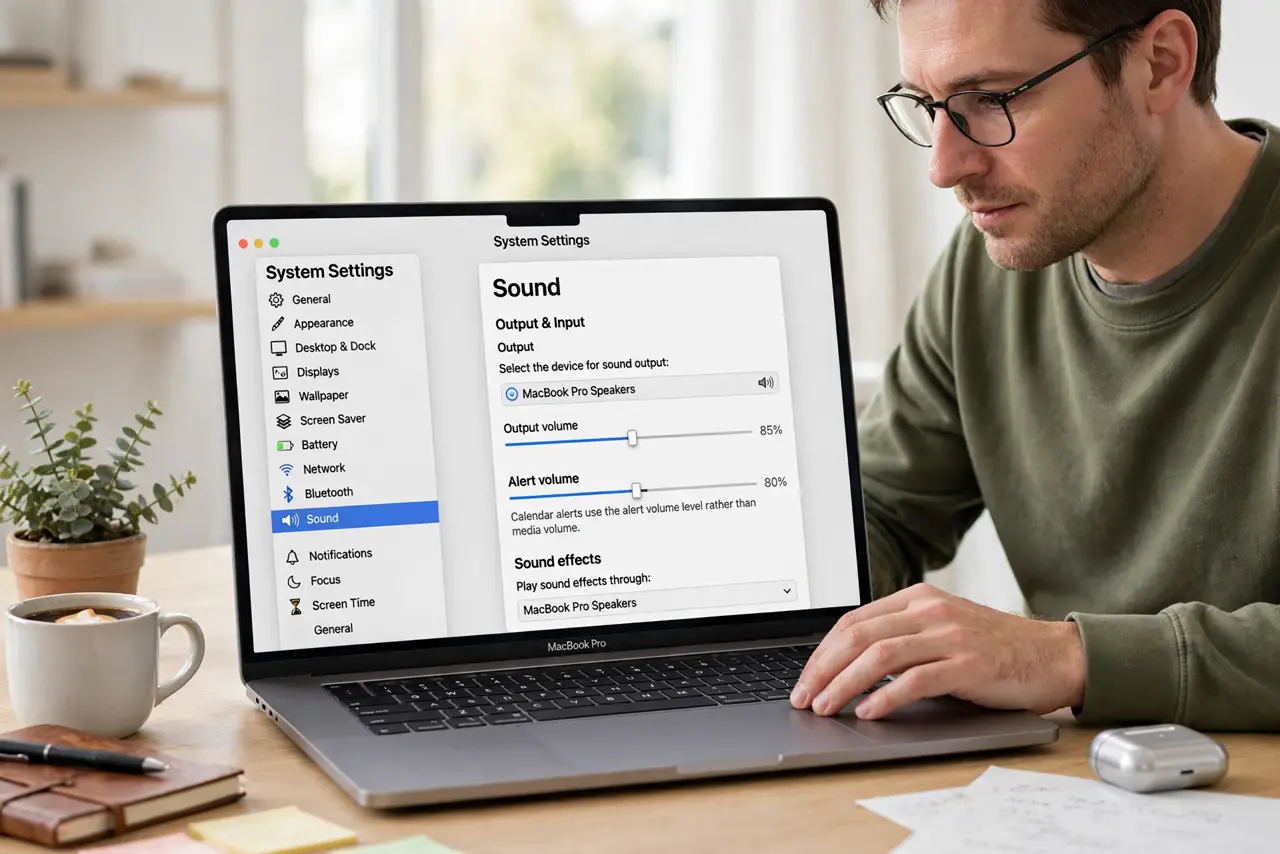
- Raise the system and alert volume. Open System Settings, then Sound, and raise the Output volume. Also check the Alert volume slider, since calendar alerts use the alert sound level rather than media volume.
- Pick a louder alert sound in Calendar. Open Calendar, then Settings, and review the alert sound choice. A soft chime is easy to miss, while a sharper tone stands out even at the same volume.
- Check Focus and Do Not Disturb. Open Control Center and confirm Focus is off. A Focus mode can silence or soften alerts, so an alert that looks right but sounds quiet may simply be suppressed.
- Test with an event one minute ahead. Create a test event starting in one minute with an alert. Hearing the real alert tells you more than any slider position, and it confirms the fix before your next real meeting.
- Check the output device. In Sound settings, confirm the output is your Mac speakers and not a quiet Bluetooth device or headphones left connected. Alerts follow the chosen output, wherever it is.
- Check per-event alert settings. Open the event itself and confirm it has an alert with sound. Some events carry a banner only, which shows silently even when every volume setting is correct.
What NOT to do
- Do not set the volume to maximum and leave it there. A louder alert sound at a sane volume beats a deafening system volume that startles you on every notification.
- Do not turn off Focus entirely if you rely on it. Add Calendar as an allowed app instead, so meetings break through while other noise stays quiet.
- Do not assume the alert sound is broken. Check the output device first, since a connected headset can swallow alerts while the speakers look fine.
- Do not edit every event to fix one quiet alert. Fix the alert sound and volume once, then confirm the test event sounds right before touching real events.
Frequently asked questions
Why is the calendar alert quieter than music?
Because alerts use the alert sound level and the chosen alert tone, not the media volume you use for music and videos.
Can Focus silence a calendar alert?
Yes. A Focus mode can suppress alerts, so check Control Center when an alert appears silently.
What if only one event is silent?
That event may have a banner-only alert. Open the event and give it an alert with sound.