Charge Your MacBook Faster
Your MacBook is plugged in but the battery percentage crawls upward — or worse, it drains while 'charging'. Slow charging is almost always a power-delivery mismatch: a weak brick, a weak cable, or the Mac working harder than the charger can feed. Here is how to find the bottleneck and fix it.
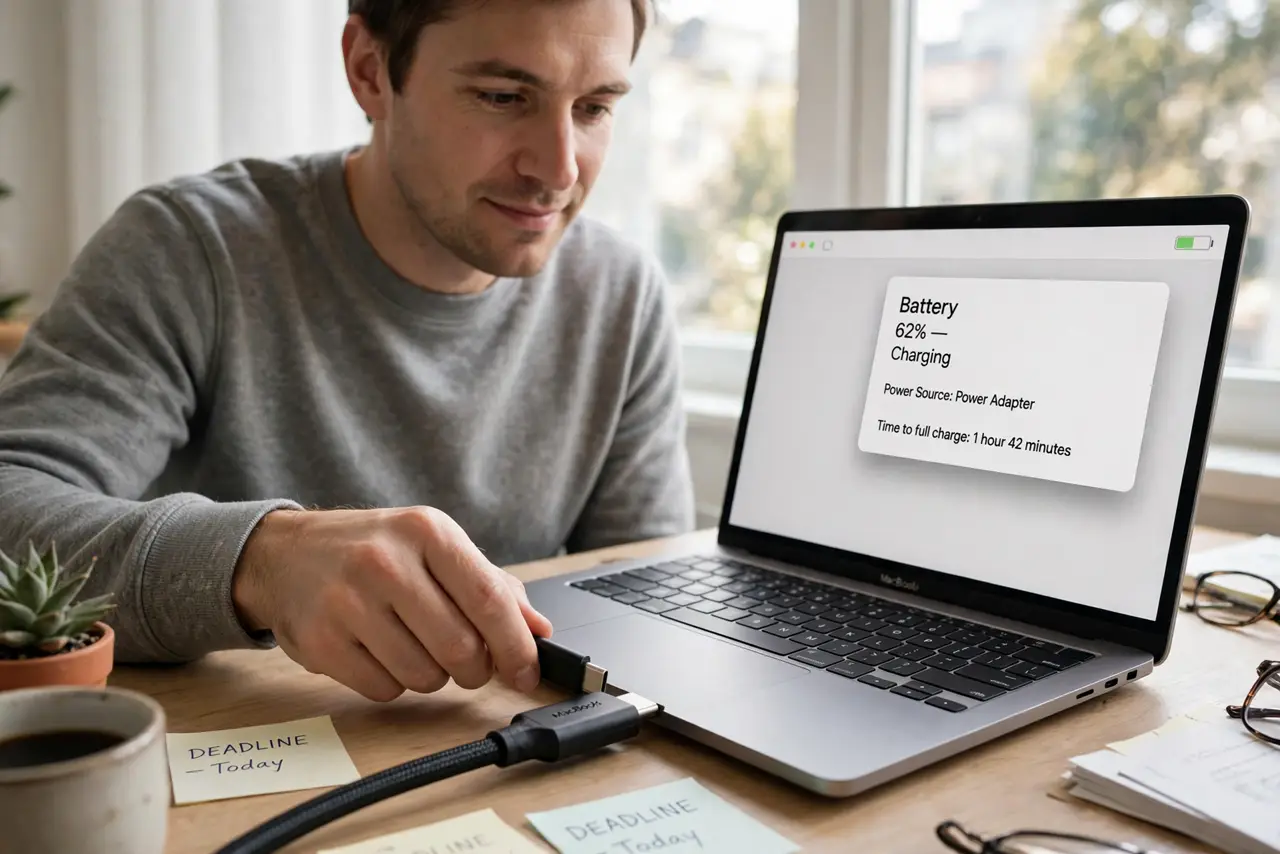
TL;DR / Quick Fix
Quick fix: slow MacBook charging is usually a weak charger or cable, not a bad battery. Use the wattage your Mac shipped with or higher, plus a cable rated for that wattage. Close heavy apps while charging, and charge with the lid closed for the fastest top-up.
Follow these steps
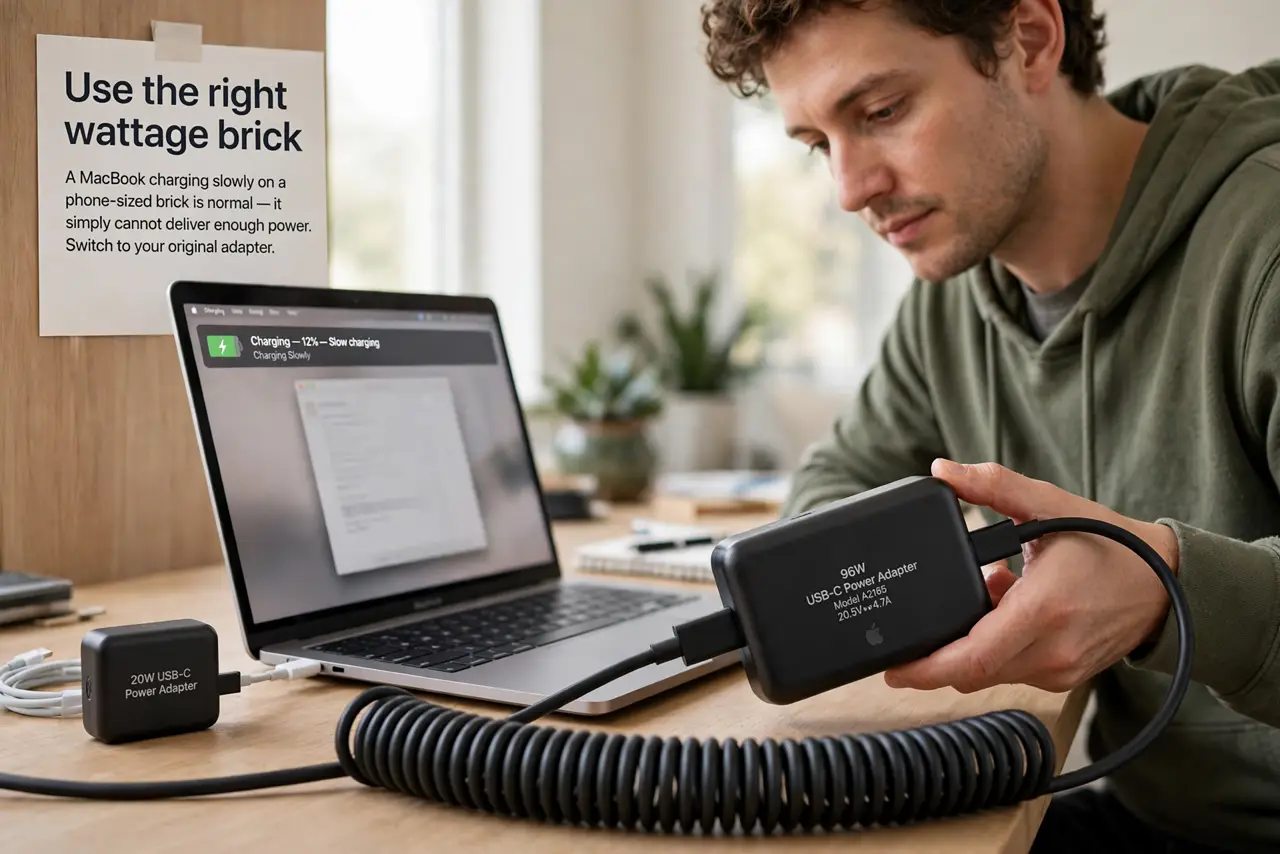
- Use the right wattage brick. A MacBook charging slowly on a phone-sized brick is normal — it simply cannot deliver enough power. Switch to your original adapter or an equivalent-wattage one and watch the speed change.
- Check the cable's rating. The cable must handle the wattage too. If you upgraded the brick but kept a thin old cable, the cable is now the bottleneck — swap in a proper USB-C cable.
- Reduce the load while charging. Video calls, games, and renders can consume nearly everything a charger delivers. Close the heaviest apps and charging speeds up immediately — the math is that simple.
- Charge with the lid closed when in a hurry. Sleeping the Mac drops power draw to almost nothing, so nearly all the charger's output goes to the battery. It is the fastest way to top up before heading out.
- Rule out a failing charger. Try a different brick and cable. If charging is suddenly normal, the old one was dying — chargers do wear out, and the symptom is exactly this slowdown. A charger that misbehaves deserves replacement, not patience.
- Check battery health in System Settings. A genuinely degraded battery charges oddly and drains fast. If health reads 'Service Recommended', no charger trick will fix it — the battery needs attention.
What to avoid
- Do not buy a bigger brick before checking the cable. Many 'slow charging' cases are cable-limited, and a new brick changes nothing.
- Do not charge on a bed or couch with vents blocked. Heat throttles charging speed — a hot Mac charges slower by design.
- Do not assume the battery is dying first. Test with a proper charger before concluding anything about battery health.
- Do not use a damaged cable that only works at an angle. Intermittent connections confuse the charging negotiation and can be unsafe — replace it.
Frequently asked questions
Why does my Mac charge slowly only sometimes?
Load is the usual variable — heavy work eats the charger's output. Heat is the other; a hot Mac deliberately slows charging to protect the battery.
Is fast charging bad for the battery?
No more than normal charging. macOS manages the rate and tapers near full; heat and age matter far more than speed.
Should I leave it plugged in all the time?
Modern macOS handles it with optimized charging and charge limits. For a desk-bound Mac, consider the charge limit option to reduce time spent at 100%.