Charger Wattage? Plain Explanation
45W, 65W, 100W — charger boxes shout numbers that most people ignore until something will not charge. Wattage is simply how fast a charger can deliver power, and matching it to your device is the whole game. Here is the plain explanation.
TL;DR / Quick Fix
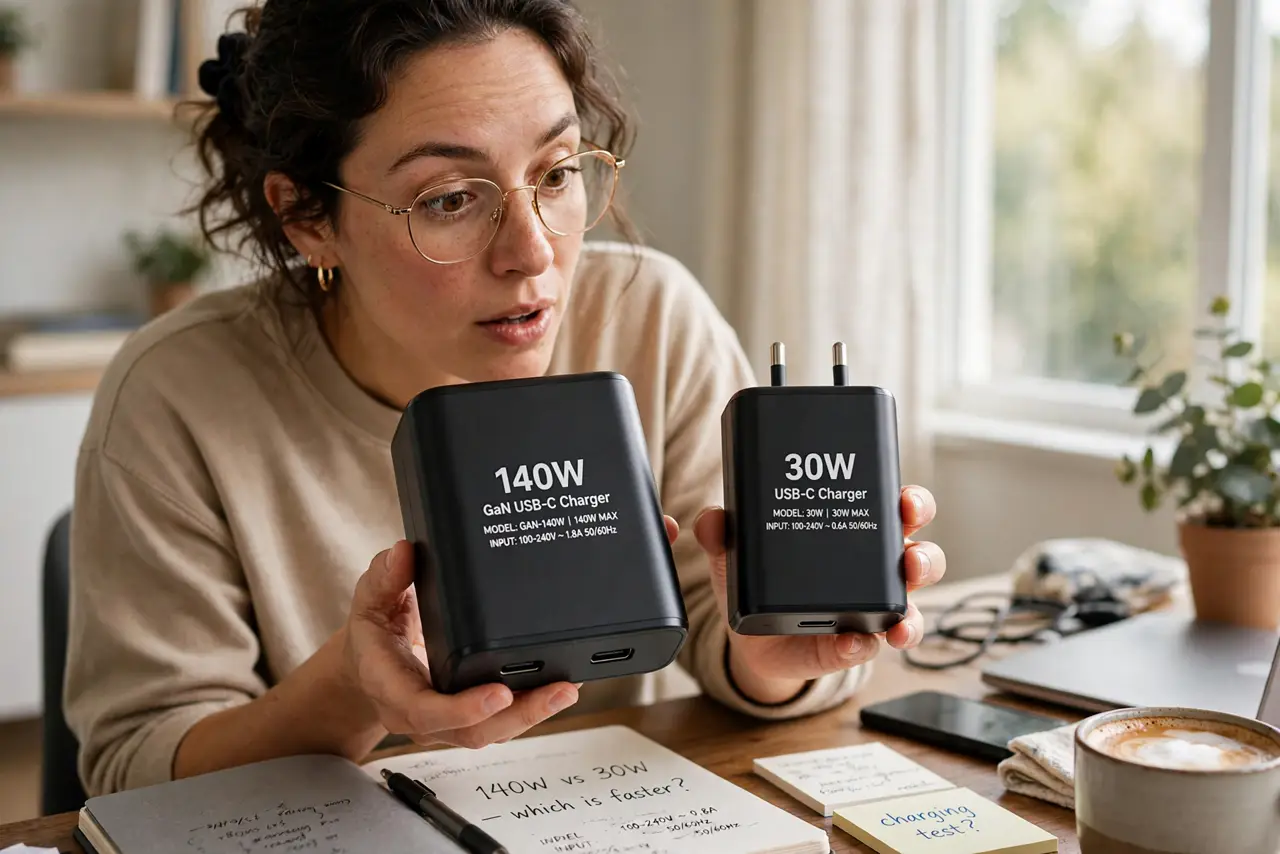
Wattage is how much power a charger delivers; your device needs at least its watts to charge properly. A lower-wattage charger causes slow or no charging, while a higher-wattage one is safe — the device only draws what it needs. Check the original charger's label and match or exceed it.
Follow these steps
- Read the original charger's label. The W number printed on the brick is your target. Photograph it before the label wears off.
- Understand the device's draw. Laptops gulp power; phones sip it. See the phone charging myths for the phone side.
- Know that higher is safe. The device limits its own draw. A 100W charger will not force 100W into a 65W laptop.
- Know that lower causes problems. Slow charging, or charging only while off — the classic underpowered symptoms.
- Watch for 'slow charger' warnings. Many laptops tell you outright when the charger is inadequate — see the Mac warning as an example.
- Match or exceed when replacing. Same watts or more, same connector. That is the entire buying rule.

What NOT to do
- Do not assume all USB-C chargers are equal. Wattage varies wildly behind the identical connector.
- Do not use a phone charger for a laptop and expect it to work. The math does not care about your optimism.
- Do not buy by physical size. Small GaN chargers can out-deliver big old bricks — see the GaN explainer.
- Do not ignore the cable. It must handle the watts too — see how to identify cable types.
Frequently asked questions
Will a 100W charger fry my 65W laptop?
No. The laptop draws only what it needs; the extra capacity simply goes unused.
Why do chargers list volts and amps too?
Watts equals volts times amps — the W figure already sums it up for buying decisions.
What is GaN?
A newer charger technology that delivers more watts from a smaller, cooler brick.