Translate Pages in Safari
You land on a page in a language you don't read — a manual, a forum thread with the exact answer you need — and Safari can translate the whole thing in place with one click. No extensions, no copy-pasting into another tab. Here is where the button lives and what to do when it doesn't appear.
TL;DR / Quick Fix
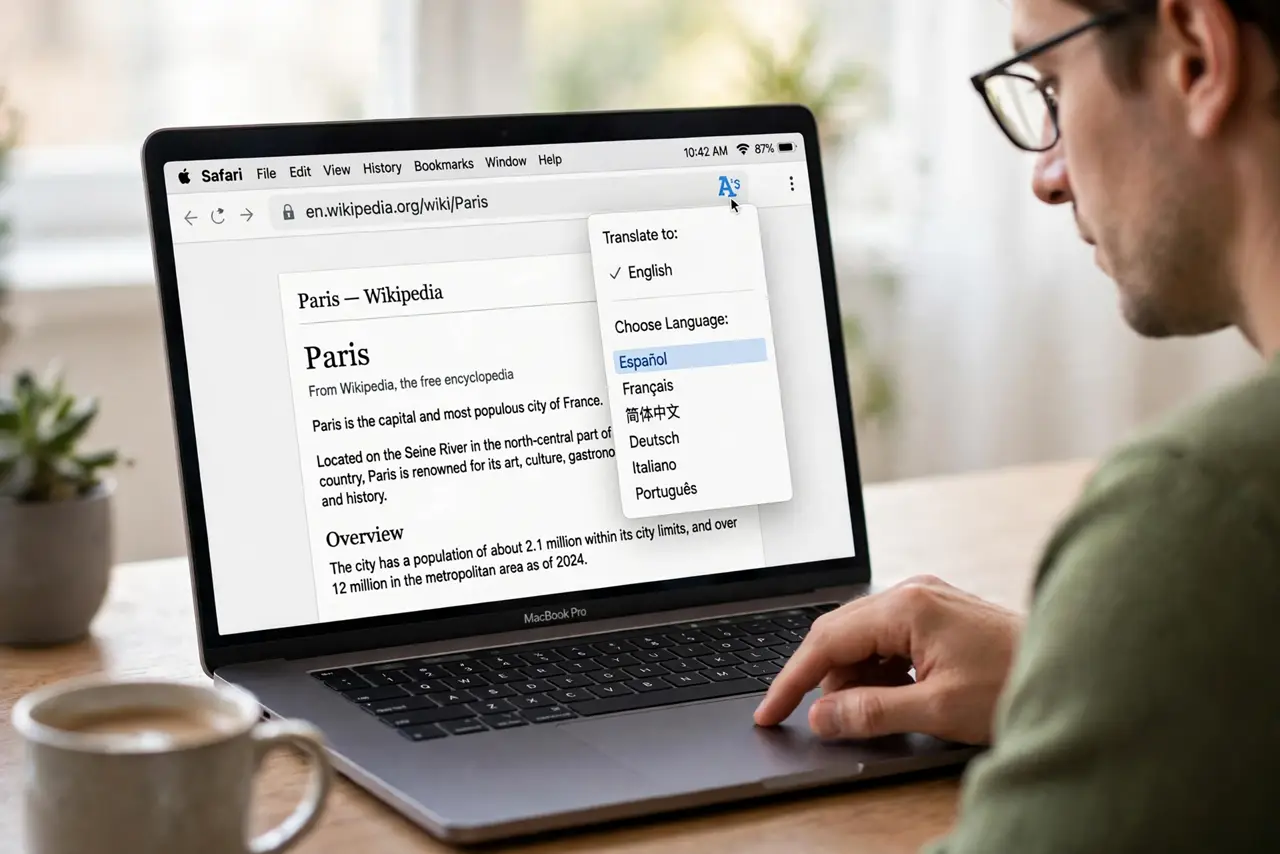
Quick fix: in Safari on Mac, click the translate icon in the address bar and choose your language — the whole page translates in place. If the icon is missing, the page may not be in a supported language. Translation happens on-device for privacy on recent macOS versions.
Follow these steps
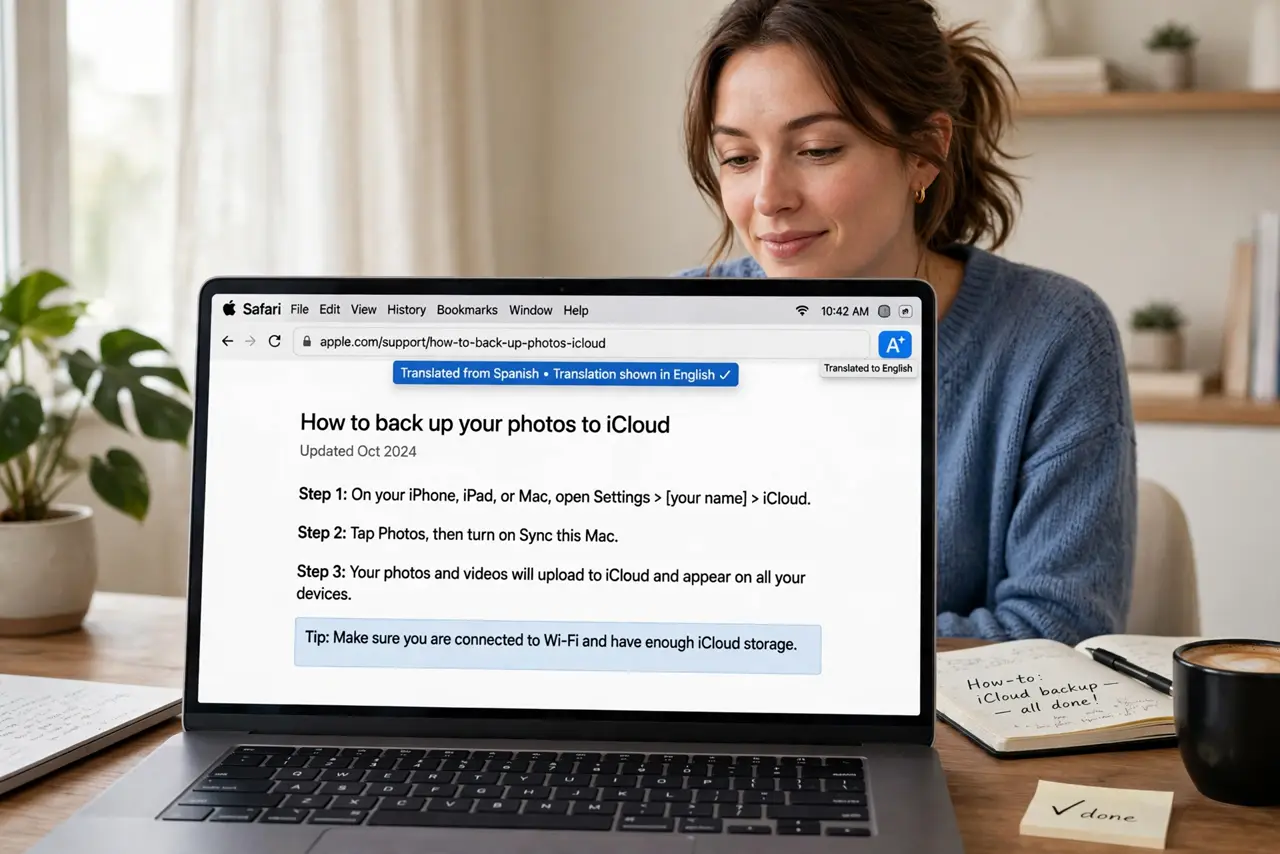
- Click the translate icon. When Safari detects a translatable page, a translate icon (two A's) appears in the address bar. Click it and pick your language — the page re-renders translated in seconds.
- If the icon is missing, check the language. Safari supports a fixed set of languages. If the page's language isn't supported, no icon appears — that is a limitation, not a bug.
- Enable translation in settings. In Safari > Settings > General, make sure translation features are enabled. A macOS update can occasionally toggle features off.
- Translate back with one click. Click the translate icon again to revert to the original. Toggling back and forth is handy when the translation mangles a technical term.
- Know the privacy story. On recent macOS versions, translation runs on-device — the page content isn't sent to Apple. That is a genuine privacy edge over pasting text into a web translator.
- Handle pages that translate badly. Technical pages and slang translate roughly. For critical instructions, translate twice (to another language and back) to spot mangled meaning — or see when translation breaks.
What NOT to do
- Do not trust machine translation for legal or medical text. It is a gist tool — critical documents need a human translator.
- Do not assume every language is supported. Less-common languages may simply have no Safari translation; check Apple's current list.
- Do not paste sensitive text into random translator sites instead. Safari's on-device translation is the private option — a shady web translator is not.
- Do not fight a page that keeps reverting. Some dynamic sites reload the original language; translating a saved or printed copy works better.
Frequently asked questions
Why doesn't the translate button show up?
Either the page language isn't supported, or translation is disabled in settings. English-to-English pages obviously show nothing either.
Does Safari translate PDFs?
Not directly in the browser. Download the PDF and translate its text separately, or open it in an app with translation features.
Is the translation private?
On recent macOS, yes — it runs on-device. Older versions sent text to Apple servers; updating macOS gets you the private behavior.