Keyboard Keys Feel Sticky? Clean Them
Some keys on your mechanical keyboard feel gummy, slow to return, or stick down entirely. Spilled drinks, dust, and worn lubricant build up inside the switches. This guide cleans them properly — from the quick keycap wash to the deeper switch clean.
TL;DR / Quick Fix
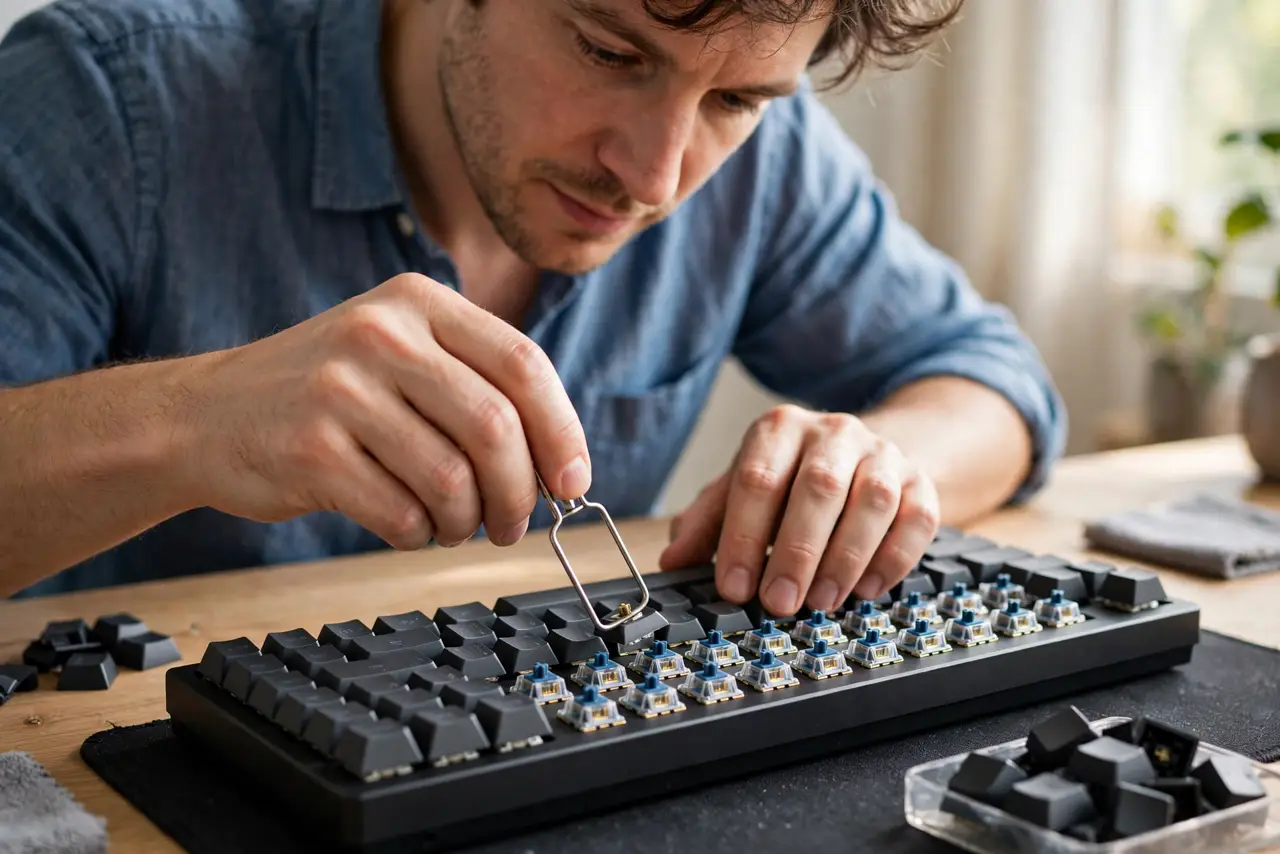
Quick fix: pull the sticky keycaps with a keycap puller and clean underneath with compressed air and a dry brush. If keys still stick, the switch itself is gummed — clean around the stem with isopropyl alcohol on a swab, or replace the switch if your board supports hot-swap.
Follow these steps
- Pull the sticky keycaps. Use a keycap puller to remove the affected caps straight up. This exposes the switch and the debris field beneath without stressing anything.
- Clean under the caps. Brush out crumbs and dust, then use short bursts of compressed air. Most 'sticky' keys are just dirty under the cap, not broken.
- Wash the keycaps. Soak the removed caps in warm soapy water, rinse, and dry fully. Sticky residue lives on the cap walls as often as in the switch.
- Swab the switch with alcohol. Dampen a cotton swab with isopropyl alcohol and clean around the switch stem. Alcohol dissolves sugary residue and evaporates cleanly.
- Work the switch while damp. Press the switch repeatedly while the alcohol is wet. The motion works the solvent into the mechanism and frees the gummed parts.
- Replace the switch if it persists. On a hot-swap board, pull the bad switch and pop in a new one. On soldered boards, one dead switch is a repair-shop job — the same honest math as broken keycap clips.
What NOT to do
- Do not pour liquid into the keyboard. Flooding the board corrodes far more than it cleans — damp swabs on removed parts only.
- Do not use WD-40 in switches. It leaves residue that attracts dust and eventually gums worse than before.
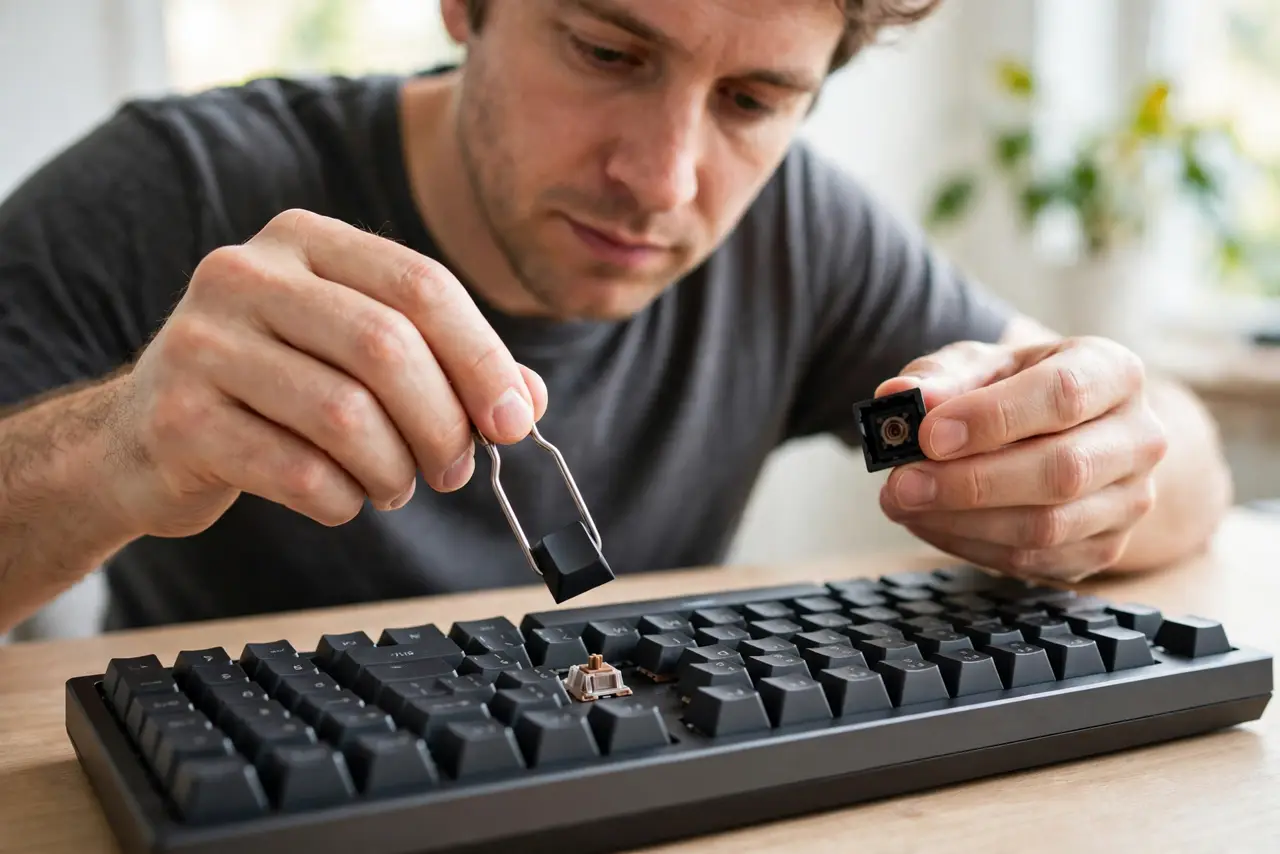
- Do not pry keycaps with a screwdriver. Metal tools scratch caps and snap stems — a keycap puller costs almost nothing.
- Do not reassemble while damp. Water under keycaps breeds corrosion; everything must be fully dry before it goes back.
Frequently asked questions
Why do my keyboard keys feel sticky?
Spills, dust, and residue inside the switch or under the cap. The stickiness is physical gunk, not a software setting.
Can I wash mechanical keycaps?
Yes — warm soapy water, rinse, and full drying. Just keep water away from the switches themselves.
Is it worth replacing one switch?
On a hot-swap board, absolutely — switches are cheap and swap in seconds. On soldered boards, weigh the repair cost.