Meeting Notes Scattered Across Apps? Fix It
When meeting notes live in five apps, nobody can find the decision from last Tuesday. The fix is choosing one home for notes and gathering the strays into it, not buying yet another notes app.

TL;DR / Quick Fix
Quick fix: Pick one home for meeting notes. Gather recent notes into that home. Use one note per meeting, with date and attendees. Link the note from the calendar event. Capture decisions and owners, not transcripts. Review notes weekly for open items.
Follow these steps
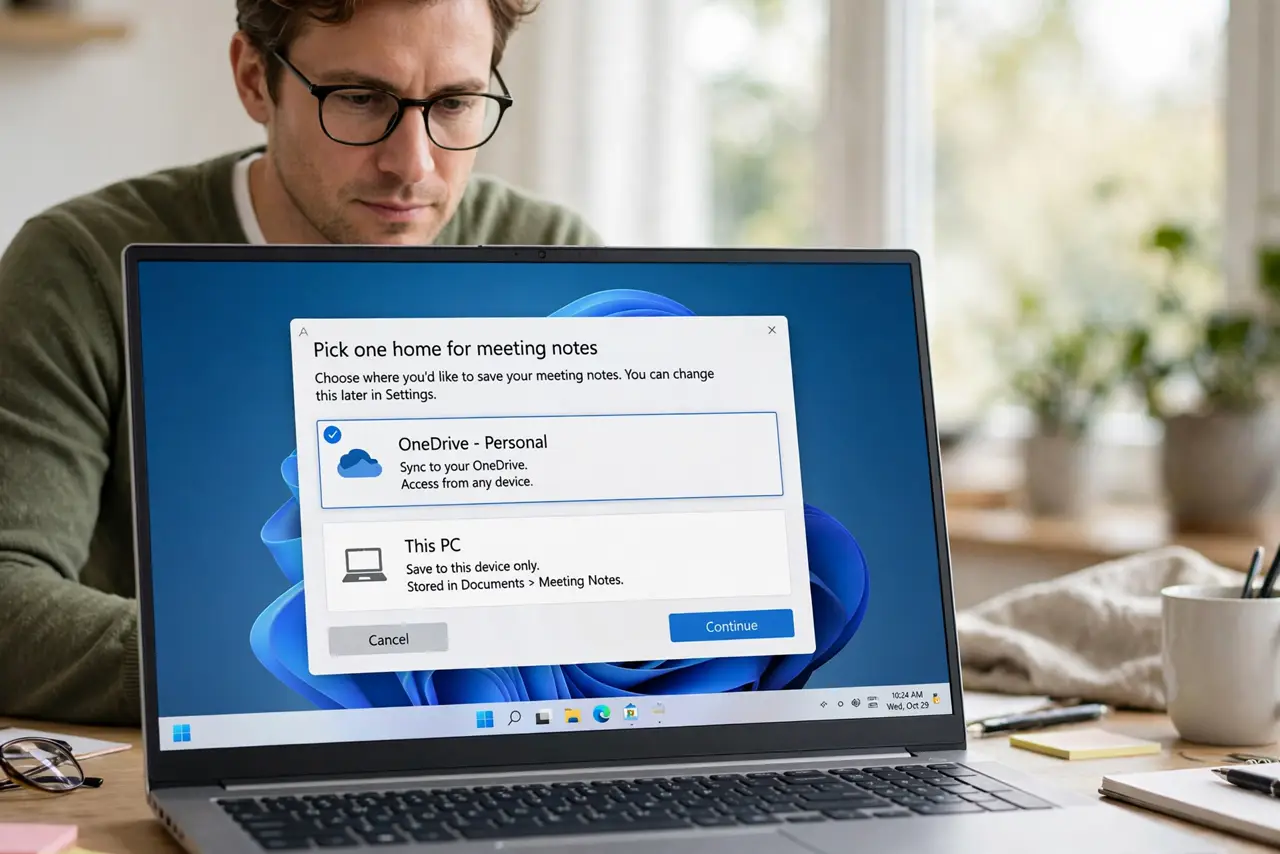
- Pick one home for meeting notes. Choose a single notes app for meeting notes and commit to it for a month. A second home, however good, just recreates the scatter.
- Gather recent notes into that home. Move or copy the last month of notes from other apps into the chosen home. Older notes can stay archived where they are, with a pointer note.
- Use one note per meeting, with date and attendees. Title each note with the date and meeting name, and list attendees at the top. A consistent title is what makes notes findable later.
- Link the note from the calendar event. Paste the note link into the calendar event, or the event details into the note. Either direction means future you finds the note from the meeting.
- Capture decisions and owners, not transcripts. Write the decision, the owner, and the deadline for each item. A short decision list is more useful than pages of verbatim discussion.
- Review notes weekly for open items. Spend ten minutes each week scanning recent notes for unfinished owners and deadlines. Notes nobody reviews are notes nobody acts on.
What NOT to do
- Do not adopt a new notes app to fix scatter. A new app is a sixth home, not a solution.
- Do not move years of old notes at once. Gather the recent month, archive the rest with pointers.
- Do not write notes without dates and attendees. Undated notes are nearly unfindable later.
- Do not store decisions only in chat messages. Chat scrolls away; a note with owners and deadlines endures.
Frequently asked questions
Which app should be the home?
The one your team already uses most. Adoption matters more than features.
What about notes in email and chat?
Copy the decision into the meeting note and link the source. The note is the record; the chat is the source.
How long should gathering take?
An hour for the recent month is realistic. Do not attempt a full archive migration in one sitting.