'Approve This Login' Spam? It's an Attack
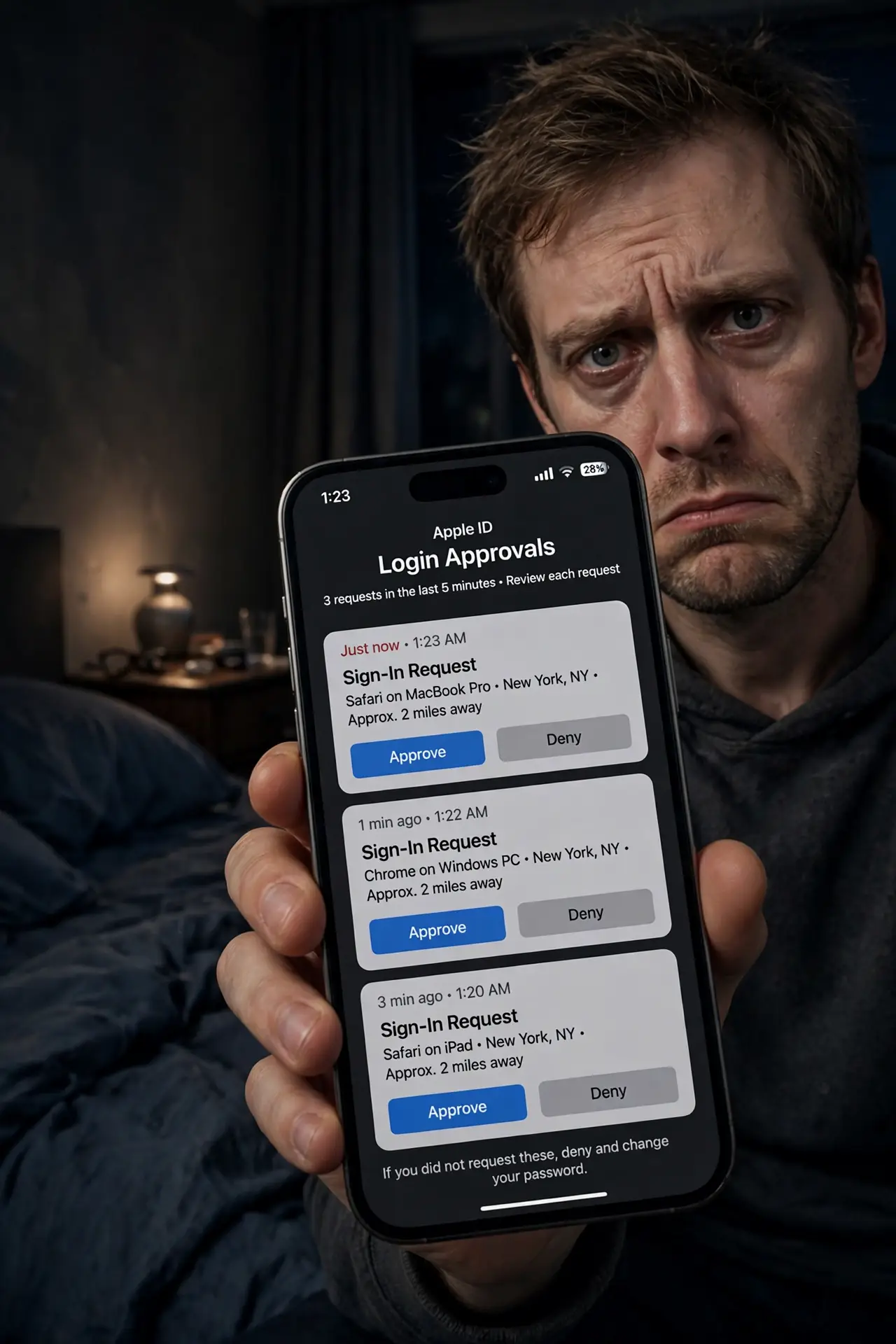
Your phone buzzes: Approve this login? You didn't log in to anything — then it buzzes again, and again, twenty times. This is MFA fatigue: an attacker with your password hammering the approve button, betting you will tap yes just to make it stop. The defense is simple and absolute: never approve what you didn't start.
TL;DR / Quick Fix
Attackers with your password trigger endless login prompts hoping you tap Approve just to stop the noise — that is MFA fatigue. Never approve a login you did not just start. Turn on number matching where offered, and treat a surprise prompt as proof your password is already compromised.
Follow these steps
- Recognize the pattern. Repeated approve/deny prompts you did not trigger, often late at night. The attacker already has your password — the prompt is the only thing between them and your account.
- Always tap Deny on surprise prompts. Every unexpected prompt gets Deny. No exceptions, no 'maybe it was me' — if you did not just type your password somewhere, it was not you.
- Change the password immediately. A fatigue attack proves the password is compromised. Change it now, from a device you trust, before doing anything else.
- Turn on number matching. It replaces the blind Approve button with a number you must match — see number matching. Fatigue attacks collapse against it.
- Check for other sessions. After securing the account, review active sessions and sign out unknown devices. The attacker may have tried parallel routes.
- Report it to the service or your IT team. Unexpected MFA prompts are a security incident. Reporting helps them spot a wider campaign against other accounts.
What NOT to do
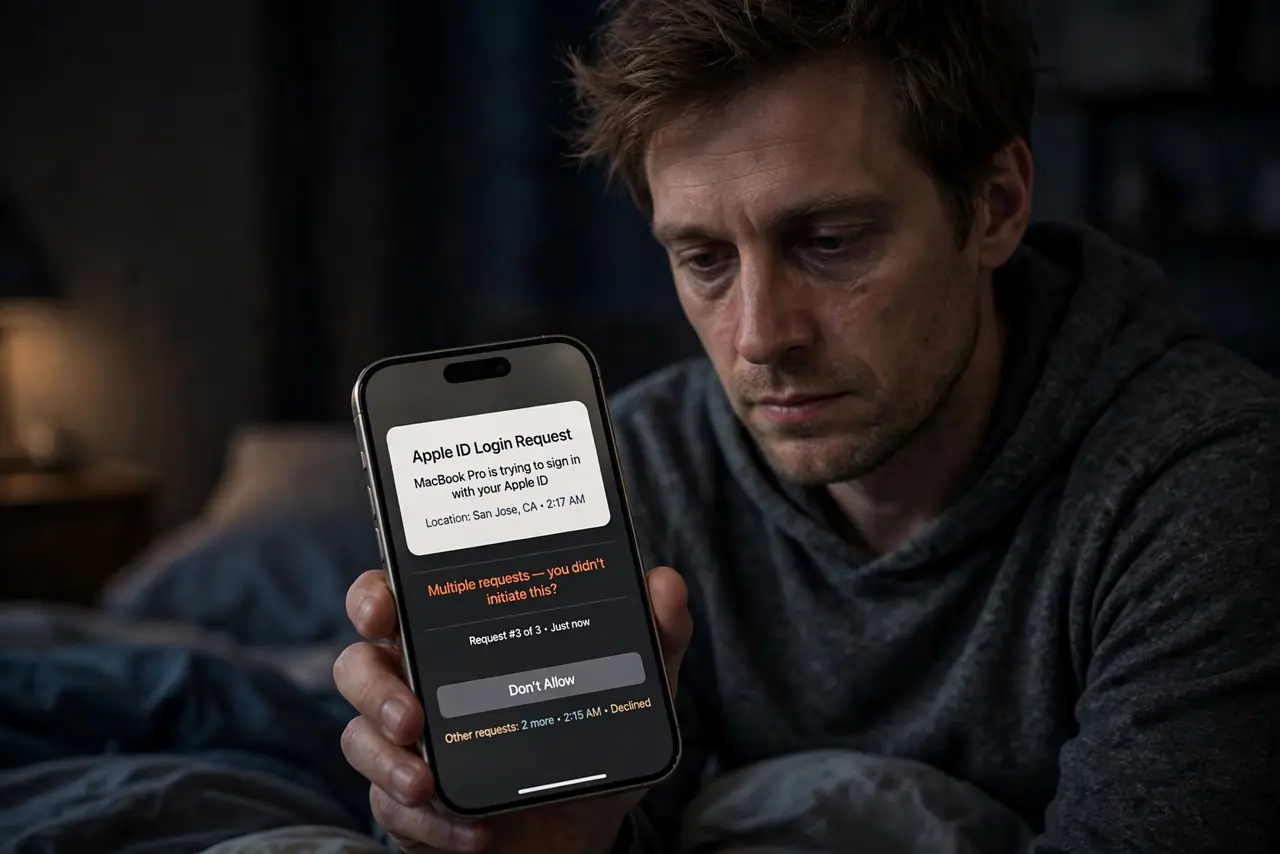
- Do not tap Approve to silence the buzzing. That single tap is the entire attack — the noise stops because they are in.
- Do not assume it will stop on its own. Attackers script these floods; some run for hours waiting for one tired tap at 3 a.m.
- Do not change the password on the buzzing phone first. Secure the account from a trusted device, then deal with the compromised one.
- Do not ignore one lone surprise prompt. Even a single unexpected approval request means someone has your password — act on it.
Frequently asked questions
Why would an attacker have my password already?
Usually from a breach elsewhere and password reuse, or from phishing. The fatigue attack is plan B after the password alone was not enough.
Does this work against authenticator codes too?
No — codes cannot be 'approved' remotely. Fatigue attacks target push-based Approve buttons specifically, which is one more reason codes or number matching are stronger.
I tapped Approve by accident — what now?
Change the password immediately, revoke all sessions, and check for changes the attacker made. Speed matters more than embarrassment.