Pick a microSD for Switch
Your Switch is full after three game downloads, and the microSD aisle is a minefield of suspiciously cheap 1TB cards, confusing speed classes, and counterfeits. The good news: the Switch is undemanding — buy legitimate, buy big enough, and you're done. Here's how to dodge the fakes.
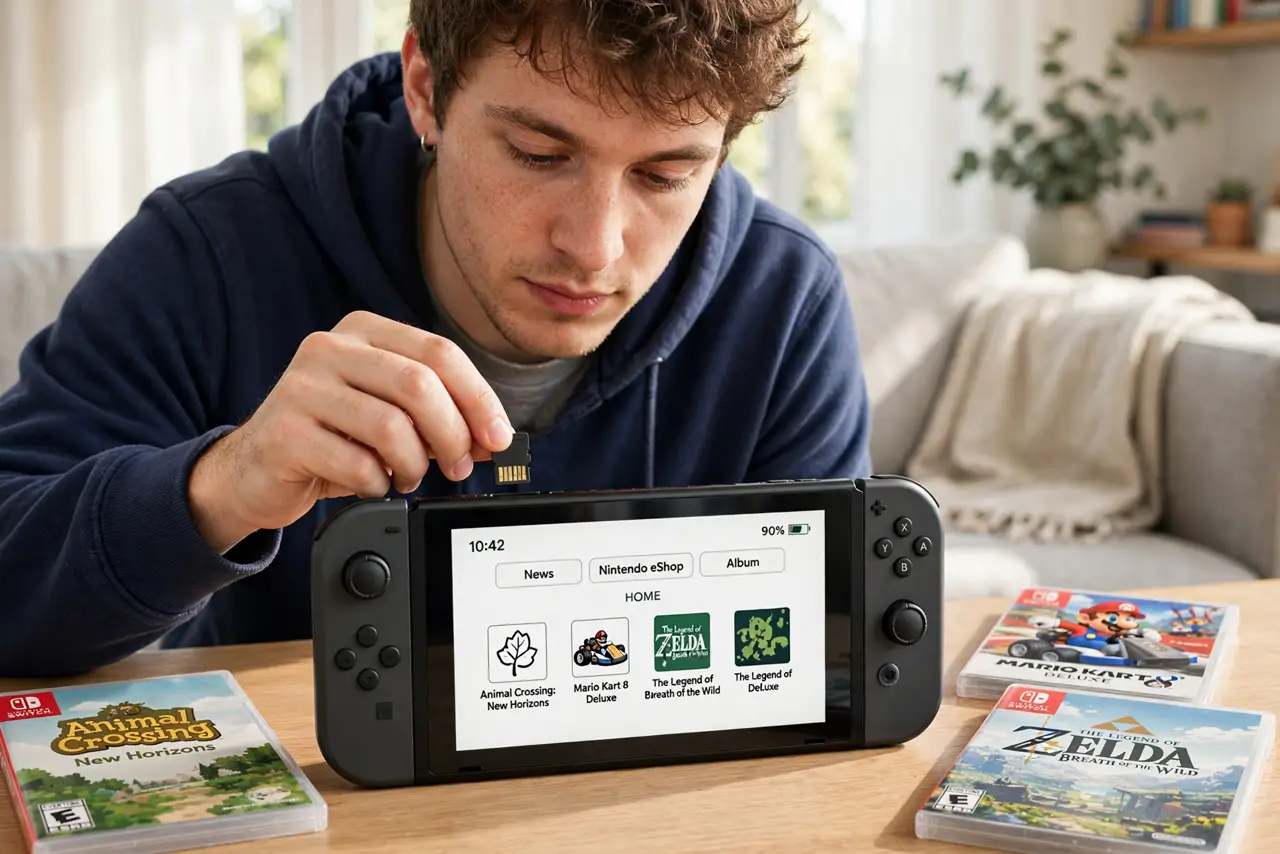
TL;DR / Quick Fix
Quick fix: buy a microSDXC card, 128GB or larger, from a known brand — SanDisk or Samsung — and check it is genuine. The Switch supports up to 2TB. Speed class matters less than legitimacy; counterfeit cards are the real plague in this market.
Follow these steps
- Get microSDXC, 128GB or more. The Switch needs microSDXC for cards over 32GB. 128GB is the sweet spot for most libraries; 256GB+ if you buy digital heavily. See SD speed classes for what the labels mean.
- Buy only known brands from real sellers. SanDisk, Samsung, and other majors — sold by reputable retailers, not marketplace third parties. Counterfeit cards lie about capacity and corrupt saves.
- Don't overpay for extreme speed. The Switch can't use UHS-II speeds; a basic UHS-I card saturates what the console reads. Pay for capacity and legitimacy, not for speed the Switch ignores — see speed class for video for the general guide.
- Verify the card is genuine. Test new cards with a free capacity-verification tool before trusting saves to them. A 15-minute test beats losing a 100-hour save file.
- Format it in the Switch. Insert the card and let the Switch format it (System Settings > System > Formatting Options). Switch-formatted cards work immediately; PC-formatted ones sometimes misbehave.
- Know camera-vs-phone card differences. Cards marketed for cameras or phones work fine — the tech is the same. See the comparison; for the Switch specifically, any genuine UHS-I card does.
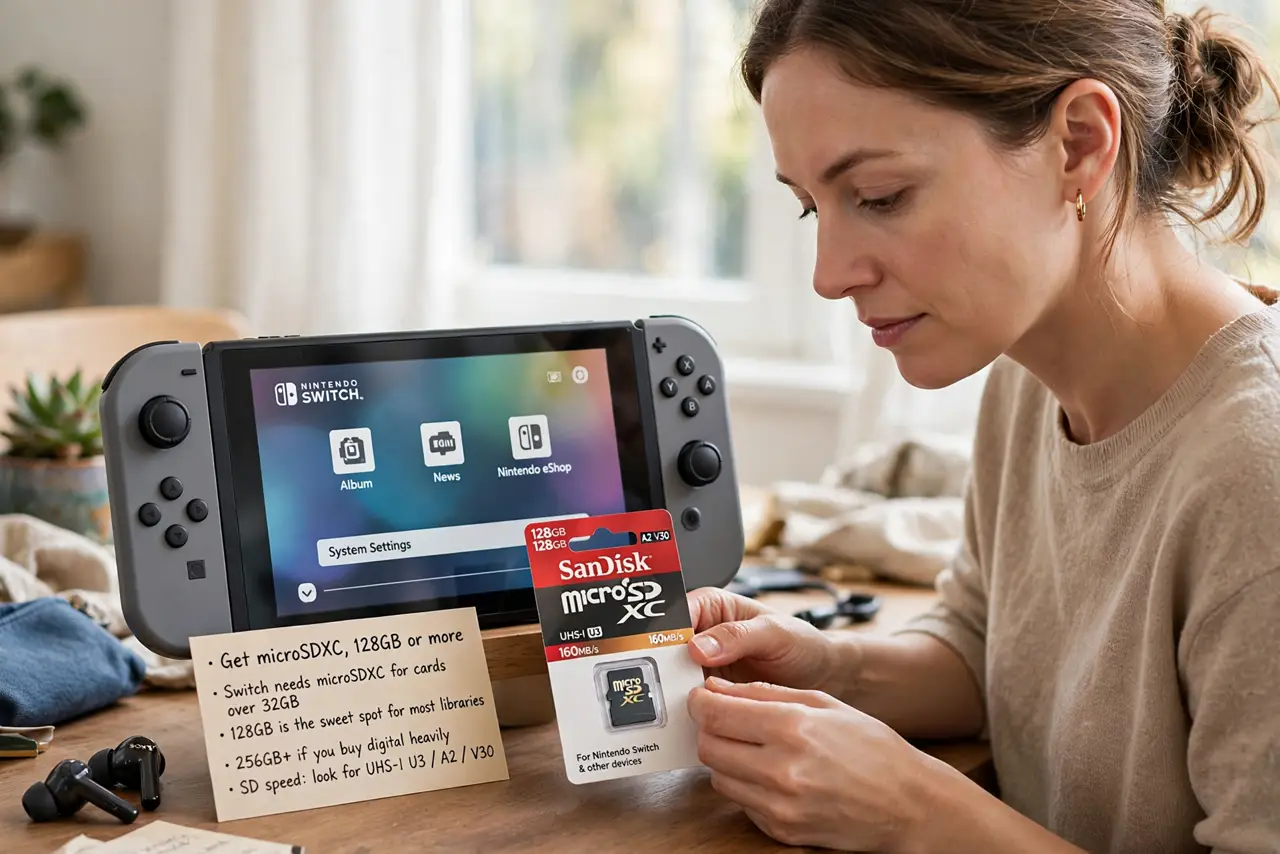
What NOT to do
- Do not buy no-name '1TB' cards at miracle prices. They're counterfeit — small real capacity with hacked firmware reporting 1TB, and your saves will corrupt.
- Do not pay extra for UHS-II. The Switch's reader is UHS-I; faster cards work but run at UHS-I speed — the premium is wasted.
- Do not remove the card mid-download. Corrupted downloads and confused system software follow; power off or close software first.
- Do not store the only copy of saves on the card. Cloud saves (with membership) or console memory back up what matters — cards fail.
Frequently asked questions
How much storage do Switch games need?
Anywhere from under 1GB to 30GB+ for big titles. Digital-heavy players fill 128GB fast; check each game's eShop page for its size before buying the card.
Can I move games between cards?
Yes — redownload from the eShop, or archive and transfer. Saves stay on console memory (or cloud), not the card.
Is a bigger card slower?
No — capacity doesn't affect speed. A genuine 512GB card performs like a genuine 128GB of the same line.