Privacy Screens
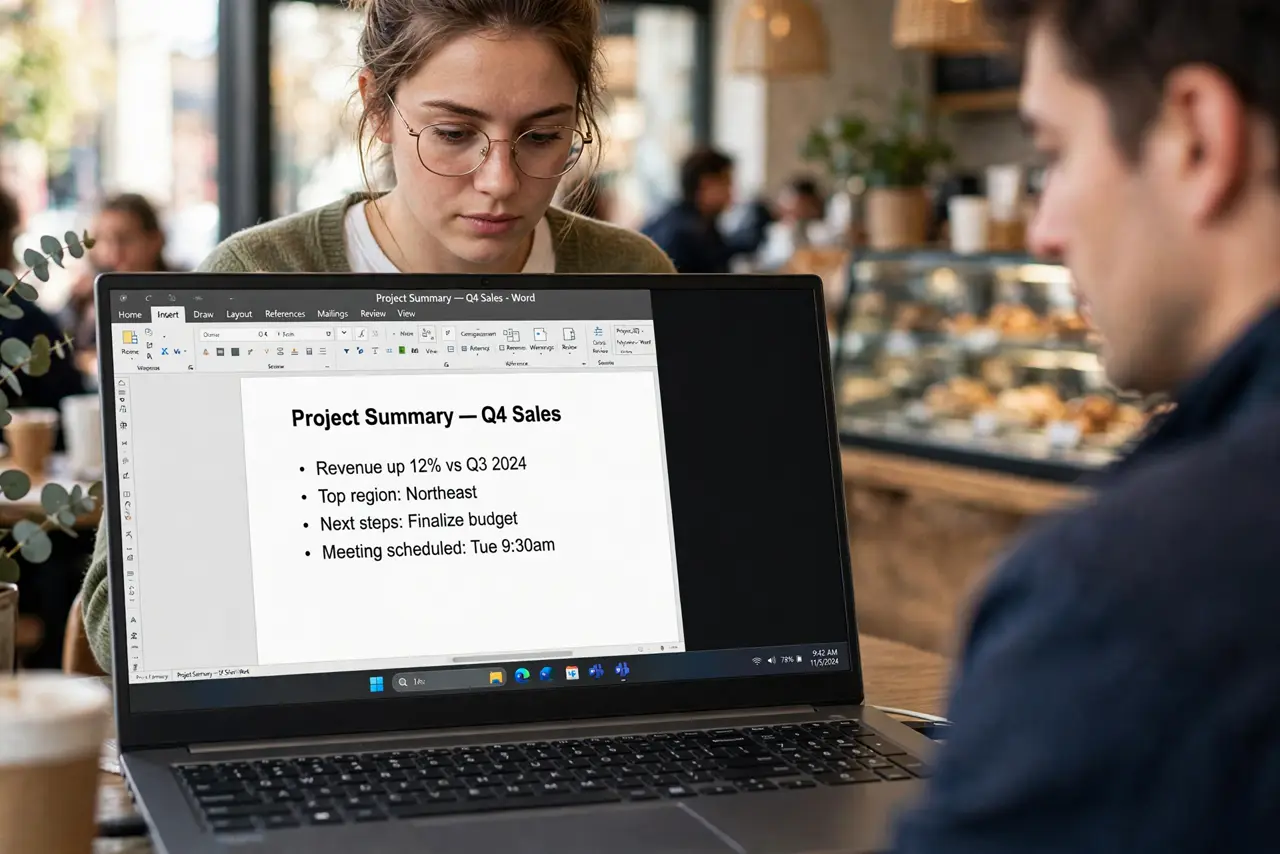
You open a bank statement on a train, a spreadsheet in a cafe, or patient records in a waiting room — and every nearby stranger gets a free look. A privacy screen is a thin filter that narrows the viewing angle so only the person dead-center sees the content. Here is when it is worth it and how to pick the right one.
TL;DR / Quick Fix
Quick fix: a privacy screen is worth it if you work with sensitive data in public — it narrows the viewing angle so shoulder surfers see only darkness. Get one sized exactly to your screen and check it works in your lighting. For home use alone, save your money.
Follow these steps
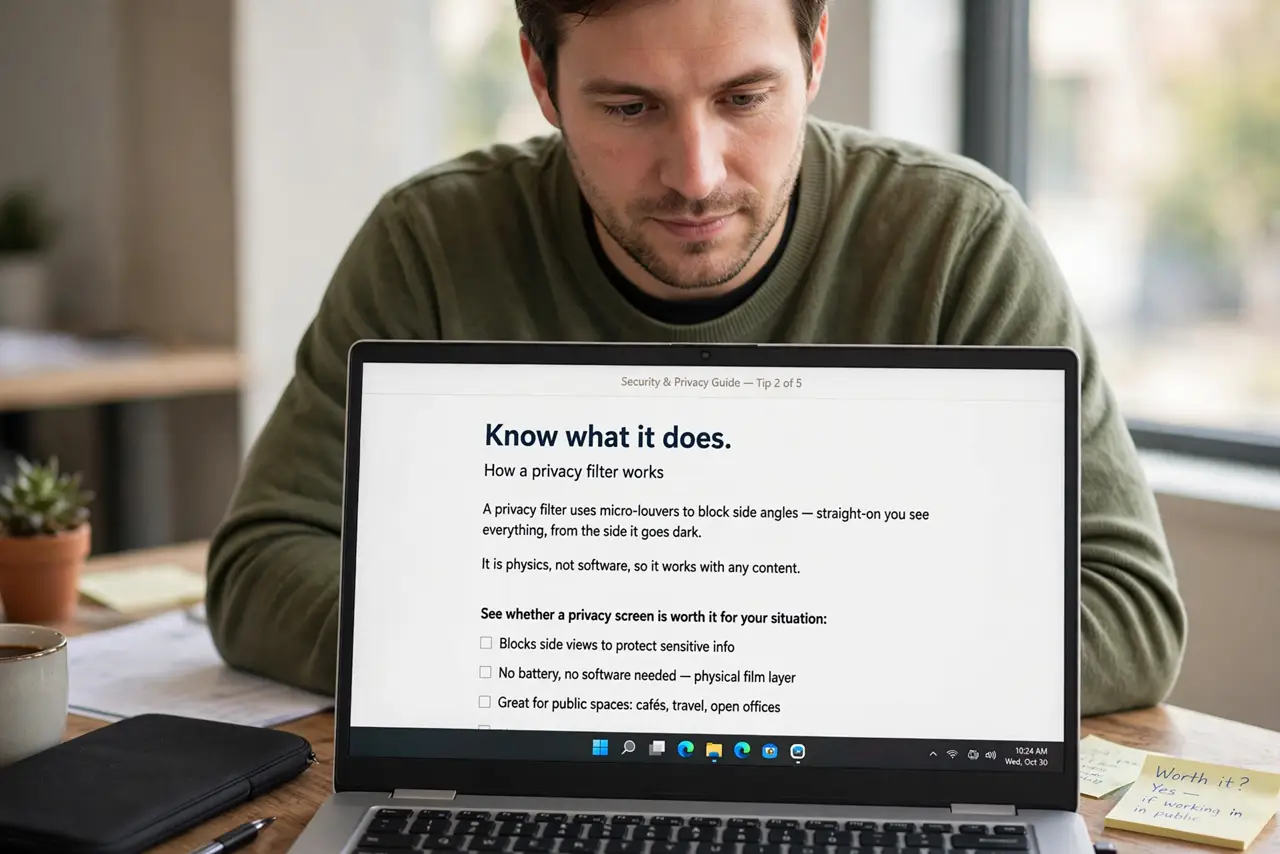
- Know what it does. A privacy filter uses micro-louvers to block side angles — straight-on you see everything, from the side it goes dark. It is physics, not software, so it works with any content. See whether a privacy screen is worth it for your situation.
- Measure your screen exactly. Filters are sized to the inch — a 14-inch filter on a 15.6-inch screen leaves gaps. Measure the viewable area diagonally and match it precisely.
- Choose the attachment style. Adhesive strips, magnetic frames, and hanging tabs all exist. Magnetic and tab versions remove easily for sharing the screen; adhesive is more permanent.
- Test it in your lighting. Privacy filters dim the screen slightly. Test in the bright environments where you will actually use it — some filters wash out badly in sunlight.
- Pair it with good habits. The filter blocks side views, not reflections or someone directly behind you. Angle away from crowds and lock the screen when you stand up.
- Remove it to share. When collaborating, pop the filter off rather than tilting the laptop awkwardly. Removable styles make this a two-second job.
What NOT to do
- Do not buy the wrong size. An ill-fitting filter leaves visible edges and peels — measure the screen diagonally first.
- Do not expect it to block reflections. Privacy filters narrow angles; they do not stop glare or someone standing directly behind you.
- Do not leave it on permanently if you share screens often. Constant on-off with adhesive types wears them out — get a magnetic one instead.
- Do not use it as your only security. It stops casual glances, not determined snooping — sensitive work still belongs in private spaces.
Frequently asked questions
Do privacy screens hurt image quality?
Slightly — they dim the screen and can add a subtle texture. For text and office work you will not mind; for photo editing, remove it.
Are built-in privacy modes as good?
Some laptops have electronic privacy modes that dim side angles. They are convenient but usually weaker than a physical filter.
Can I use one on a monitor at the office?
Yes — larger filters exist for desktop monitors, and they are common in open offices handling sensitive data.