Stand or Arm?
Your monitor's stock stand works — but your neck aches, the screen sits too low, and the desk is crowded with the stand's footprint. A monitor arm fixes all three: proper height, freed desk space, and easy adjustment. Here is how to decide whether the stock stand is fine or an arm is worth it.
TL;DR / Quick Fix
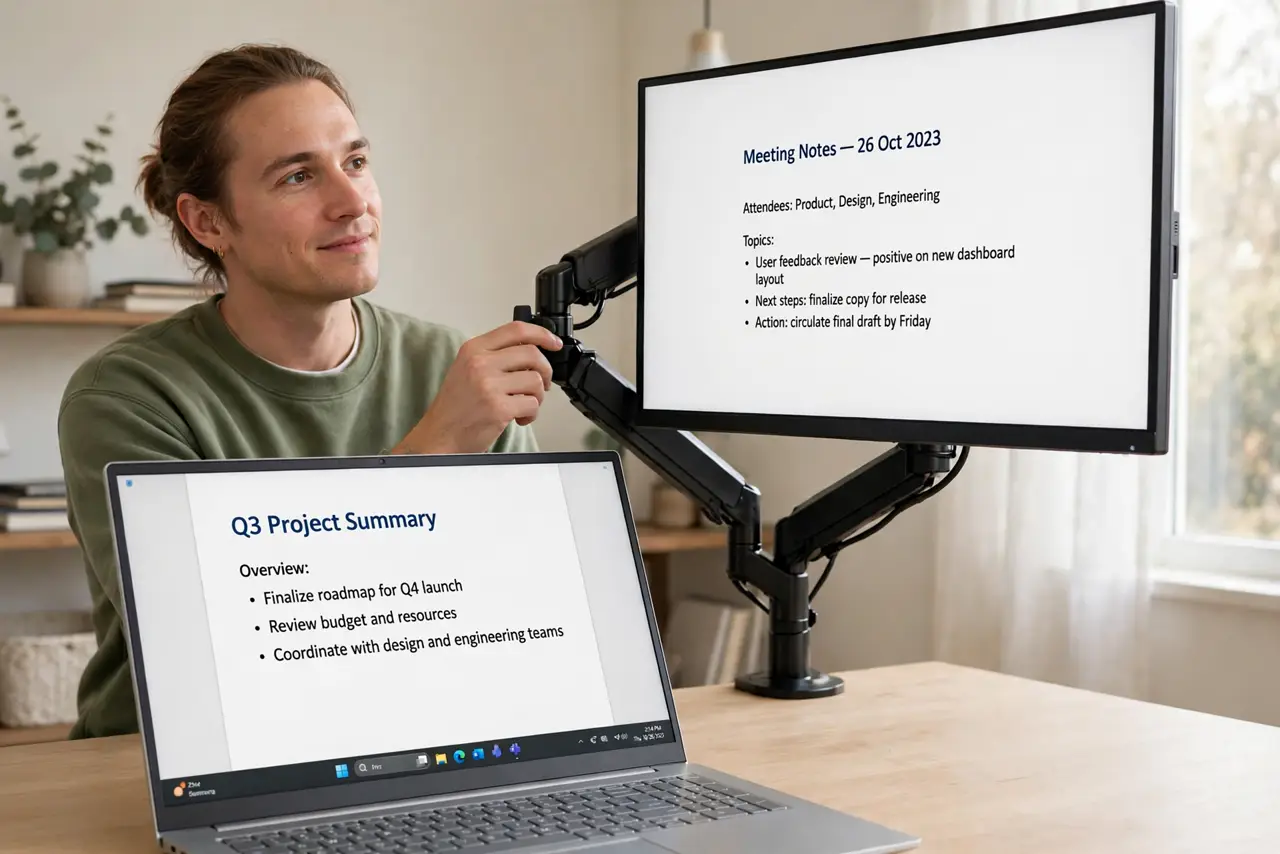
Quick fix: the stock stand is fine if your desk is the right height and you never adjust — otherwise a monitor arm wins on ergonomics, freeing desk space and letting you dial in height and angle. Check your monitor's VESA mount and your desk's edge before buying an arm.
Follow these steps
- Assess the stock stand honestly. If the screen sits at eye level, stays put, and the desk has room, the stand is fine. Most neck pain comes from screens sitting too low — the classic stand flaw.
- Check VESA compatibility. Monitor arms need VESA mounting holes on the monitor's back — nearly all have them. Check the pattern size matches the arm you are considering.
- Check your desk. Clamp arms need a solid desk edge; grommet arms need a hole. Glass desks and drawers under the edge complicate mounting — verify before buying. See the monitor arm options for the mounting types.
- Weigh the ergonomics win. An arm puts the screen top at or below eye level with a straight neck — the core ergonomic rule. See the arm height setup for the exact positioning.
- Consider the desk space. Arms free the footprint the stock stand occupied. On small desks that reclaimed space matters more than the ergonomics — see whether an arm is worth it for your setup.
- Remember the full setup. Monitor height is one piece — chair, keyboard, and lighting complete it. See the desk ergonomics guide for the whole picture.

What NOT to do
- Do not buy an arm for a monitor without VESA holes. Some slim and curved models skip them — check the back of your monitor first.
- Do not clamp to a weak desk edge. Thin, hollow, or glass edges can crack under the leverage — verify the desk can take it.
- Do not set the screen too high. Top of the screen at or slightly below eye level — higher causes the neck strain you were fixing.
- Do not forget cable management. An arm with dangling cables looks worse than a stand — route cables through the arm's channels.
Frequently asked questions
Are monitor arms worth it?
For anyone adjusting height or short on desk space, yes. For a perfect-height desk you never touch, the stock stand is fine.
Can a monitor arm hold an ultrawide?
Yes, with an arm rated for the weight and size. Ultrawides are heavy — check the arm's weight rating, not just the size range.
Will it damage my desk?
Clamp arms can mark edges — use the included pads. For precious desks, a freestanding or wall-mounted arm avoids clamps.