Real vs Fake HDR Monitors?
The box screams HDR, the price seems too good, and the picture looks... exactly like before. Many budget 'HDR' monitors accept an HDR signal but lack the brightness and contrast to show it — a checkbox feature, not a real one. Here is how to tell genuine HDR from marketing HDR before you buy, and what to do if you already did.
TL;DR / Quick Fix
Quick fix: real HDR needs high peak brightness and strong contrast — most budget 'HDR' monitors lack both and only accept the signal. Check for a real certification like DisplayHDR 600 or higher, and read reviews that measure brightness. If the picture looks washed out, the monitor is faking it.
Follow these steps
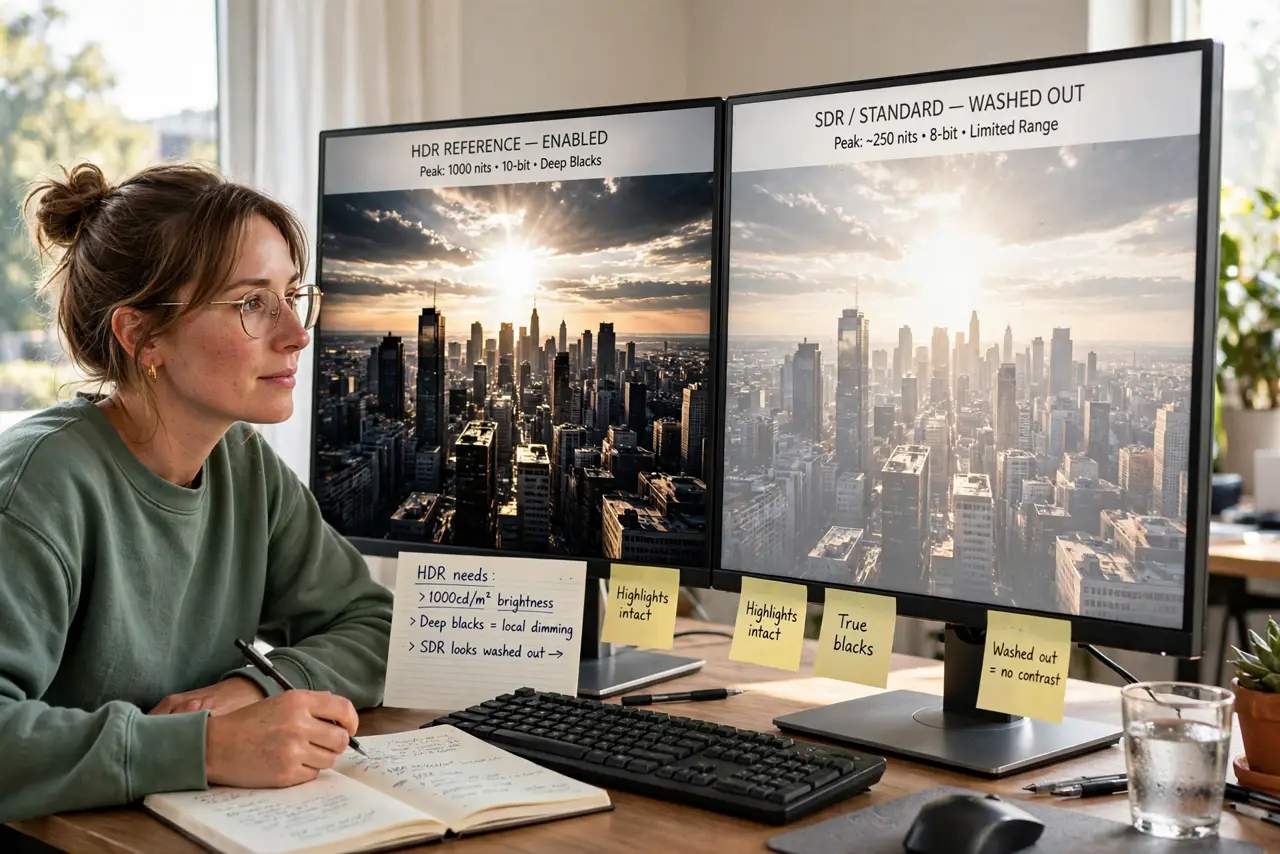
- Learn what HDR actually requires. True HDR needs bright highlights, deep blacks, and wide color — roughly, a screen that can get genuinely bright next to genuinely dark areas. A dim panel with an HDR sticker cannot do this physically.
- Check for a real certification. DisplayHDR 400 is the entry badge and means little; 600 and above indicate genuinely capable panels. No certification at all on a budget 'HDR' monitor is a red flag.
- Read reviews that measure brightness. Trust numbers, not boxes. Reviews measuring peak brightness tell you in one figure whether the HDR claim is real.
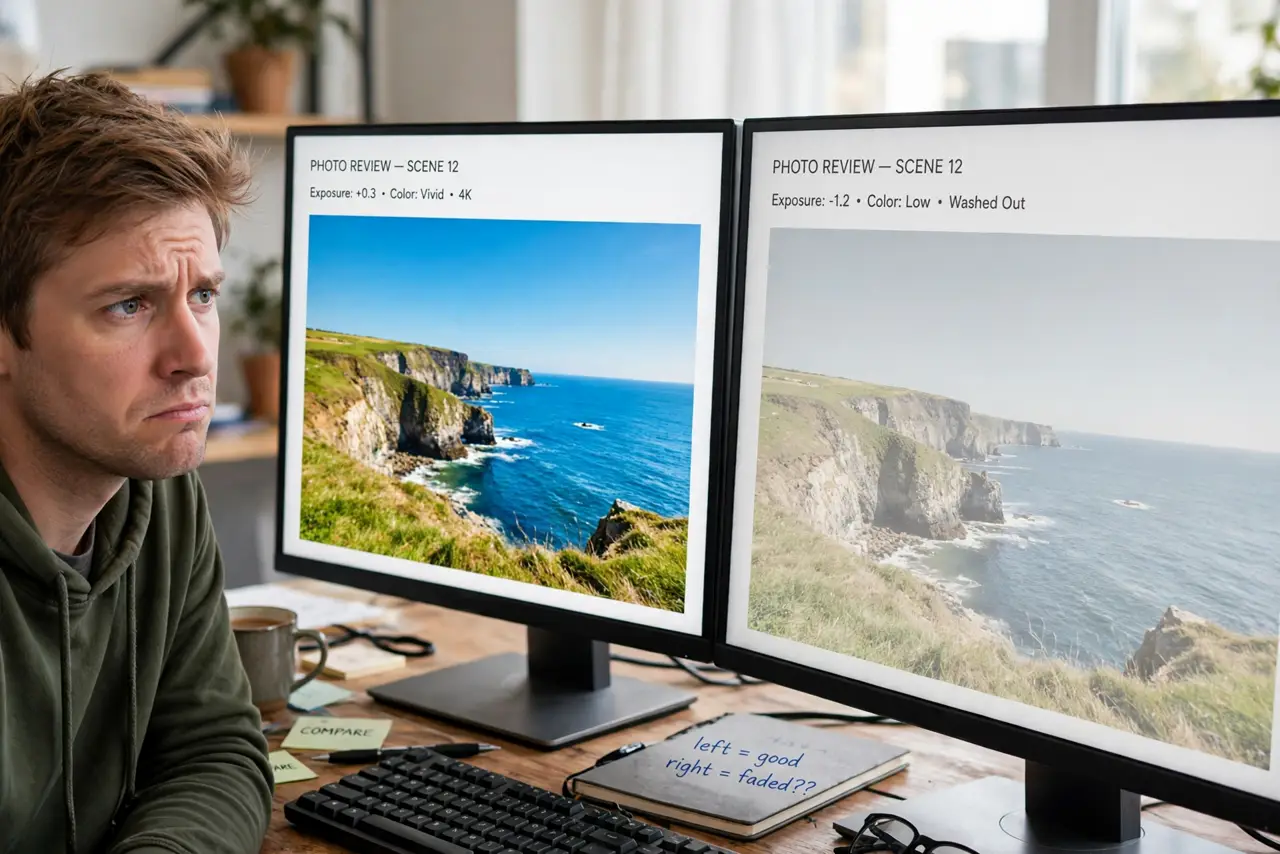
- Test with real HDR content. Play a known HDR video. Real HDR shows sparkling highlights and deep shadows; fake HDR looks flat or washed out compared to SDR mode.
- Compare HDR on vs off. Toggle HDR in the OS. If the image looks worse with HDR on — gray and dull — the monitor cannot render it properly.
- Decide: keep, return, or run SDR. If it is fake HDR, the monitor may still be fine as an SDR screen — just turn HDR off. If you bought it for HDR, return it within the window.
What NOT to do
- Do not trust the HDR sticker alone. The label is unregulated marketing on many budget panels.
- Do not crank brightness to 'fix' fake HDR. Max brightness on a dim panel just washes everything out.
- Do not assume expensive means real. Check the certification and measured brightness at any price.
- Do not enable HDR in Windows and judge the desktop. The Windows desktop in HDR on a fake-HDR panel looks terrible — that is the washed-out desktop problem, not a broken monitor.
Frequently asked questions
What is 'fake HDR'?
A monitor that accepts an HDR signal but lacks the brightness, contrast, or color to display it properly — the HDR badge is marketing, not capability.
Is DisplayHDR 400 real HDR?
Barely. It certifies the monitor accepts HDR signals with modest brightness. Meaningful HDR starts around DisplayHDR 600.
My HDR looks worse than SDR — why?
Classic fake-HDR symptom. The panel tone-maps HDR content it cannot physically reproduce. Switch back to SDR for a better picture.