NAT Types Explained
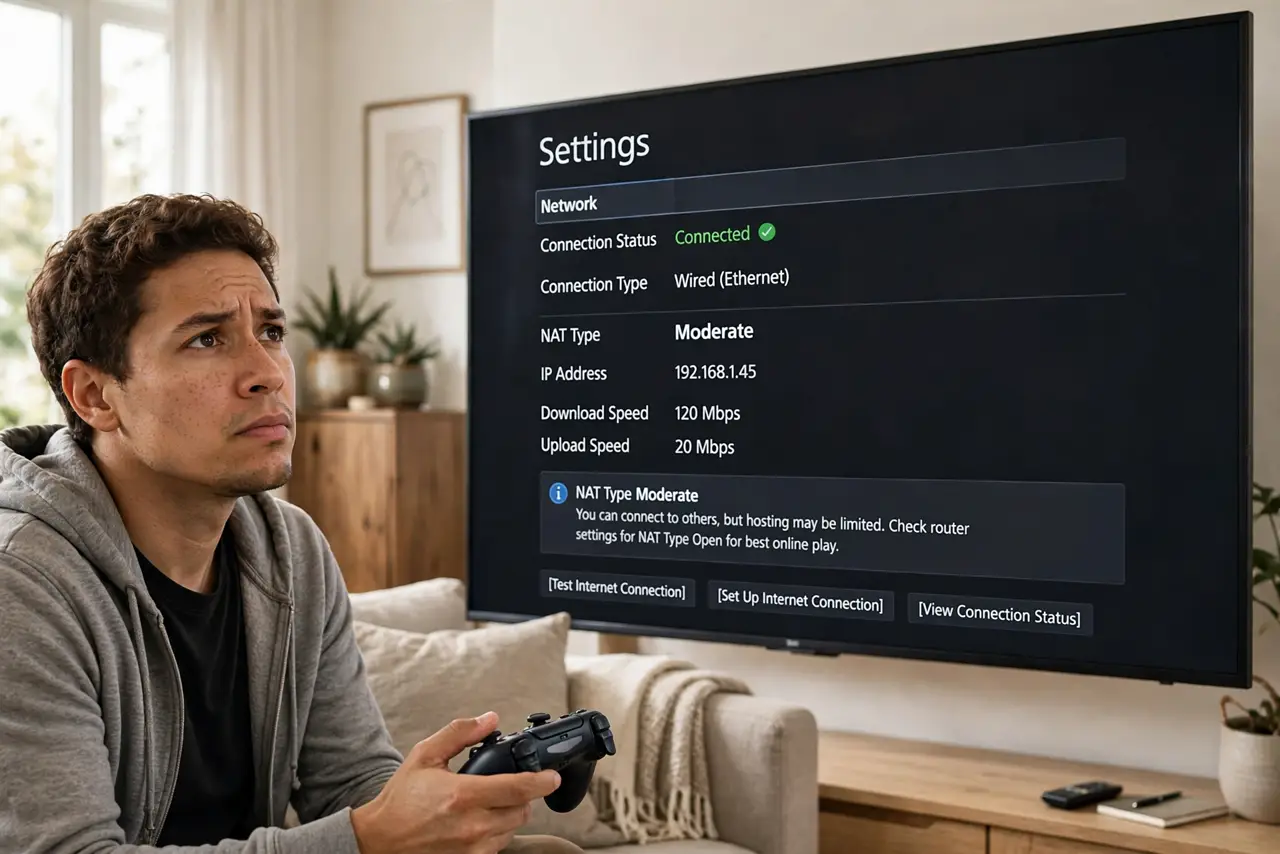
Your console says NAT Type: Strict, your friend can't join your game, and voice chat drops — but browsing works perfectly. NAT (Network Address Translation) is how your router shares one public IP among your devices, and its 'type' describes how reachable you are from the internet. Strict means the door is mostly shut.
TL;DR / Quick Fix
Quick fix: NAT type describes how open your connection is to other players — Open (best), Moderate (fine), Strict (problems joining games). Strict NAT usually means your router blocks incoming connections. Enabling UPnP or forwarding the game's ports typically opens it up.
Follow these steps
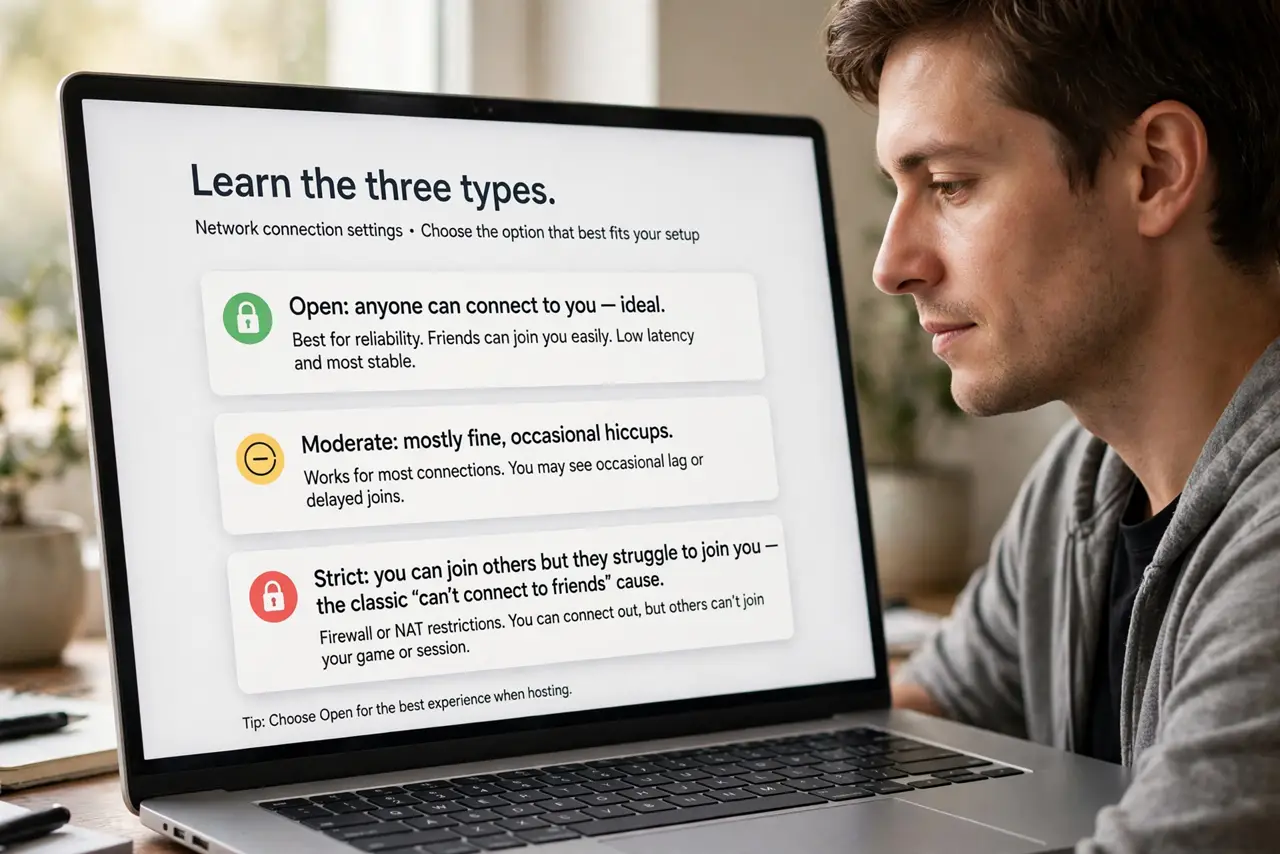
- Learn the three types. Open: anyone can connect to you — ideal. Moderate: mostly fine, occasional hiccups. Strict: you can join others but they struggle to join you — the classic 'can't connect to friends' cause.
- Find your current type. Consoles show it in network settings; PC games often show it in multiplayer menus. Note it before changing anything — you need a baseline.
- Enable UPnP first. In your router settings, turn on UPnP (Universal Plug and Play). It lets games open the ports they need automatically — the simplest fix, and safe on a home network.
- Forward ports if UPnP isn't enough. Look up your game's required ports and add them in the router's port-forwarding section, pointed at your console's IP. See safe port forwarding for the careful version.
- Check for double NAT. Two routers in a row (provider box + your router) create double NAT, which breaks UPnP and port forwarding. Put one device in bridge mode to fix it.
- Know when it's the provider. Some providers use CGNAT, sharing one public IP among many customers — see CGNAT basics. Behind CGNAT, no router setting can fully open your NAT; only the provider can.
What NOT to do
- Do not put your console in the DMZ casually. It opens every port — it fixes NAT by removing all protection. Port forwarding specific ports is the safer equivalent.
- Do not forward ports to the wrong device. Double-check the console's IP address; forwarding game ports to your laptop helps nobody.
- Do not assume Strict NAT affects everything. Browsing and streaming are outbound — they work fine. NAT type only bites peer-to-peer gaming and voice.
- Do not factory-reset the router first. NAT type is a settings issue, not a broken-router issue — check UPnP and double NAT before the nuclear option.
Frequently asked questions
Will Open NAT make me less secure?
Marginally — UPnP and forwarded game ports are narrow openings, not gaping holes. It's far safer than DMZ, and normal for gaming households.
Why did my NAT type change suddenly?
A router update, a new router, or the provider changing your setup (like enabling CGNAT) can flip it. Check what changed around the time it broke.
Does NAT type affect download speed?
No — downloads are outbound connections. NAT type affects who can connect *to* you: matchmaking, hosting, and peer voice chat. See strict NAT on consoles for console specifics.