Optical vs HDMI Audio?
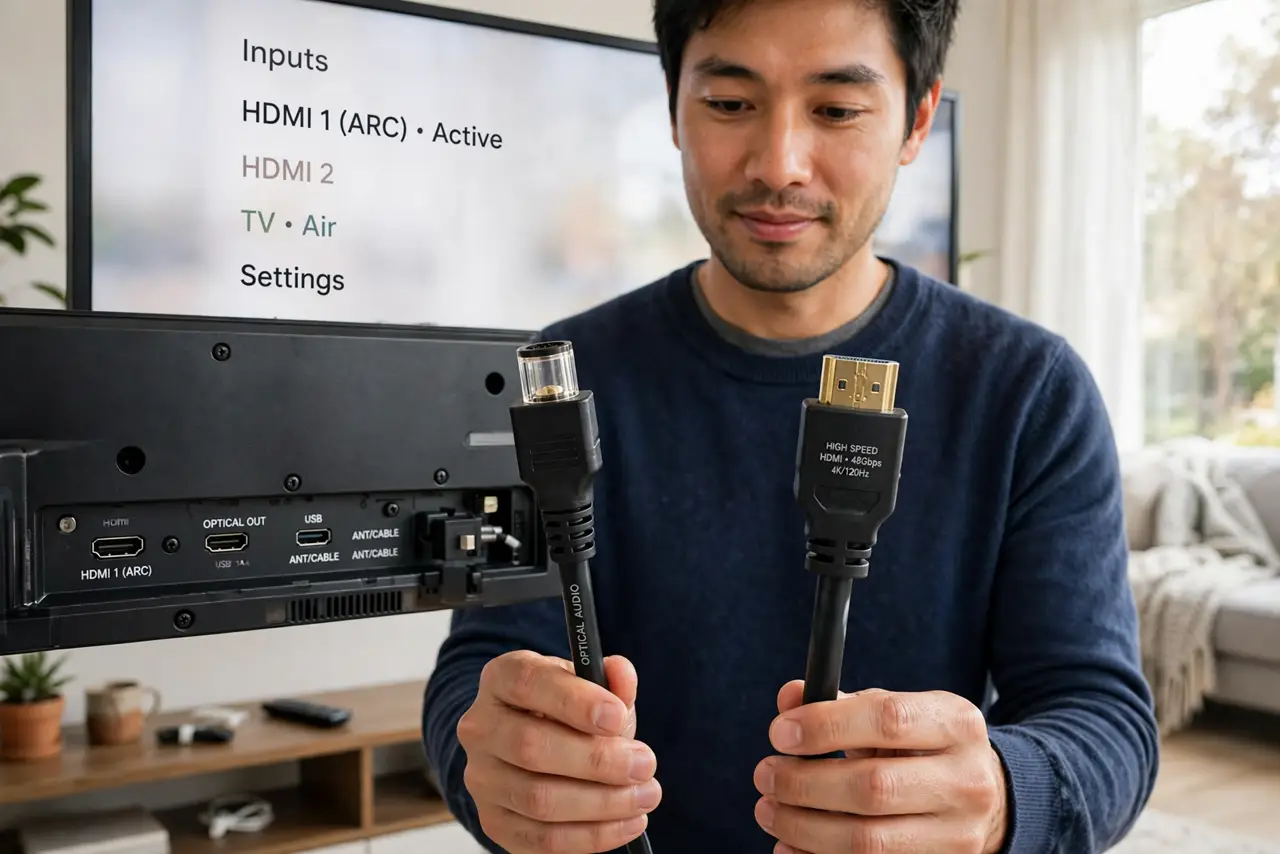
Behind your TV are two audio outputs staring at you — a square optical port and an HDMI port labeled ARC — and you have to pick one for the soundbar. Both carry sound, but they differ in features, formats, and convenience. The choice takes thirty seconds once you know the tradeoff.
TL;DR / Quick Fix
Quick fix: use HDMI ARC or eARC when your TV and soundbar both support it — one cable carries audio both ways plus device control. Optical is the reliable fallback for older gear, but it cannot carry the newest surround formats or control commands. When both exist, HDMI wins.
Follow these steps
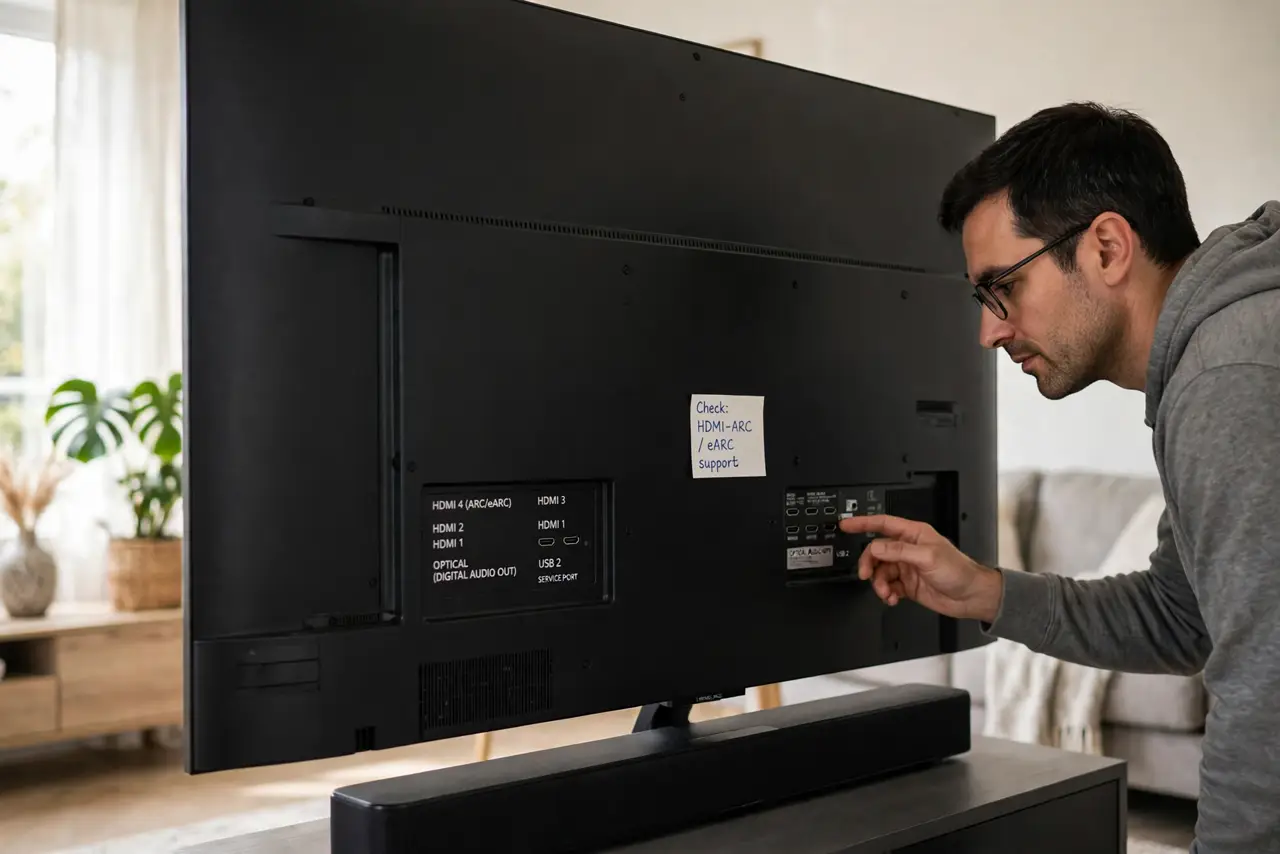
- Check what both devices support. Look for HDMI-ARC or eARC labels on the TV and soundbar. If both have it, the decision is made — see the HDMI-ARC guide for setup.
- Understand HDMI's advantages. One cable carries audio both directions plus CEC control — TV remote adjusts the soundbar, devices power on together. It also supports the newest surround formats optical cannot carry.
- Understand optical's strengths. Optical is simple, reliable, and immune to electrical interference. For older equipment without ARC, it is the correct and perfectly good choice — see the desk audio comparison for context.
- Know optical's limits. Optical cannot carry Dolby TrueHD, DTS-HD, or Atmos metadata, and it carries no control signals — you will juggle two remotes. Fine for stereo and basic surround; limiting for home theater.
- Use eARC for the newest formats. Enhanced ARC unlocks full-bandwidth audio including lossless Atmos. Both ends must support eARC — plain ARC falls back gracefully if one side does not.
- When in doubt, try HDMI first. Connect via HDMI-ARC, enable CEC, and test. If handshake gremlins appear, optical is the bulletproof fallback waiting in the wings.
What NOT to do
- Do not use optical when both devices support eARC. You would leave the best audio formats on the table for no reason.
- Do not expect CEC control over optical. No control signals travel on optical — two remotes is the price.
- Do not force a square peg. Optical connectors only fit one way; forcing them snaps the delicate internal shutter.
- Do not buy exotic expensive cables for either. A decent certified cable performs identically to a luxury one for digital audio.
Frequently asked questions
Can I use both at once?
You can connect both, but the TV outputs to one at a time. Pick the better one — usually HDMI-ARC — and leave the other unplugged.
Why is there no sound over optical?
Check the TV's audio output is set to optical, the cable clicks firmly at both ends, and the soundbar's input matches. Optical needs the same input discipline as HDMI.
Does HDMI audio sound better than optical?
For compressed formats, identical. The difference appears only with high-bandwidth formats like Atmos that optical cannot carry.