Unread Count Wrong? Fix It
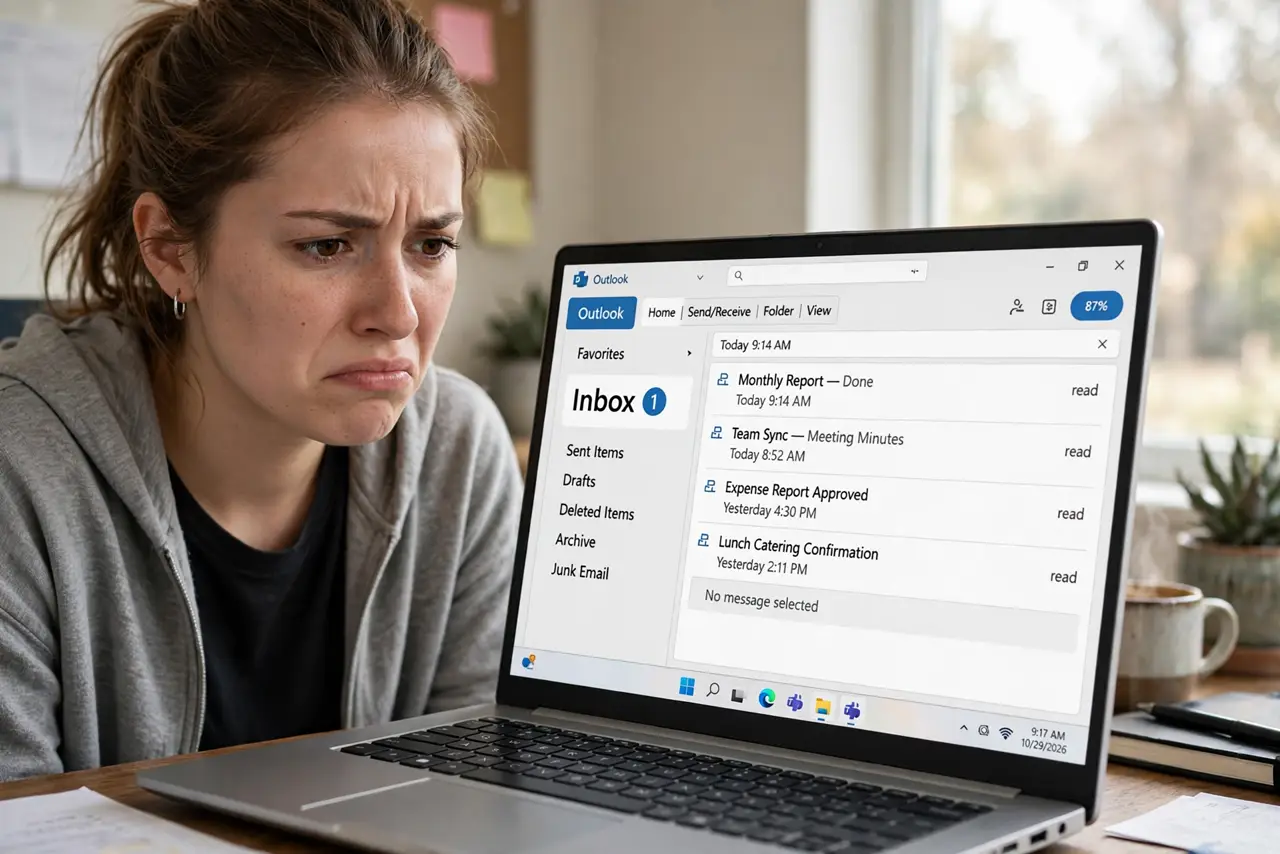
Outlook's folder pane insists you have five unread emails, but you have read everything — twice. A wrong unread count is almost always a hidden unread message lurking in a subfolder, or a stuck sync counter, not a real problem with your mail. It is annoying but very fixable. Here is the hunt, from easiest check to last resort.
TL;DR / Quick Fix
Quick fix: a wrong unread count usually means a hidden unread message or a stuck cache. Expand all folders, sort by unread, and mark stragglers read. If the count still lies, empty the Sync Issues folder. For stubborn cases, a new Outlook profile rebuilds the count from scratch.
Follow these steps
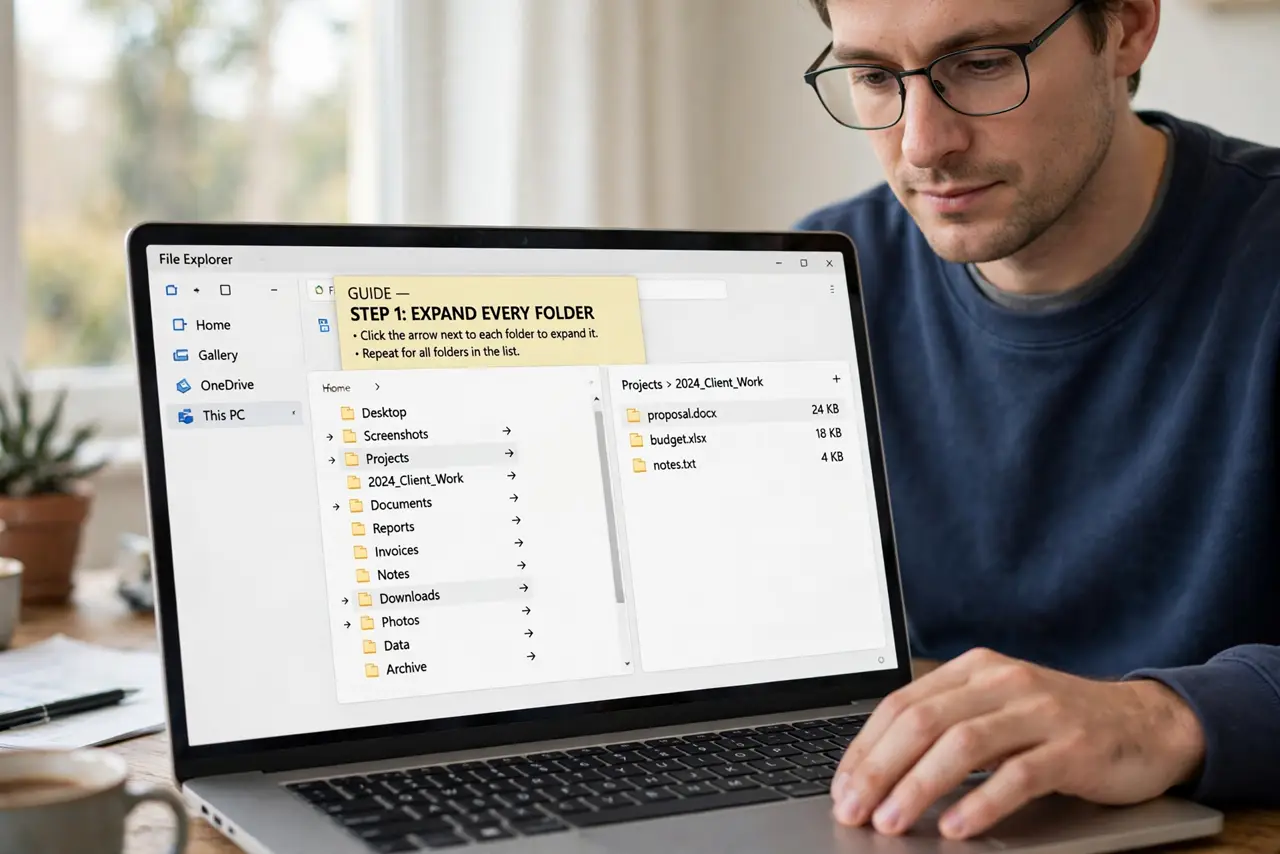
- Expand every folder. Click the arrows to expand all folders and subfolders. The phantom unread is often sitting in a collapsed subfolder you never open.
- Sort by unread. Change the sort to show unread messages first, or use the unread filter. The bold stragglers reveal themselves immediately.
- Mark them read. Select the found messages, right-click, and choose Mark as Read. The counter should correct itself within moments.
- Empty the Sync Issues folder. Stuck sync errors can freeze counters. Open the Sync Issues folder (under Folder List view) and clear it out.
- Reset the folder view. A corrupted view can misreport counts. A quick view reset sometimes clears phantom numbers.
- Rebuild with a fresh profile as last resort. If the count survives everything, create a new Outlook profile and re-add the account. The counter rebuilds from the server, clean.
What NOT to do
- Do not mark the entire mailbox as read in frustration. You will lose track of genuinely unread mail mixed in with the phantoms.
- Do not reinstall Outlook for a bad counter. A new profile fixes it in minutes; a reinstall wastes an afternoon.
- Do not ignore it if new mail also misbehaves. A wrong count plus sync errors points to account trouble worth investigating, not just cosmetics.
- Do not delete the Sync Issues folder itself. Empty its contents; the folder is Outlook's diagnostic space and it recreates anyway.
Frequently asked questions
Why does the unread count come back wrong after fixing?
Usually a rule or filter keeps filing unread mail into a subfolder. Check your rules — one of them is likely the repeat offender.
The count is wrong only on my phone — same fix?
Phone counters are separate from desktop. Mark all as read in the mobile app, or remove and re-add the account there.
Could a wrong unread count mean missing mail?
Rarely. It is a display counter issue, not a delivery issue. If mail is actually missing, check Focused Inbox and Junk first.