iPhone Parental Controls
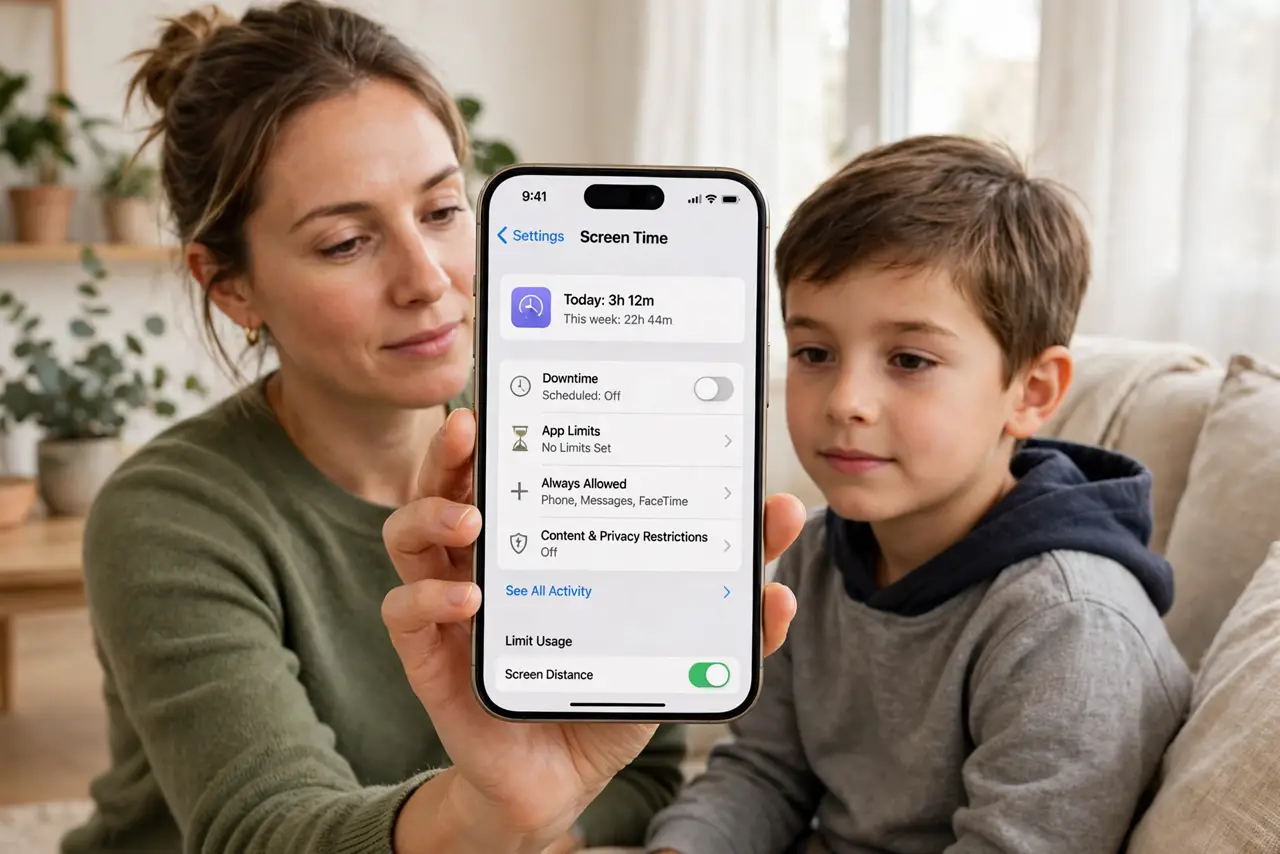
Hand a kid an iPhone with no limits and they can download anything, buy anything, and browse anywhere. Apples Screen Time is the built-in answer: app limits, purchase approvals, content filters, and downtime schedules — all free, all already on the phone. Ten minutes of setup buys years of safer use.
TL;DR / Quick Fix
Quick fix: iPhone parental controls live in Settings, Screen Time — set app limits, require approval for purchases, filter web content, and schedule downtime. Use a separate Screen Time passcode your kid does not know. Review the weekly reports together; the goal is guidance, not gotchas.
Follow these steps
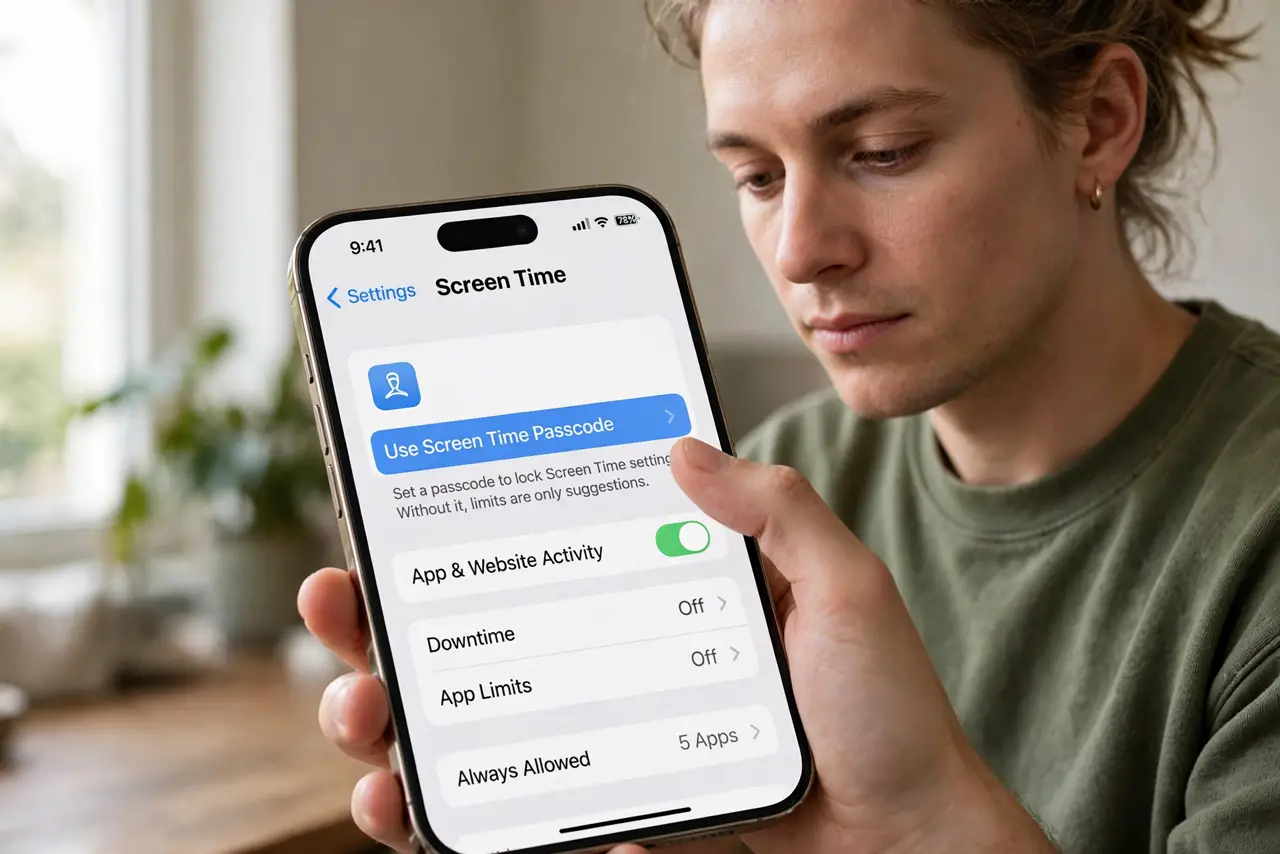
- Open Screen Time and set a passcode. Go to Settings, Screen Time, and tap Use Screen Time Passcode. This separate code locks the settings — without it, every limit is a suggestion.
- Require approval for purchases. Turn on Ask to Buy for the childs account, or require the password for every purchase. These purchase approvals stop the classic surprise app-store bill.
- Set app and downtime limits. Cap games and social apps, and schedule Downtime for bedtime hours. Limits work best explained in advance — surprises breed workarounds.
- Filter web content. Under Content and Privacy Restrictions, limit adult websites. It is a coarse filter, not perfect — pair it with conversations, not blind trust.
- Handle blocked apps calmly. Legitimate apps sometimes get caught by filters. Learn the override for a needed app instead of disabling everything in frustration.
- Review the weekly report together. Screen Time sends a usage summary. Walk through it with your kid — patterns beat policing, and the talk matters more than the numbers.
What NOT to do
- Do not use your own unlock passcode for Screen Time. Kids watch and memorize — separate code, always.
- Do not set limits and never explain them. Unexplained rules invite circumvention; explained rules build judgment.
- Do not assume filters catch everything. No filter is perfect — the conversation is the real safety net.
- Do not forget other devices. An iPhone locked down means little if the tablet and console are wide open — see the Android controls for the other half of the house.
Frequently asked questions
Can my kid bypass Screen Time?
Determined kids find workarounds — changing time zones, for instance. Updates close holes; your attention closes the rest.
What is Ask to Buy?
Purchase requests from the childs account come to you for approval. Nothing downloads or bills without your tap.
Should I read my kids messages?
Child safety experts lean toward spot-checks with knowledge, not secret surveillance. Trust plus verification beats either alone.