Length Beats Complexity
Your company demands eight characters with a symbol and a number, so you type 'Sunshine1!' everywhere and feel secure. You are not: attackers try exactly those patterns first, and eight characters fall fast to modern guessing. Add length instead — every extra character multiplies the work for an attacker far more than any symbol swap. This is the single most misunderstood fact in password security, and the passphrase guide puts it into practice.
TL;DR / Quick Fix
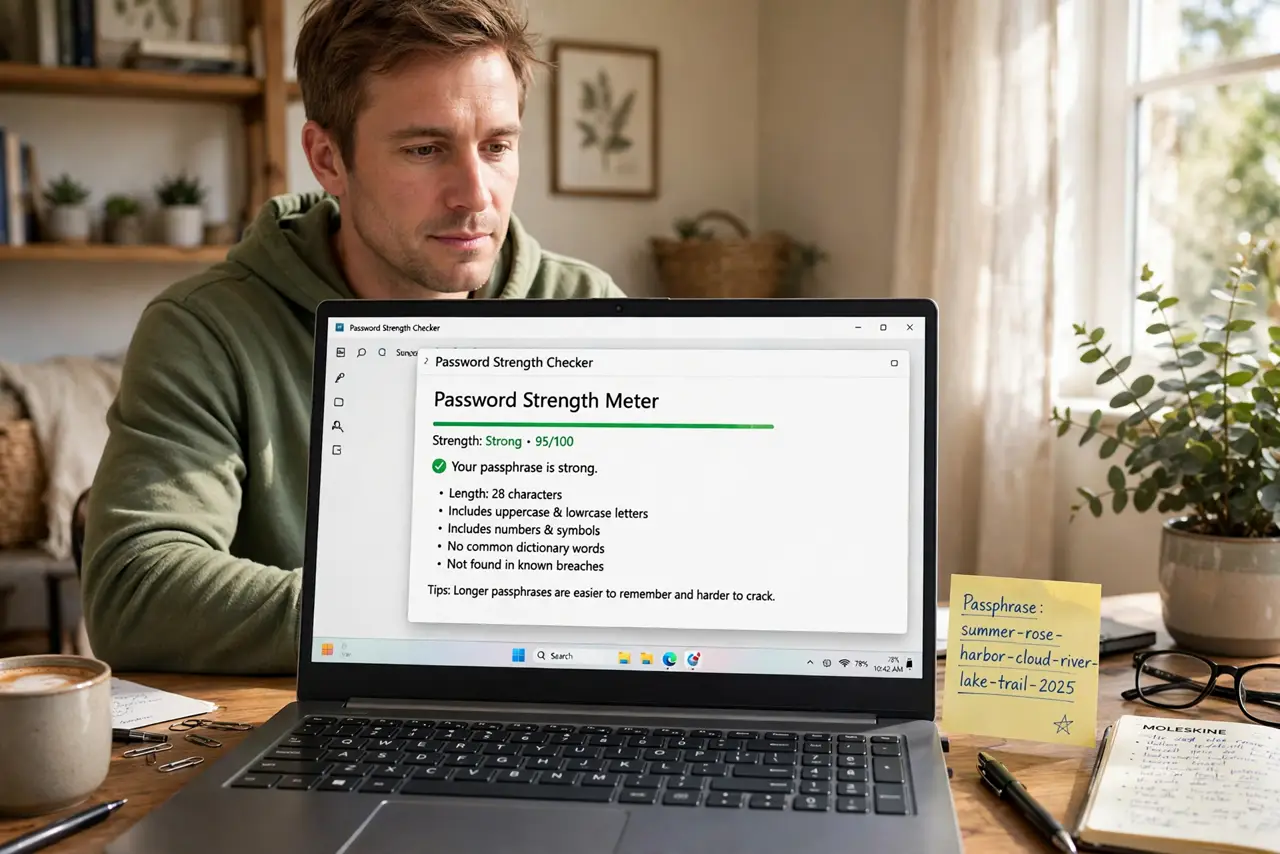
Quick fix: make passwords longer, not weirder — each extra character multiplies the guessing work for attackers far more than swapping letters for symbols. A twenty-character plain phrase beats an eight-character symbol soup, and it is actually possible to type.
Follow these steps
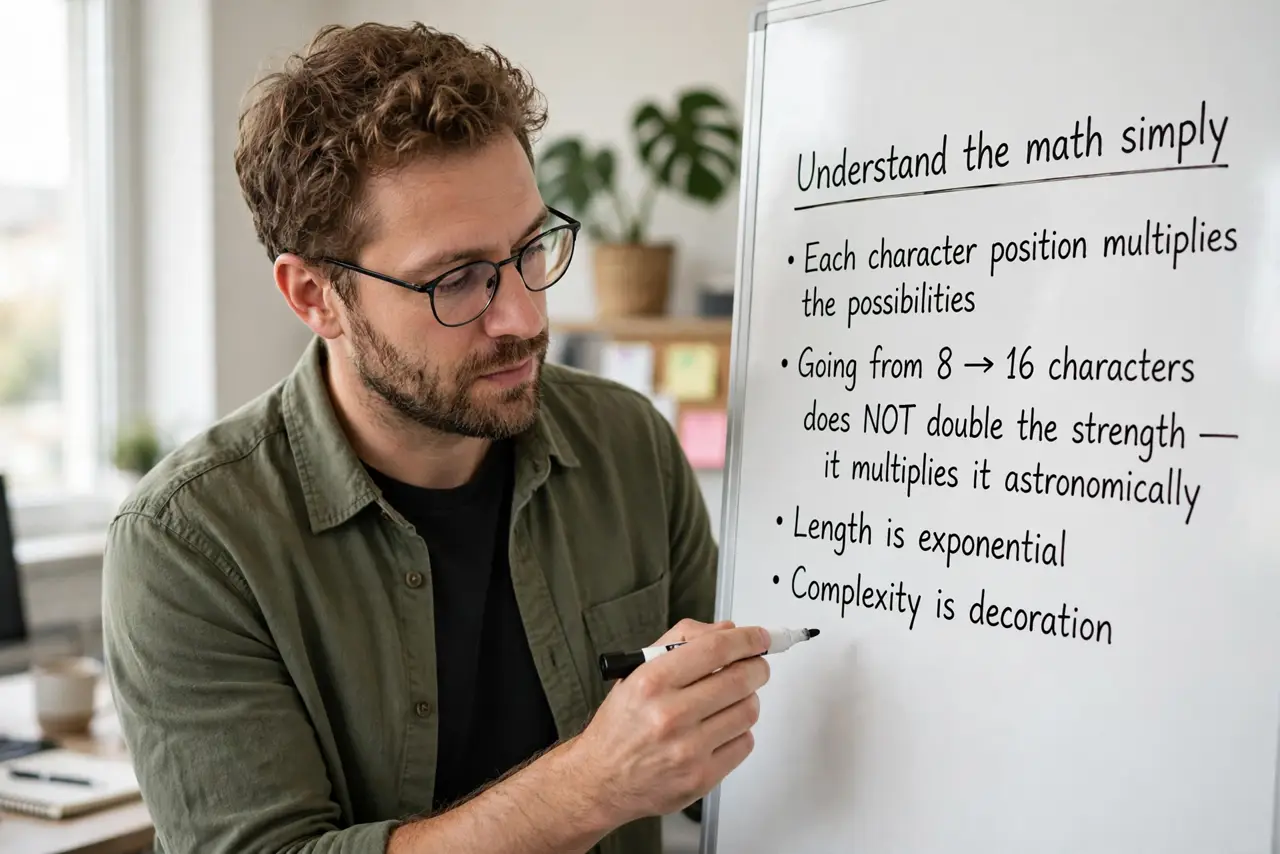
- Understand the math simply. Each character position multiplies the possibilities. Going from 8 to 16 characters does not double the strength — it multiplies it astronomically. Length is exponential; complexity is decoration.
- Stop trusting complexity rules. Required symbols just make everyone pick '!' at the end — attackers know this. A long plain phrase without symbols beats a short 'complex' password every time.
- Aim for 16-plus characters minimum. Sixteen is a solid floor for important accounts; twenty or more is better. Password managers make long passwords painless since you never type them.
- Use passphrases for the ones you memorize. The master password and a few critical logins need to live in your head — make those long phrases of random words, per the passphrase guide.
- Let the manager generate the rest. For everything else, a password manager's random generator at 20-plus characters is ideal. You will never type them, so length costs nothing.
- Prioritize your longest passwords for email and bank. If attackers own your email, password resets give them everything else. Your email account deserves your longest, strongest credential.
What NOT to do
- Do not use eight characters because 'the site requires it.' Meet the minimum, then keep going — longer is always allowed.
- Do not do predictable substitutions. 'P@ssw0rd' is in every attacker's first thousand guesses.
- Do not reuse a long password to 'save effort.' Length without uniqueness still falls to the breach domino — see the reuse risk.
- Do not write long passwords on sticky notes on the monitor. The manager holds them; your head holds one.
Frequently asked questions
How long is long enough?
Sixteen characters minimum for generated passwords; twenty-plus for your master passphrase. Beyond 30, returns diminish for most threats.
Do symbols add nothing at all?
They add a little, but far less than extra characters. Length first, symbols only if a site demands them.
Why do sites still demand complexity?
Old policies die hard. Some updated standards now emphasize length — but many sites have not caught up.