Use Passphrases
Your password rules demand a capital, a number, a symbol, and a sacrifice, and you end up with 'P@ssw0rd!' — which attackers guess in seconds and you forget by Friday. Security research flipped the advice years ago: length beats complexity every time. A passphrase of four or five random words is both stronger and actually memorable. Here is how to build good ones and where to keep them. The length guide explains the math behind it.
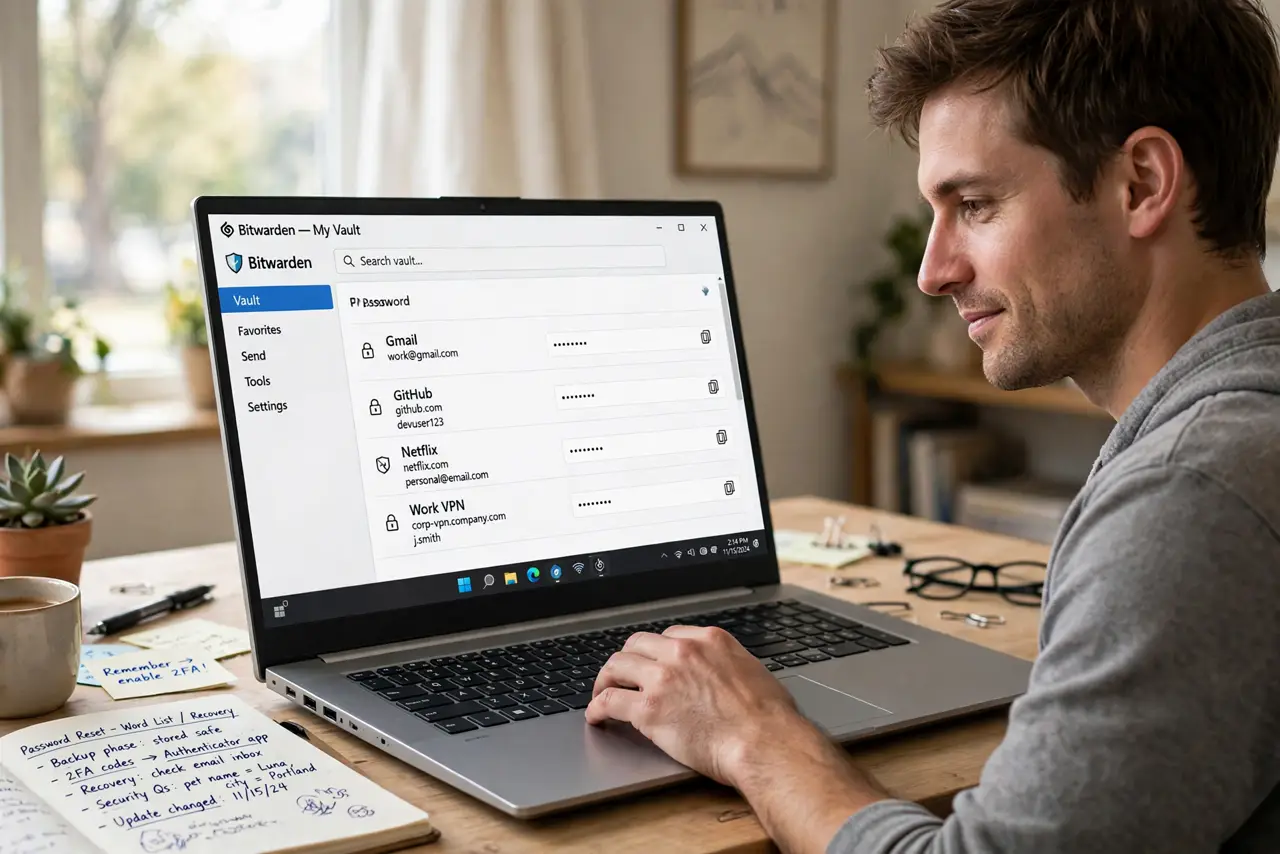
TL;DR / Quick Fix
Quick fix: replace short tricky passwords with long passphrases — four or five random words stuck together. They are easier to remember and far harder for attackers to guess or brute-force. Store them in a password manager so you only memorize the master one.
Follow these steps
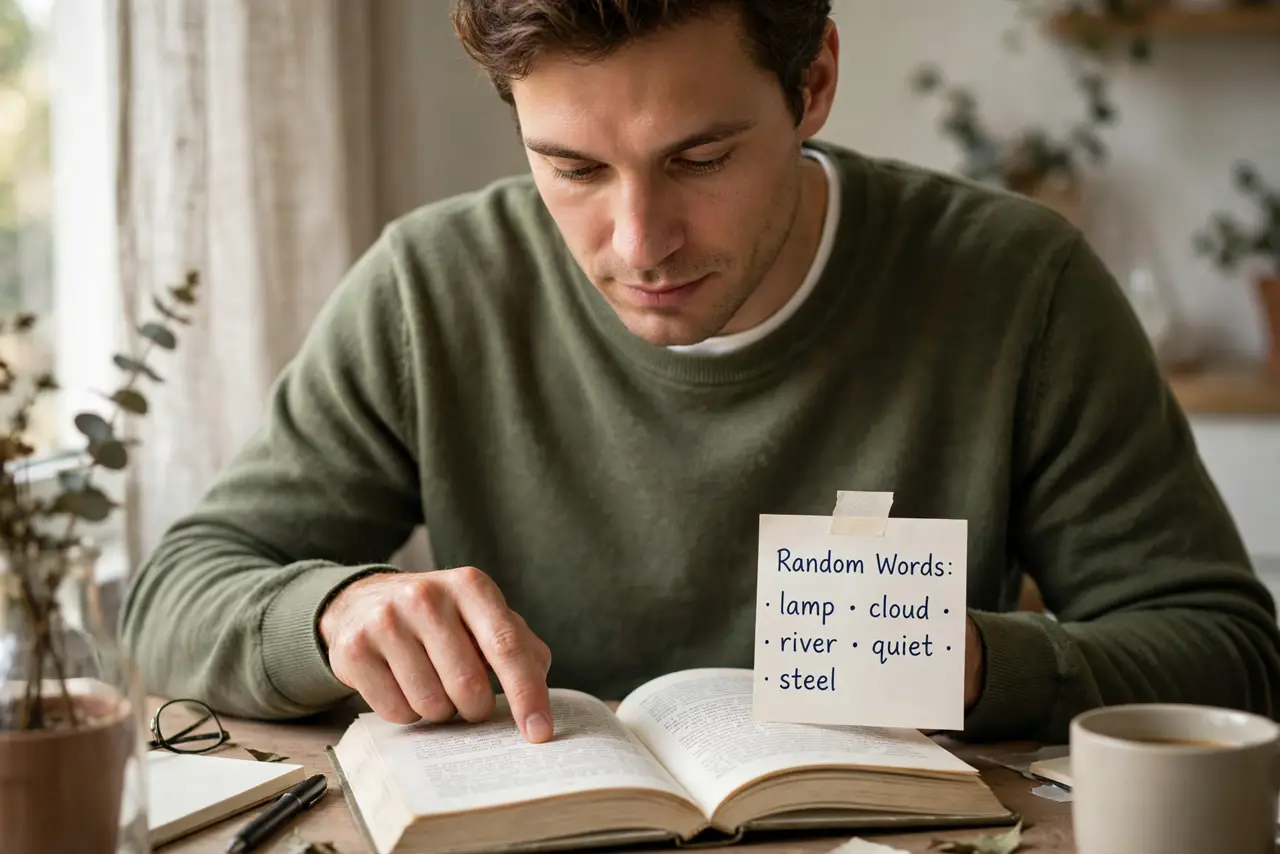
- Pick four or five random words. Open a book, point at random words, or use a passphrase generator. Random matters — a meaningful sentence is weaker than words with no connection.
- String them together with spaces or dashes. 'correct horse battery staple' style: long, typable, memorable. Aim for at least 20 characters total — length is the whole point.
- Make it unique per important account. One passphrase everywhere is one breach everywhere. Your email, bank, and password manager each deserve their own — the reuse domino shows why.
- Store them in a password manager. You only need to memorize one strong master passphrase; the manager remembers the rest. This is the system that makes unique long passwords practical.
- Add two-factor on the big accounts. A great passphrase plus a second factor is the real defense. See the two-factor setup to add it where it counts.
- Write the master passphrase on paper once. Until it is in muscle memory, keep the master passphrase written somewhere physically safe — not in a notes app, not in email. Destroy the paper once you know it cold.
What NOT to do
- Do not use song lyrics or famous quotes. Attackers try those first — randomness is the point.
- Do not reuse your clever passphrase everywhere. Unique per site, or one breach undoes everything.
- Do not store passphrases in a spreadsheet or notes app. That is a password manager with no locks.
- Do not pick words connected to your life. Pet names and birthdays are guessable; random words are not.
Frequently asked questions
Are passphrases really stronger than complex passwords?
Yes, when long enough. A 25-character phrase has vastly more combinations than an 8-character symbol mix, and you can actually remember it.
What is a good passphrase length?
Four to five random words, roughly 20 to 30 characters. Longer is better, up to whatever the site allows.
Should I still use a password manager with passphrases?
Absolutely. Passphrases solve memorability; the manager solves uniqueness across dozens of accounts.