Share Passwords With Family, Safely
Families share streaming logins, Wi-Fi, and bank-adjacent accounts, and texting passwords around is the risky default. A password manager's family plan shares logins properly — encrypted, organized, and revocable.
TL;DR / Quick Fix
Quick fix: set up a family plan in your password manager, create one shared vault for household logins, and move shared passwords into it. Then invite each family member properly, stop texting passwords, and review who can see what once a year.
Follow these steps
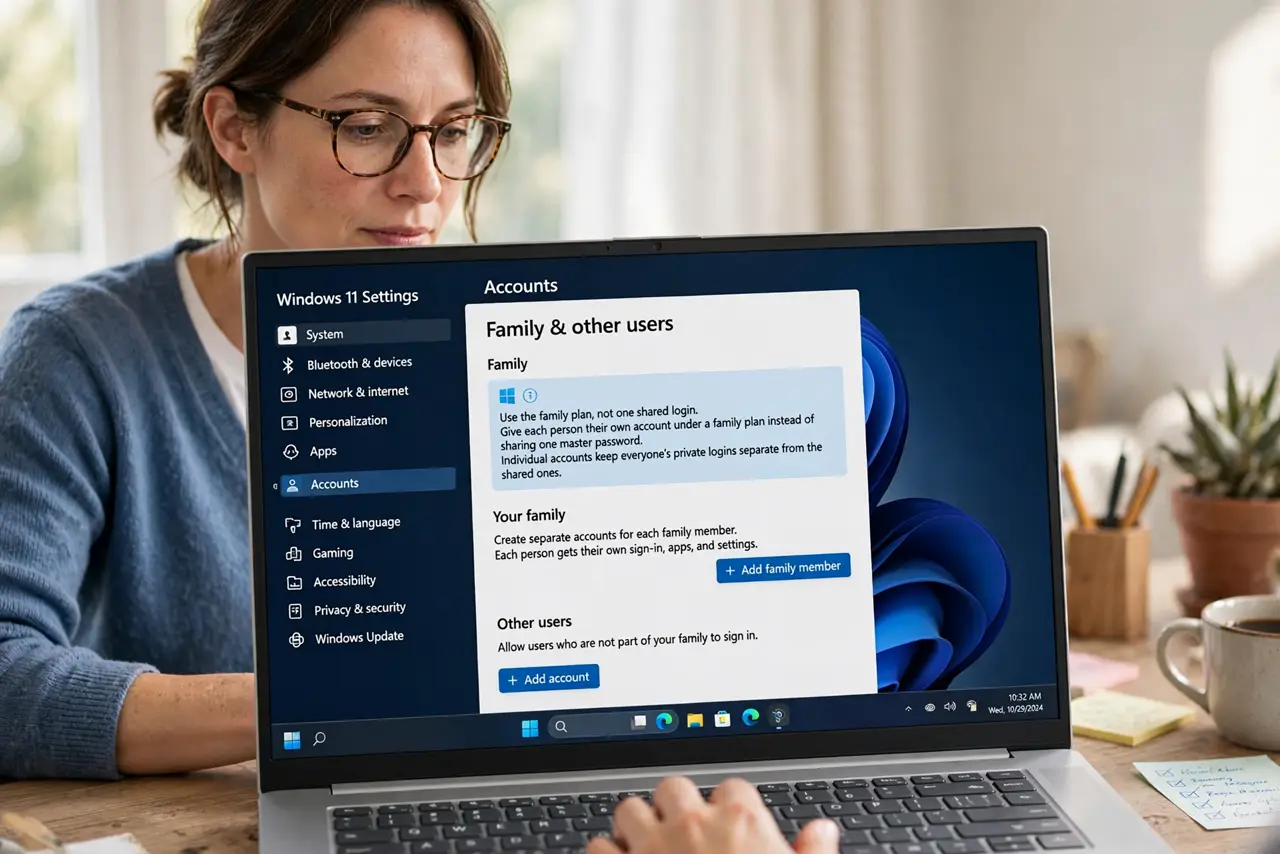
- Use the family plan, not one shared login. Give each person their own account under a family plan instead of sharing one master password. Individual accounts keep everyone's private logins separate from the shared ones.
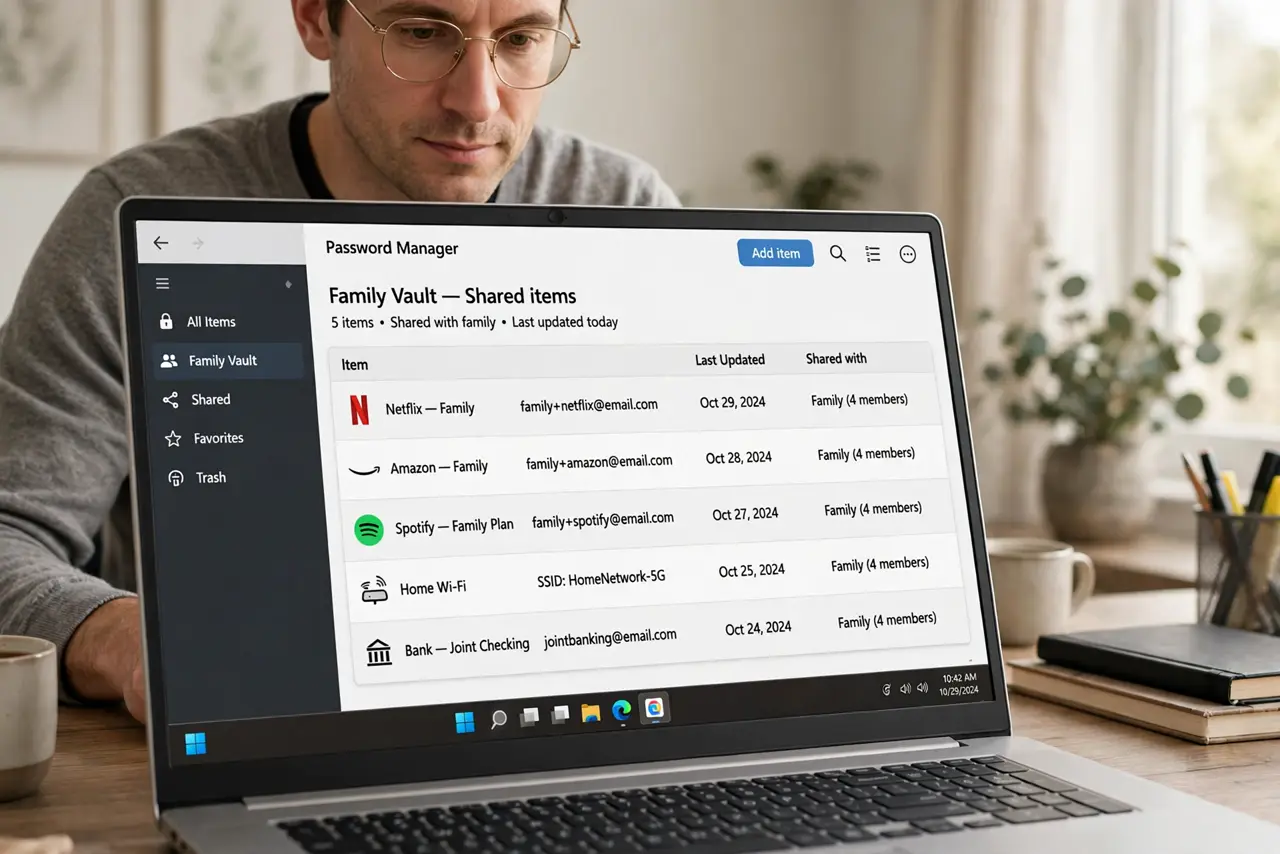
- Create a shared vault for household logins. Put streaming, Wi-Fi, and utility logins in one shared vault that every family member can see. One shared place beats passwords scattered across text messages.
- Invite members through the app. Send invitations from inside the password manager so each person gets proper access. Forwarded passwords by text skip the encryption and the access control entirely.
- Stop texting passwords after the move. Once a login lives in the shared vault, delete the old text messages that carried it. The vault replaces the risky habit, but only if the habit actually stops.
- Review who can see what yearly. Open the shared vault once a year and remove people who no longer need access, like an ex-partner or a former roommate. Shared access should shrink as life changes.
- Keep a separate private vault. Keep personal email, banking, and work logins in a private vault nobody else sees, and give one trusted person emergency access instead of sharing the master password.
What NOT to do
- Do not share your master password with family. The master password unlocks everything, so family sharing works through shared vaults, not a shared master key.
- Do not text passwords and call it sharing. Text messages live on phones, backups, and carriers' systems, while the vault keeps them encrypted.
- Do not put banking logins in the shared vault. Household sharing covers household accounts; money accounts stay private to their owner.
- Do not forget to remove old members. A shared vault keeps working for everyone invited, so review the member list when relationships change.
Frequently asked questions
Is a family password plan safe?
Yes, when each person has their own account and sharing happens through encrypted shared vaults inside the manager.
What should go in the shared vault?
Household logins everyone needs: streaming, Wi-Fi, utilities, and shared shopping accounts. Banking and personal email stay private.
What if a family member forgets the master password?
Use the manager's account recovery for that person. Never share your own master password as a workaround, since it unlocks your private vault too.