Pick a Password Manager
Reusing one password everywhere is the single most common way accounts get taken over — one breach exposes them all. A password manager remembers a unique password for every site so you do not have to. Picking one is less about features and more about actually using it daily.
TL;DR / Quick Fix
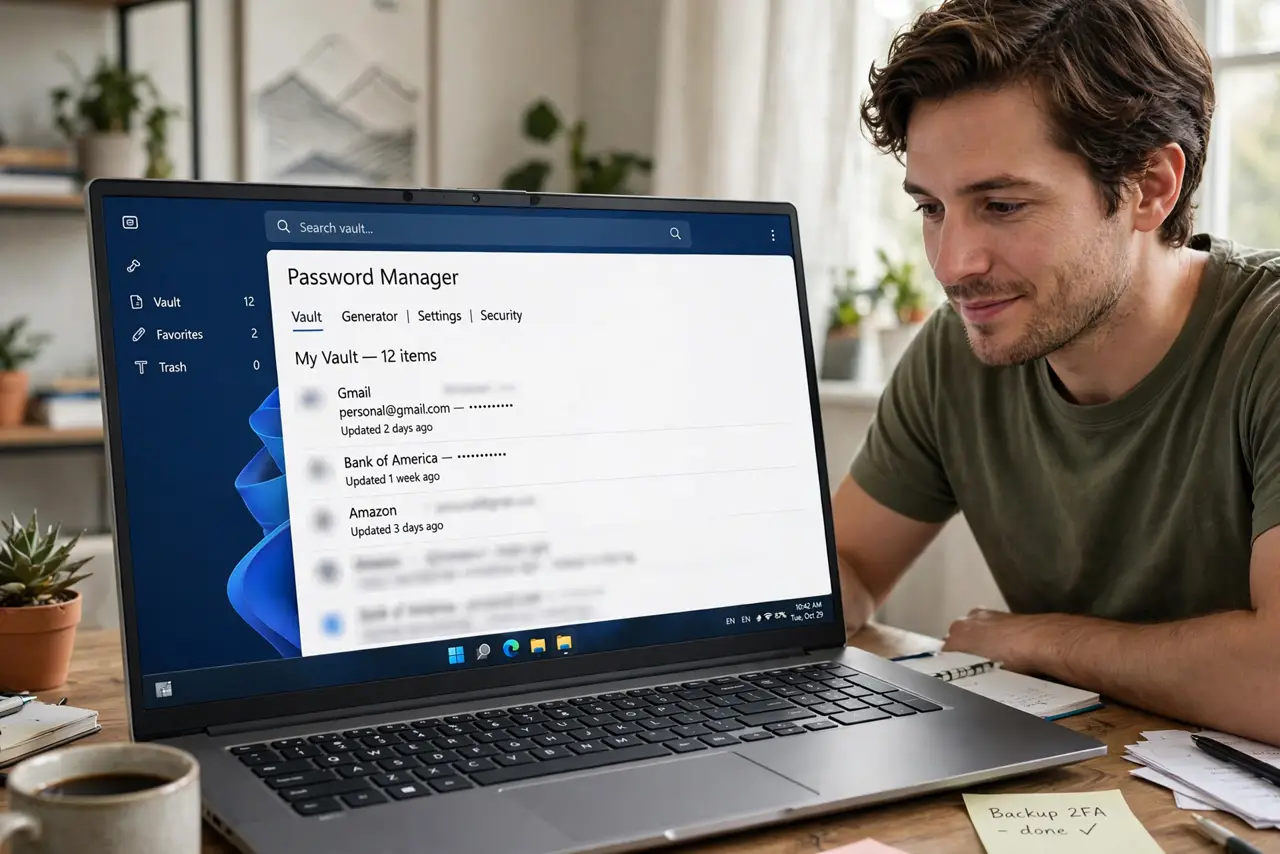
Quick fix: pick a reputable password manager with autofill, a strong master password, and sync across your devices — then actually move your logins into it. The best manager is the one you will use daily. Turn on two-factor authentication for the vault itself.
Follow these steps
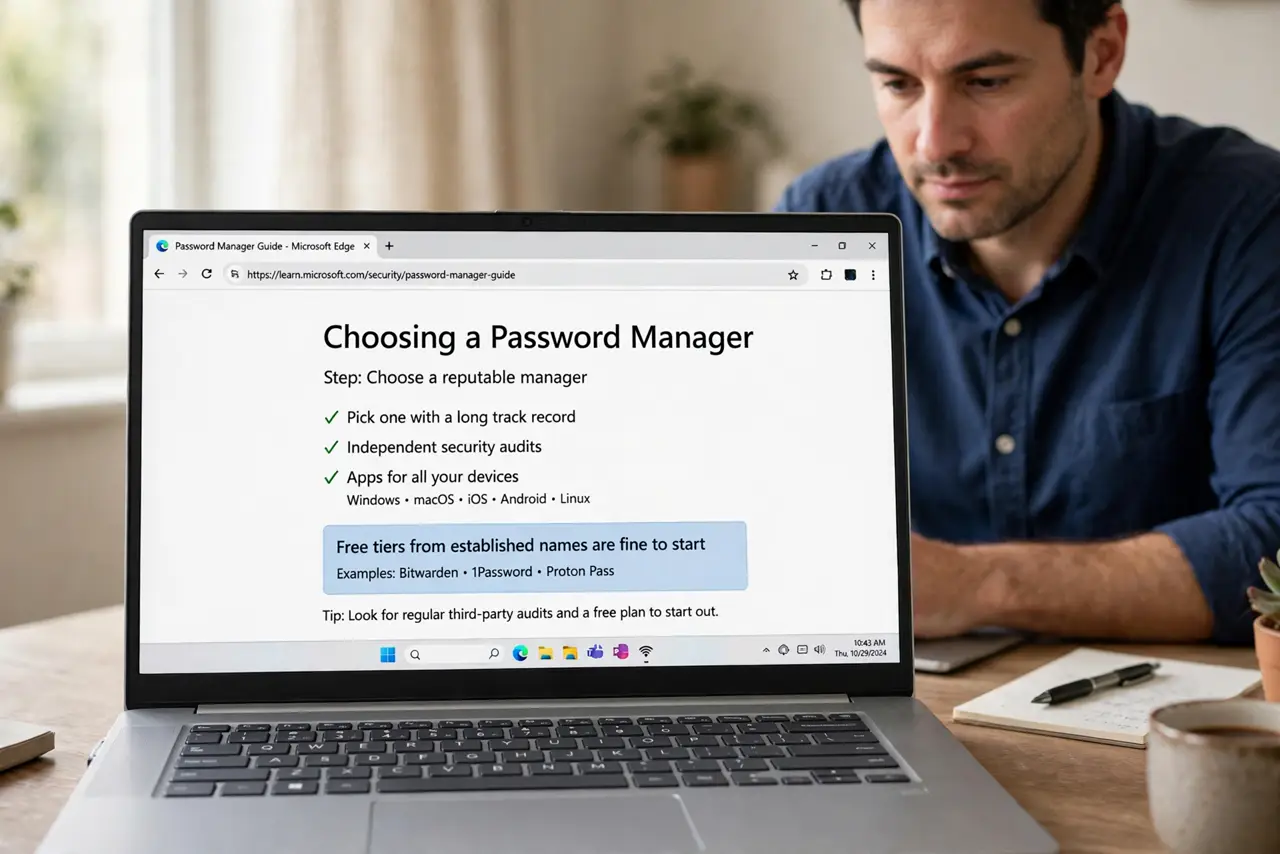
- Choose a reputable manager. Pick one with a long track record, independent security audits, and apps for all your devices. Free tiers from established names are fine to start.
- Create a strong master password. This one password protects everything — make it long and unique, a phrase you can remember. There is no reset button if you forget it; see the forgotten master password guide.
- Turn on two-factor for the vault. Protect the manager itself with an authenticator app. Your vault deserves the strongest lock — set up two-factor authentication before adding passwords.
- Import your saved passwords. Most managers import from your browser in minutes. This is the tedious step that makes everything after it easy.
- Let it generate new passwords. Use the built-in generator for every account going forward — long, random, unique. You never need to see or remember them.
- Install it everywhere. Phone, laptop, tablet, browser extension. A manager you cannot reach when you need it is a manager you stop using — check the autofill setup to make logins one tap.
What NOT to do
- Do not pick based on price alone. A free manager you trust and use beats a premium one you abandon.
- Do not reuse your master password anywhere. It must exist in exactly one place: your memory.
- Do not store the master password in the vault. That is a locked box with the key inside.
- Do not skip two-factor on the vault. The manager holds every key you own — it gets the strongest protection.
Frequently asked questions
Are password managers safe?
Yes — reputable ones encrypt your vault so even the company cannot read it. The realistic risk is your master password, not their servers.
What if the company gets hacked?
Your vault stays encrypted with your master password, which they never have. Change the master password afterward as a precaution.
Free or paid?
Free tiers cover the essentials for most people. Paid adds family sharing, emergency access, and priority support — worth it if you share accounts.