Passwords on Sticky Notes? Better Options
A password on a sticky note under the keyboard is not a backup plan — it is an open invitation to anyone who walks by: cleaners, coworkers, visitors. You need passwords you can actually remember or retrieve safely. This guide shows the better options, from password managers to the humble notebook done right.
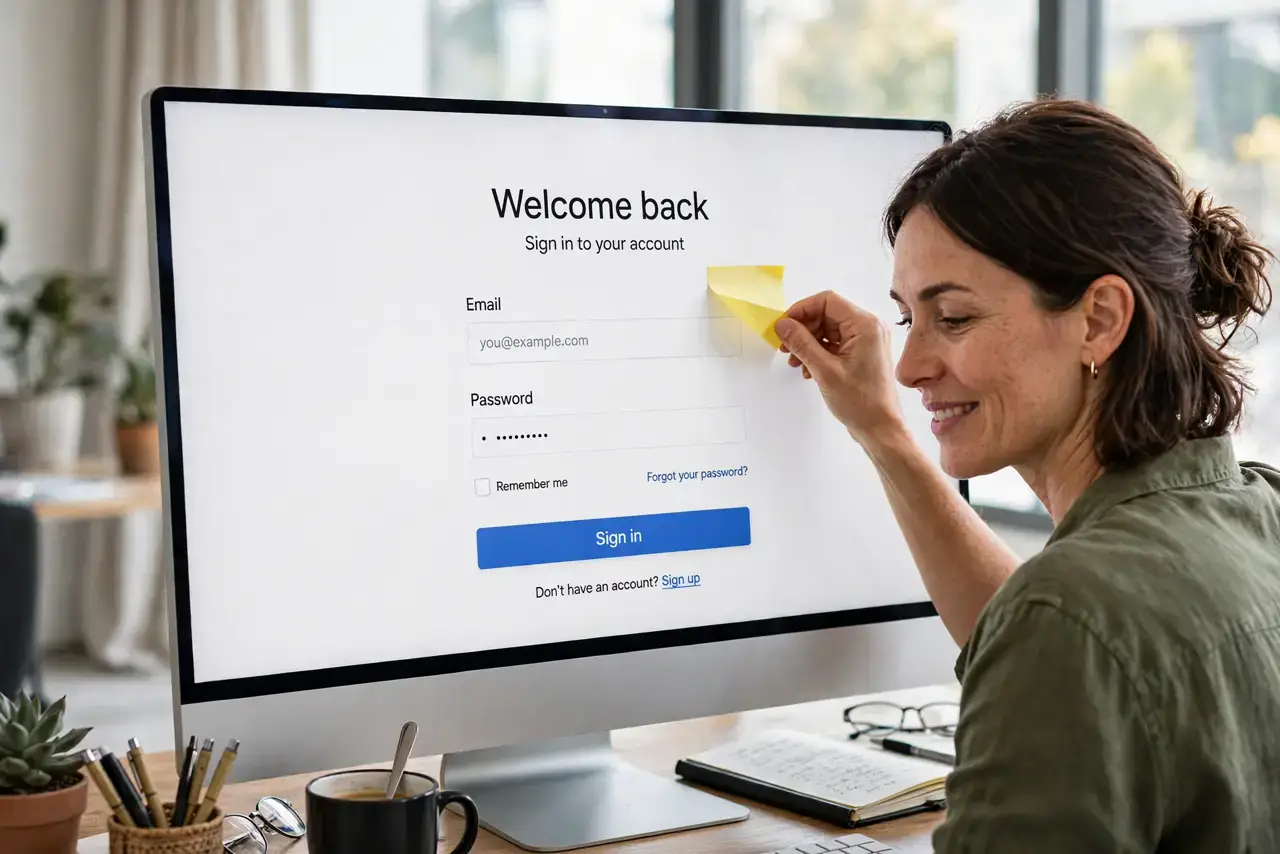
TL;DR / Quick Fix
Quick fix: move every sticky-note password into a password manager today — it remembers them all behind one strong master password. If you must write passwords down, keep them in a locked drawer, never on the desk. Then change any password that was ever on display.
Follow these steps
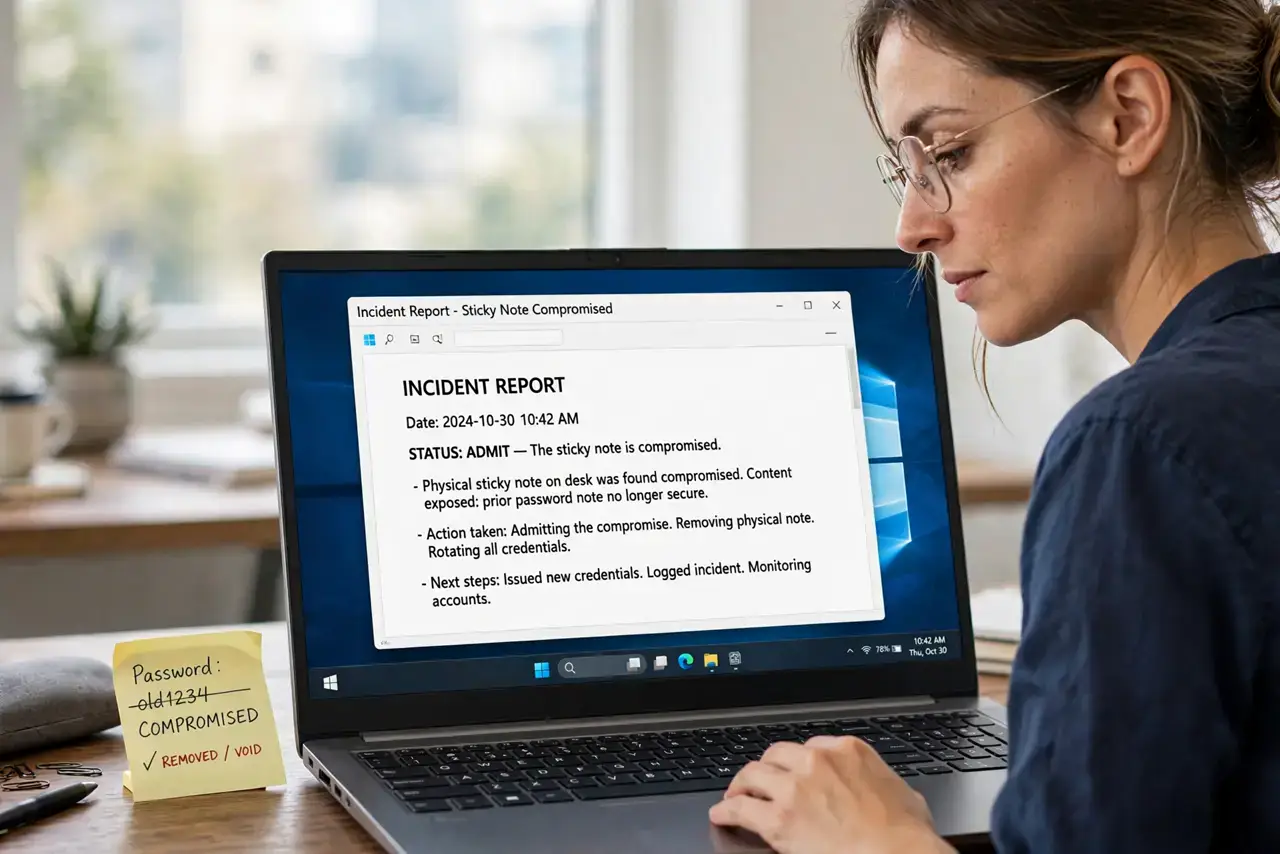
- Admit the sticky note is compromised. Any password that sat on your monitor must be treated as seen. Change those passwords first, then fix the habit — in that order.
- Install a password manager. A manager stores every password behind one master password and fills logins for you. It is the real replacement for the sticky note, and most good ones are free.
- Move passwords over one by one. As you log into each site this week, save the password in the manager instead of on paper. Within days the sticky notes become unnecessary.
- If you must write, lock it away. A notebook in a locked drawer beats a sticky note on a monitor. Never label it 'passwords,' and never leave it on the desk overnight.
- Use passphrases you can remember. For the few passwords you type daily, use four random words strung together. They are strong and actually memorable without paper.
- Set up account recovery properly. A manager plus a working recovery email means you are never locked out — which removes the last excuse for the sticky note.
What NOT to do
- Do not stick passwords to the monitor, under the keyboard, or in the desk drawer. Those are the first three places anyone looks.
- Do not photograph your passwords either. A photo of a sticky note in your camera roll syncs to the cloud and survives the note's deletion.
- Do not use one memorable password everywhere to avoid writing them down. That trades many small risks for one catastrophic one.
- Do not leave the master password on paper by the computer. The manager is only as safe as the one password that unlocks it — memorize that one.
Frequently asked questions
Is a notebook really safer than a sticky note?
Yes, if it lives in a locked drawer. It cannot be hacked remotely, and a thief must physically break in — a far higher bar than glancing at a monitor.
What if I forget my master password?
Set up the manager's recovery options on day one: a recovery email, a printed recovery key in a safe place, or both.
Are free password managers safe?
The reputable ones are. They encrypt your vault on your device, so even the company cannot read your passwords.